 OriusBotHelp center
How do I set up the counter, starboard and milestones with commands?
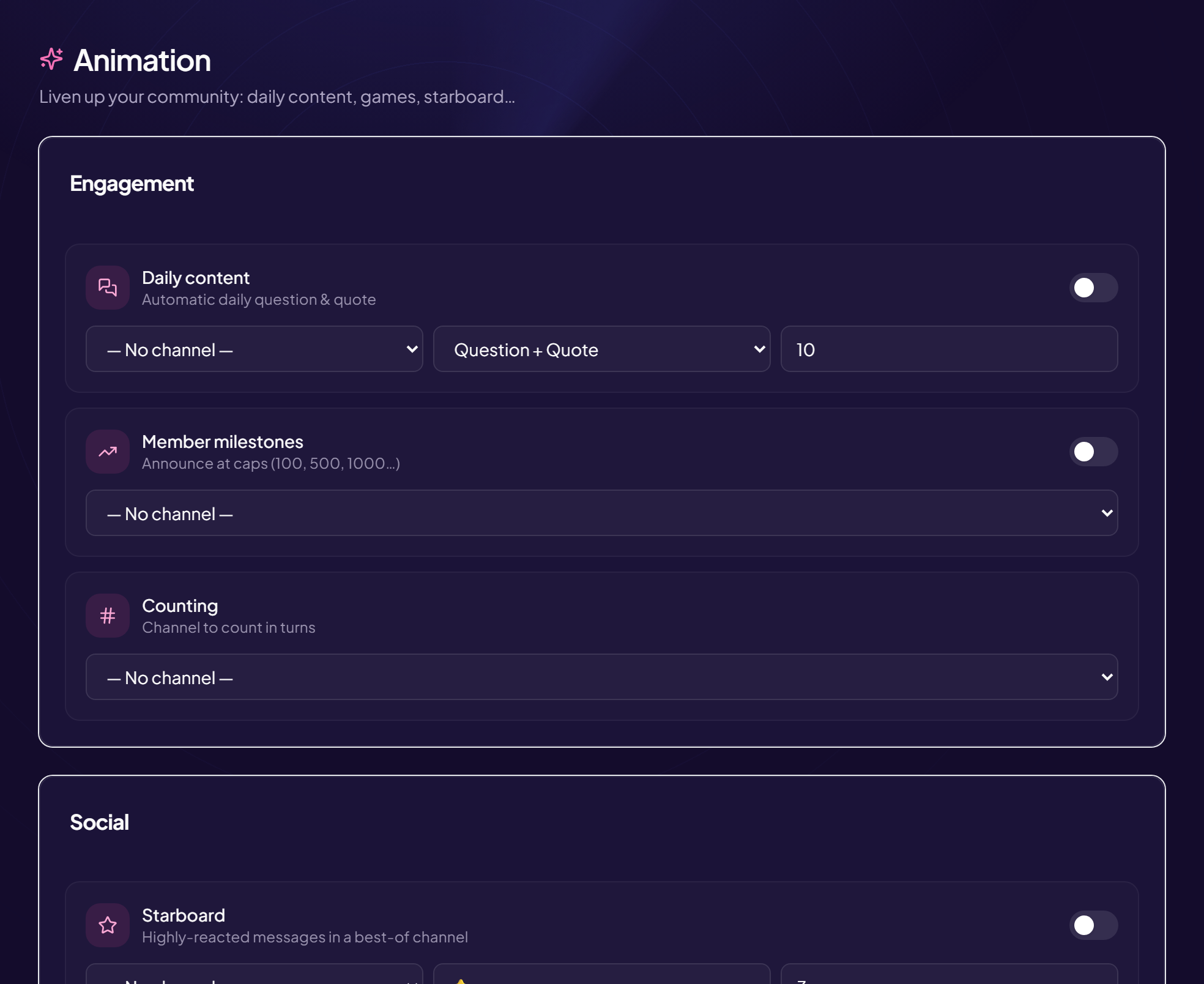
These settings also exist in the panel (Engagement › Animation). Here are their Discord equivalents, all reserved for those who manage the server.
| Command | Options |
|---|---|
/config counting | salon for the counter; desactiver. |
/config starboard | salon for the best-of; seuil (number of reactions required, 3 by default); emoji (⭐ by default); desactiver. |
/config milestones | salon where member milestones are announced; desactiver. |
/config daily | salon; type (“Question + Quote”, “Question only”, “Quote only”); heure (0 to 23, server time); desactiver. |
/config active-role | role given to the most active member of the month; salon for the announcement; desactiver. |
/config translation | activer: yes or no (translation by flag). |
Daily content time
The time follows the server’s timezone, in the command as in the panel.
Still stuck?
Contact support with the title of this article, the step where you are stuck and what you see on screen.
Contact support More articles: Community activityLast checked: 13 November 2026.