The complete reference : every command, its parameters, their types, what
they accept, and the permission needed to use them. It is produced from the
commands actually loaded by the bot — not from a hand-kept list that
would fall behind without anyone noticing.
122Discord commands
18Section
50Twitch commands
30The web panel
general
LucasToday at 21:04
has anyone tried the new mode?
nitro_gift_officialToday at 21:04
discord-nitro-gift.ru/claim
OriusBotBOTToday at 21:04
Message deleted — phishing
Domain impersonating discord.com. Author quarantined, team alerted.
OriusLens · analysed in 412 ms
What readers will see in their channel: the message pulled, and the reason shown.
Where to start
Nothing works until a module has been enabled. Two routes, take your
pick, leading to the same settings :
/setup — a guided walkthrough on Discord, for a first setup
/config <module> — one specific module’s settings, when you know what you are after
The web panel — the same settings, with the screens full size
Everything is free : no feature in this documentation is behind a payment.
Reading an entry
Every command is described the same way : its name, what it does, its
signature as you type it, then the table of its parameters.
A number. Accepted bounds are shown when there are any.
yes/no
A switch.
member
Someone on the server, picked from a list.
channel
A server channel. Accepted types are stated.
role
A server role.
file
An attachment.
required
Discord refuses to send the command without it.
Ban members
Discord permission required by default. An administrator can restrict it further with /permissions.
everyone
No particular permission is asked for.
Search rather than browse.CtrlK
— or simply / — opens the search ; it covers names,
descriptions and parameters, and the arrow keys are enough to move around.
Sensitive commands. Bans, purges, locks, resets : their effect is
immediate and sometimes irreversible. They require elevated permissions, and
access to each one can be restricted by role with /permissions.
🖼️ What it looks like
Everything below can be set either through commands or from
the web panel. Here are the screens
people ask about most often.
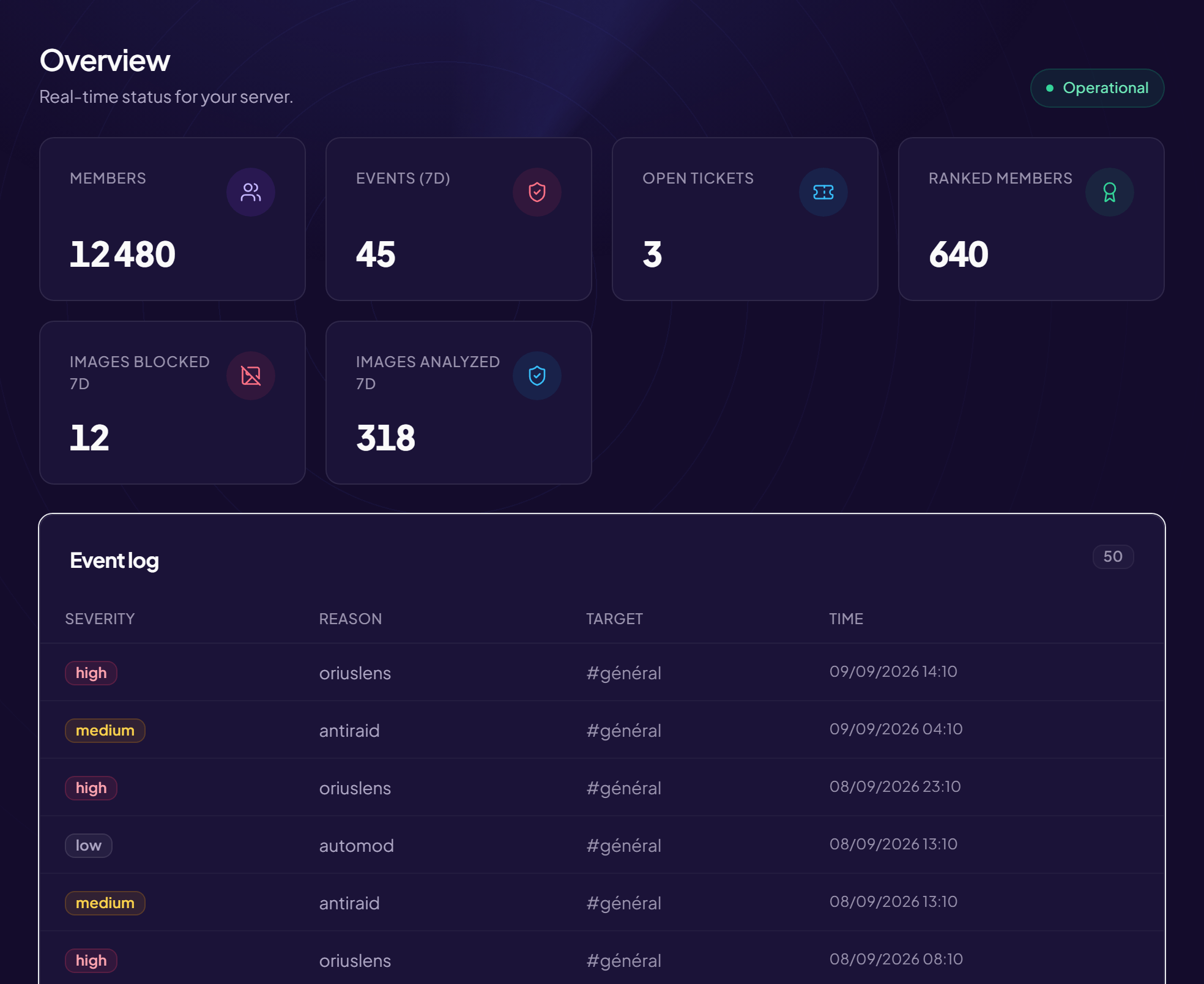
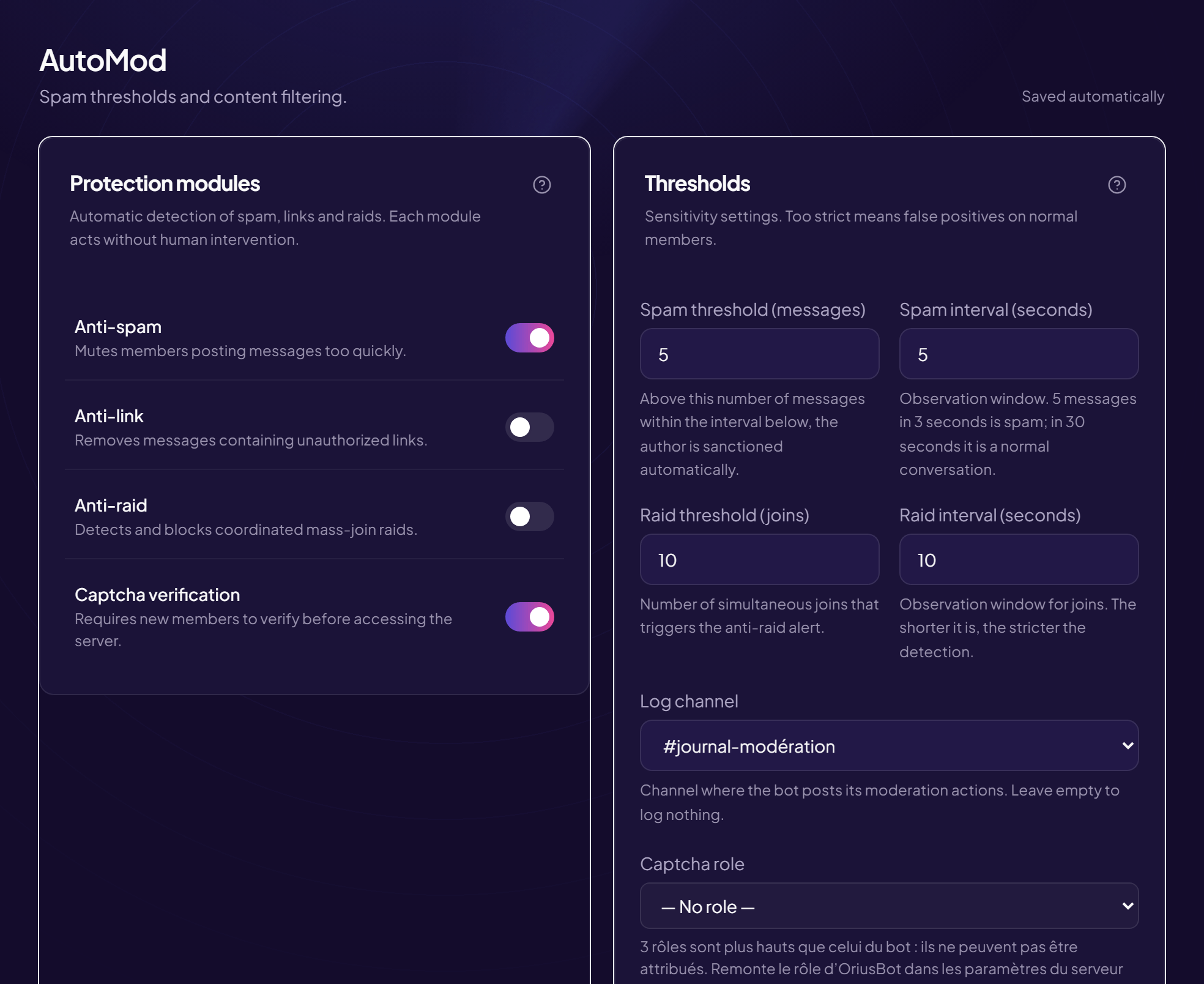
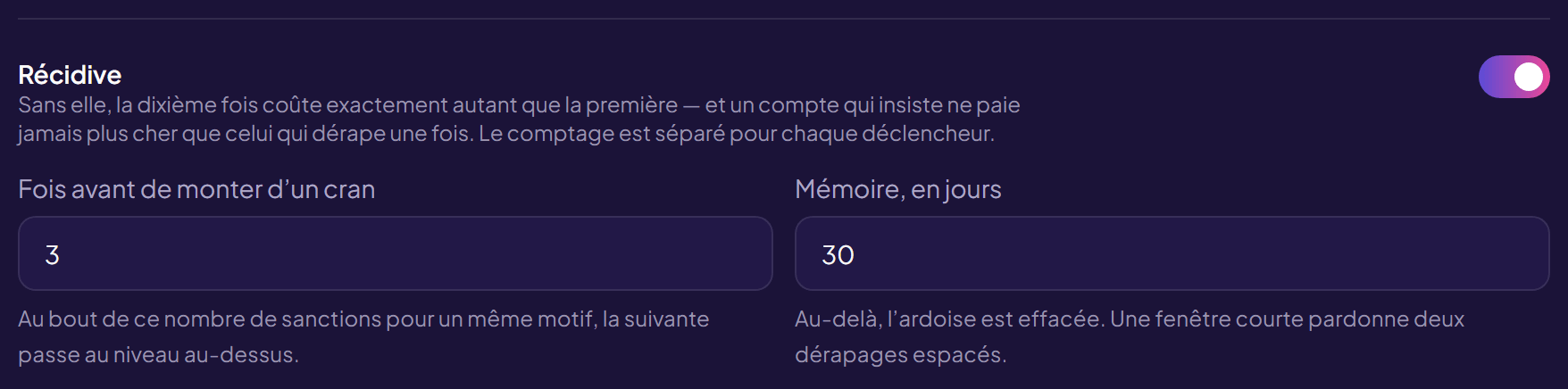
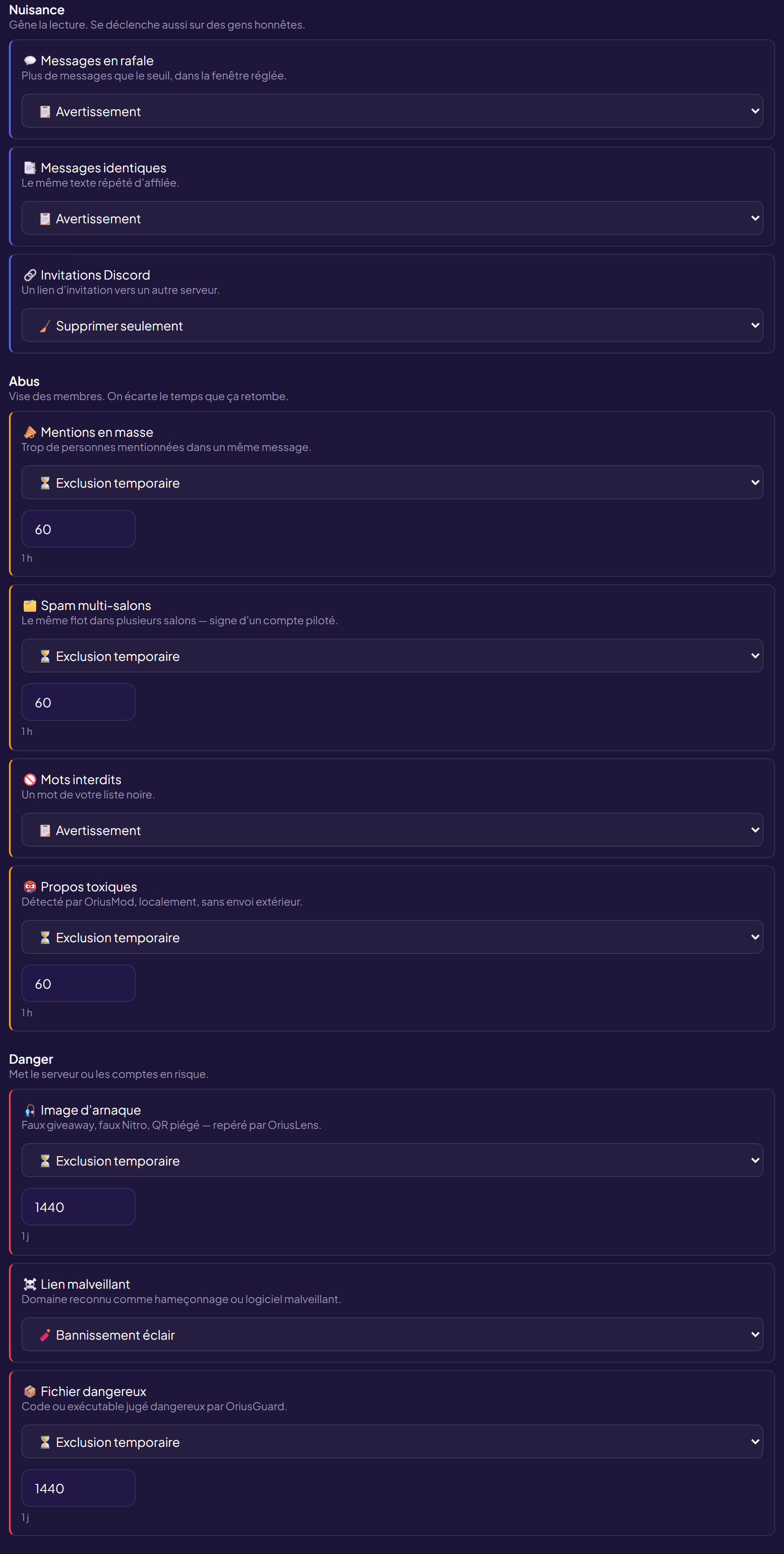
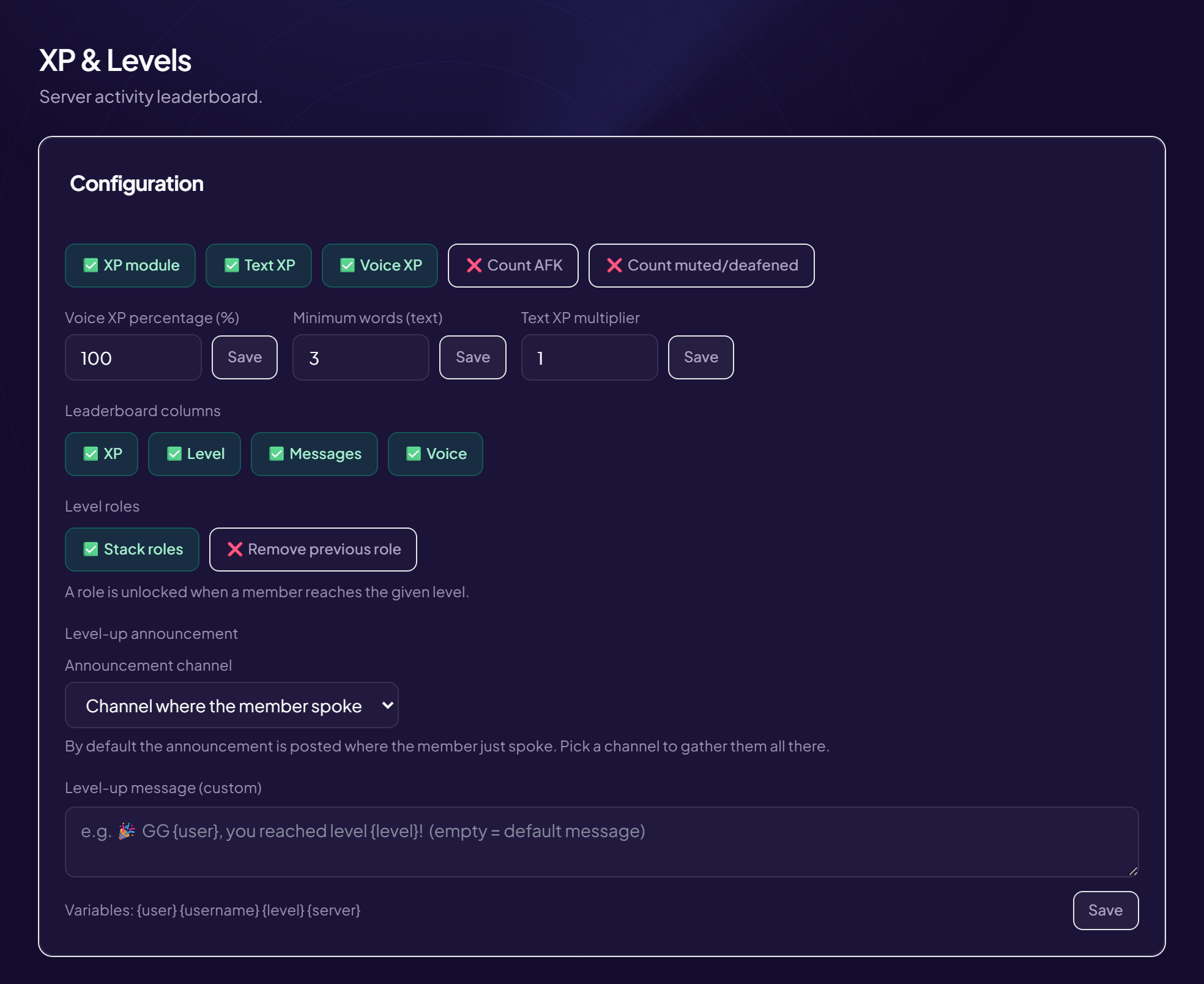
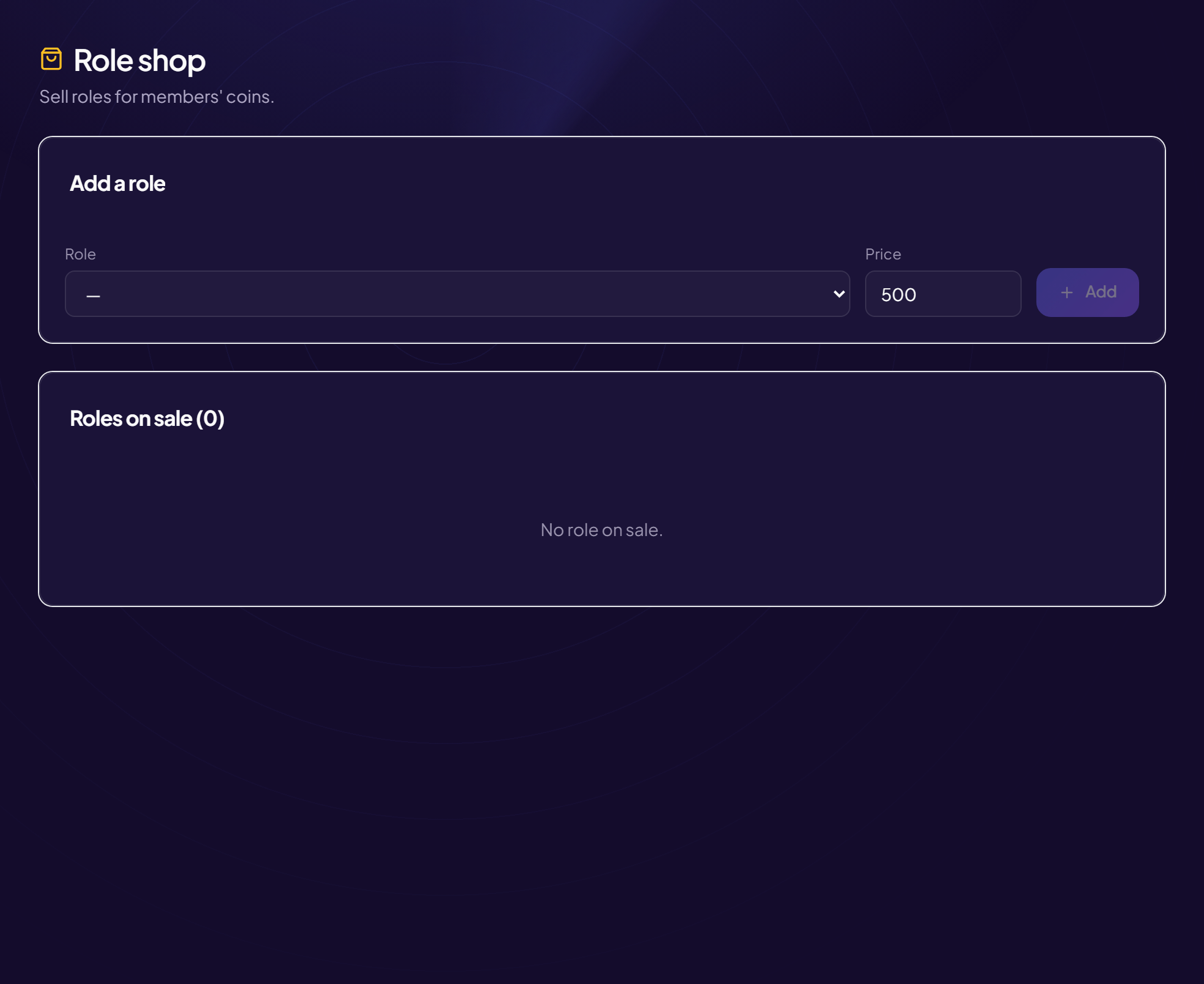
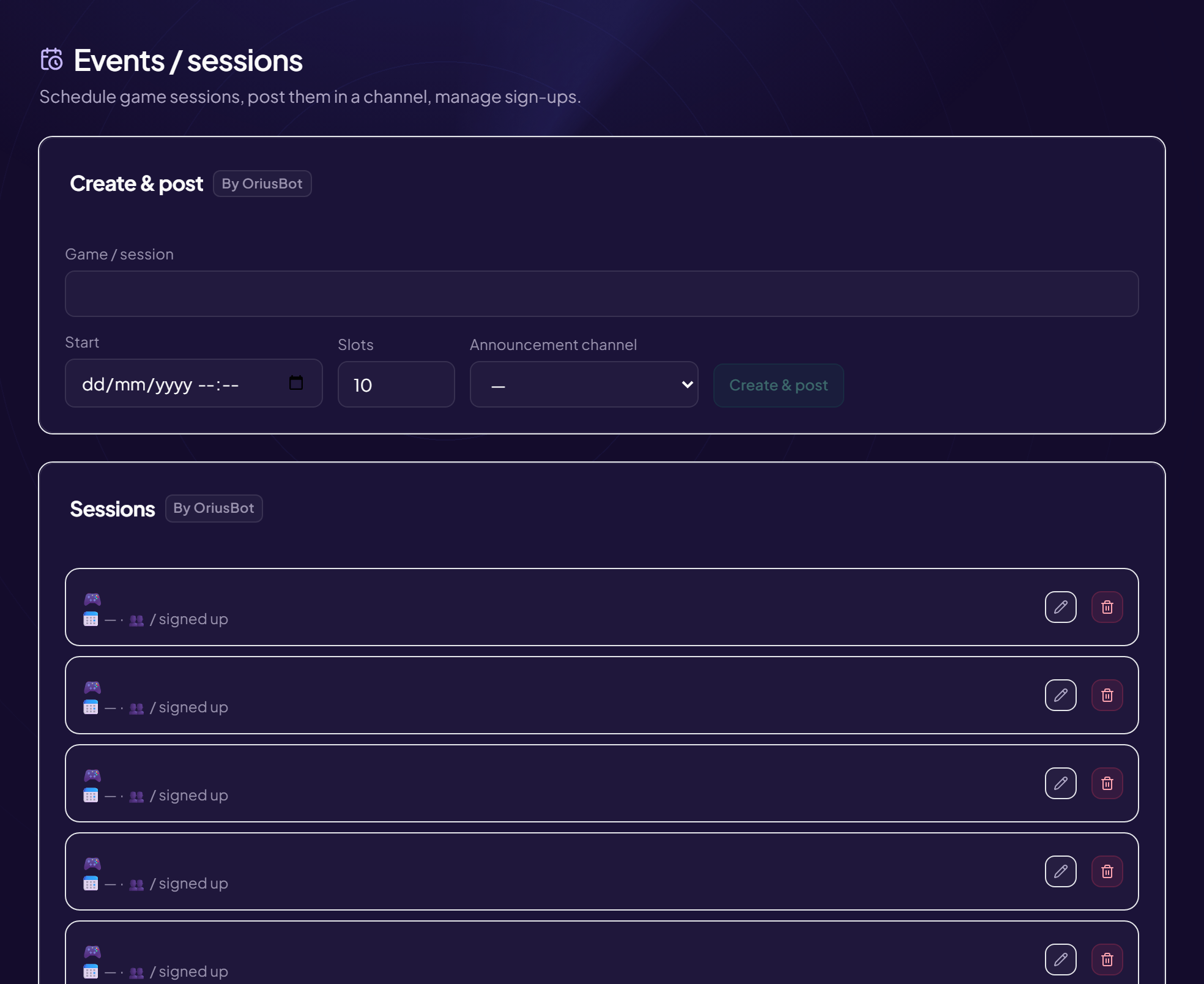
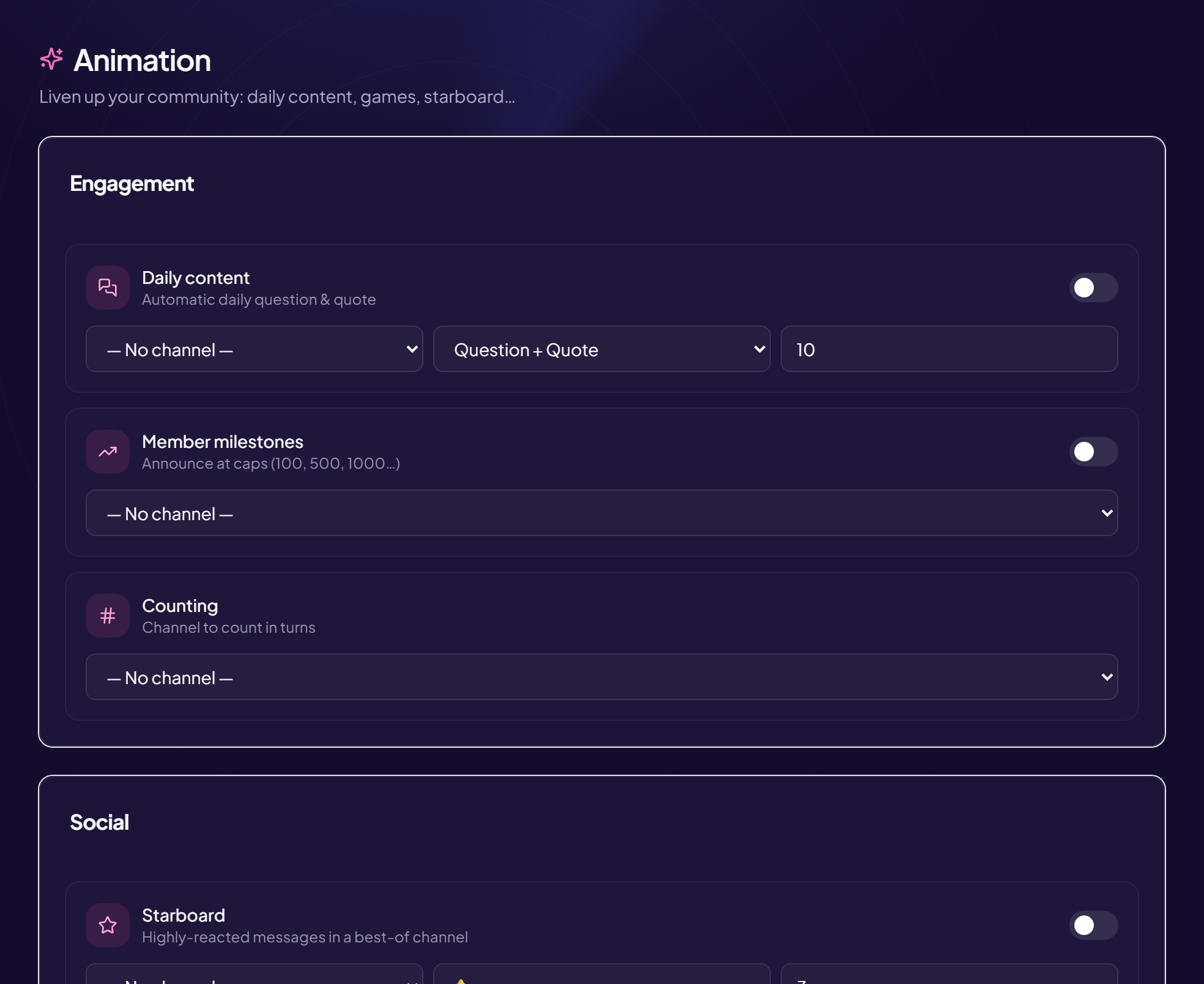
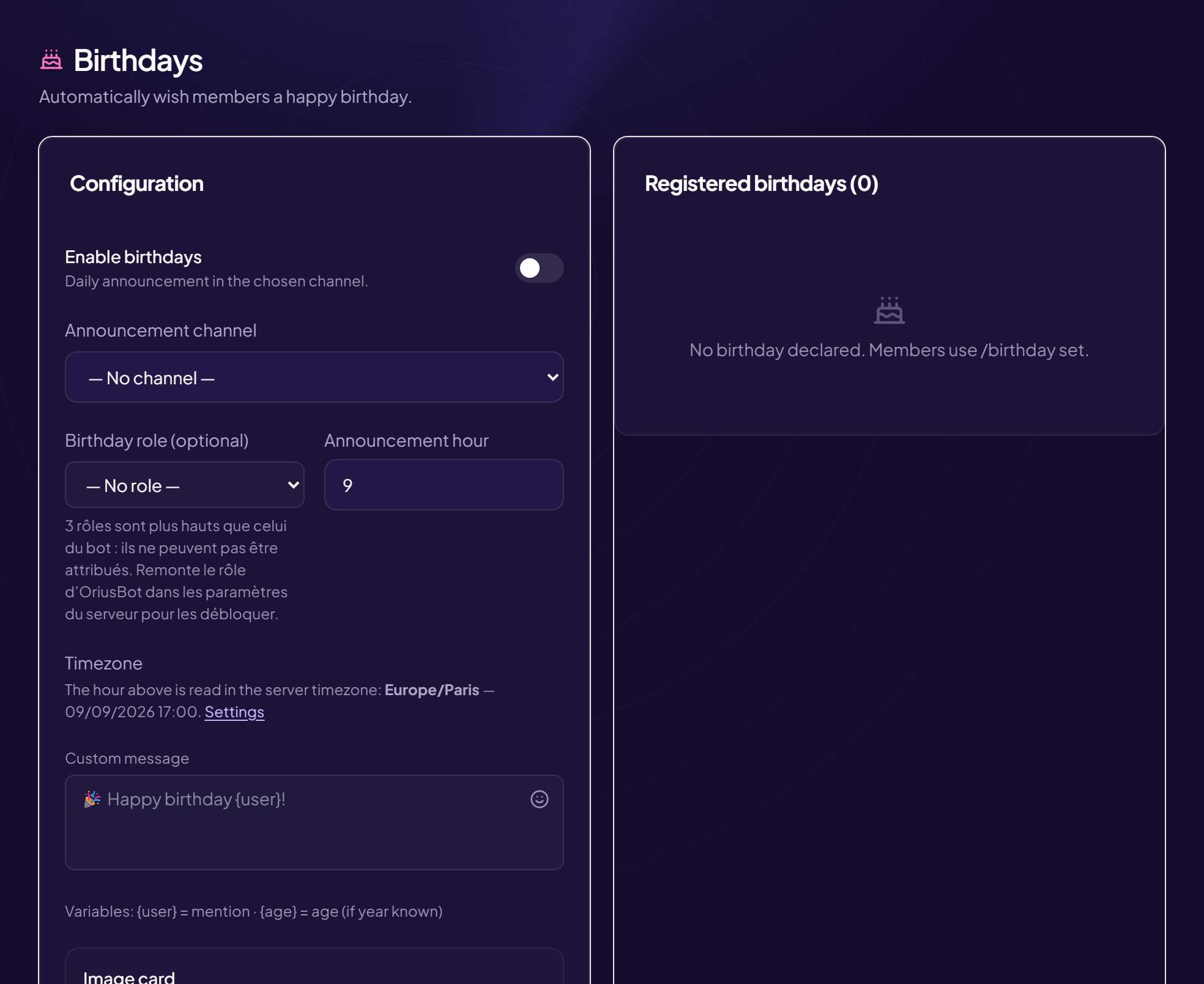
The overview. Each module lights up with a switch ; what is asleep stays visible, so you know what you are not using.Auto-moderation says what is watched……and sanctions say what happens next, repeat offences included.The ten triggers, grouped by what they cost the community : what disturbs reading, what targets members, what puts the server in danger. You set three families instead of judging ten rows one by one.
🗂️ Staff CRM
The CRM is not driven by commands : it lives in the web panel, at
/staff. It is a space separate from the administration panel —
a moderator gets in without being a server administrator, and only sees what
they can actually do.
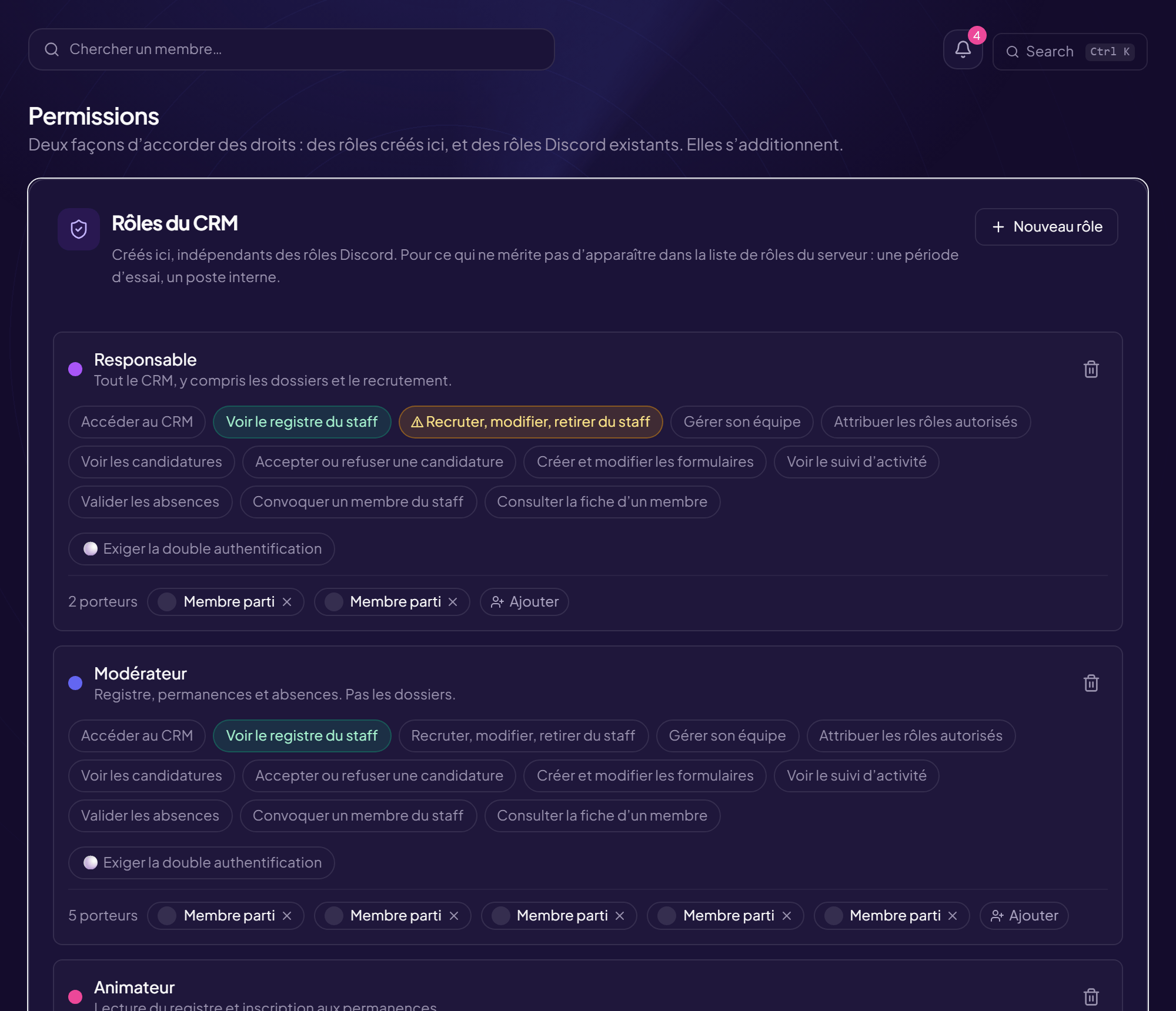
Rights are granted per Discord role, never person by person. Someone
who loses their role loses their rights on the next request — there is nothing
to remember to take back.
One role can carry several rights at once
Without the “Access the CRM” right, nothing opens : access is decided, not inferred
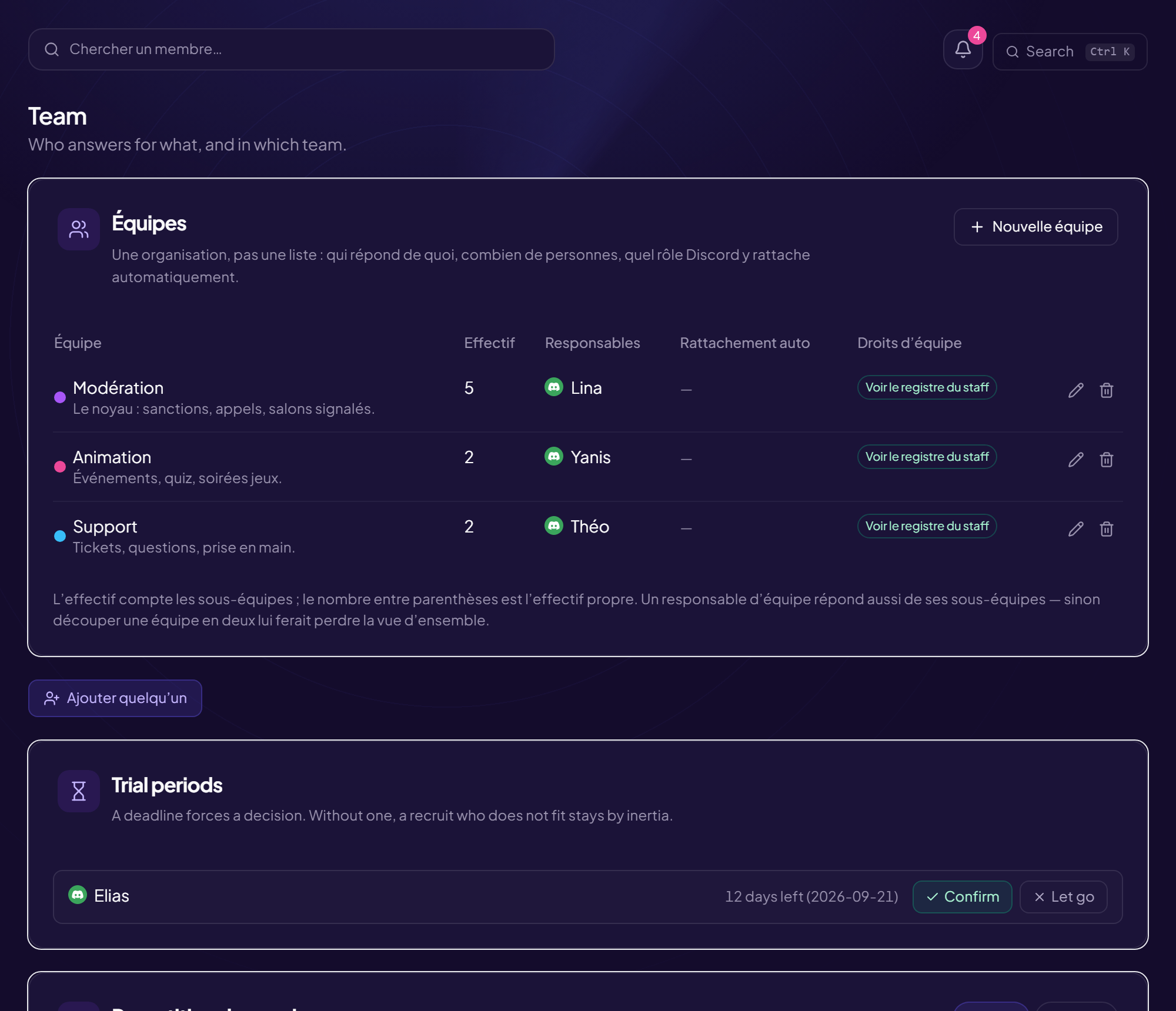
Teams carry rights too, inherited by their sub-teams
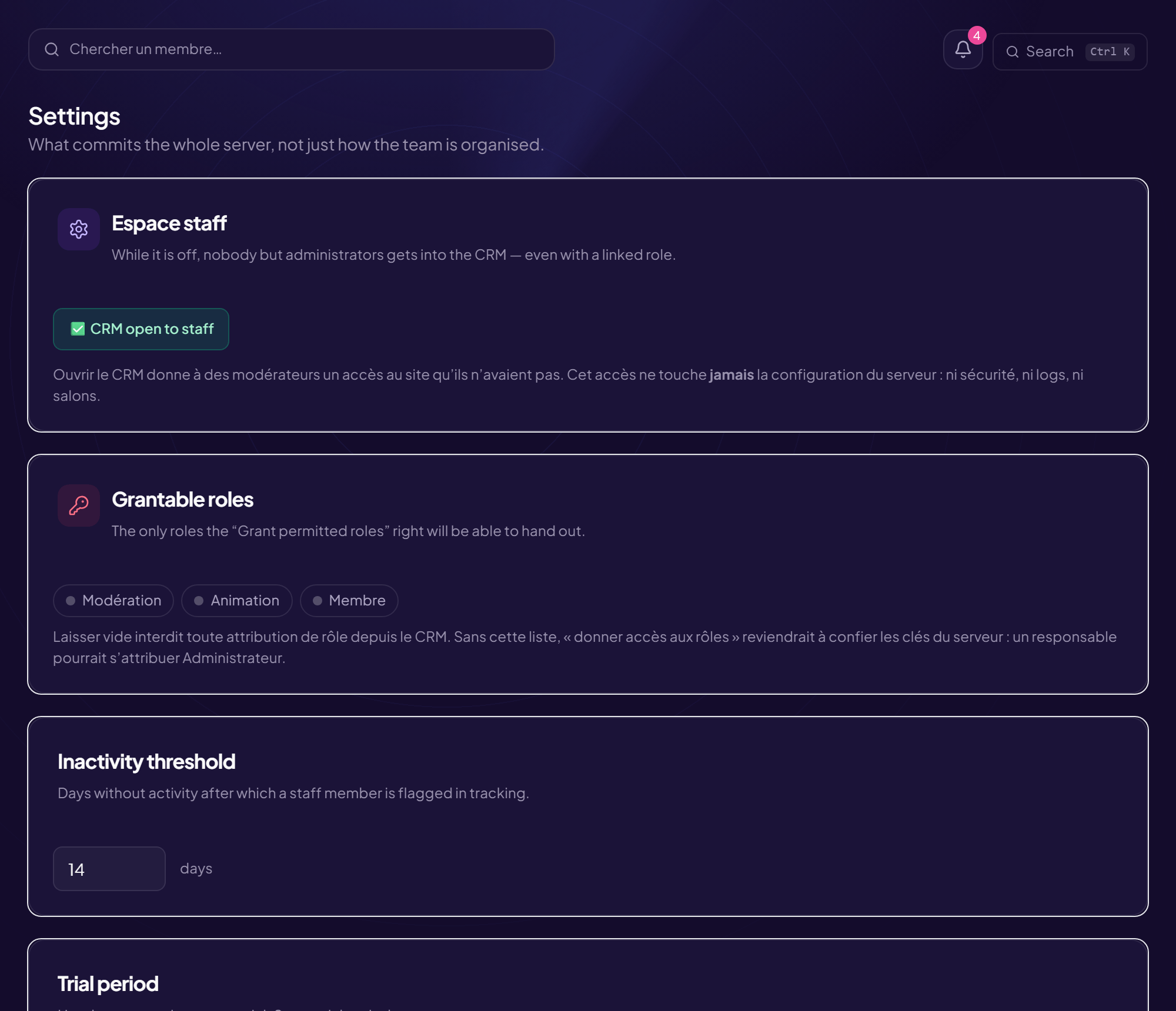
A switch under Settings, to turn on when the team also moderates live streams. It
does not change a display : it changes what the CRM measures and what it
requires.
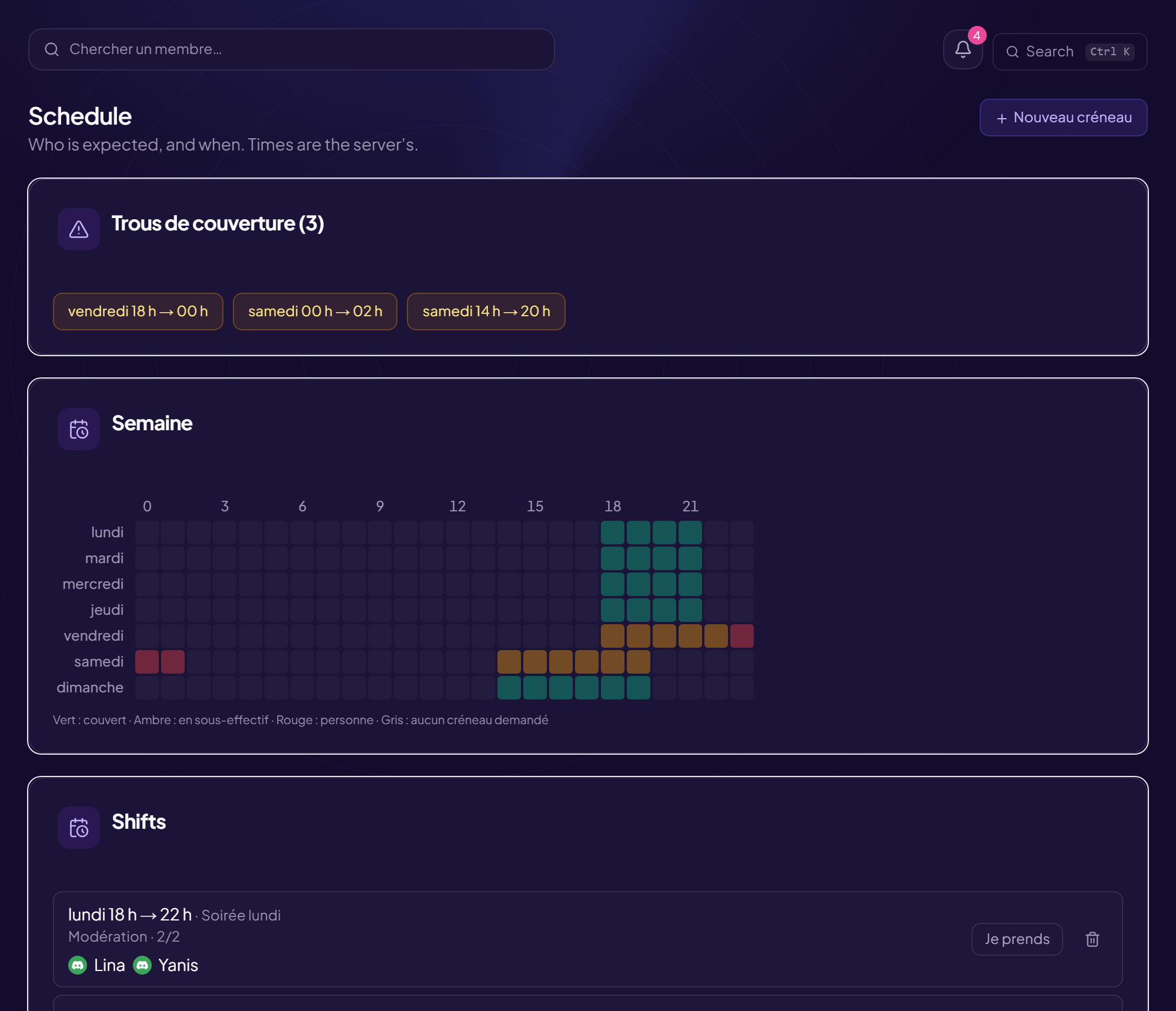
The schedule stops being weekly : a slot can carry a date, anchor onto a real stream — it opens when you go live — or have no hours at all
The number of moderators wanted can be zero : “as many as possible”, and the slot is no longer flagged as short-staffed
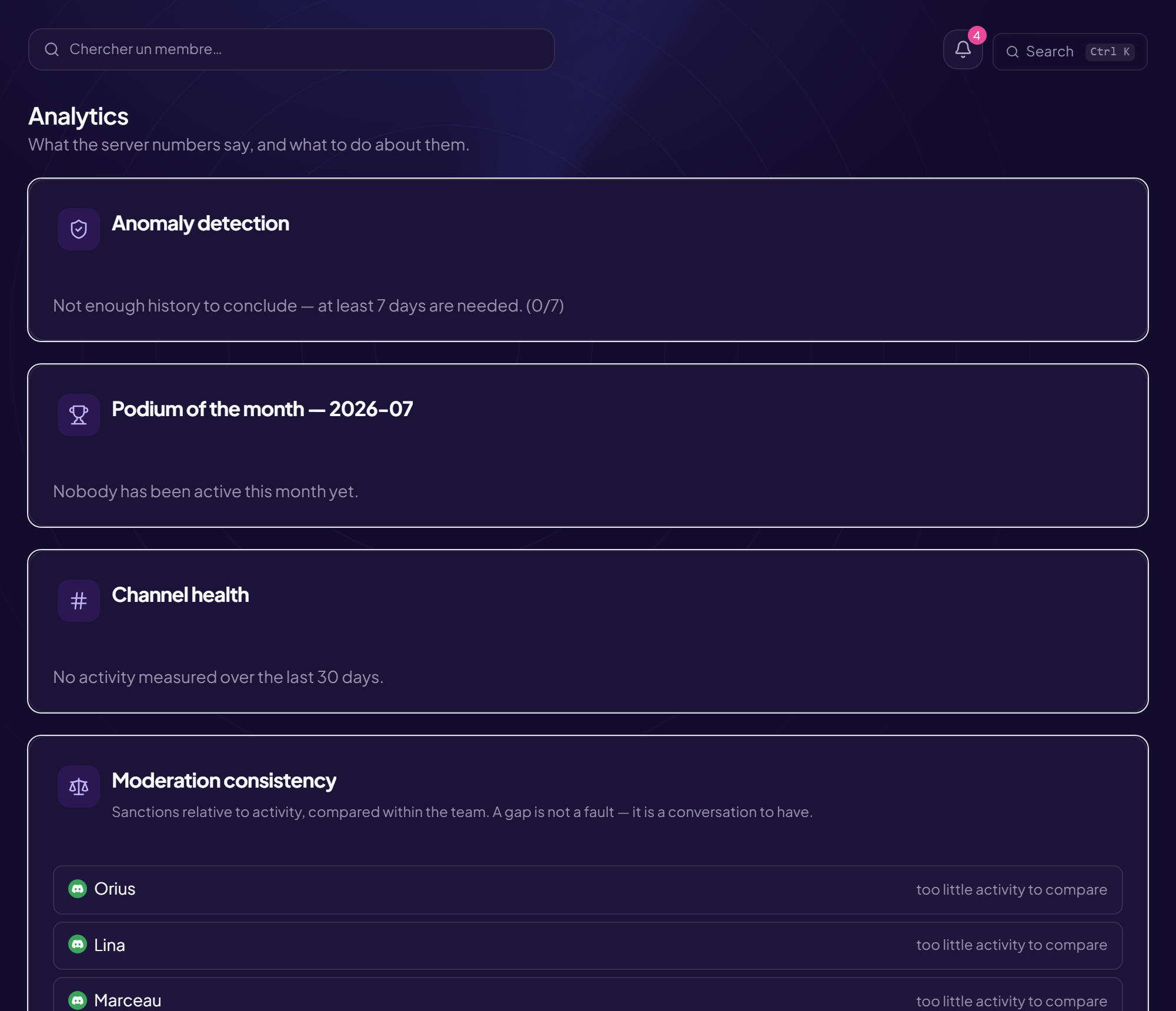
What happens during a stream counts towards the score : a moderator who holds three hours of live no longer shows up as “gone quiet”
Immediate consequence : every staff member will have to link their Twitch account to open the CRM — without that link, nothing done live can be attached to their name
The Twitch moderators detected sit next to your own team : the gaps read at a glance
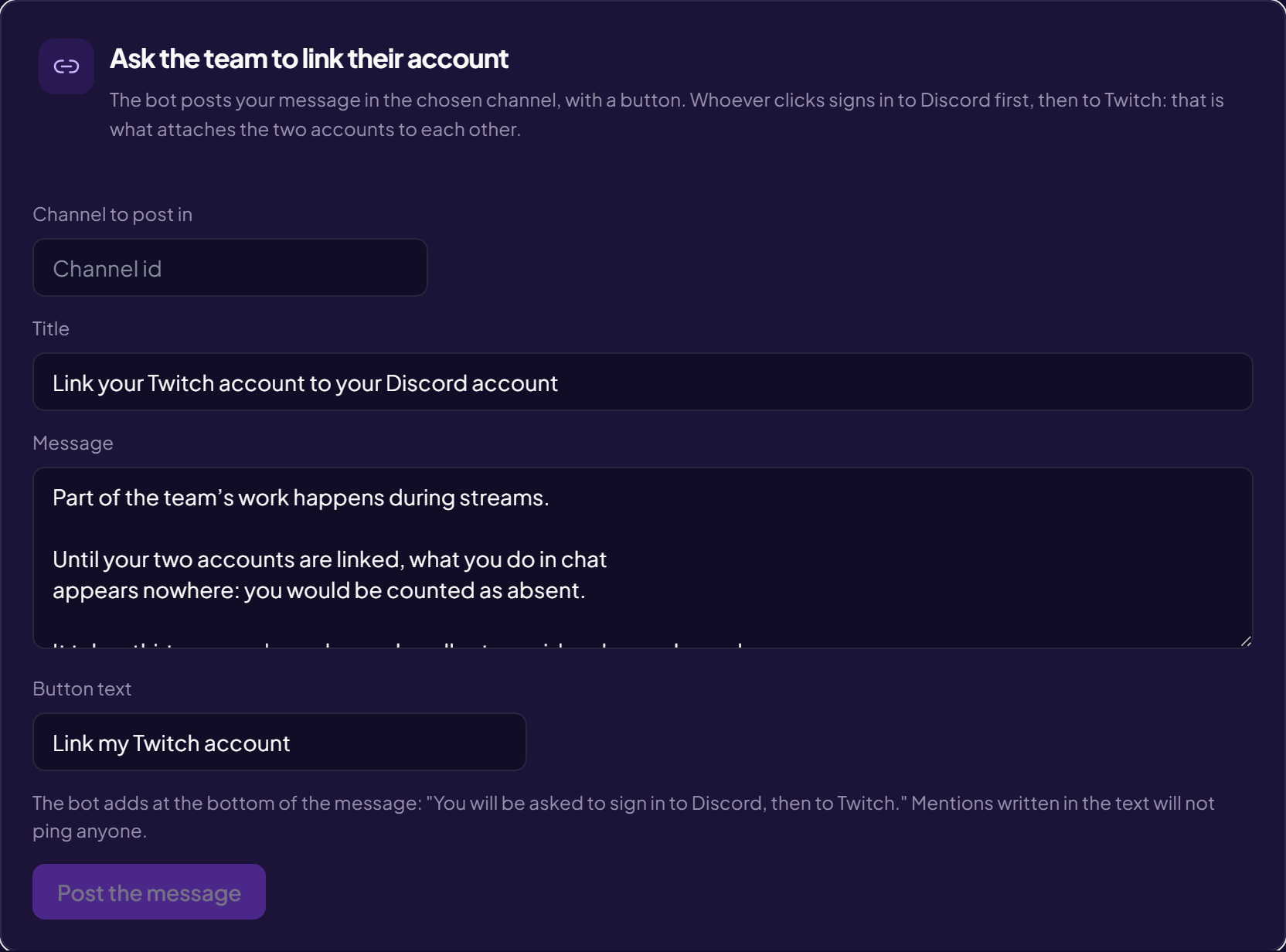
The message that asks for the link. It comes pre-filled so it can be sent as it stands : an empty field never gets published.
The score is not a grade : it is a column to sort by. Without it, people sort
by the message count — and reward whoever chats the most rather than whoever empties the
ticket queue.
A claimed ticket is worth thirty messages ; past 500 messages, writing more earns nothing
A “0/0” on the podium means “no ticket over the measured month”, not “bad”
Every block carries an “i” explaining where its figure comes from, right on screen
The CRM holds case files, candidates’ answers and internal notes. It is
protected accordingly.
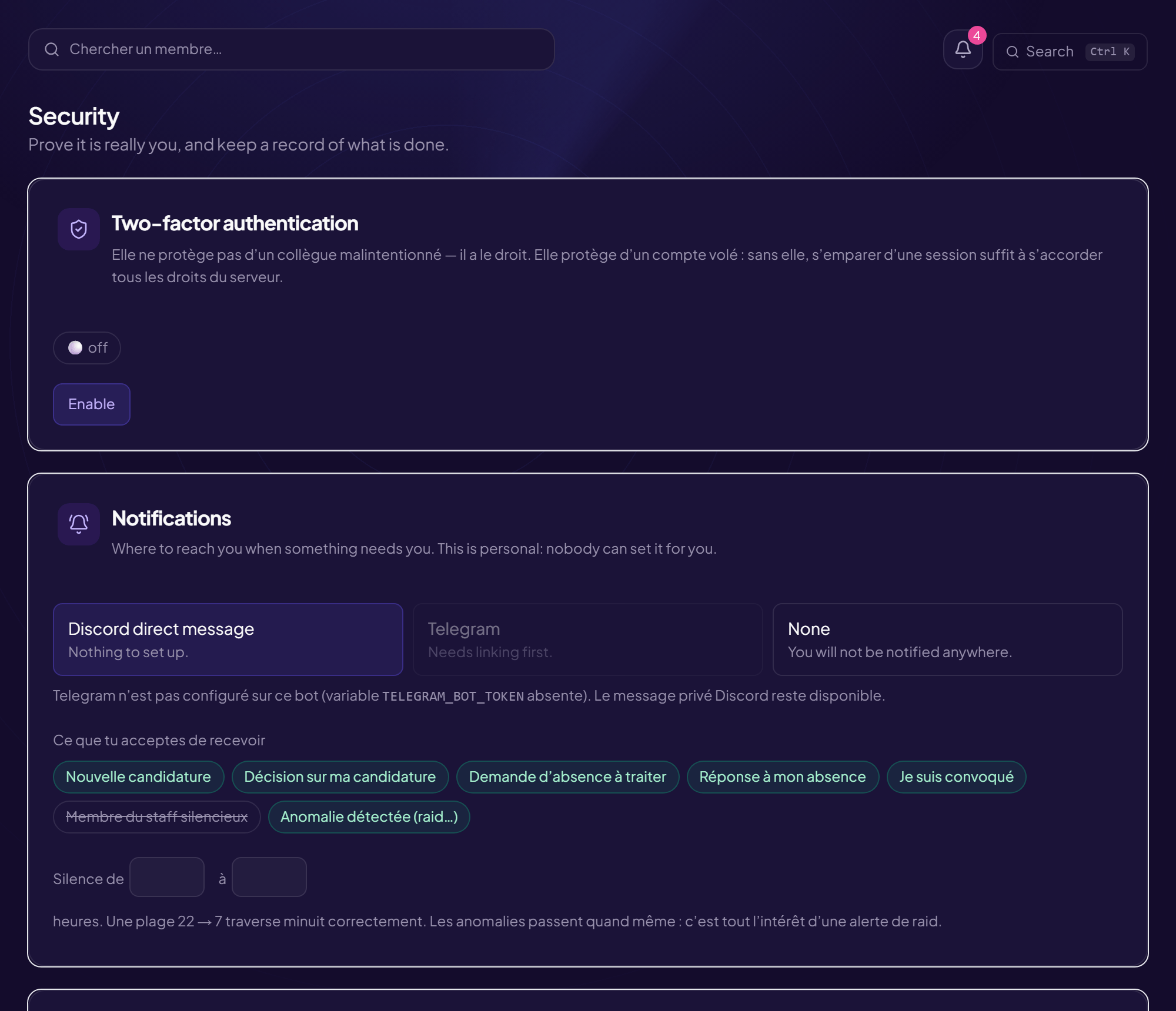
Two-factor authentication can be required server-wide : until the code is given, no page opens
Hash-chained audit log : an altered line shows
A lead only sees their own area — scope is checked server-side, never in the browser
💡 Where to start ? Link a role under “Rights”, create a team, then open
a recruitment. The rest — schedule, guide, HR — fills in as the team grows ;
none of it is compulsory.
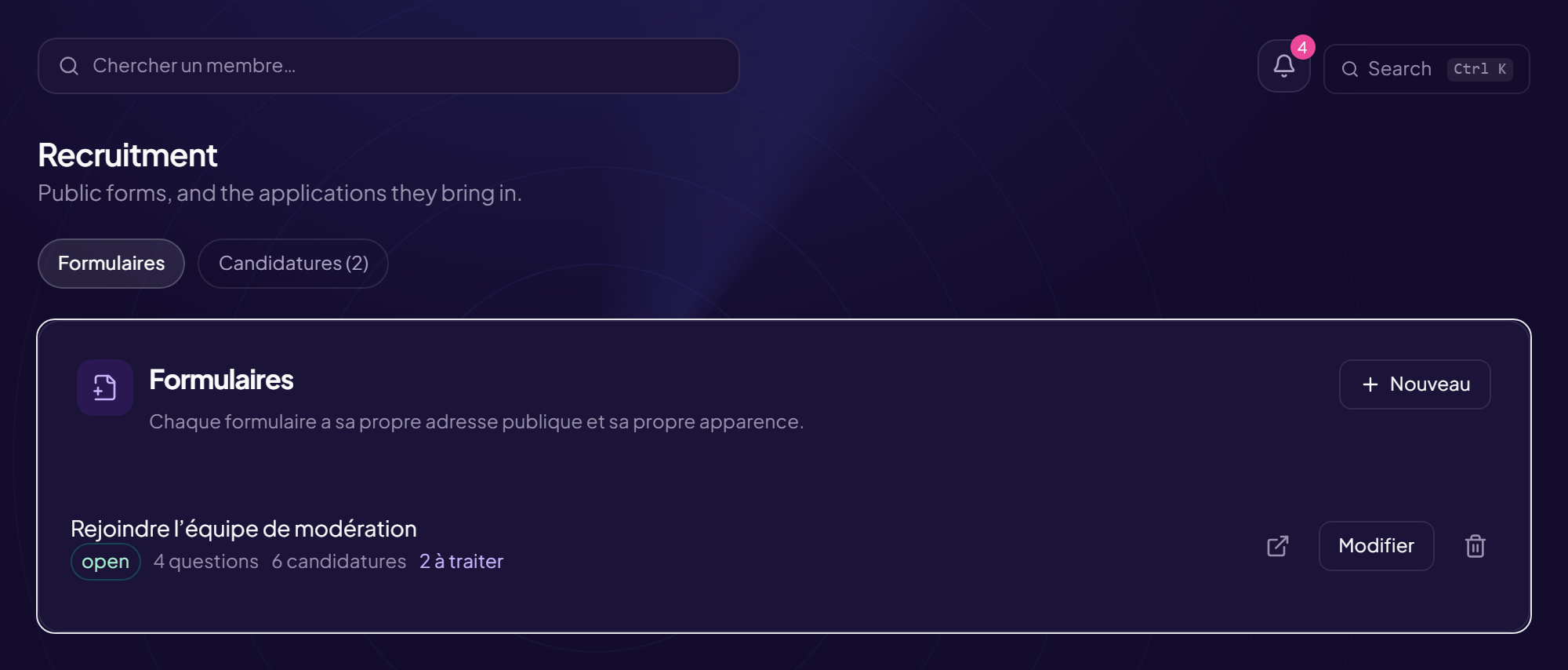
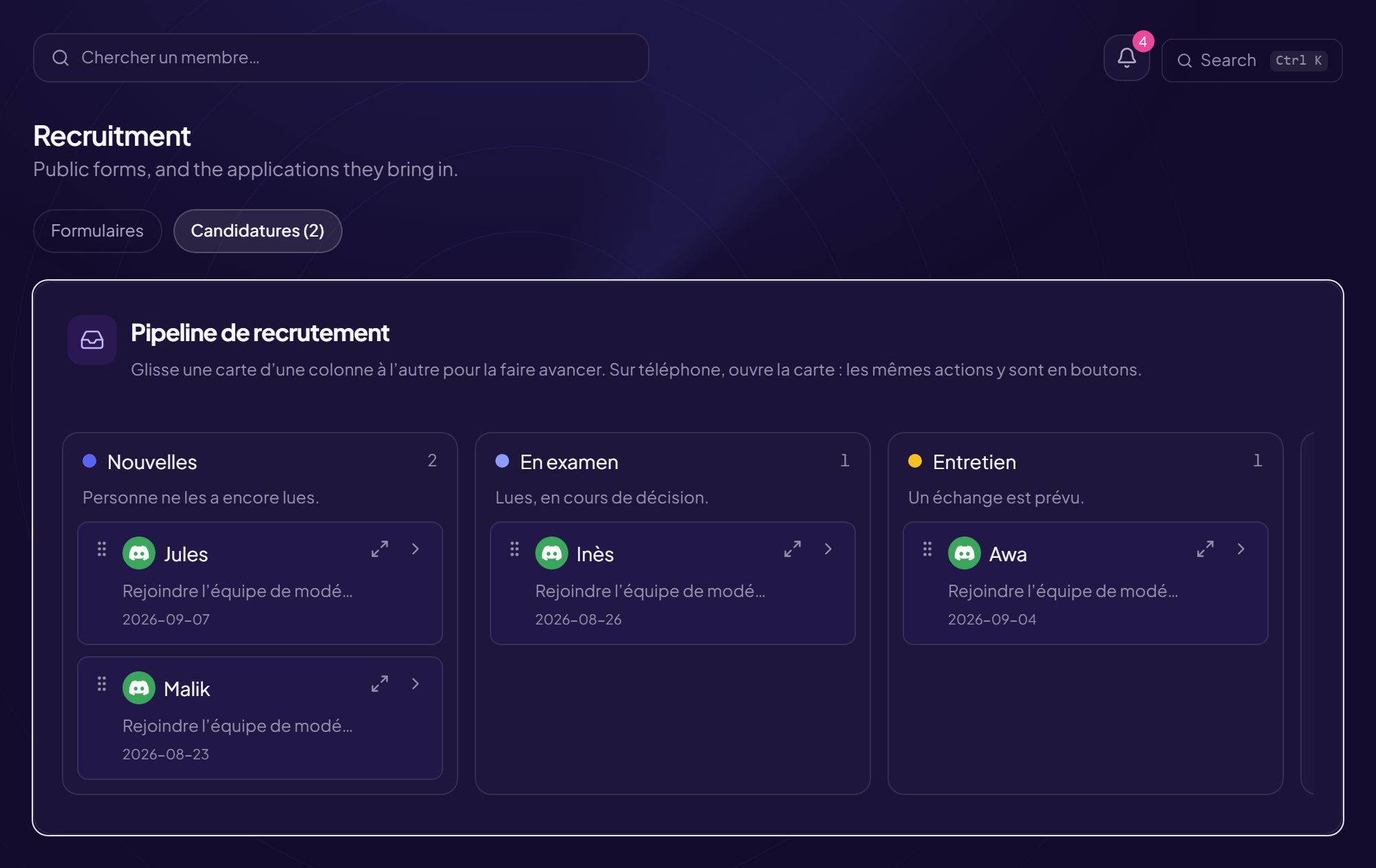
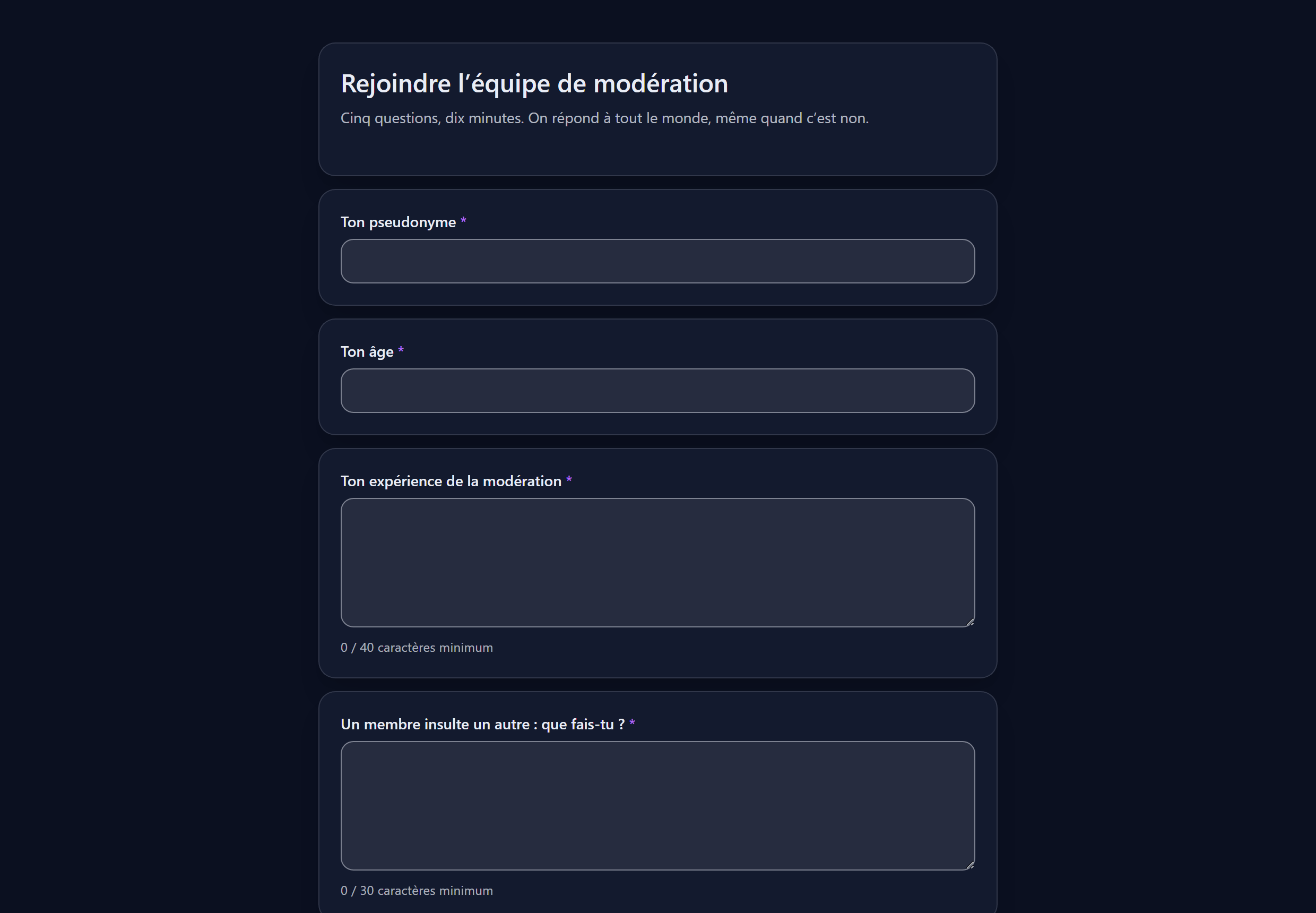
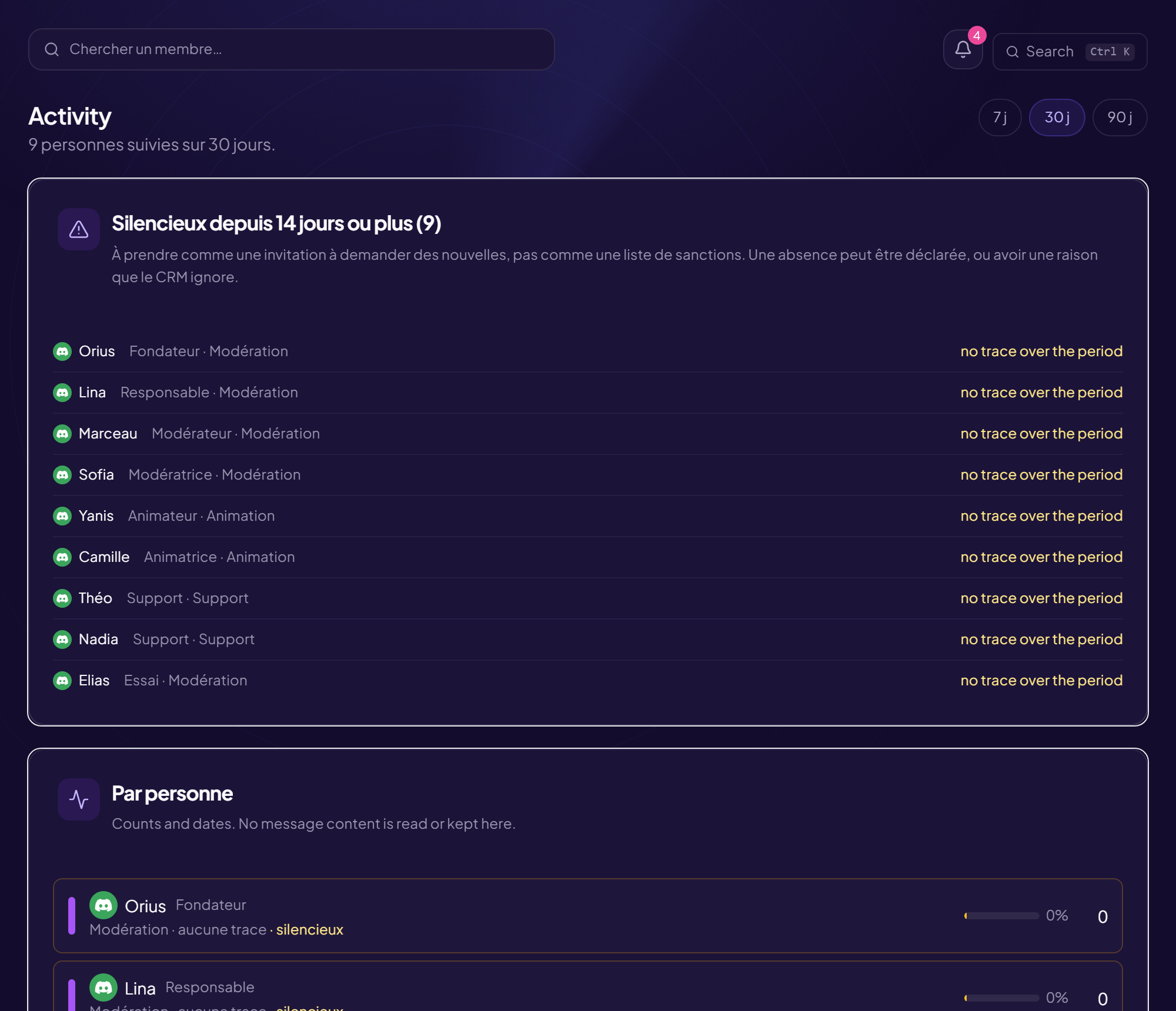
The CRM screens
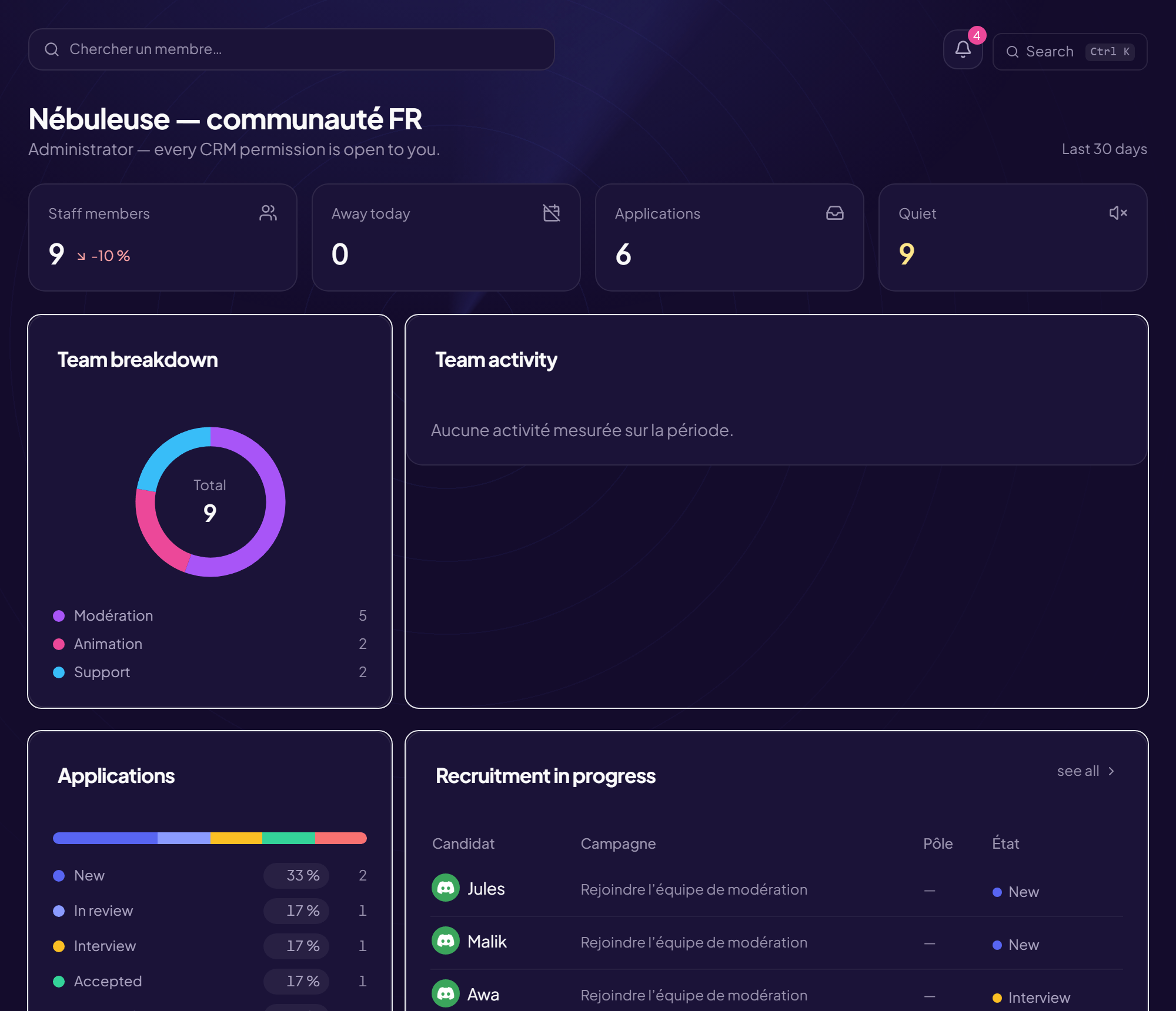
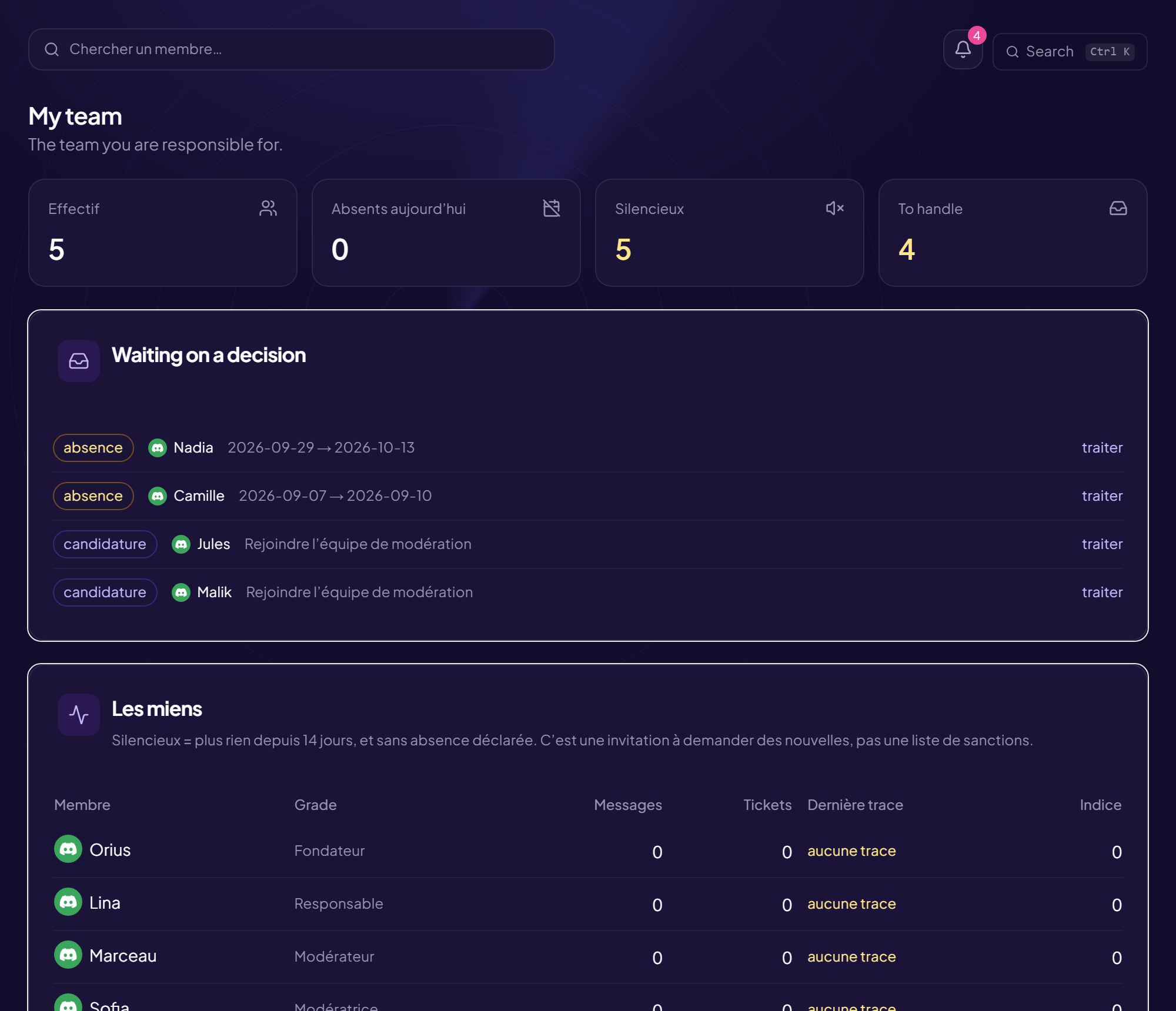
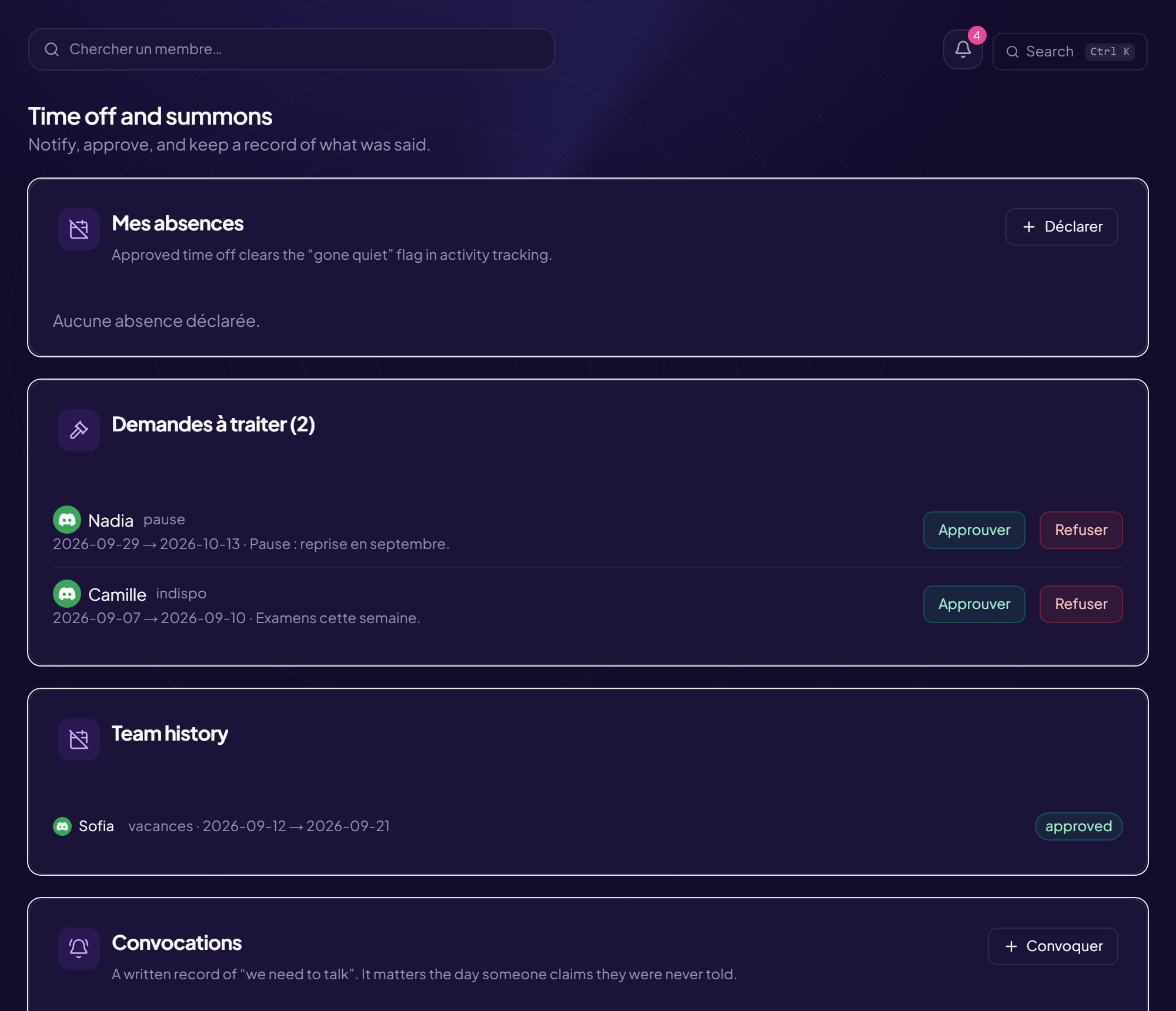
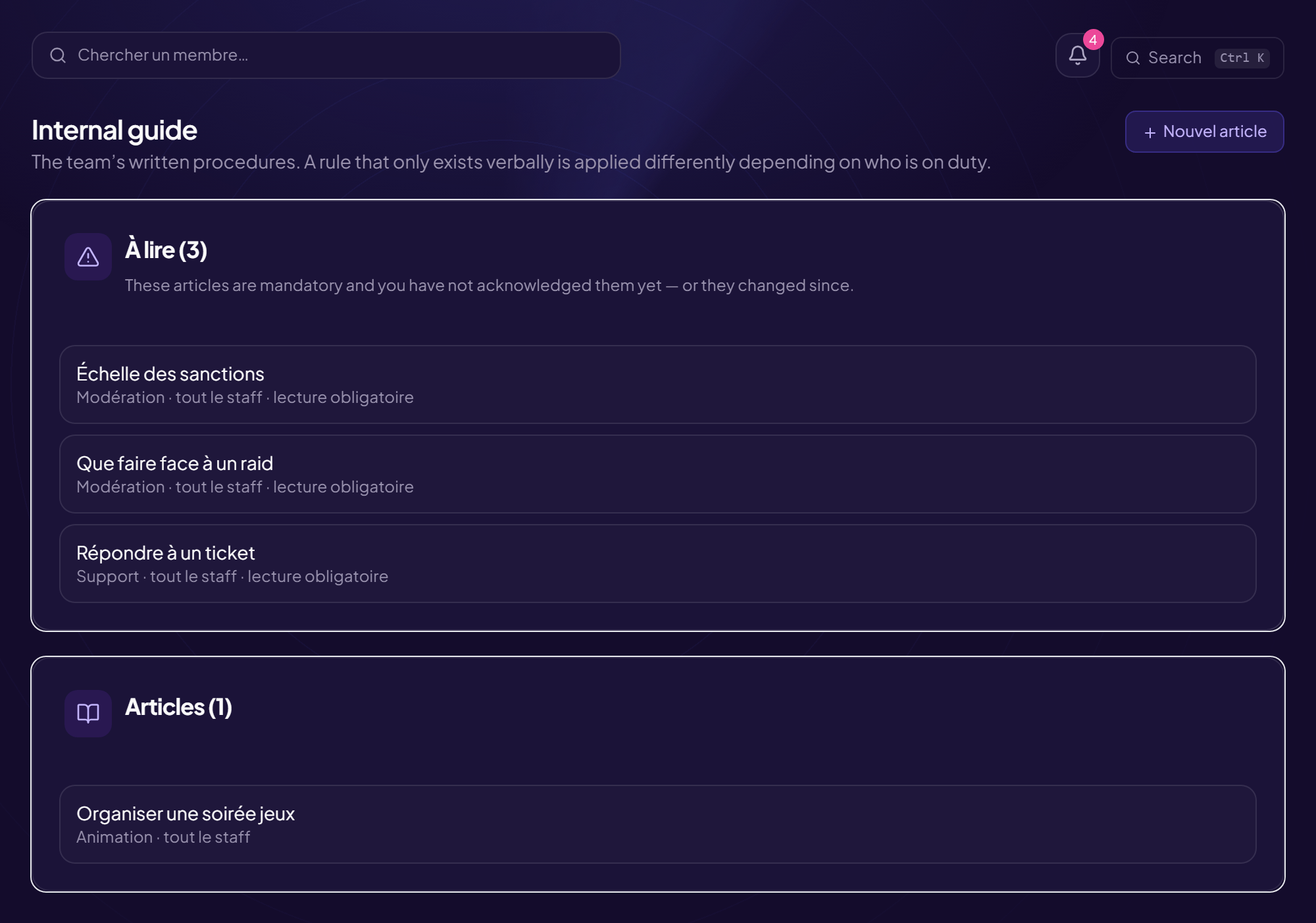
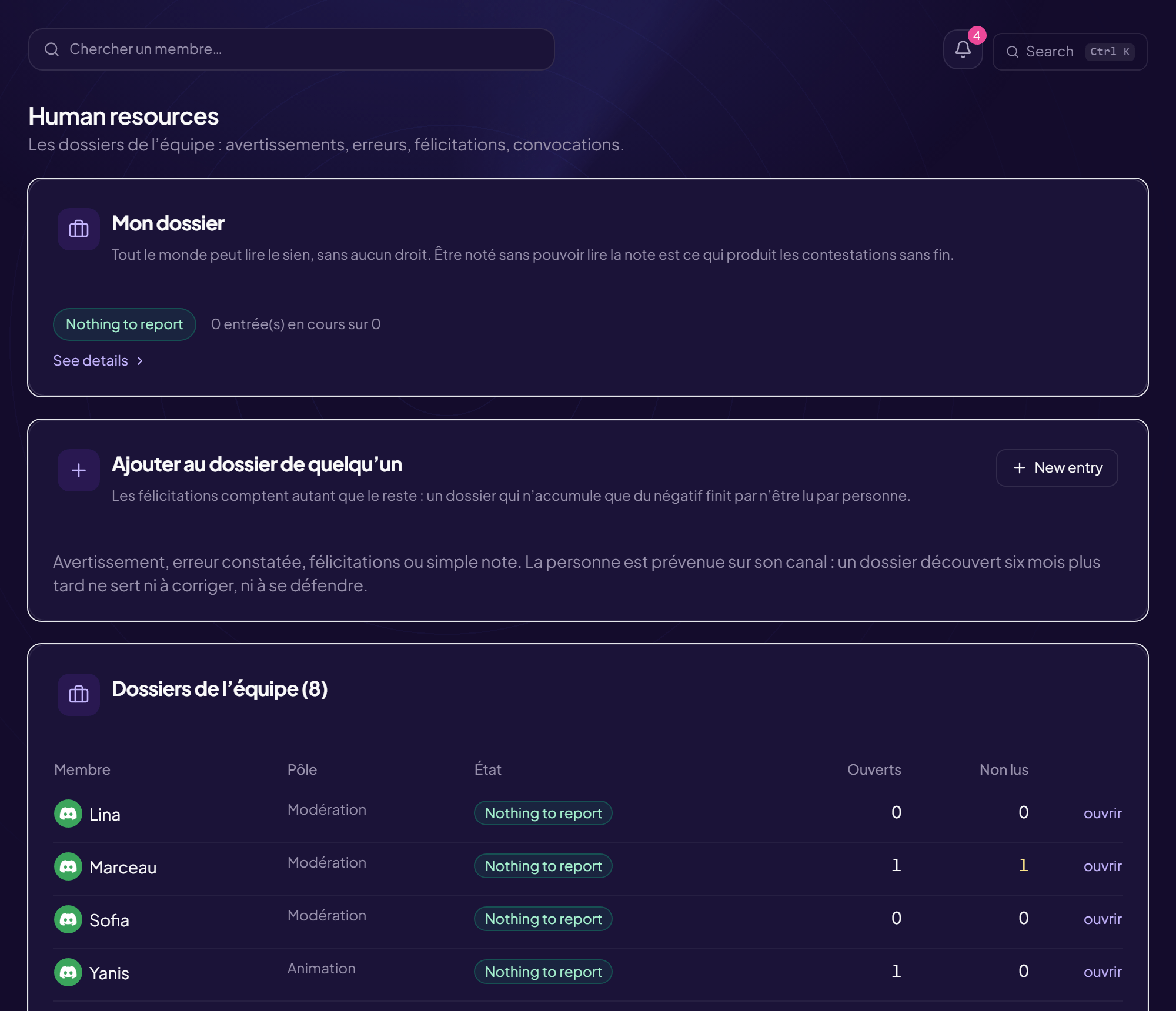
Overview: who is on, what is waitingThe staff roster, with grade and seniorityMy team: what a team lead seesRecruitment: public forms and their applicationsEvery application, its status and Orius’s readThe public form, as an applicant sees itActivity: messages, voice and tickets handledShift planning, coverage gaps includedLeave: requests, decisions, expected returnsInternal handbook and read receiptsRecords: kudos, notes and remindersRights: what each role may doSecurity: two-factor authentication and sessionsAnalysis: the team’s workload over timeCRM settings: trial, inactivity, logThe Vault: the team’s watch list, dated
🛡️ Moderation
Sanction, clean up and lock down. These commands require elevated permissions and some cannot be undone.
Adds an emoji to the server from an existing emoji or an image link. The number of slots
depends on the server’s boost level; once full, adding fails and one must be removed.
Automatically adds reactions to messages in a channel. Mostly used in voting or sharing
channels: the reactions are already there, nobody has to add them, and the channel keeps a
consistent shape.
A ban stops the person from coming back, even with a fresh invite. It accepts an
ID as well as a mention, which lets you ban someone who has already left — a common
case after a raid, where accounts leave before anyone can act.
A ban fails if the target’s highest role sits above the bot’s. That is not a
permission issue: it is the role hierarchy.
/ban[utilisateur][id][raison]
Parameter
Type
Required
Description
utilisateur
member
optional
Membre à bannir
id
text
optional
Account ID to ban — works even if they left the server
raison
text
optional
Raison du bannissement
general
Lina used /ban
OriusBotBOT
OriusBot is thinking
Member banned
Kylian has been banned from the server. Reason: DM advertising
Shows one specific sanction by its number. Every moderation action gets a number: that
is what lets you refer to it unambiguously in an appeal ticket or between moderators, instead
of describing “Tuesday’s mute”.
Wipes a member’s entire warning history. Keep it for cases where the history is wrong —
a failed import, a mix-up of people — rather than for leniency: a warning that expires from
the repeat-offence counter still has value as a record, and erasing it removes that for
good.
Bans across several linked servers at once. Useful between servers of the same community
targeted by the same accounts: the first to see the attack protects the others.
The link is agreed between administrators and can be revoked: it gives a third
server the power to ban on yours.
/crossban ban
Ban a user across all synchronized servers
/crossban ban<utilisateur>[raison]
Parameter
Type
Required
Description
utilisateur
member
required
Utilisateur a bannir
raison
text
optional
Raison
/crossban link
Redeem a synchronization code received from another server
Undo the last critical action recorded in the audit logs
Undoes the last moderation action. Useful in the minute after a mistake — wrong person,
wrong duration — when redoing the steps by hand costs more than the original action did.
/ctrlz
general
Lina used /ctrlz
OriusBotBOT
OriusBot is thinking
/ctrlz
Undo the last critical action recorded in the audit logs
Raises every server protection by one notch: entry locked, filters tightened, permissions
reduced. It is a state to switch on during an attack and to lower afterwards — left in
place, it ends up hampering the community it protects.
Temporarily hands moderation rights to someone, for a set duration. It answers the real
case where the team is away and you do not want to grant a permanent role: the rights expire on
their own, with nobody having to remember.
Sends a private message to a member on behalf of the server. Used to explain a sanction
or to ask for a clarification without exposing the person publicly.
The message carries the bot’s identity, not yours. A member with DMs closed
receives nothing, and the send fails.
A kick removes the person from the server without stopping them coming back. It is the
most misunderstood sanction: it does not punish, it interrupts. Against an account
determined to cause harm, it only buys the time it takes to click the invite again.
The sanctions issued by a moderator, or received by a member. Reading it per moderator
is mostly about spotting an imbalance — someone sanctioning ten times more than the rest, or
not at all — not about ranking anyone.
Moderation activity over a period. Read it relative to server activity: a quiet
month mechanically produces fewer actions without anyone having drifted away. It is a signal
to go and talk to someone, not to sanction them.
Words OriusMod must ignore on this server (false positives)
OriusMod analyses toxic speech using multilingual word lists. A word that insults
in one language can be harmless in another: “retard” is an insult in English and simply means
a delay in French. Ordinary messages were being deleted.
This false positive cannot fix itself: the detector sees text, not your server’s language.
This command tells it.
A word declared here is masked before analysis, and nothing more. The rest of the
message is still analysed, so an insult that happens to contain the allowed word is still
acted upon. Allowing a word does not allow the sentence.
/mots-autorises tester answers the question that brings you here: why was
this message deleted? It shows the score with and without the list, the text actually
analysed, and the signal that fired.
/mots-autorises ajouter
Add one or more words (comma-separated)
/mots-autorises ajouter<mots>
Parameter
Type
Required
Description
mots
text
required
Par exemple : retard, mongol
0 to 1000 characters
/mots-autorises retirer
Remove one or more words from the list
/mots-autorises retirer<mots>
Parameter
Type
Required
Description
mots
text
required
Par exemple : retard
0 to 1000 characters
/mots-autorises liste
See the words allowed on this server
/mots-autorises liste
/mots-autorises tester
See what OriusMod makes of a message, and why
/mots-autorises tester<message>
Parameter
Type
Required
Description
message
text
required
Le texte à analyser
0 to 500 characters
general
Lina used /mots-autorises
OriusBotBOT
OriusBot is thinking
/mots-autorises
Words OriusMod must ignore on this server (false positives)
Moves a member from one voice channel to another. Useful to bring someone back to the
right room without breaking the conversation, or to separate two people while an argument cools
down.
Prevents writing and speaking without removing the person from the server. It is the
most useful day-to-day sanction: it stops a conversation going wrong without cutting the
person off from everything else, and it expires on its own.
Discord caps timeouts at 28 days. Beyond that you need a temporary ban.
Changes a member’s nickname on this server. Mostly used to remove a provocative or
unreadable name without sanctioning anyone: the problem is the name, not the person.
The server owner cannot be renamed by the bot, whatever the permission.
An internal remark about a member, invisible to them. It carries what a warning cannot:
context, a conversation already had, a known fragility. It is what lets the next team pick up
a case without starting over.
A note is still personal data: write it as if the person might read it one
day.
Pins a message in its channel. A channel accepts fifty pinned messages at most; beyond
that, pinning fails. It is also the sign that it is time to unpin: a list of fifty pins is no
longer read by anyone.
Bulk cleanup, said the way you think of it: you know what you want gone before you open
the command. /purge liens (links), /purge images,
/purge emojis, /purge bots, /purge membre @Lucas,
/purge contient "promo code".
Two opposite moves, not to be confused: /purge depuis 10m removes what was
just posted, /purge avant 10m removes what is older than that.
Pinned messages are spared without being asked: someone pinned them on purpose. The
epingles option includes them — but then you have to say so.
Past twenty messages, the bot shows the count and waits for a click. It is final: Discord
keeps no copy.
Discord refuses to bulk-delete messages older than fourteen days. The bot
counts them and says so, rather than returning “0 deleted” with no explanation.
/purge liens
Les messages contenant un lien
/purge liens[nombre][salon][epingles]
Parameter
Type
Required
Description
nombre
integer
optional
Combien en supprimer au maximum (défaut 100)
Between 1 and 1000
salon
channel
optional
Le salon à nettoyer (défaut : celui-ci)
epingles
yes/no
optional
Supprimer aussi les messages épinglés (non par défaut)
/purge images
Les messages contenant une image ou un GIF
/purge images[nombre][salon][epingles]
Parameter
Type
Required
Description
nombre
integer
optional
Combien en supprimer au maximum (défaut 100)
Between 1 and 1000
salon
channel
optional
Le salon à nettoyer (défaut : celui-ci)
epingles
yes/no
optional
Supprimer aussi les messages épinglés (non par défaut)
/purge emojis
Les messages contenant un emoji
/purge emojis[nombre][salon][epingles]
Parameter
Type
Required
Description
nombre
integer
optional
Combien en supprimer au maximum (défaut 100)
Between 1 and 1000
salon
channel
optional
Le salon à nettoyer (défaut : celui-ci)
epingles
yes/no
optional
Supprimer aussi les messages épinglés (non par défaut)
/purge bots
Les messages postés par des bots
/purge bots[nombre][salon][epingles]
Parameter
Type
Required
Description
nombre
integer
optional
Combien en supprimer au maximum (défaut 100)
Between 1 and 1000
salon
channel
optional
Le salon à nettoyer (défaut : celui-ci)
epingles
yes/no
optional
Supprimer aussi les messages épinglés (non par défaut)
/purge membre
Tous les messages d’une personne
/purge membre<qui>[nombre][salon][epingles]
Parameter
Type
Required
Description
qui
member
required
De qui
nombre
integer
optional
Combien en supprimer au maximum (défaut 100)
Between 1 and 1000
salon
channel
optional
Le salon à nettoyer (défaut : celui-ci)
epingles
yes/no
optional
Supprimer aussi les messages épinglés (non par défaut)
/purge contient
Les messages contenant un texte
/purge contient<texte>[nombre][salon][epingles]
Parameter
Type
Required
Description
texte
text
required
Le texte cherché
0 to 200 characters
nombre
integer
optional
Combien en supprimer au maximum (défaut 100)
Between 1 and 1000
salon
channel
optional
Le salon à nettoyer (défaut : celui-ci)
epingles
yes/no
optional
Supprimer aussi les messages épinglés (non par défaut)
/purge depuis
Tout ce qui a été posté DEPUIS une durée (ex. 10m)
/purge depuis<duree>[nombre][salon][epingles]
Parameter
Type
Required
Description
duree
text
required
10m, 2h, 3j…
nombre
integer
optional
Combien en supprimer au maximum (défaut 100)
Between 1 and 1000
salon
channel
optional
Le salon à nettoyer (défaut : celui-ci)
epingles
yes/no
optional
Supprimer aussi les messages épinglés (non par défaut)
/purge avant
Tout ce qui est PLUS VIEUX qu’une durée (ex. 10m)
/purge avant<duree>[nombre][salon][epingles]
Parameter
Type
Required
Description
duree
text
required
10m, 2h, 3j…
nombre
integer
optional
Combien en supprimer au maximum (défaut 100)
Between 1 and 1000
salon
channel
optional
Le salon à nettoyer (défaut : celui-ci)
epingles
yes/no
optional
Supprimer aussi les messages épinglés (non par défaut)
/purge tout
Les derniers messages, sans filtre
/purge tout[nombre][salon][epingles]
Parameter
Type
Required
Description
nombre
integer
optional
Combien en supprimer au maximum (défaut 100)
Between 1 and 1000
salon
channel
optional
Le salon à nettoyer (défaut : celui-ci)
epingles
yes/no
optional
Supprimer aussi les messages épinglés (non par défaut)
Isolate a suspicious member from the rest of the server
Sets a member aside without banning them: their roles are removed and replaced by one
that sees almost nothing. It is the answer to uncertain situations — a possibly compromised
account, behaviour to check — where banning would be excessive and doing nothing careless.
Releasing restores the original roles, which saves granting them again by hand.
/quarantine apply
Quarantine a member
/quarantine apply<utilisateur>[raison]
Parameter
Type
Required
Description
utilisateur
member
required
Membre a isoler
raison
text
optional
Raison de la quarantaine
/quarantine release
Release a member from quarantine
/quarantine release<utilisateur>
Parameter
Type
Required
Description
utilisateur
member
required
Membre a liberer
general
Lina used /quarantine
OriusBotBOT
OriusBot is thinking
/quarantine
Isolate a suspicious member from the rest of the server
Adds or removes a role from a member. The bot can only act on roles sitting below
its own: a failure on one particular role while the others work almost always comes from
that.
Deletes messages with a filter: by author, by content, by type. The filter is what sets
this apart from a blunt purge — you remove the ten spam messages without taking the surrounding
conversation with them.
Discord refuses to bulk-delete messages older than fourteen days. That is a
platform limit, not the bot’s.
Sticky message (stays at the bottom of the channel)
A message that automatically returns to the bottom of the channel as soon as conversation
pushes it up. This is nearly always what people actually want when they set up a recurring
message: it stays in view without piling up, unlike a repeated reminder.
Typical uses: the expected format in a help channel, the rule of a listings channel, the
sign-up link during an event.
/sticky set
Set this channel's sticky message
/sticky set<contenu>
Parameter
Type
Required
Description
contenu
text
required
Le message
0 to 1500 characters
/sticky remove
Remove this channel's sticky message
/sticky remove
general
Lina used /sticky
OriusBotBOT
OriusBot is thinking
/sticky
Sticky message (stays at the bottom of the channel)
A ban with a set duration, lifted automatically when it ends. Useful when the aim is to
interrupt rather than exclude: the person comes back, and knows why they left. The return
needs no action, so it does not depend on a moderator remembering.
Posts a message that deletes itself after a delay. Useful for an instruction that only
applies during an event, or for an answer that does not need to stay in the channel’s
history.
The same as a timeout, with the duration written out explicitly. Prefer short
durations: ten minutes is nearly always enough to defuse an argument, whereas a day turns the
sanction into an event.
Lifts a ban from the account ID. Since a banned person is no longer on the server, a
mention will not work: the ID is what you need, and it appears in the moderation log entry
for the original sanction.
Removes a message from the pins. Unpinning is part of a channel’s routine upkeep: a
three-month-old event announcement still pinned makes the server look abandoned.
Removes one specific warning. Mistakes happen, and a system with no way back pushes
moderators to record nothing “just in case” — which strips the history of its value. The
removal itself leaves a trace.
Manually validates a member stuck at verification. This happens regularly: unreadable
captcha, closed DMs, a device that refuses. Without this command, the only way out would be to
disable verification for everyone.
Disconnects a member from voice without sanctioning them. They can come back immediately:
it is an interruption, comparable to cutting someone off, not an exclusion.
A warning exists first to keep a record: without history, the moderator on duty
treats as a first incident what is the fourth this week. The reason is required, and it will
be read again — write it as if it were going to be shown to the person, because it will be if
they contest it.
Past the thresholds set in the panel, the sanction escalates on its own. That is what makes
moderation consistent: the same behaviour gets the same answer whoever is on duty.
/warn<utilisateur>[raison]
Parameter
Type
Required
Description
utilisateur
member
required
Membre à avertir
raison
text
optional
Raison
general
Lina used /warn
OriusBotBOT
OriusBot is thinking
Warning recorded
Kylian received their 2nd warning. At the 3rd, automatic 24 h timeout.
A member’s history: what they were pulled up for, by whom, and when. This is the command
to run before sanctioning, not after — it stops you treating a repeat offence as a
first incident, and the other way round.
/warnings[utilisateur]
Parameter
Type
Required
Description
utilisateur
member
optional
Membre (toi par défaut)
general
Lina used /warnings
OriusBotBOT
OriusBot is thinking
/warnings
View a member's warnings
Sample reply: the bot answers in this shape.
/warningsutilisateur
Preview — reconstruction of the run
💬 General
Commands open to every member: help, profile, reminders, reports.
Announces that you are away: anyone mentioning you sees your message, and the status
clears as soon as you write again. Saves the follow-up pings when you step away for an hour.
The distinctions earned on the server: seniority, participation, events. They are earned
without being asked for, which makes them a record of what you did rather than a collection to
complete.
Bump this server to the top of the public list (every 4h)
Pushes the server’s listing back to the top of the public directory. Available every four
hours — the interval stops one server owning first place by posting continuously.
/bump
general
Lina used /bump
OriusBotBOT
OriusBot is thinking
/bump
Bump this server to the top of the public list (every 4h)
Posts a message without your name appearing. Anonymity applies to members: on a
report, the team can trace the author. That is what makes the channel moderatable, and it is
stated rather than hidden.
Changes your nickname colour, among those the server offers. Colours come from roles: the
colour shown is that of the highest role, which is why a staff role sometimes hides the chosen
colour.
Export YOUR personal data (GDPR) processed by the bot on this server.
What the bot keeps about you on this server, and how to have it erased. The command
exists so that the answer does not depend on an administrator being available.
/donnees
general
Lina used /donnees
OriusBotBOT
OriusBot is thinking
/donnees
Export YOUR personal data (GDPR) processed by the bot on this server.
The list of commands available to you on this server: what your roles allow, in
the channels where it is permitted. Two members therefore get different answers, and that is
intended.
Full member card: profile, Discord info, trust passport
A member’s card: when they joined, level, badges, bio, reputation. It is the view you
open before answering someone you do not know — one screen tells you whether they have been
here two years or since this morning.
/profil[membre][id]
Parameter
Type
Required
Description
membre
member
optional
Le membre
id
text
optional
ID Discord (17–20 chiffres)
17 to 20 characters
general
Lina used /profil
OriusBotBOT
OriusBot is thinking
/profil
Full member card: profile, Discord info, trust passport
Answers the server quiz’s current question. Questions are written by the team, which lets
them match the community’s subject rather than being drawn from a generic bank.
A reminder the bot will send you later. It survives a bot restart: that is the
condition for the feature to be worth anything — a reminder lost at the first update is only
noticed by not arriving.
Gives someone a reputation point. It is recognition between members — for help received,
a useful answer — not an activity metric: it is only earned by helping someone who thinks to
say so.
Reports a message or a member to the team. The report goes to a restricted channel, not
as a DM to one moderator: it is therefore visible to the whole team, recorded, and it does not
vanish if the person contacted goes away.
Report a bug or suggest an idea to the OriusBot team
Reports a problem with the bot itself — a failing command, broken output — to the team
that develops it. Give the exact command and the channel: “the bot is broken” allows no
checking at all.
/report-dev
general
Lina used /report-dev
OriusBotBOT
OriusBot is thinking
/report-dev
Report a bug or suggest an idea to the OriusBot team
Suggests an idea for the server. It becomes a single message with a vote, and discussion
happens in an attached thread — that is what keeps the list readable rather than turning it
into a chat channel.
A named endorsement, more committing than a reputation point: it carries a text and the
name of whoever gave it. Useful on trading or mutual-aid servers, where you want to know who
vouches for whom.
/vouch<membre>
Parameter
Type
Required
Description
membre
member
required
Le membre à parrainer
general
Lina used /vouch
OriusBotBOT
OriusBot is thinking
/vouch
Vouch for a member (grant your trust)
Sample reply: the bot answers in this shape.
/vouchmembre:…
Preview — reconstruction of the run
🎉 Community life
Keeping the server alive: daily content, counters, temporary voice channels, scheduled messages.
Posts a formatted announcement in the chosen channel. Written from a command, it carries
the server’s identity rather than a member’s — which matters when it commits the team.
Announce a session: image, description, slots and waiting list
Creates an event with sign-ups: title, description, date, seats, image. The post stays
consultable, says how many are coming, and lets you ping only the registered people when
it starts.
The waiting list is worth enabling as soon as seats are limited: without it, a cancellation
leaves an empty seat while three people were waiting. Times use the server’s time zone.
/event
general
Lina used /event
OriusBotBOT
OriusBot is thinking
/event
Announce a session: image, description, slots and waiting list
Locks a channel: nobody can write any more, but everyone can still read. It is the right
answer to a conversation turning sour — you stop the thread without deleting what was said or
sanctioning anyone.
Makes the bot say a sentence. Useful for a short instruction that should carry the
server’s identity; not for anything that commits a person, since nothing publicly shows who
wrote it.
Schedules a message for later, once or repeating. The main value is not automation: it is
being able to write cold, reread, and have someone else reread — instead of drafting it
five minutes before in a hurry.
A recurring message nobody remembers to switch off teaches the server that the
bot’s messages mean nothing.
/schedule creer
Programmer un message à publier plus tard
/schedule creer<message><quand>[salon][repeter]
Parameter
Type
Required
Description
message
text
required
Le message
0 to 1800 characters
quand
text
required
Dans combien de temps ? (ex : 10m, 2h, 1d)
salon
channel
optional
Salon (défaut : actuel)
Channels text
repeter
text
optional
Répéter automatiquement ?
One of : Non (une seule fois), Toutes les heures, Tous les jours, Toutes les semaines
Imposes a delay between two messages from the same person. It is the gentlest way to calm
a channel: the conversation continues, but the pace becomes readable again. Often preferable to
locking.
A poll with options and one vote per person. A poll is only worth running if its result
changes something: polling for the sake of activity produces votes with no consequence, and
members stop taking part once they work that out.
Reviews roles and channels, and highlights what is dangerous: administrator roles,
sensitive permissions, channels whose overrides contradict the roles.
The command is read-only: it fixes nothing. A tool that automatically changed
permissions would itself be the server’s biggest risk.
/audit-permissions[public]
Parameter
Type
Required
Description
public
yes/no
optional
Afficher le résultat pour tout le salon (défaut : visible par toi seul)
An automatic reply triggered by a word or phrase. Useful for the questions asked ten times
a day; use sparingly, because an automatic reply firing at the wrong moment is more annoying
than helpful.
Bars someone from the confessions channel without sanctioning them elsewhere. It is the
proportionate answer to abuse of anonymity: that channel is closed to them, the rest of the
server is unchanged, and nothing is made public.
Settings for one specific module, when you know what you are after. Each module has its
subcommand here — auto-moderation, welcome, tickets, alerts, levels — and the same settings
exist in the web panel, more readable for the ones with many options.
Health check: permissions, active modules and broken configurations.
The server health check: active modules, configured channels that have vanished, missing
permissions, badly positioned bot role. This is the first command to run when something is not
working, before looking for a fault.
/diagnostic
general
Lina used /diagnostic
OriusBotBOT
OriusBot is thinking
/diagnostic
Health check: permissions, active modules and broken configurations.
Posts a formatted message on behalf of the server. To compose with a live preview and keep
reusable templates, the web panel editor is more comfortable — especially to check the rendering
before a message goes out to everyone.
Configure the server log channels (interactive embed)
Chooses what is logged and where. Three channels beat one: messages, moderation, server.
The third is quiet in normal times, which is exactly why sudden activity stands out there.
A message is only logged if the bot was present when it was sent: configure
this before you need it.
/log
general
Lina used /log
OriusBotBOT
OriusBot is thinking
/log
Configure the server log channels (interactive embed)
Decides who may run which command. Commands stay visible to everyone and the bot
refuses the ones that are not allowed, saying why: a member learns how the server works instead
of discovering elsewhere a feature they thought did not exist.
Set it on roles, never on people: someone who loses their role loses their rights, and there
is nothing to remember to take back.
/permissions modrole
Ajouter/retirer un rôle Modérateur (bypass des commandes de modération)
/permissions modrole<action><role>
Parameter
Type
Required
Description
action
text
required
Action
One of : Ajouter, Retirer
role
role
required
Rôle
/permissions command
Autoriser/bloquer un rôle sur une commande précise
/permissions command<commande><action>[role]
Parameter
Type
Required
Description
commande
text
required
Nom de la commande (ex: ban)
action
text
required
Action
One of : Autoriser (grant), Retirer l'autorisation, Bloquer (deny), Débloquer, Réinitialiser
The guided first-time setup: the bot asks the questions in order and switches on what is
needed. This is the command to run right after installing, before looking for anything else —
nothing is enabled by default.
/setup
general
Lina used /setup
OriusBotBOT
OriusBot is thinking
Setup assistant
Step 1 of 6 — the server language. Nothing is switched on until you decide.
Appearance of generated cards (background, avatar shape, layout)
The look of the generated cards — welcome, goodbye, boost, level-up and rank card. The
background can be a color, a gradient or an image; an image whose proportions differ from the
card is no longer silently cropped, you choose what happens to it. The avatar can be cut as a
circle, square, hexagon, star or heart, and the text goes where you want. The reply contains
the card itself: you see the result without waiting for the next arrival.
Records the server’s state — channels, roles, permissions — and allows restoring it. It is
the only thing that really limits the damage of a nuke: blocking stops the attack, the snapshot
puts the server back on its feet.
A snapshot taken after the attack is worthless. Take one while everything is
fine, and another after each reorganisation.
Handles a suggestion: accepted, refused, already planned. The reason for a refusal matters
more than the refusal itself — it is the absence of an answer, not the “no”, that kills a
suggestions channel.
The list of words banned on this server. A short, precise list beats a long one: every
word added produces false positives on legitimate words containing it, and that is what gets the
filter switched off after a fortnight.
Shows a member’s avatar full size, with the image link. A member can have a different
avatar on this server and on their account: both are shown when that is the case.
A member’s banner, when they have one. Not every banner is visible: some depend on the
person’s Discord subscription, and the absence of a banner is not an error.
Identity cards: the bot, the server, a role, the emojis, the team. The role card is
the most useful in practice — it lists the permissions actually carried, which answers the
question “why can this person do that?”.
/info bot
Statistiques complètes du bot et des bases de sécurité
Short utilities that had no home elsewhere — colour conversion, calculations, formats.
Grouped under one command so as not to take up that many slots in Discord’s menu.
A member's activity stats (24h / 7d / 30d) as an image
A member’s activity as an image: messages and voice presence over 24 hours, 7 days or 30
days. Mostly used when recruiting — real presence reads better on a curve than from an
impression.
/stats[membre]
Parameter
Type
Required
Description
membre
member
optional
Le membre (toi par défaut)
general
Lina used /stats
OriusBotBOT
OriusBot is thinking
/stats
A member's activity stats (24h / 7d / 30d) as an image
Sample reply: the bot answers in this shape.
/statsmembre
Preview — reconstruction of the run
💰 Economy
Server currency: wallet, bank, shop, work, casino.
What you carry and what is in the bank. The split is not decorative: the wallet is
instantly available and vulnerable — it is what you lose when robbed or when gambling —
while the bank is safe but capped.
Deposit, withdraw, check your cap. The cap is the keystone of the whole economy: it
creates a permanent choice between keeping money safe and leaving it out to use. Without it,
everyone banks everything and robbery ceases to exist.
Orius Casino: all games of chance (bet via a form)
The server’s gambling games. A maximum stake and a number of rounds per day are
indispensable: without limits, the casino becomes the server’s only economic activity and
destroys the balance built elsewhere.
/casino
general
Lina used /casino
OriusBotBOT
OriusBot is thinking
/casino
Orius Casino: all games of chance (bet via a form)
A storage space separate from the bank, with its own rules. Used to shelter what should
not count against the bank cap, or what you want out of the daily circuit.
The daily reward. Its absolute value does not matter at all: only its ratio to shop prices
does. A token item should cost two or three days, a prestige item several weeks.
The economy settings: gains, caps, charges, bankruptcy. Roll it out in three stages —
first the gains and a three-item shop, then the bank and robbery, and only then charges and
credit. Enabling everything at once makes the system incomprehensible and impossible to
debug.
Gives an item rather than money. Unlike a transfer, a gift is visible — and that is often
the point: marking the occasion publicly rather than moving a sum around.
A heist: very rewarding, very risky, and rare by design. Treat it as the event of the
month rather than a source of income — a high frequency unbalances the whole economy within a
week.
Credit: borrow from the central vault, repay, check your loan
Borrow, repay, check your position. Two conditions keep credit from going wrong: an amount
tied to what the person has already repaid, and a real consequence for not repaying.
Without the second, borrowing is a gift.
/loan demander
Request a loan
/loan demander<montant>
Parameter
Type
Required
Description
montant
integer
required
Amount (100–20000)
Between 100 and 20000
/loan rembourser
Repay (empty = full remaining)
/loan rembourser[montant]
Parameter
Type
Required
Description
montant
integer
optional
Amount
Minimum 1
/loan statut
Check your active loan
/loan statut
general
Lina used /loan
OriusBotBOT
OriusBot is thinking
/loan
Credit: borrow from the central vault, repay, check your loan
Transfers money to someone. This is what makes the currency social rather than solitary —
with one caveat: gifts are sometimes used to dodge the bank cap by storing money with a friend.
A daily gift cap settles that.
Takes from someone else’s wallet, with a risk of failure and a fine. It is what gives the
bank cap meaning: without robbery, the split between wallet and bank would have no
consequence.
The server shop: what the team puts up for sale. It is the first money outflow, and
the only one that gives the currency visible usefulness. Without it the economy dies within a
month — money comes in faster than it goes out.
Manages the shop’s items. Prices matter more than earnings: it is the ratio between an
item and the daily reward that decides whether the currency has value. Limited stock turns an
item into an event rather than a catalogue.
The store for durable goods — a vehicle, a home. They serve no mechanical purpose, and
that is exactly the point: they are bottomless sinks that soak up large fortunes, and something
to display with pride on a profile.
Manages the durable goods catalogue. These items must be very expensive: their job is to
absorb fortunes with nothing left to buy, not to be within reach after a week.
A smaller gain than the daily one, available several times a day with a pause between.
The daily cap matters: without it, someone available sixteen hours a day earns sixteen times
more than someone who drops in at night.
Light-hearted commands: memes, generated images, compatibility, trivia. They produce a lot
of messages: keeping them to a dedicated channel stops them cutting up ongoing
conversations.
/fun meme
Créer un meme (texte haut/bas sur une image)
/fun meme<image>[haut][bas]
Parameter
Type
Required
Description
image
text
required
Lien https de l'image
haut
text
optional
Texte du haut
0 to 60 characters
bas
text
optional
Texte du bas
0 to 60 characters
/fun ship
Calculer la compatibilité entre deux membres (image)
/fun ship<membre1>[membre2]
Parameter
Type
Required
Description
membre1
member
required
Premier membre
membre2
member
optional
Second membre (défaut : toi)
/fun marry
Demander un membre en mariage 💍
/fun marry<membre>
Parameter
Type
Required
Description
membre
member
required
L'élu(e)
/fun divorce
Divorcer de ton/ta partenaire
/fun divorce
/fun quote
Transformer un message en citation stylée (image)
/fun quote<message>
Parameter
Type
Required
Description
message
text
required
ID ou lien du message à citer
/fun hug
Faire un câlin à un membre
/fun hug<membre>
Parameter
Type
Required
Description
membre
member
required
Le membre
/fun kiss
Faire un bisou à un membre
/fun kiss<membre>
Parameter
Type
Required
Description
membre
member
required
Le membre
/fun pat
Caresser la tête d'un membre
/fun pat<membre>
Parameter
Type
Required
Description
membre
member
required
Le membre
/fun slap
Gifler un membre
/fun slap<membre>
Parameter
Type
Required
Description
membre
member
required
Le membre
/fun trivia
Une question de culture générale (20s pour répondre)
/fun trivia
/fun wordle
Devine le mot du jour (5 lettres, 6 essais)
/fun wordle[mot]
Parameter
Type
Required
Description
mot
text
optional
Ton essai (5 lettres)
general
Lina used /fun
OriusBotBOT
OriusBot is thinking
/fun
Fun commands: memes, images, ships, light games
Sample reply: the bot answers in this shape.
/funmeme image:… haut: bas
Preview — reconstruction of the run
🎮 Games
Mini-games to play alone or against others, with a leaderboard.
The server’s mini-games: noughts and crosses, connect four, rock-paper-scissors, hangman,
minesweeper, 2048, dice, coin flip, matchsticks. Two-player games bring people back, solo
games occupy someone who is waiting — a server with only the latter feels like an empty
arcade.
Against the AI, noughts and crosses and connect four are unbeatable at the top level: the
goal becomes the draw, and that is a challenge people talk about. An AI losing on purpose would
turn victory into a gift.
/jeu allumettes
Jeu des allumettes (Nim) — solo contre l'IA
/jeu allumettes
/jeu de
Lance un dé
/jeu de[faces]
Parameter
Type
Required
Description
faces
integer
optional
Nombre de faces (défaut 6)
Between 2 and 1000
/jeu demineur
Démineur 5×5 en solo
/jeu demineur
/jeu 8ball
Pose une question à la boule magique
/jeu 8ball<question>
Parameter
Type
Required
Description
question
text
required
Ta question
/jeu 2048
Joue au 2048
/jeu 2048
/jeu morpion
Joue au morpion (solo contre l'IA ou contre un membre)
/jeu morpion[adversaire]
Parameter
Type
Required
Description
adversaire
member
optional
Laisse vide pour jouer contre l'IA
/jeu pendu
Jeu du pendu — devine le mot lettre par lettre
/jeu pendu
/jeu pfc
Pierre-Feuille-Ciseaux — contre l'IA ou un membre
/jeu pfc<choix>[adversaire][mise]
Parameter
Type
Required
Description
choix
text
required
Ton choix
One of : 🪨 Pierre, 📄 Feuille, ✂️ Ciseaux
adversaire
member
optional
Défier un membre (laisse vide pour jouer contre l'IA)
mise
integer
optional
Miser des 🪙 (PvP uniquement) — le perdant paie le gagnant
Between 1 and 100000
/jeu pileouface
Pile ou face
/jeu pileouface
/jeu puissance4
Joue au Puissance 4 (solo contre l'IA ou contre un membre)
/jeu puissance4[adversaire]
Parameter
Type
Required
Description
adversaire
member
optional
Laisse vide pour jouer contre l'IA
general
Lina used /jeu
OriusBotBOT
OriusBot is thinking
/jeu
OriusBot mini-games
Sample reply: the bot answers in this shape.
/jeuallumettes
Preview — reconstruction of the run
⭐ XP & Levels
Text and voice experience, levels, rank cards and leaderboards.
Adds or removes XP, or sets a level directly. A negative amount is for confirmed cheating;
setting the level is mostly for fixing an import from another bot.
Creates objectives to complete: write in a channel, spend time in voice, take part in an
event. A quest gives a reason to do something specific, where XP alone only rewards being
there.
Import a member's XP migrated from another bot (form)
Carries over levels from another bot. Import the level, not the point total: curves
differ between bots, and the same amount of XP can give level 41 on one and 37 here. Members
notice immediately.
/reprise-xp<membre>
Parameter
Type
Required
Description
membre
member
required
Target member
general
Lina used /reprise-xp
OriusBotBOT
OriusBot is thinking
/reprise-xp
Import a member's XP migrated from another bot (form)
An XP season: a monthly leaderboard with a podium and a role at stake, reset each cycle. It
is the counterweight to the overall ranking — without it, the same people own first place
indefinitely and everyone else stops playing.
/saison activer
Activer la saison mensuelle (podium + rôle au 1er du mois)
/saison activer<salon>[recompense]
Parameter
Type
Required
Description
salon
channel
required
Salon d'annonce du podium
Channels text
recompense
role
optional
Rôle donné au champion du mois (optionnel)
/saison desactiver
Désactiver la saison (revenir au classement permanent)
Your rank, the overall leaderboard and the month’s leaderboard. The monthly one is not a
duplicate: the total rewards seniority, the monthly gives a chance to someone who arrived last
week. Without it, the podium freezes.
/xp rank
Afficher votre rang et votre XP
/xp rank[utilisateur]
Parameter
Type
Required
Description
utilisateur
member
optional
Utilisateur cible
/xp classement
Afficher le classement XP du serveur
/xp classement[periode]
Parameter
Type
Required
Description
periode
text
optional
Classement à afficher
One of : Permanent (tout temps), Saison (ce mois-ci)
/xp topmois
Classement des membres les plus actifs ce mois-ci
/xp topmois
general
Lina used /xp
OriusBotBOT
OriusBot is thinking
/xp
XP & levels: your rank, your XP, leaderboards
Sample reply: the bot answers in this shape.
/xprank utilisateur
Preview — reconstruction of the run
🔒 Security
File, link and image analysis, plus protection against raids and nukes.
OriusScan — Analyze a link to detect phishing and malicious sites
Examines a URL before you click: redirects followed, domain compared with legitimate ones,
page inspected. It answers the commonest case — a link that looks like Discord’s or a game
platform’s, one letter off.
/analyser-lien<lien>
Parameter
Type
Required
Description
lien
text
required
URL à analyser (http/https)
0 to 2000 characters
general
Lina used /analyser-lien
OriusBotBOT
OriusBot is thinking
/analyser-lien
OriusScan — Analyze a link to detect phishing and malicious sites
Anti-raid protection center: everything to shield your server.
The single panel for entry and structure protections: minimum account age, mass-join
detection, anti-everyone, raid mode, anti-nuke. Everything is off by default — a
protection enabled without being tuned eventually punishes a legitimate member, and the team
switches it off the next day.
/anti-raid
general
Lina used /anti-raid
OriusBotBOT
OriusBot is thinking
/anti-raid
Anti-raid protection center: everything to shield your server.
Check if a user is flagged in the Orius threat reputation database
Queries the shared threat database for a URL, a domain or a file hash. What other
servers have already run into becomes immediate protection here, without waiting for the
same thing to circulate.
/checkthreat[utilisateur][id]
Parameter
Type
Required
Description
utilisateur
member
optional
Utilisateur à vérifier (vous par défaut)
id
text
optional
ID Discord à vérifier directement
17 to 20 characters
general
Lina used /checkthreat
OriusBotBOT
OriusBot is thinking
/checkthreat
Check if a user is flagged in the Orius threat reputation database
Analyses an attached file: archives opened and walked through, executables examined,
hashes compared. Useful when a member shares a tool or a game beta — the typical case of a
booby-trapped file passed on in good faith.
/scan<fichier>
Parameter
Type
Required
Description
fichier
file
required
Le fichier ou l'image à analyser
general
Lina used /scan
OriusBotBOT
OriusBot is thinking
Server scan complete
2 channels where OriusBot cannot read. 1 role sitting above its own.
Builds a menu where members take their own roles. Buttons work up to about ten
roles, a dropdown beyond that — and especially when a single choice must be enforced, as
for a colour.
No role carrying a permission belongs in a menu: a menu hands out roles with no
human check. Nor do level-tier roles, since their value comes from being earned.
Actions inside an open ticket: close, claim, add or remove someone, rename. Claiming
is the one that matters: without it, three moderators answer and contradict each other, or none
answers because each assumes someone else is on it.
Closing produces an archived transcript: that is what remains once the channel is gone, and
you notice it exactly on the day you need it.
/ticket close
Fermer ce ticket
/ticket close
/ticket claim
Prendre en charge ce ticket
/ticket claim
/ticket add
Ajouter un membre au ticket
/ticket add<utilisateur>
Parameter
Type
Required
Description
utilisateur
member
required
Membre à ajouter
/ticket remove
Retirer un membre du ticket
/ticket remove<utilisateur>
Parameter
Type
Required
Description
utilisateur
member
required
Membre à retirer
/ticket rename
Renommer le salon du ticket
/ticket rename<nom>
Parameter
Type
Required
Description
nom
text
required
Nouveau nom
general
Lina used /ticket
OriusBotBOT
OriusBot is thinking
Ticket #142 opened
Private channel created: #ticket-142 A staff member is on the way.
Register your date to be wished a happy birthday on the day. Only the day and month
are asked for: the year serves no part of the feature, and collecting it would turn a harmless
detail into sensitive personal data.
Signing up is voluntary and is removed as easily as it is added — some members would rather
not be singled out that day.
/birthday set
Save your birthday
/birthday set<jour><mois>[annee]
Parameter
Type
Required
Description
jour
integer
required
Jour (1-31)
Between 1 and 31
mois
integer
required
Mois (1-12)
Between 1 and 12
annee
integer
optional
Année (optionnel — pour l'âge)
Between 1900 and 2026
/birthday remove
Remove your birthday
/birthday remove
/birthday list
Upcoming server birthdays
/birthday list
general
Lina used /birthday
OriusBotBOT
OriusBot is thinking
Birthday saved
On 14 March the server will wish you a happy birthday in #announcements.
Manage dates on the team side: fix an entry, remove one, see who has not filled anything
in. The list of members without a date is for one reminder, not for pestering — the feature
stays optional.
Starts, ends or redraws a contest. Two conditions rule out most drive-by accounts: a
required role and a minimum time on the server.
Announce how long the winner has to come forward: without that sentence, every redraw looks
arbitrary. And always announce the winner publicly — a contest whose result is never seen kills
participation in the next one.
Adds a track to the queue and starts playback. If nothing happens, first check that the bot
is allowed to connect and to speak in that specific voice channel, and that the
user limit is not already reached — the bot counts as a member.
/play<recherche>
Parameter
Type
Required
Description
recherche
text
required
Song title, or YouTube / SoundCloud / Spotify link
The queue, showing who added each track. That detail is what separates a shared
queue from one person’s playlist — and what lets you remove your own entry without going through
a moderator.
Skip to the next track (vote if several listeners)
Skips to the next track. It is the command that causes the most friction: decide who may
use it — the person who queued the track, a majority of those present, or a dedicated role —
before someone gets annoyed, not after.
/skip
general
Lina used /skip
OriusBotBOT
OriusBot is thinking
/skip
Skip to the next track (vote if several listeners)
The bot’s volume for the whole channel. One server-level setting is enough: everyone can
then adjust the bot’s volume in their own Discord client, which many people do not know — and
which stops it being changed every ten minutes.
/volume[niveau]
Parameter
Type
Required
Description
niveau
integer
optional
Volume in % (leave empty to see the current one)
Between 0 and 200
general
Lina used /volume
OriusBotBOT
OriusBot is thinking
/volume
Set the player volume
Sample reply: the bot answers in this shape.
/volumeniveau
Preview — reconstruction of the run
🎙️ Recording
Record a voice channel with a mandatory public notice, and an opt-out for every member.
Records a voice channel. Starting produces a public notice in the channel — there is
no silent recording — and each participant can opt out of being captured without leaving the
conversation.
The file is treated as personal data: restricted access, a retention period decided in
advance, and no re-publication without the agreement of the people involved.
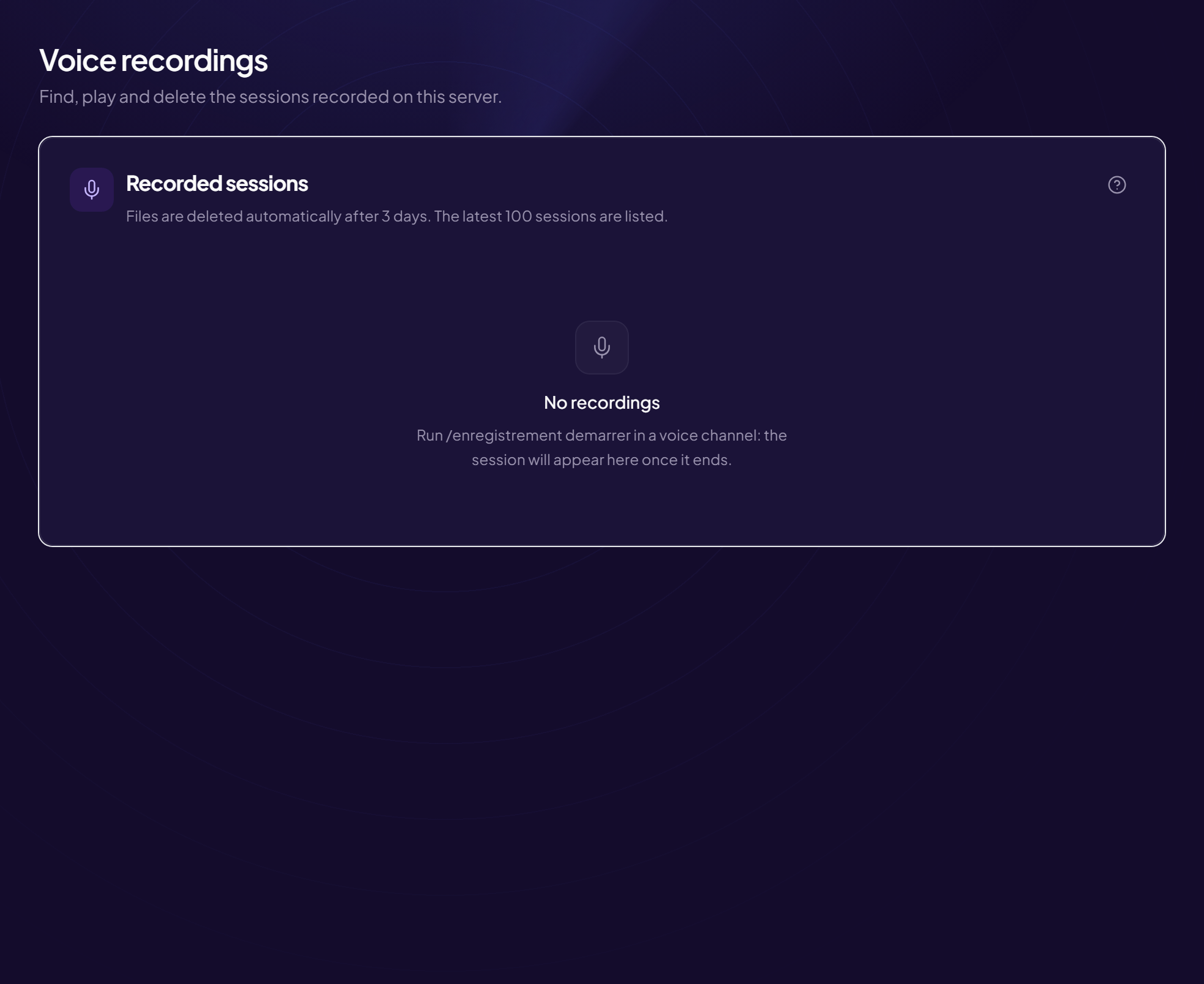
/enregistrement demarrer
Start recording your voice channel
/enregistrement demarrer[duree][video]
Parameter
Type
Required
Description
duree
integer
optional
Maximum duration in minutes (default and cap: 10)
Between 1 and 10
video
yes/no
optional
Also generate a video showing who speaks (slower to encode)
/enregistrement arreter
Stop the current recording and post the file
/enregistrement arreter
/enregistrement statut
Show the running recording and speaking time
/enregistrement statut
/enregistrement refus
Never be recorded on this server again (or undo it)
Publishes the rules with an accept button that grants a role. Accepting creates an
act: nobody can claim they did not know, and an automated account that never clicks gets
access to nothing.
Ten rules at most, describing observable facts rather than intentions: “no insults aimed at a
person” can be checked, “be respectful” cannot.
Invite members to link their Twitch account (XP and rewards)
Links a Twitch channel to the server. Linking goes through a Twitch authorisation,
revocable at any time from the account settings: no password is transmitted.
It opens four separately enableable features: chat commands, chat moderation, a bridge to a
Discord channel, and shared XP across both platforms.
/twitch-lier[salon]
Parameter
Type
Required
Description
salon
channel
optional
Channel to post the invitation in (default: here)
general
Lina used /twitch-lier
OriusBotBOT
OriusBot is thinking
/twitch-lier
Invite members to link their Twitch account (XP and rewards)
Sample reply: the bot answers in this shape.
/twitch-liersalon
Preview — reconstruction of the run
🖱️ Context menus
Actions available on right-click, with nothing to type: on a member or on a message, Apps menu. They always answer privately, visible to you alone.
Right-click a message → Apps → Avertir l'auteur. The answer is visible to you only.
Warns the author of the message you right-clicked, with no need to look up their name or
copy the context. The message concerned is attached to the warning automatically.
Right-click a message → Apps → Escalader l'Incident. The answer is visible to you only.
Escalates a situation to the next level of the team, with the message and its context. For
when the decision goes beyond what one moderator can settle alone — and it avoids the private
message that leaves no trace.
Right-click a member → Apps → Historique. The answer is visible to you only.
A member’s history without leaving the conversation: sanctions, warnings, notes, seniority.
This is the check to run before sanctioning, and right-click makes it fast enough that it
actually gets done.
Historique de l'auteuron a messageTimeout members#
Right-click a message → Apps → Historique de l'auteur. The answer is visible to you only.
The same thing, starting from a message rather than a member. Useful when you come across a
questionable message without knowing who wrote it.
Right-click a message → Apps → Signaler à OriusLens. The answer is visible to you only.
Sends a message to content analysis so it can be examined and, if confirmed, recognised
elsewhere. A report made here therefore protects other servers, not just yours.
📡 Live
What is happening on the channel right now: uptime, category, title, viewers.
Captures the last few seconds of the stream. It is the most useful command of the set: it
keeps a moment without taking your eyes off the game, and anyone in chat can fire it at the right
instant.
Runs an ad of a given length. Telling chat one sentence beforehand avoids half the negative
reactions: what annoys people is not the ad, it is having it arrive unannounced.
Sends your viewers to another channel at the end of the stream. It is the most
community-building gesture there is: it turns the end of a stream into an introduction rather
than a dispersal.
Changes the category. Doing it as you switch matters for discovery: Twitch files the stream
under the displayed category, not the one actually being played.
Changes the stream title without going through the Twitch dashboard. In practice, it is
what lets you update the title the moment you switch activity, rather than leaving it wrong all
evening.
Warns someone publicly, without a sanction. It is the step most often missing: between
doing nothing and excluding, a named reminder settles most cases.
Permanently bans someone from chat. Keep it for advertising spam and attacks: on Twitch a
ban is publicly visible, and a debatable ban occupies the chat for twenty minutes.
Clears a person’s recent messages. Used to remove a link or an insult from the feed without
excluding anyone: chat forgets very quickly, provided the message is not left on screen.
Temporarily excludes someone from chat. On a fast-moving chat, a short timeout is nearly
always enough: it interrupts without turning the incident into an event.
Chat only accepts emotes. Used to cut an argument short without closing the chat: nobody
can write a sentence any more, and the mood usually settles within a minute.
Imposes a delay between two messages from the same person. It is the gentlest answer to a
chat running away: the conversation continues, but it becomes readable again.
Restricts chat to subscribers. Effective against a wave of abuse, and to be lifted straight
afterwards: left on, it shuts out the part of the community that does not pay.
Restricts chat to people who have followed the channel for a while. A compromise between
fully open and subscriber-only: it filters accounts created for the occasion without shutting out
regulars.
Highlights another channel in chat. The usual gesture after a raid, or when someone in chat
also streams: it costs one command and is remembered for a long time.
How long someone has followed the channel. Mostly used to thank people at the right moment,
and to spot an account created the same day when a doubt arises.
The experience earned in chat. It feeds the same counter as the Discord server when
the two are linked: watching the stream makes progress over there, which brings the two
communities together instead of letting them ignore each other.
Removes the moderator role. Doing it when someone drifts away is part of a channel’s
hygiene: an inactive account holding rights is a risk, not a memento.
Grants VIP status. With no moderation power: it is a visible recognition, and VIPs bypass
subscriber-only mode — which makes it the right reward for a loyal regular.
Closes the poll and announces the result. Announcing the result matters as much as the poll:
a vote whose outcome is never seen discourages the next one.
Heads or tails. Same use as the die — settling an improvised choice — with two outcomes
instead of six, which suits a yes-or-no question put to chat better.
Starts a poll in chat. Live, a poll is mostly for letting viewers settle a decision — the
next game, the next difficulty — rather than measuring an opinion.
!sondage <question> | <choix 1> | <choix 2> …
Also : !poll
⚙️ Settings
The commands that configure the bot itself, custom commands included.
Create a custom command, and choose who may run it.
Creates a custom command, and chooses who may run it at creation time. Setting the
audience afterwards leaves a window during which the command is open to the whole chat — which is
exactly when everyone tries it.
Each rank also opens to those above: a command reserved for subscribers stays usable by
moderators and the streamer. Knowing this saves creating one command per rank.
Edits an existing command: its response, its audience, its cooldown. The audience vocabulary
is the same as at creation — learning a word on one side only to have it refused on the other
would make no sense.
!editcom <nom> <cooldown|role|on|off> <valeur>
🧭 Overview
What you look at on arrival: which modules are running, what the server is doing, and the settings that apply to everything else.
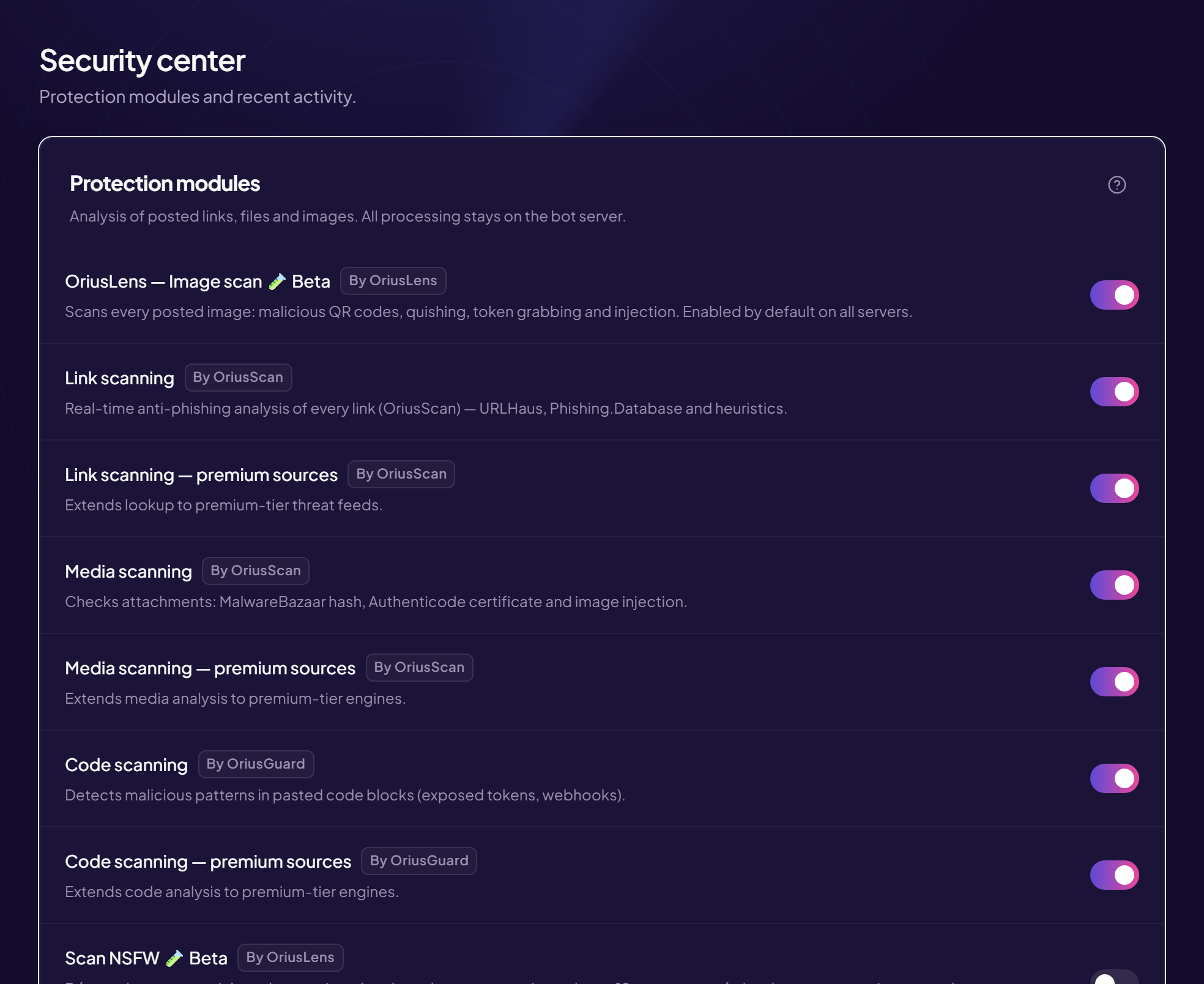
The list of everything the bot can do, with a switch per feature.
Modules — The list of everything the bot can do, with a switch per feature.
Installing the bot enables nothing. Every module — welcome, levels, tickets,
auto-moderation, alerts — starts off, and that is the number one cause of
“the bot isn’t working”: people wait for a welcome message that was never turned on.
This page is therefore the starting point, and it exists as much to show what is
asleep as to switch on what you want. A list showing only active modules would
stop you discovering what you are not using yet. Each row links to the matching
settings page: the switch turns a feature on, it does not configure it.
Turning a module off deletes nothing: settings and data stay in
place, and switching it back on restores the previous state.
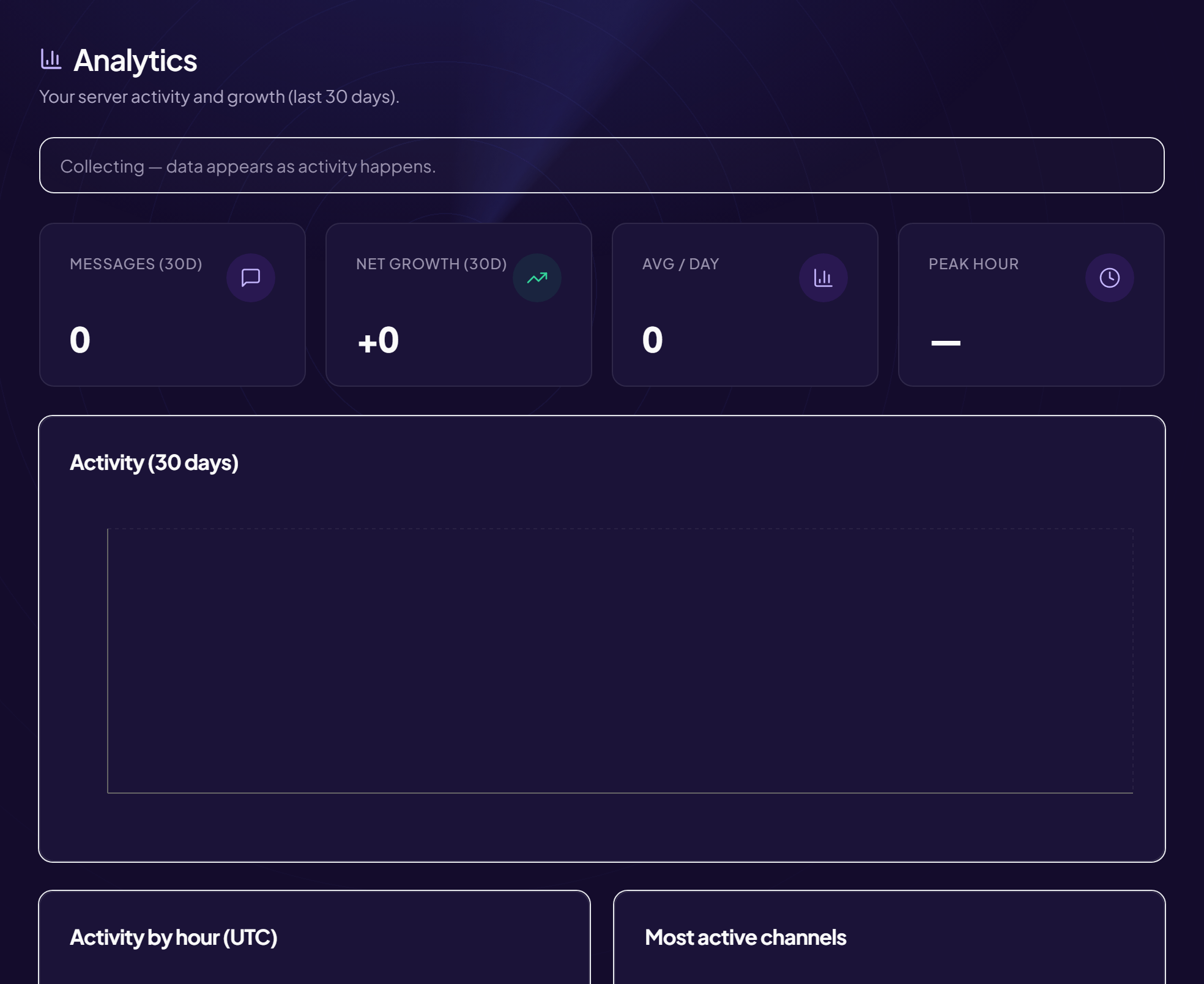
The server’s real activity: messages, joins, leaves, which channels are alive.
Analytics — The server’s real activity: messages, joins, leaves, which channels are alive.
Member count says nothing. A three-thousand-member server where forty people
write is smaller than a two-hundred-member one where fifty talk every day. This page
separates the two: it counts messages, joins and leaves over
time, and shows which channels actually carry the conversation.
Two readings are worth doing regularly. A widening gap between joins and
leaves means the problem is at the door, not in recruitment. And one channel
permanently topping the chart while the others sit empty means there are too many
channels, not too little activity.
No message content is stored here: these are counters, not a history.
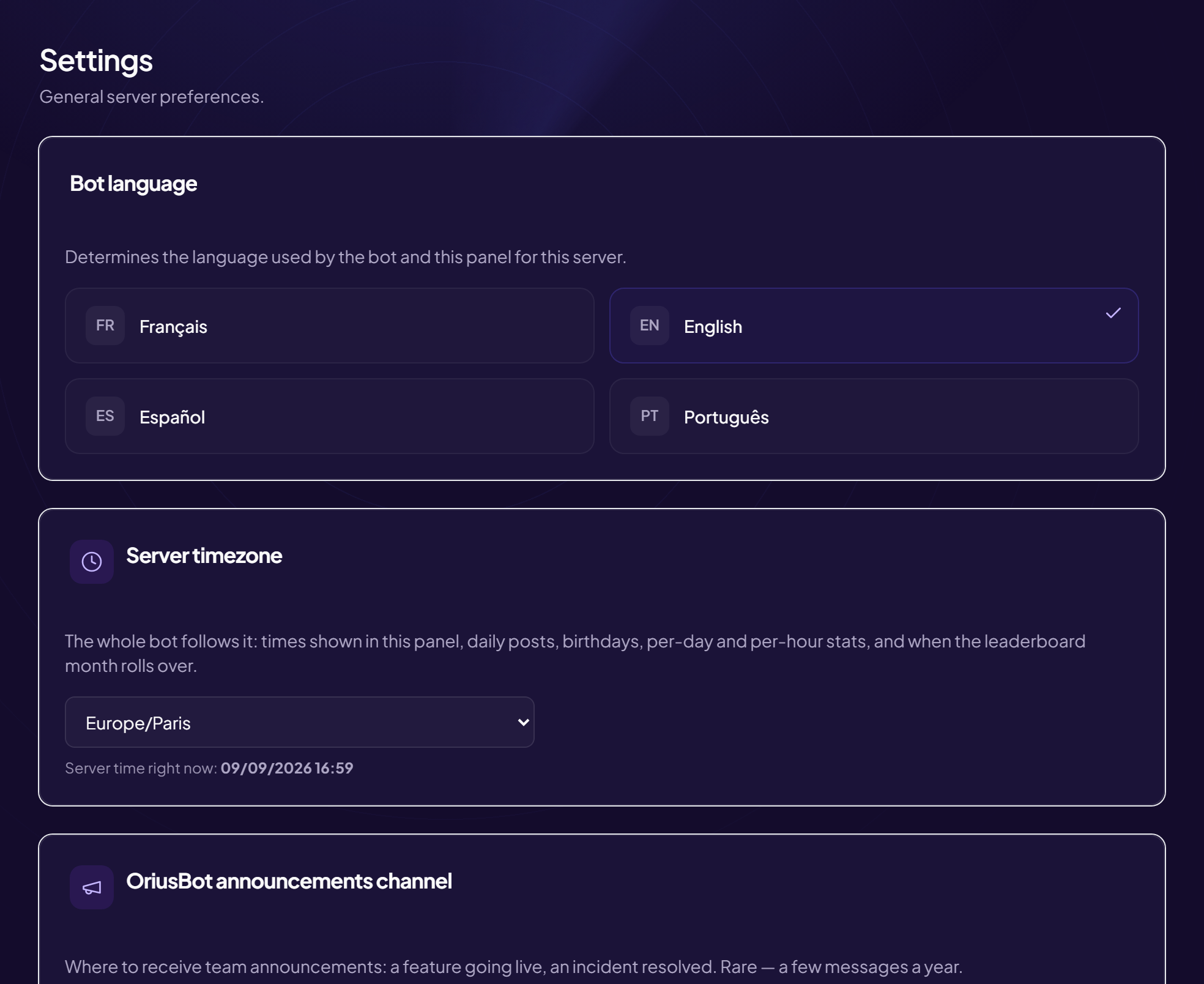
The bot’s language, the server’s time zone, and prefixes. These three settings apply to everything else.
General settings — The bot’s language, the server’s time zone, and prefixes. These three settings apply to everything else.
The language decides which language the bot uses with your members:
welcome messages, refusals, announcements, level-ups. It is chosen per server rather
than per member, because those messages are public — everyone reads the same one. Four
languages are available: French, English, Spanish, Portuguese.
The time zone is at once the least noticed and the most visible setting. It
drives the birthday announcement time, the daily question, scheduled messages and the
economy’s daily close. Left on UTC, everything lands when nobody is around — two in
the morning in summer for a European server.
Changing the time zone does not shift events already scheduled at an
absolute time: check them afterwards.
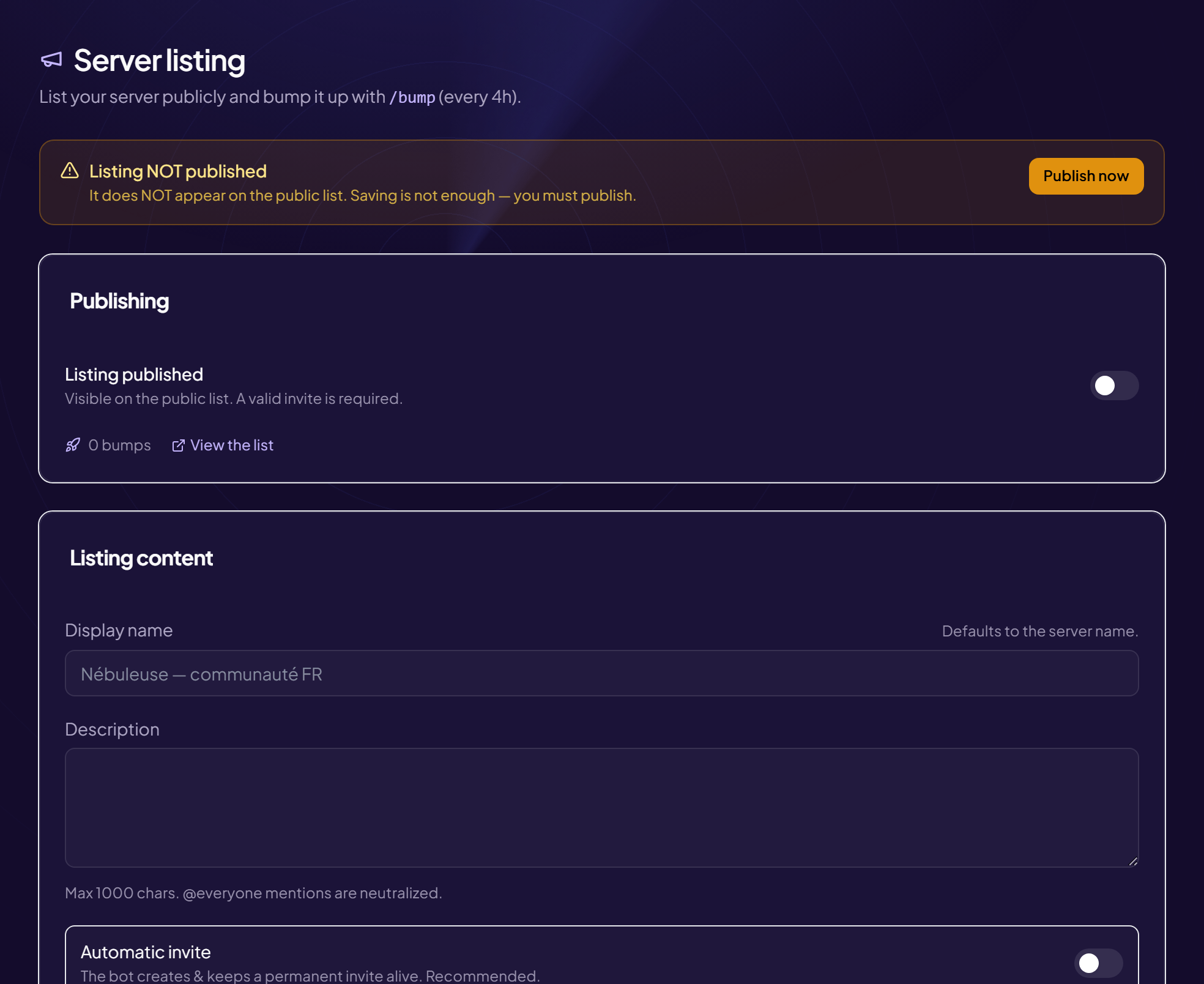
The server’s public page on oriusbot.com, and the command that bumps it.
Public server listing — The server’s public page on oriusbot.com, and the command that bumps it.
A server can publish a listing on the public directory: description, tags,
banner, invite link. It is indexable by search engines, which makes it a lasting way in
— unlike a message posted on an advertising server, which vanishes within the hour.
Ranking depends on the bump: a command, available every four hours, that
pushes the listing back to the top. The interval is not arbitrary; it stops one server
from owning first place by posting every minute.
Two things to know. The description is filtered: invites to other servers and
injection attempts are stripped. And a listing marked 18+ is not indexed — deliberately,
and that also keeps it out of the sitemap.
/dashboard/serveur
🛡️ Moderation and security
What filters, what sanctions, and what keeps the record. These pages are the only ones holding personal data.
What is watched, and what happens next — repeat offences included.
Auto-moderation and sanctions — What is watched, and what happens next — repeat offences included.
The page reads in two parts. At the top, what is detected: spam, links,
invites, caps, mass mentions, toxicity, banned words. At the bottom, what it
triggers: the ten triggers are grouped into three families by what they cost the
community — what disturbs reading, what targets members, what puts the
server in danger. You set three families instead of judging ten rows one by one.
Repeat offences are what makes the system consistent: after n times the
sanction steps up, and the memory of past offences expires after a number of days you
choose. Without expiry, someone warned twice eight months ago gets excluded over an
unrelated trifle.
Holders of the “Manage messages” permission are never sanctioned
automatically, and role or channel exemptions are checked before the message is
deleted.
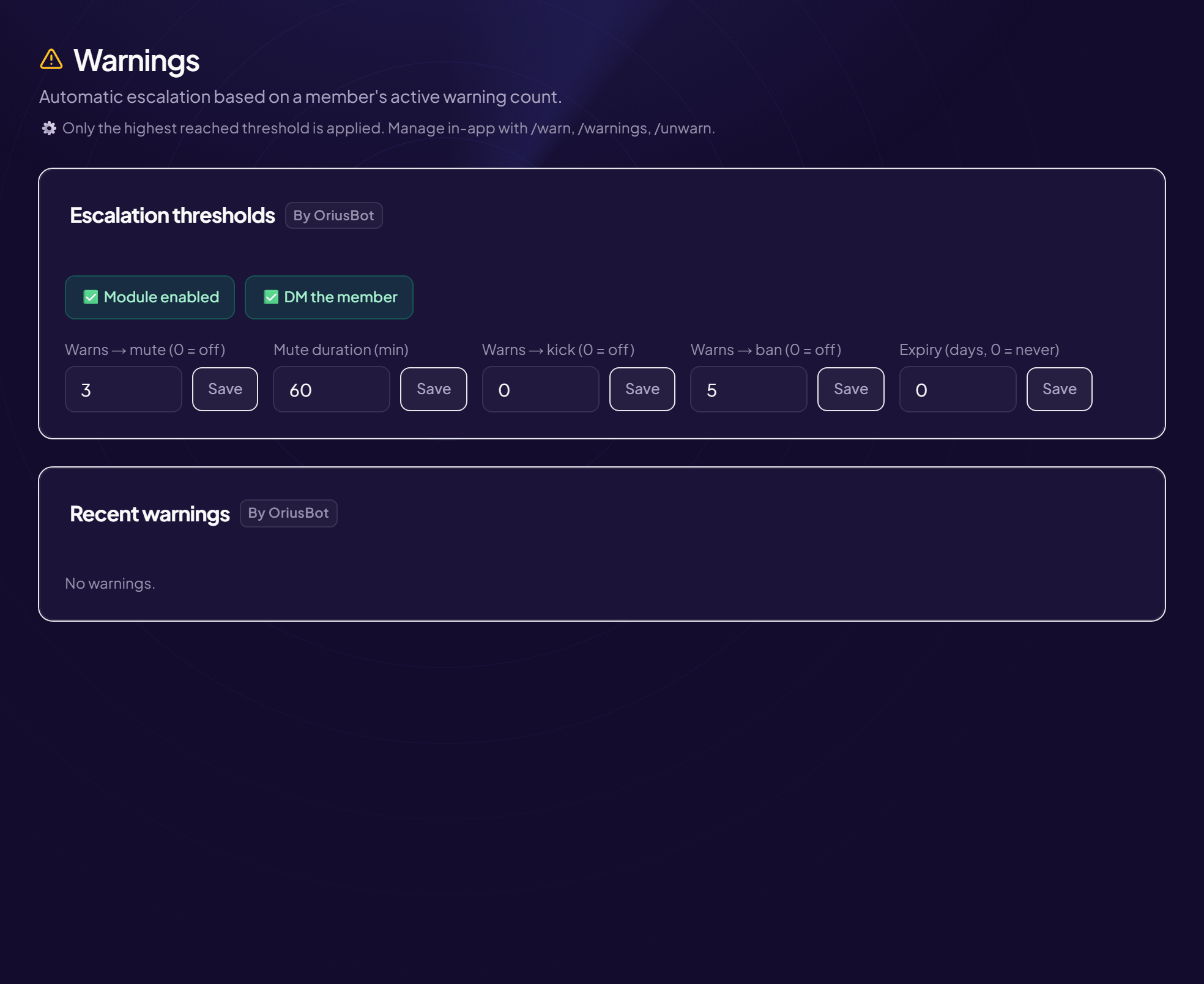
Automatic escalation thresholds and each member’s history.
Warnings — Automatic escalation thresholds and each member’s history.
A warning exists first to keep a record: without history, the moderator on
duty treats as a first incident what is the fourth this week. The rest — telling the
person, triggering what follows — flows from that.
Thresholds decide the automatic sanction: from n warnings, a timeout, then a kick,
then a ban. The point is not severity but consistency: the same behaviour gets
the same answer whoever is on duty.
Importing a history from another bot must be silent: otherwise the
thresholds all fire at once and exclude ten members over year-old facts.
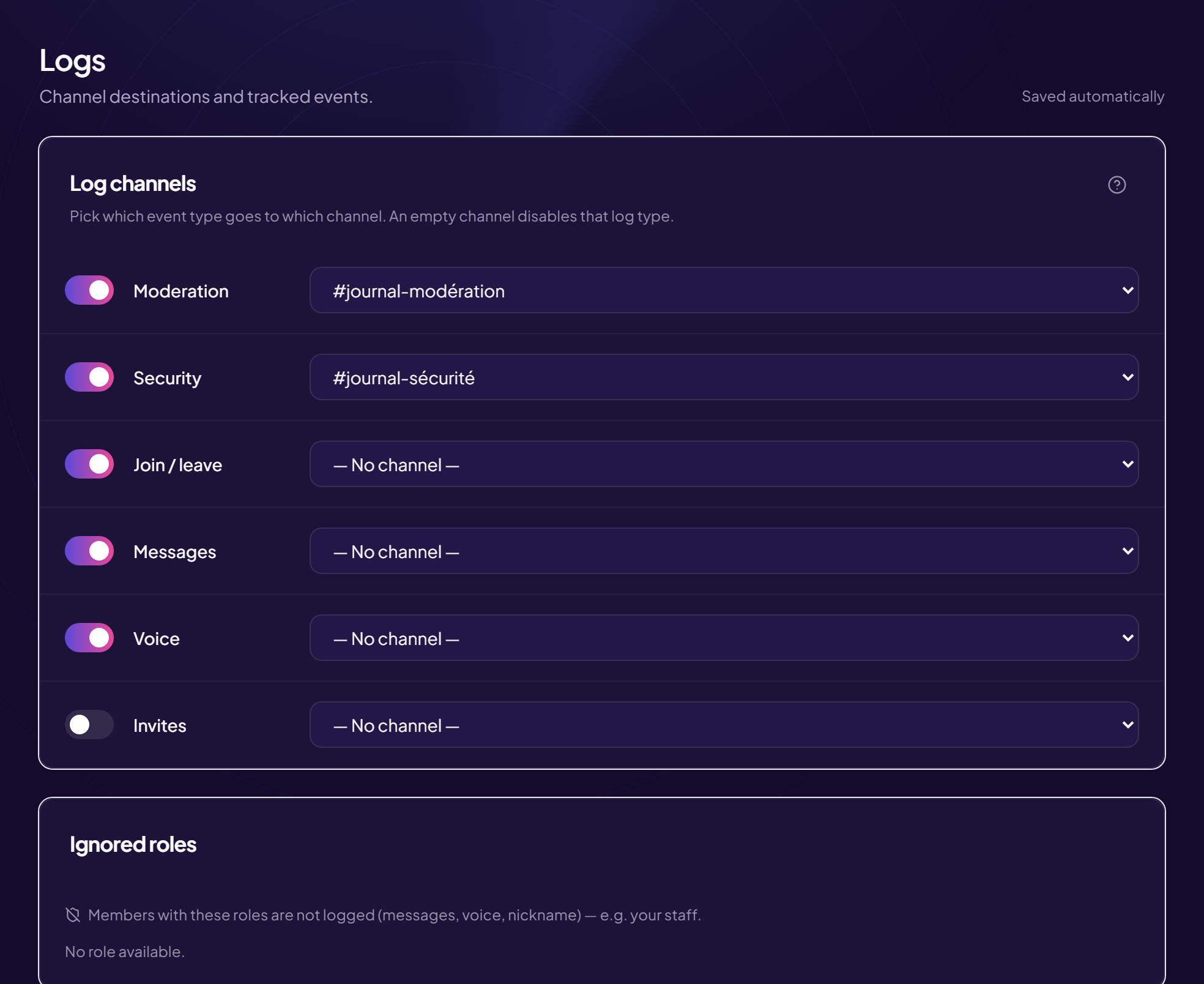
Which events to log, in which channels, and what to filter out.
Logs — Which events to log, in which channels, and what to filter out.
Discord’s audit log keeps only 45 days and never records the content of a
deleted message. That is exactly what you need when a problem surfaces: what was
written, and by whom.
Three channels beat one. Messages — the chattiest. Moderation —
sanctions and decisions. Server — channels, roles, permissions, joins and
leaves. The third is quiet in normal times, which is precisely why sudden activity
shows up there.
Channel and role filters remove half the noise: a command or game channel produces
dozens of pointless deletions, and bots fill the log for nothing.
A message is only logged if the bot was present when it was sent:
configure logs before you need them.
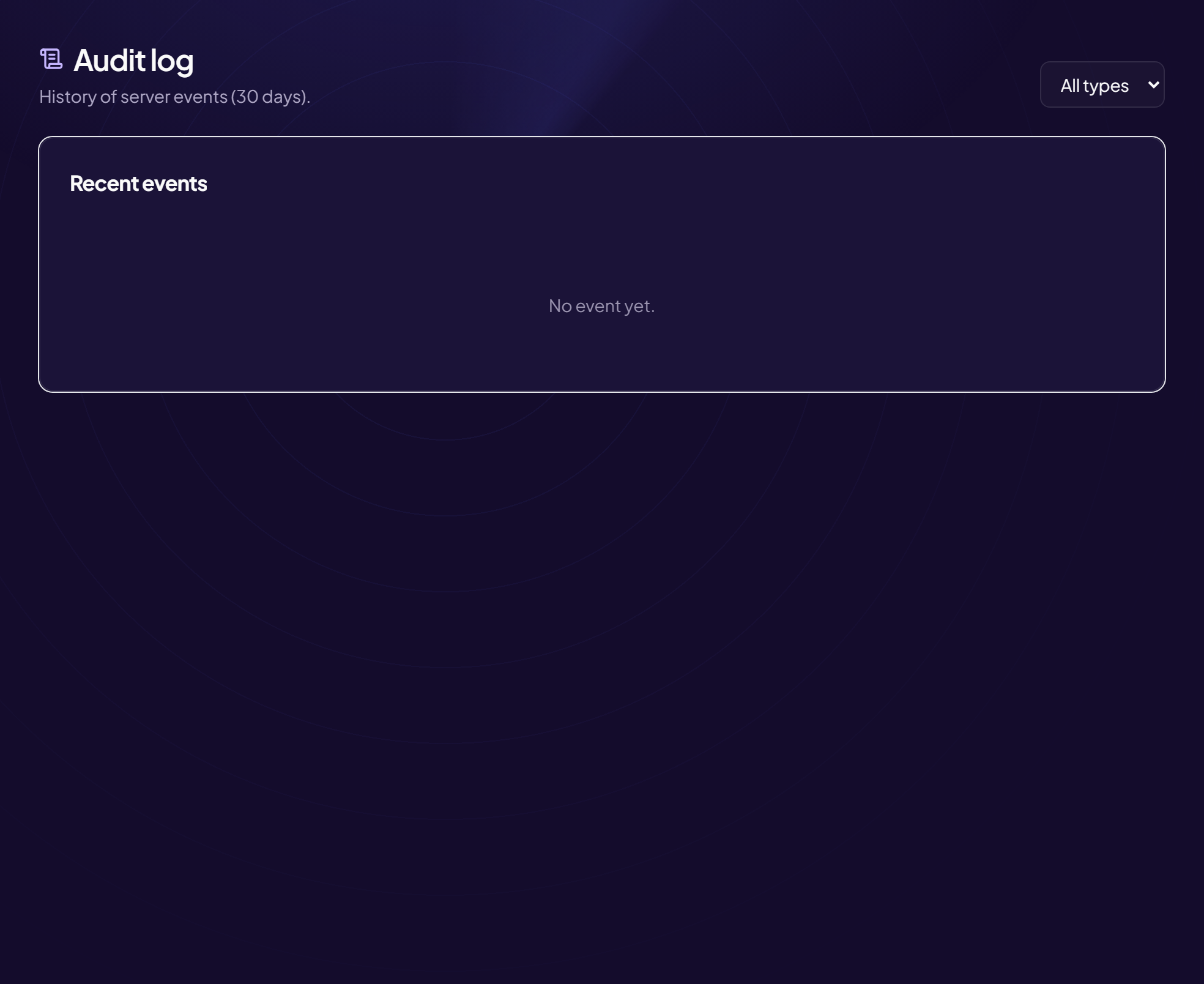
Who changed what in the panel, and when. Thirty days of history.
Panel audit log — Who changed what in the panel, and when. Thirty days of history.
Discord’s audit log records what happens on Discord. It sees nothing of
what is changed from the panel: a lowered auto-moderation threshold, a switched log
channel, a module turned off. This page fills exactly that gap.
It is mostly used after the fact, for one precise question: “since when has this
stopped working?”. The answer is almost always a setting changed by someone who no
longer remembers — and that is information, not an accusation.
On a server with several administrators it is also the only place that shows a
change really came from a legitimate account, and not from a compromised one.
File, link and image analysis, anti-raid and anti-nuke.
Security — File, link and image analysis, anti-raid and anti-nuke.
Three different protections live here, and it helps to tell them apart.
Content analysis looks at what is sent: files, links, images. A phishing
link, an archive containing an executable, a screenshot showing a fake login form. It
acts on the message, not on the person.
Anti-raid looks at arrivals: ten accounts created the same day joining within
two minutes. It acts on the flow, locking the door while the wave passes.
Anti-nuke looks at what already-privileged accounts do: channels deleted in
series, roles stripped en masse. It is the only protection aimed inwards, and therefore
the only one that helps against a compromised trusted account.
Everything is off by default. A protection turned on without being
tuned is more dangerous than none: it eventually punishes a legitimate member, and the
team switches it off the next day.
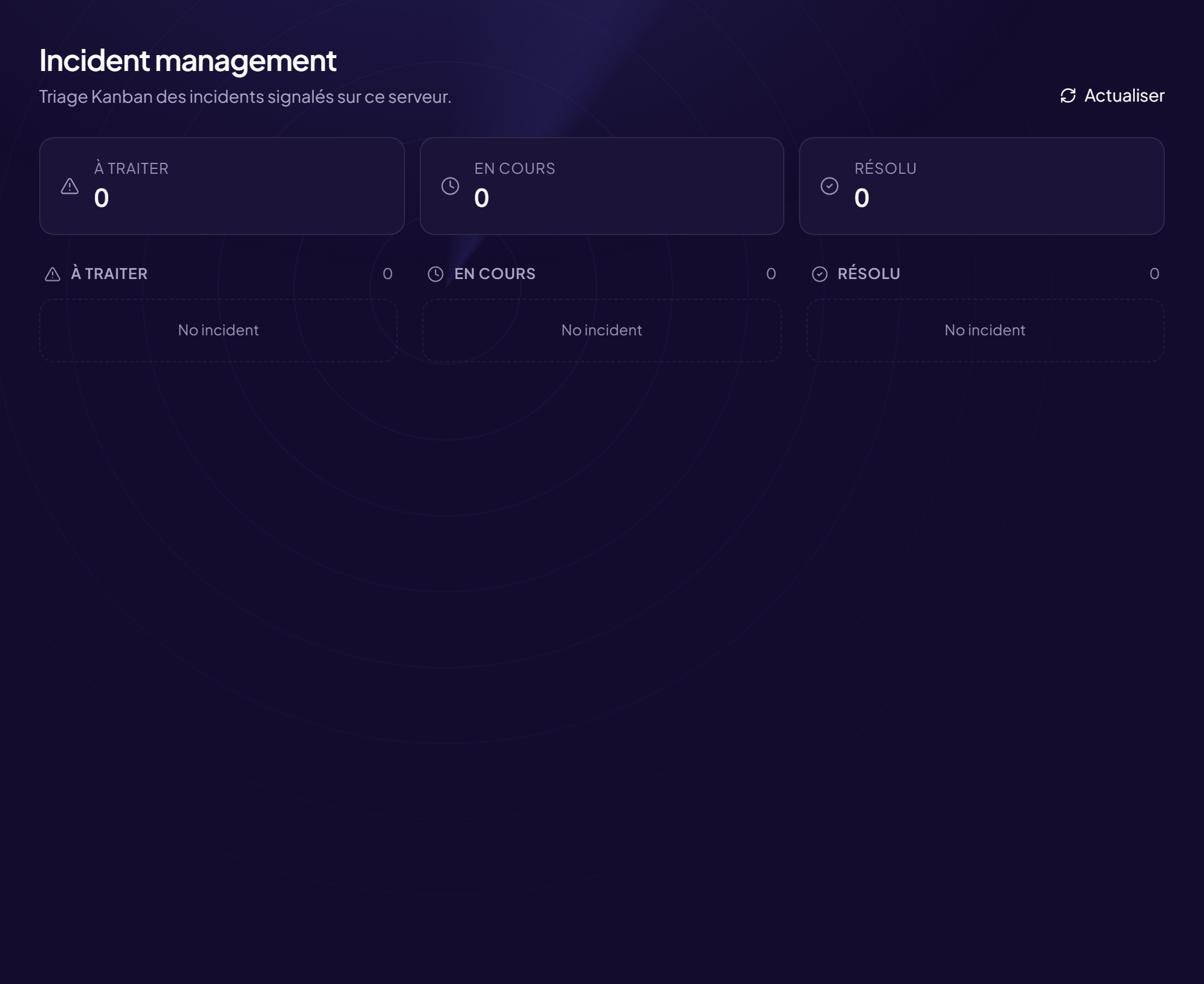
Member reports, gathered in one place with what happened next.
Reported incidents — Member reports, gathered in one place with what happened next.
A report sent by private message to one moderator exists only in that
conversation: nobody else sees it, nothing records it, and if that moderator goes away
the report goes with them.
This page centralises reports made from Discord, with the message concerned, the
person targeted and the reporter. Each incident carries a state — received, in
progress, handled — and the name of whoever is on it, which avoids the two symmetrical
failures: three moderators working the same case, or nobody working it because each
assumes someone else is.
Its main value is cumulative: three separate reports about the same person in a
month only stand out once gathered.
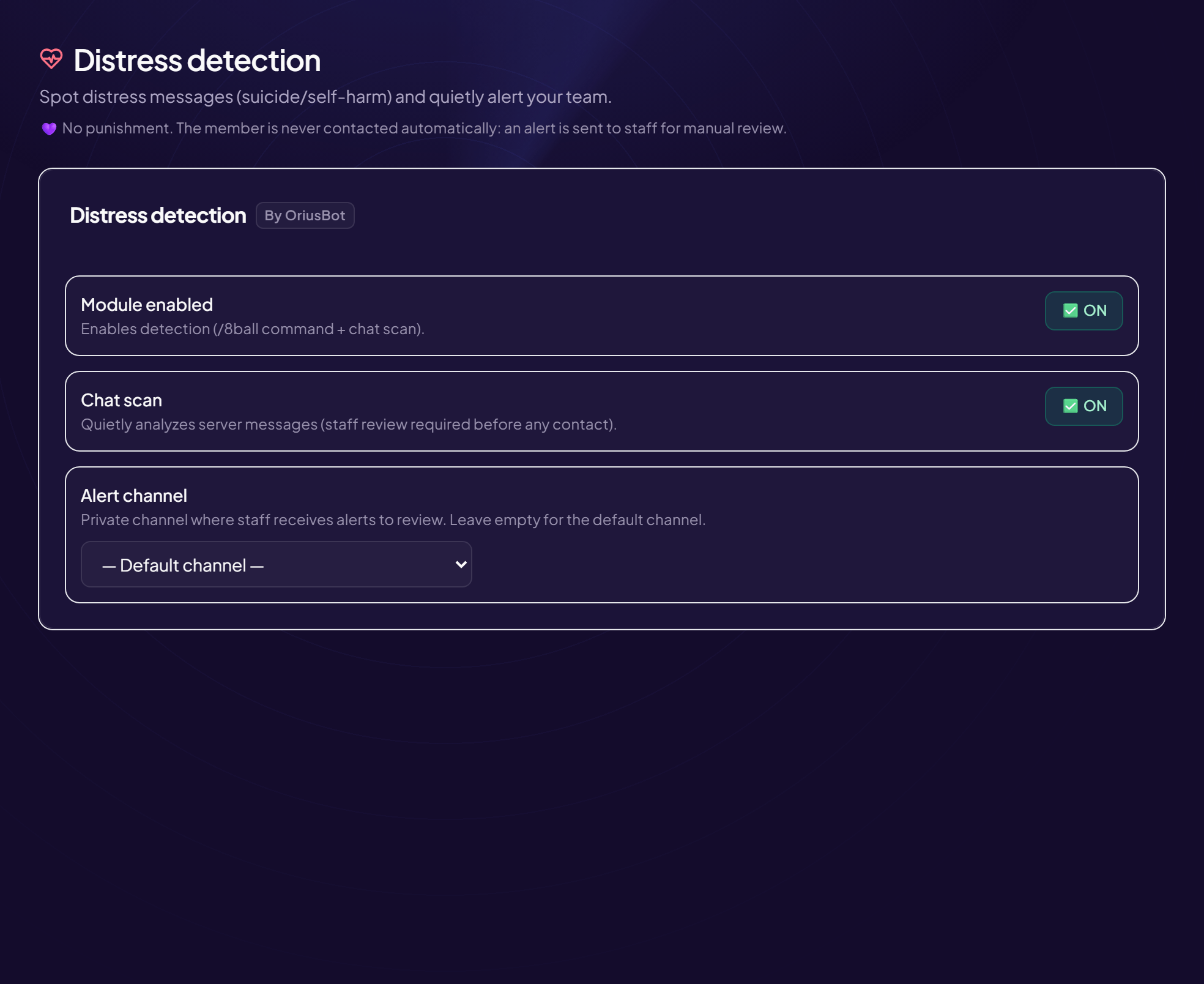
Spots distress messages and quietly alerts the team.
Distress detection — Spots distress messages and quietly alerts the team.
Some messages are not a moderation matter. A member talking about suicide or
self-harm breaks no rule: they need to be noticed. This detection exists for that, and
for nothing else.
It is deliberately quiet: nothing is deleted, nothing is announced publicly,
no sanction is taken. An alert goes to a channel reserved for the team, with the
message and its author. What follows is human.
Two things to settle before enabling it. Who receives the alert — a
restricted team channel, not the general moderation channel. And what you say:
knowing in advance who reaches out and which resources to point to avoids improvising
at the worst moment.
A false positive is harmless here: at worst, someone checks in on
someone who was fine.
Captcha — The challenge at the door, and what it gates.
A captcha does not make a server unassailable: it makes the attack
expensive. Getting a hundred automated accounts to join costs nothing; getting
them to solve a hundred challenges costs time, or money. Most campaigns stop there,
simply because the next target is easier.
Two forms exist. The image challenge is solved inside Discord, without
leaving the server. The web challenge serves several randomly drawn puzzles and
redraws on every failure, which makes it considerably harder to automate.
The setting that matters most is not difficulty but the link with auto-role:
until the challenge is passed, no role is granted. Without that condition the captcha
becomes decorative — the account already has its access before it ever fails.
Leave one channel readable without validation: a member stuck at the
captcha must be able to tell someone.
/dashboard/captcha
🎉 Community life
What gives people reasons to come back: levels, currency, events, games, channels created on demand.
Text and voice gains, roles per tier, and the level-up announcement.
XP and levels — Text and voice gains, roles per tier, and the level-up announcement.
Three settings decide whether the leaderboard measures participation or chatter.
The delay between two gains — sixty seconds — makes spam pointless. Voice
XP counts time actually spent talking, which is not as easy to fake as a run of
messages. Excluded channels take out of the count the places where people post
without writing: commands, memes, games.
Roles per tier are the visible part. A first tier reachable in a week gives a
reason to stay; the later ones, further and further away, give something to aim at. A
tier that opens a right — a channel, the ability to create a voice room — is worth more
than one that grants a colour.
The announcement is chosen here: plain text, a customisable embed, or a
generated image with the avatar on a background you supply. On a busy server, a
dedicated level-up channel settles the noise question for good.
What the currency buys — the only thing keeping it from losing all value.
Shop and economy — What the currency buys — the only thing keeping it from losing all value.
Nearly every server economy dies the same way: money comes in faster than it goes
out. Within two weeks the regulars have tens of thousands of coins and nothing left to
do with them; the leaderboard freezes and nobody plays any more.
The shop is the first outflow, and the easiest to set up. You sell whatever
you like: a colour role, access to a channel, the right to pick the daily question. The
point is not the item, it is that it carries visible social value — something others
notice.
Prices matter more than earnings: a token item should cost two or three daily
rewards, a prestige item several weeks. A limited stock turns an item into an event
rather than a catalogue.
Giveaways — Prizes, entry conditions and automatic draw.
A loosely framed contest mostly attracts accounts created that morning, which
leave the day after the draw. Two conditions handle most of it: a required role,
earned through a level tier or after verification, and a minimum time on the
server.
The automatic draw settles fairness — nobody chose — and lets you redraw
cleanly when the winner never shows up. Announce that delay in advance: without it,
every redraw looks like an arbitrary decision.
Always announce the winner publicly. A contest whose result is never
seen kills participation in the next one.
Announce a gathering, count sign-ups, remind on time.
Events — Announce a gathering, count sign-ups, remind on time.
An event announced in the general channel is forgotten within two hours. An event
post with sign-ups solves three things at once: it stays consultable, it says how
many are coming, and it lets you ping only the registered people when it starts.
The waiting list is worth enabling as soon as seats are limited: without it, a
cancellation leaves an empty seat while three people were waiting for it. The header
image is optional but changes how visible the post is.
Times use the server’s time zone: nobody has to convert in their head, which
is what prevents people showing up an hour off.
Daily question, counting channel, best-messages wall, member milestones.
Daily community life — Daily question, counting channel, best-messages wall, member milestones.
Silence on a server is not a lack of interest: nobody wants to be the one writing
into an empty channel. All automatic activity exists to provide that opening line, at a
fixed time, without the team having to think about it.
The daily question is the highest-yield mechanic, provided it is open without
being vague: a question answered in one word closes the conversation instead of opening
it. The counting channel works through its collective record — it produces
conversations elsewhere, about who broke the streak. The best-messages wall needs
a well-set reaction threshold: too low and it fills with everything, too high and it
stays empty.
Two or three automatic messages a day at most. Beyond that, the server
looks like it is being animated by a robot in an empty room.
The channel, the announcement time, and the role for the day.
Birthdays — The channel, the announcement time, and the role for the day.
Only the day and month are asked of members. The year serves no part of the
feature, and collecting it would turn a harmless detail into sensitive personal data.
Signing up stays voluntary, and is removed as easily as it is added.
The announcement time follows the server’s time zone. That detail decides
whether the feature looks polished or sloppy: at midnight UTC the message lands at two
in the morning in summer, when the channel is empty.
The role for the day turns a line of text into a small event — the nickname
changes colour in the member list. It must sit high enough that its colour is not
overridden, and it is removed the next day.
The generator channel, the host category, and what the owner can adjust.
Temporary voice channels — The generator channel, the host category, and what the owner can adjust.
A single channel stays visible at all times: entering it creates a voice room and
moves the person into it, and the room disappears once empty. The voice list then
reflects what is actually happening — a visible room means someone is in it.
The creator gets a control panel: rename, limit seats, close entry, kick, block,
transfer. Transfer and automatic hand-over are what gets forgotten at design time
and what causes trouble every evening: without them, a room whose creator has left has no
owner and nobody can adjust anything.
A “private” room is only private if the host category is: the category’s
permissions override whatever the panel claims to apply.
/dashboard/tempvoice
👋 Welcome and roles
A new member’s first minute, and how they get their access afterwards.
The channel, the message format, and the image generated with the avatar.
Welcome message — The channel, the message format, and the image generated with the avatar.
A new member decides within a minute whether to stay. What they read at that moment
weighs more than everything the server offers afterwards — and “welcome, have fun” teaches
them nothing, since they are looking at thirty channels they know nothing about.
A good message contains an action: go to a specific channel, answer a question,
or pick roles to reveal the rest of the server. The third works best when part of the
server is hidden: it explains why there is so little to see, which is otherwise the main
cause of people leaving.
Three formats: plain text, an embed, or a generated image with the avatar and
nickname on a background you provide. Test it with a long nickname: a template validated
with “Bob” overflows on day one. The test button exists for that.
Roles granted on arrival — and the condition holding them until verification.
Auto-role — Roles granted on arrival — and the condition holding them until verification.
Setting permissions on @everyone looks simpler and creates a structural problem:
@everyone includes accounts that just arrived, those that have not verified, and those you
are currently sanctioning — you cannot take anything away from it. With a “Member” role,
removing the role is enough to isolate someone without banning them.
If the server has a verification step, the role must only be granted afterwards.
An immediate auto-role cancels the whole point of the captcha: the automated account gets
its access before it has even failed the challenge.
The bot’s role must sit above the roles it grants. Otherwise the
assignment fails silently, and all you notice is that newcomers have nothing. This is not
a permission question: an administrator bot placed low in the list fails just the same.
Buttons or a dropdown, built on screen then published.
Role menus — Buttons or a dropdown, built on screen then published.
Buttons work up to around ten roles: everything is visible at once, one click
adds or removes. A dropdown works beyond that, and especially when the roles form a
family you pick from — a colour, a region, a platform — because it can enforce a single
choice.
Discord’s limits only show at publish time: five buttons per row, five rows per message,
twenty-five options per list. Building the menu here avoids discovering the overflow when
sending.
No role carrying a permission belongs in a menu: a menu hands out
roles with no human check. Nor do level-tier roles — their value comes from being earned.
Who can run which command, in which channel, and how often.
Command permissions — Who can run which command, in which channel, and how often.
An installed bot offers a hundred commands to everyone, everywhere, all at once.
This page restricts each one by role, by channel, disables it, or imposes a
delay between uses.
Discord’s own setting and this one do different jobs: Discord decides who sees a
command, the bot decides who may run it. Here, commands stay visible to everyone and
the bot refuses the ones that are not allowed, saying why — a member learns how the server
works instead of discovering elsewhere a feature they thought did not exist.
One thing to settle explicitly: does the moderation role bypass automatic filters?
Convention says yes for filters, no for logs — a waiver from automation, not a blind spot.
/dashboard/commands
📡 Notifications
Telling the community when something happens elsewhere: a stream, a video, an article.
The three sources on one page, with the role to mention and the channel.
Twitch, YouTube and RSS alerts — The three sources on one page, with the role to mention and the channel.
Three different sources, one setting to understand: the role to mention. An
@everyone on every stream start guarantees that within two weeks nobody receives anything
— members mute the server, including for your important announcements. A role taken
voluntarily gives you an audience that actually cares.
Twitch announces within seconds, because the platform notifies the bot.
YouTube and RSS arrive with a slight delay: they rely on periodically
reading a feed, which avoids any API key and any daily quota.
Two behaviours to know. On activation the feed already contains posts: they are marked
as seen, otherwise the channel would receive fifteen notifications for six-month-old
videos. And a connection drop on the streamer’s side does not produce a second
announcement for the same stream.
A feed address is an address the bot will visit: internal addresses are
refused, and feed content can never trigger a mention.
Linking your channel: chat commands, moderation, bridge to Discord and shared XP.
Linked Twitch channel — Linking your channel: chat commands, moderation, bridge to Discord and shared XP.
Linking a channel opens four separate features, each of which can be enabled on its
own. Chat commands — fifty built in, plus your own. Chat moderation, reusing
the detection already tuned on the Discord side rather than maintaining a second one. The
bridge between Twitch chat and a Discord channel. And shared XP: talking in
chat, or simply watching, makes progress on the Discord server.
Linking goes through a Twitch authorisation, revocable at any time from your account
settings: no password is transmitted. To moderate, the bot must be a channel moderator; to
answer commands, it need not be.
The bridge only makes sense on a modest-sized channel, or with filtering: a
thousand-viewer chat pours several messages a second into the Discord channel.
/dashboard/streams
🧰 Team tools
The team’s daily work: what is waiting for an answer, support, the bot’s messages, recordings.
Everything waiting for a human answer, gathered and sorted by age.
To handle — Everything waiting for a human answer, gathered and sorted by age.
What is waiting for a decision is scattered: an open ticket here, an application
there, an unanswered suggestion, a report, an appeal after a sanction. Each in its own
page, and therefore each forgotten in turn — the backlog only becomes visible once it has
become a problem.
This queue gathers seven sources into a single list, sorted by age: the longer a
request has waited, the higher it climbs. That is deliberate — sorting by arrival date
leaves old cases at the bottom, exactly where they already are.
Each source is queried separately: if one fails, the others still show. An empty
queue because a query crashed would look like an empty queue because there is nothing to
do, and that is the worst possible confusion here.
Opening panels, request topics, and publishing to Discord.
Support tickets — Opening panels, request topics, and publishing to Discord.
A ticket is a private channel opened on demand, visible to the person and to the
team. It moves support out of private messages — where nothing is recorded, nothing can be
handed over, and the most visible person receives everything.
Topics are what make the system usable: a general question, a report, a technical
problem, an appeal after a sanction. Each can have its own welcome message, team and
channel category. The appeal topic deserves separate handling: the ticket must not land
with the person whose decision is being challenged.
The panel is built here and then published to the chosen channel, as buttons or a
dropdown. The transcript on closing is what remains once the channel is gone — and you
notice that exactly on the day you need it.
The bot answers common questions in tickets, and calls the team when it does not know.
The section lives at the bottom of the Tickets page. You write entries there — a
question, an answer — and the bot uses them to handle first-level support: when a ticket opens
it introduces itself, mentions nobody, and offers the common questions as clickable
buttons.
What decides its usefulness is not its understanding but the moment it goes quiet:
as soon as a team member writes or claims the ticket, it disappears for good. After two
failures — or one click on “Talk to a human” — it calls the team.
Write the question the way a member would ask it, not as a documentation heading.
The Other phrasings field is the most useful of all: that is where the server's own
vocabulary goes, and wordings in other languages. The bot rephrases what it receives on its
side — accents, digit-for-letter writing, abbreviations, word stems — before comparing, which
lets it reach an English entry from a Spanish question.
Two tools make tuning possible. The test bench tries a question without touching a
real ticket and shows the rephrasing actually searched for — that is what explains a surprising
result, not the percentage. And the log of unanswered questions turns into an entry in
one click: those are real members' words, the best phrasing you could get.
Above all, the base no longer has to be filled by hand. The To review queue
suggests entries drawn from what the server has already lived through: a closed ticket
the team answered — the member's real question and the moderator's real answer —,
unanswered questions grouped by subject (“12 people affected” rather than twelve
lines), and entries that answer badly with the exact phrasings they fail on. The queue
is sorted by how many people are affected: that is what tells you where to start.
On escalation the team gets a handover sheet — original request, where it stalled,
what was already answered, how long the member has been around — instead of a ping and a
channel to read back. The usual reply time announced to the member is measured on your
claimed tickets, never typed in; your on-duty hours let the bot say the team is away
and when it returns. Two figures sum it up over thirty days: the share of tickets settled
without the team, and the share of answers judged useful.
The assistant is off by default and refuses to switch on while no entry is
written. The computation is local: no ticket message leaves the infrastructure, and
there is no API key to supply. The bot never writes an answer — it picks which of yours
applies.
Compose a bot message with a live preview, and keep templates.
Embed editor — Compose a bot message with a live preview, and keep templates.
Composing an embed blind and sending it to see the result costs three or four
round trips per change, and the last attempt stays in the channel. The live preview removes
that loop and, above all, lets you check the rendering before a message goes out to
the whole server.
Discord’s limits are checked here rather than at send time: 256 characters for the
title, 4096 for the description, 1024 per field, 6000 for the whole thing. A message
rejected for overflow does not say what overflowed.
Saved templates — announcement, event, warning — avoid rebuilding the same
layout every week, and keep the server’s messages looking alike.
Find, play and delete the sessions recorded on this server.
Voice recordings — Find, play and delete the sessions recorded on this server.
A voice recording contains the voices of identifiable people and what they said: it
is personal data, and this page treats it as such. Each session shows who started the
recording, in which channel, and when it expires.
Expiry is the important part. A recording is kept long enough to write up minutes, not
“just in case”: files are deleted automatically at the end of the chosen period, and manual
deletion remains available before that.
Restrict access to this page: those who need the recordings, not the whole
team. The content of a private meeting is not meant to circulate.
 OriusBot