 OriusBotHelp center
How do I assign, remove or move a Pro slot on a server?
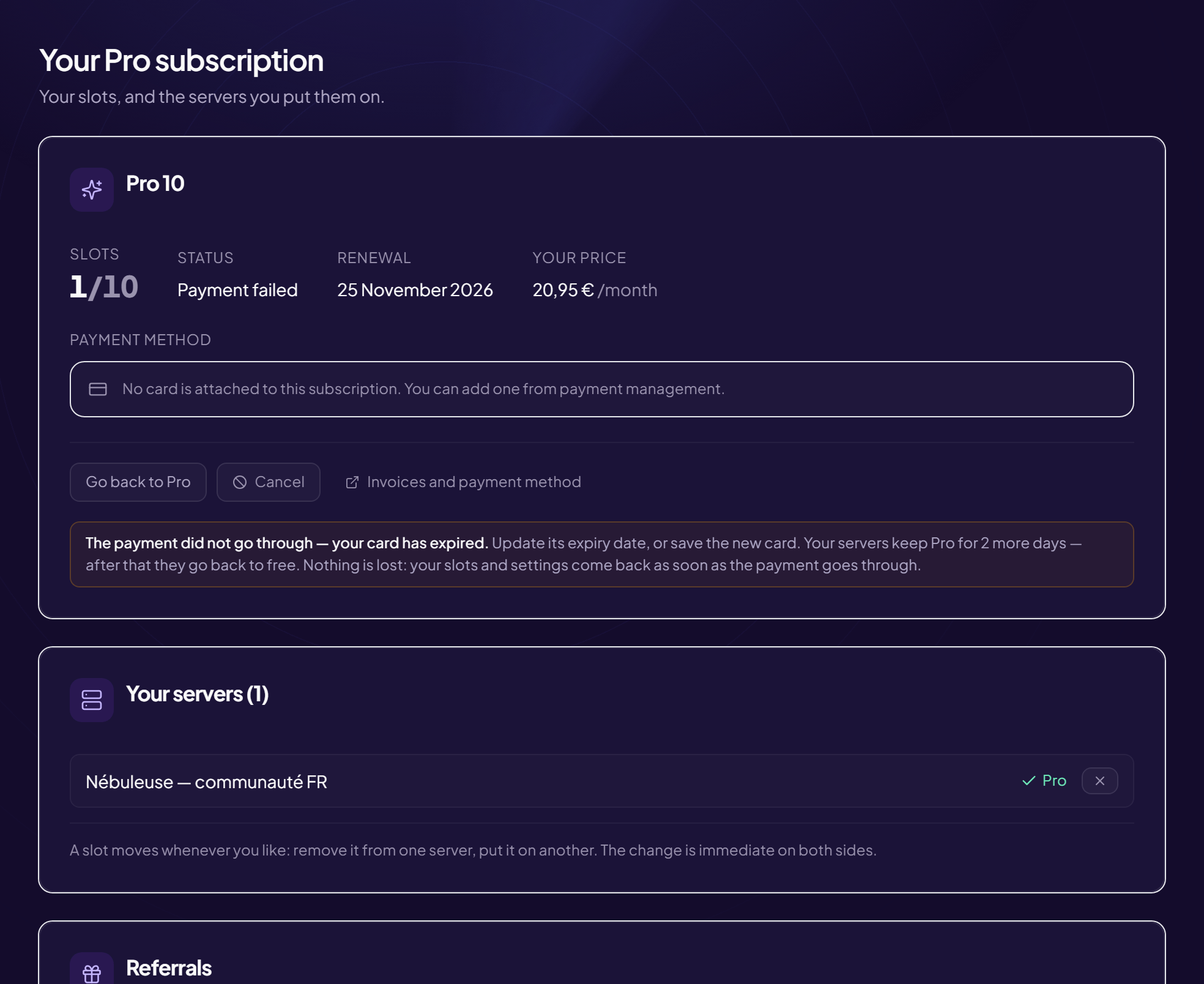
A slot turns on Pro on a server. You assign it, remove it or move it whenever you like.
See your slots
Configuration › Pro subscription menu (title: Your Pro subscription). The Slots card shows your slots and the servers where they are assigned. Your servers lists the servers where you can assign one.
Assign a slot
- Find the server in “Your servers”
- Click “Turn on Pro” The change is immediate.
Remove or move a slot
- Free up the current server’s slot Click Free up (or the remove button next to the server).
- Assign it to another server With Turn on Pro on the other server.
Common messages
| Message | What to do |
|---|---|
| “All your slots are used” | Free up a slot, or move up to the Pro 10 plan (“Upgrade to Pro 10”). |
| “No server where you can assign a slot” | You must manage the server (Manage Server permission) and the bot must be there. |
| “Could not assign the slot” | Try again; if it persists, contact support. |
Losing a slot?
If the subscription ends, servers go back to free. Your settings are kept; Pro features stop applying.
Still stuck?
Contact support with the title of this article, the step where you are stuck and what you see on screen.
Contact support More articles: Pro subscriptionLast checked: 13 November 2026.