Guide · September 1, 2026 · 3 min read
Voice channels created on demand
A server's voice list often looks like this: “Voice 1”, “Voice 2”, “Voice 3”… fifteen rooms, all empty except one. Temporary channels solve it by inverting the logic: no room exists until somebody needs one.
Contents
The principle
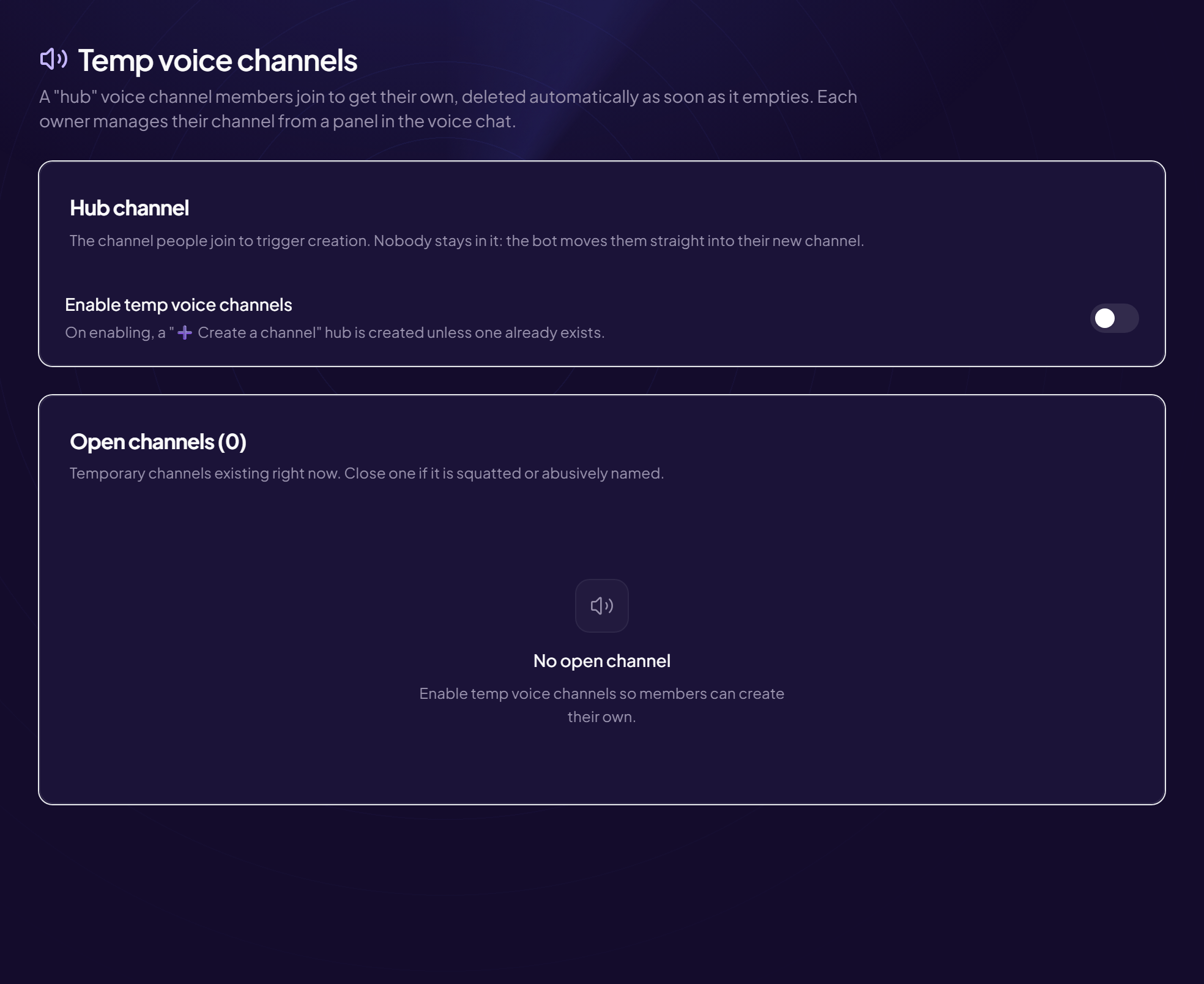
One channel stays permanently visible — call it “Create a room”. Joining it immediately creates a new voice channel and moves the person into it. When the last occupant leaves, the room disappears.
The voice list then reflects exactly what is going on: a visible room means somebody is in it. On an active server, that is also what makes people want to join — three occupied rooms are visible, fifteen empty ones give the impression of a dead server.
The owner and their panel
Whoever creates the room becomes its owner, and gets a control panel. That is what separates a real temporary-channel system from a simple auto-creator: without a panel, you have to call a moderator for the smallest size limit.
The useful controls, in order of actual frequency:
- Rename — “ranked”, “chill”, “revision”. Says what the room is for before you join.
- Limit the places — a team of five does not want a sixth.
- Lock — the room stays visible but entry needs permission.
- Kick or block — to settle a problem without pulling in moderation.
- Transfer — when the owner leaves before the others.
That last point is the one systematically forgotten at design time, and the one that causes trouble every evening: without transfer, a room whose creator has disconnected has no owner, and nobody can adjust anything in it any more. Plan an automatic handover too: if the owner leaves, the person present longest gets the panel.
Starting settings
- A dedicated category — created rooms appear there, without mixing with the permanent channels.
- A default name — “{username}'s room”: you know who to talk to before joining.
- A limit per person — one room at a time, otherwise a few members open five.
- Immediate deletion when the room empties, with no delay: a delay leaves ghost rooms lying around.
Permissions, the real trap
A temporary room inherits its category's permissions. If the category is open to everyone, a “private” room will only look private: members will still be able to join, because the category's permission overrides what the panel claims to apply.
So the category has to be configured once and for all, and treated as a space apart. The same goes for the bot itself: without the right to manage channels in that category, creation fails silently, and the user only notices that nothing happens.
Gating access
Opening creation to everybody suits most servers. Two cases justify restricting it.
Very public servers, where a passing account can create ten rooms with provocative names in a minute. Reserving creation for a role earned after verification removes the problem.
Servers that use creation as a reward: the right to open your own room becomes a level tier. It is one of the few genuinely useful rewards a level system can give.
What changes once it is in place
Two effects show up within weeks. Groups form more easily, because a room named “looking for 2 for ranked” says what no list of “Voice 4” ever will. And voice moderation drops: most friction gets settled by the room's owner, without a moderator stepping in.
One thing to watch: private rooms make the server less legible for the team. That is not a problem in itself, but it assumes moderation has a way in when a report justifies it.
Frequently asked questions
Can fixed voice channels be kept as well?
Yes, and it is recommended: one or two permanent rooms for general voice, the temporary category for the rest. All-temporary confuses newcomers.
What happens if the bot restarts?
Existing rooms stay: they are real Discord channels. They are picked up again on restart, and deleted normally when they empty.
Can a room survive overnight?
Not by default: once empty, it disappears. For a room meant to last — a project, a regular group — a classic permanent channel is better suited.
Is the panel visible to everybody?
It appears in the room, but only the owner and moderation can use it. The others see buttons that do nothing.
Read next : Mini-games, Music bot, Role menus.