 OriusBotHelp center
How do I read the map of channels, roles and panels?
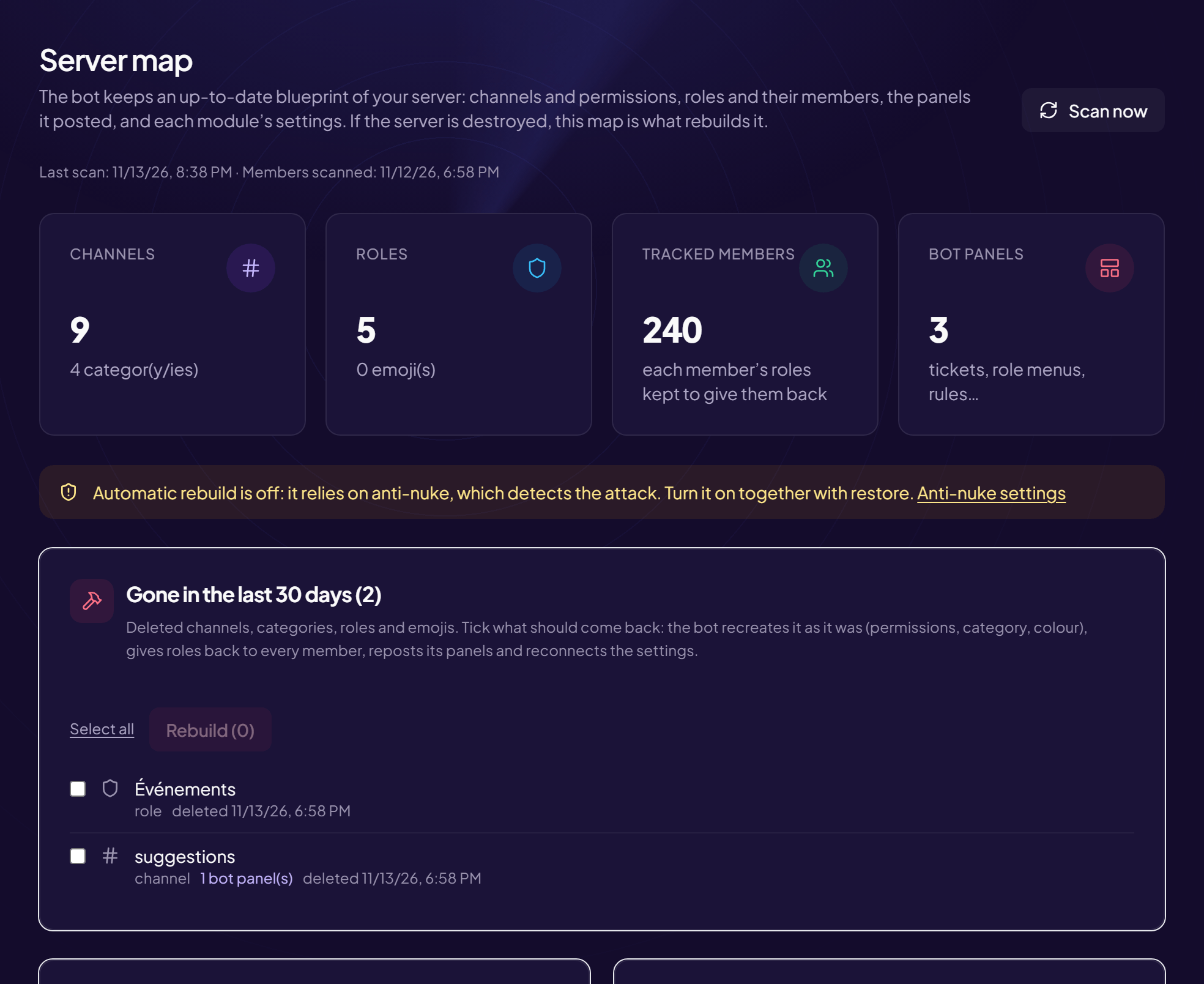
Three cards on the Server map page describe your server as the bot knows it.
Channel map
Channels are in Discord’s order, grouped by category.
- A padlock marks a channel closed to
@everyone(private). - The labels next to a channel show the modules that use it (Tickets, Welcome, Logs, Automod, Security, XP, Giveaways, Suggestions, Confessions, Birthdays, Stream alerts, Temporary voice channels…).
Useful before deleting a channel
Look at its labels: if a module uses the channel (for example tickets), delete it only after setting the module up elsewhere.
Roles
From highest to lowest, with the number of members who hold them. Two pills:
- Admin: the role has administrator permissions.
- Integration: a role managed by an application (a bot).
Bot panels
The messages with buttons or menus that the bot has posted (tickets, role menus, rules…). Each line shows its title (or “Untitled”) and the number of buttons or menus. If they are destroyed, they are reposted as they were, in the right channel.
No panel posted: the card says “No panel published yet.”
Still stuck?
Contact support with the title of this article, the step where you are stuck and what you see on screen.
Contact support More articles: ProtectionLast checked: 13 November 2026.