 OriusBotHelp center
How do I thank a member publicly (/kudos give) and see the most thanked?
Say thanks
- Type
/kudos give - Choose the
membreNot yourself, not a bot. - Write the
message“Why?”, 300 characters at most.
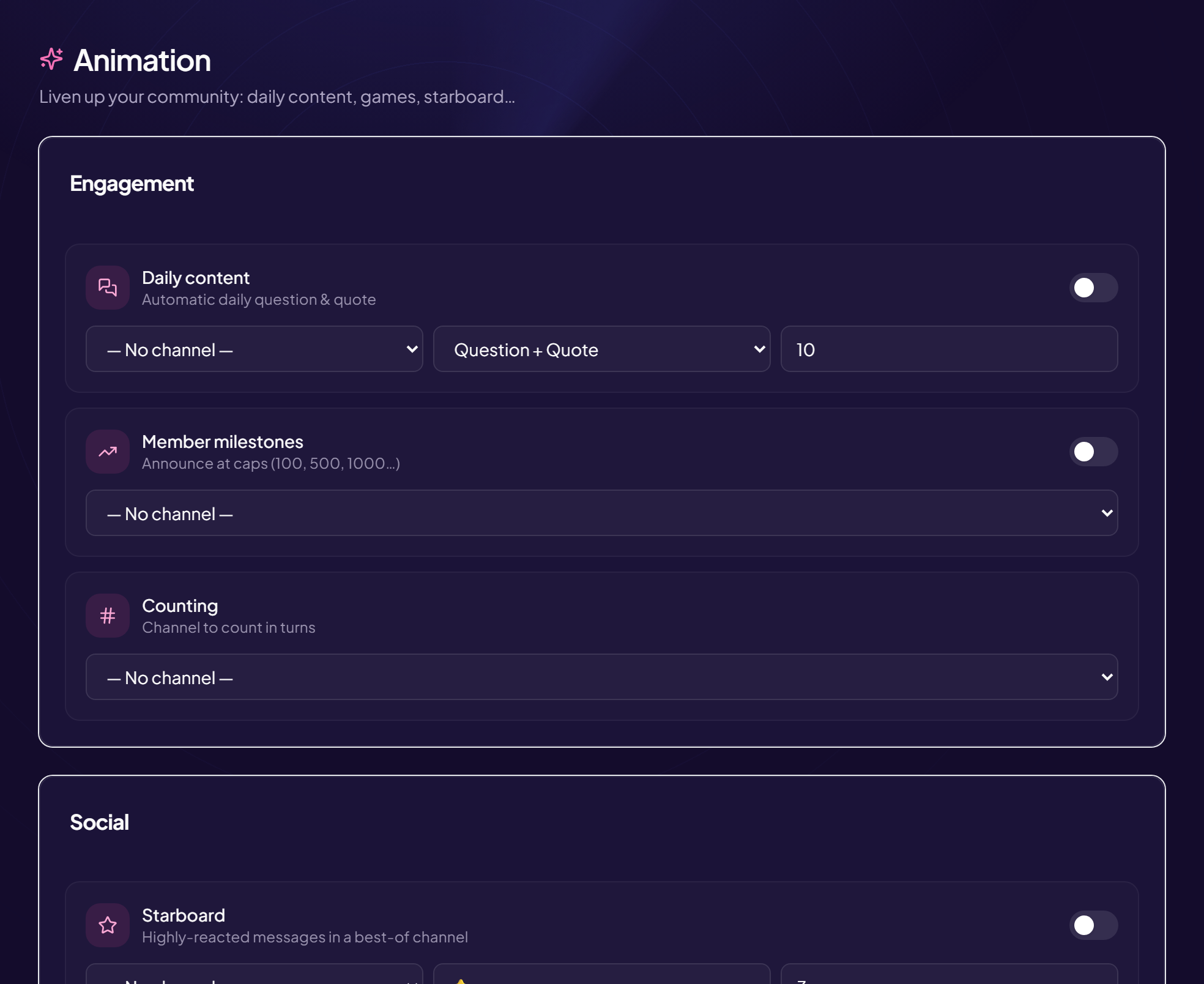
The bot posts a “💖 thanks you…” box in the channel, and copies it to the kudos wall if you have set one up (Engagement › Animation, see the kudos article).
See the most thanked
/kudos top shows the ranking of the ten most thanked members of the server. With no kudos: “No kudos yet”.
Still stuck?
Contact support with the title of this article, the step where you are stuck and what you see on screen.
Contact support More articles: Community activityLast checked: 13 November 2026.