 OriusBotHelp center
How do I create a permission group (e.g. Hosts)?
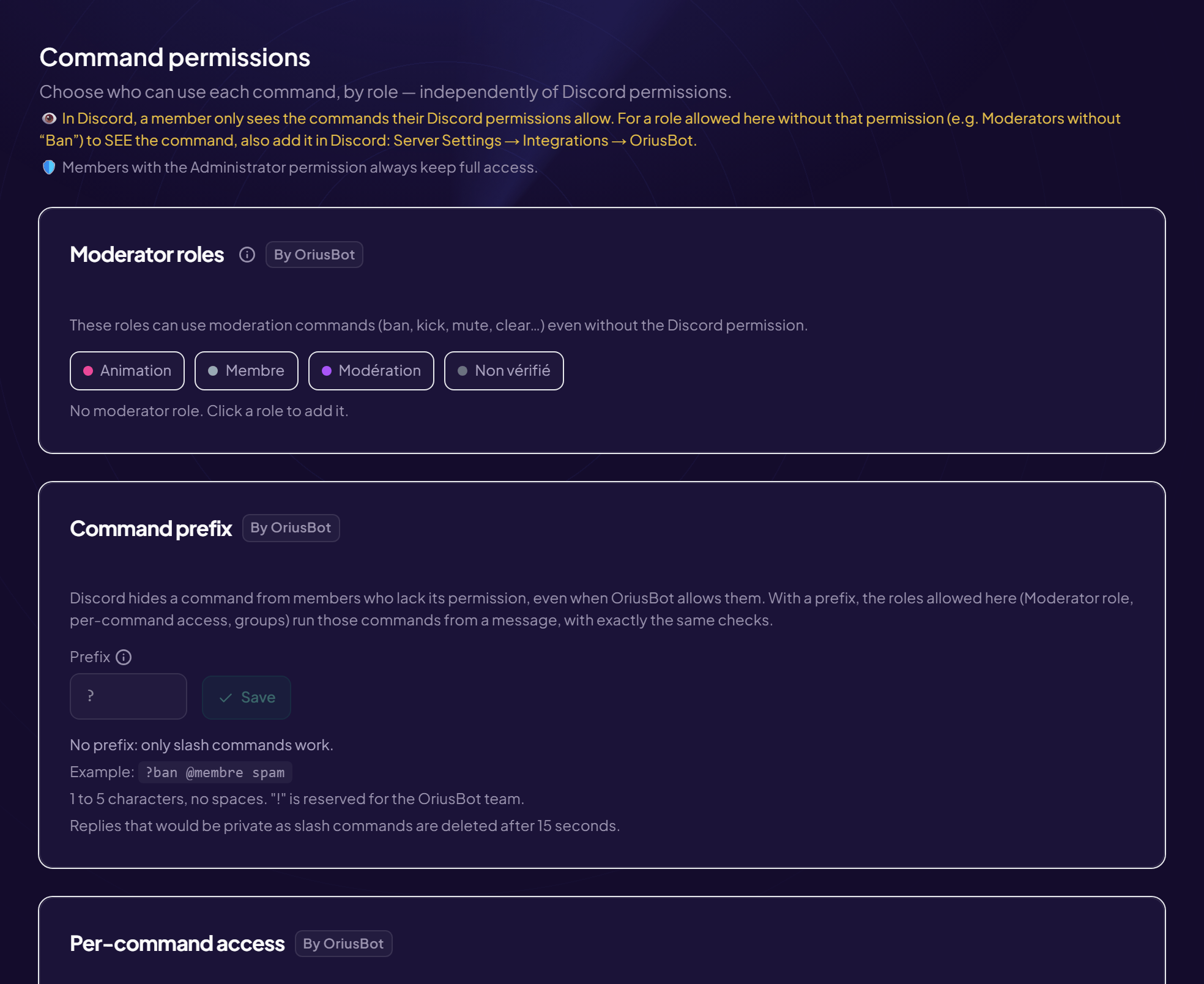
A group links roles to a list of commands: all members of those roles can use those commands, even without a Discord permission. Example: the “Animateurs” group links @Animateur to /giveaway, /poll, /event.
Create a group
- Open the page Configuration › Permissions menu, Permission groups card.
- Click “New group”
- Type the “Group name”
- Choose the “Group roles”
- Choose the “Granted commands” Use Filter commands… to find them quickly.
- Click “Create group”
Edit or delete
In the list, Edit reopens the group (then Save or Cancel), Delete removes it. With no group: “No group yet. Create one to grant command access by role.”
When to use a group rather than a single permission?
When several commands go to several roles (hosting team, welcome team). For a single command, the Per-command access card is enough.
Still stuck?
Contact support with the title of this article, the step where you are stuck and what you see on screen.
Contact support More articles: ConfigurationLast checked: 13 November 2026.