 OriusBotHelp center
How do I back up my members so I can bring them back after an attack?
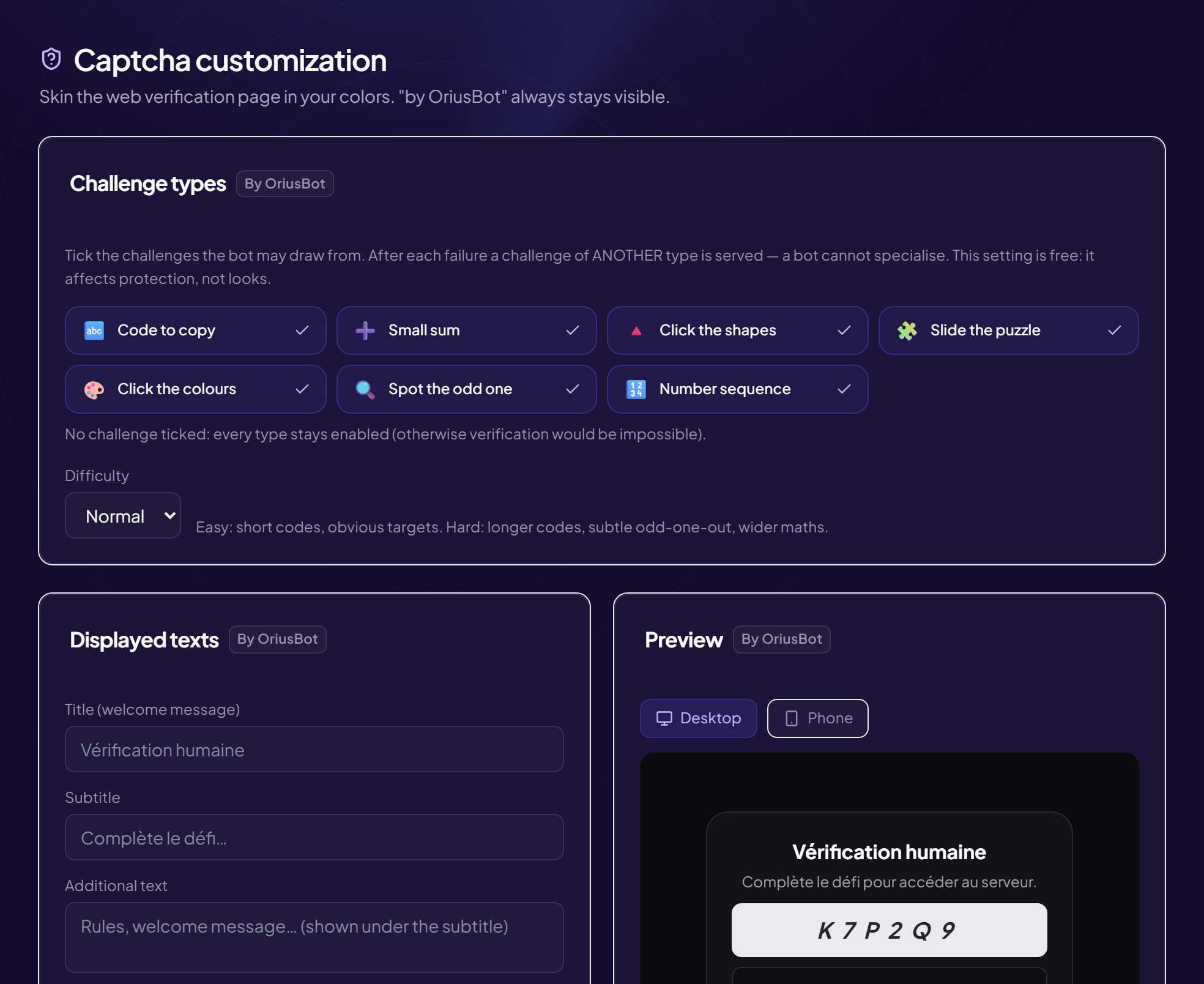
If your server is deleted or hijacked, the member backup lets you bring your members back in one click. After the captcha, each member can accept, if they want to, a Discord authorization that lets the bot add them back to the server.
Turn on the offer
- Open the Captcha page Protection › Captcha menu.
- Turn on “Offer backup after the captcha”
The counters show how many members are backed up and how many would come back now.
Invite your existing members
Announce it in your server first
A private message asking for a Discord authorization looks exactly like a scam: without a prior announcement, some members will report it instead of accepting.
- Post an announcement Explain why and what it allows.
- Click “Invite members” A private message goes out to the members (excluding bots and people who have already accepted). Sending takes about 1.5 seconds per member and cannot be interrupted.
Restore the members
Reserved for the server owner. The Restore members button adds the backed-up members back with their former roles, except roles with permissions (those have to be reassigned by hand). Everyone receives a notification. The operation continues in the background.
Consent
A member may choose not to accept. The authorization is voluntary and only gives access to what is needed to add them back to the server.
Still stuck?
Contact support with the title of this article, the step where you are stuck and what you see on screen.
Contact support More articles: ProtectionLast checked: 13 November 2026.