 OriusBotHelp center
What is OriusBot’s captcha for and what does the “Verification (captcha)” page contain?
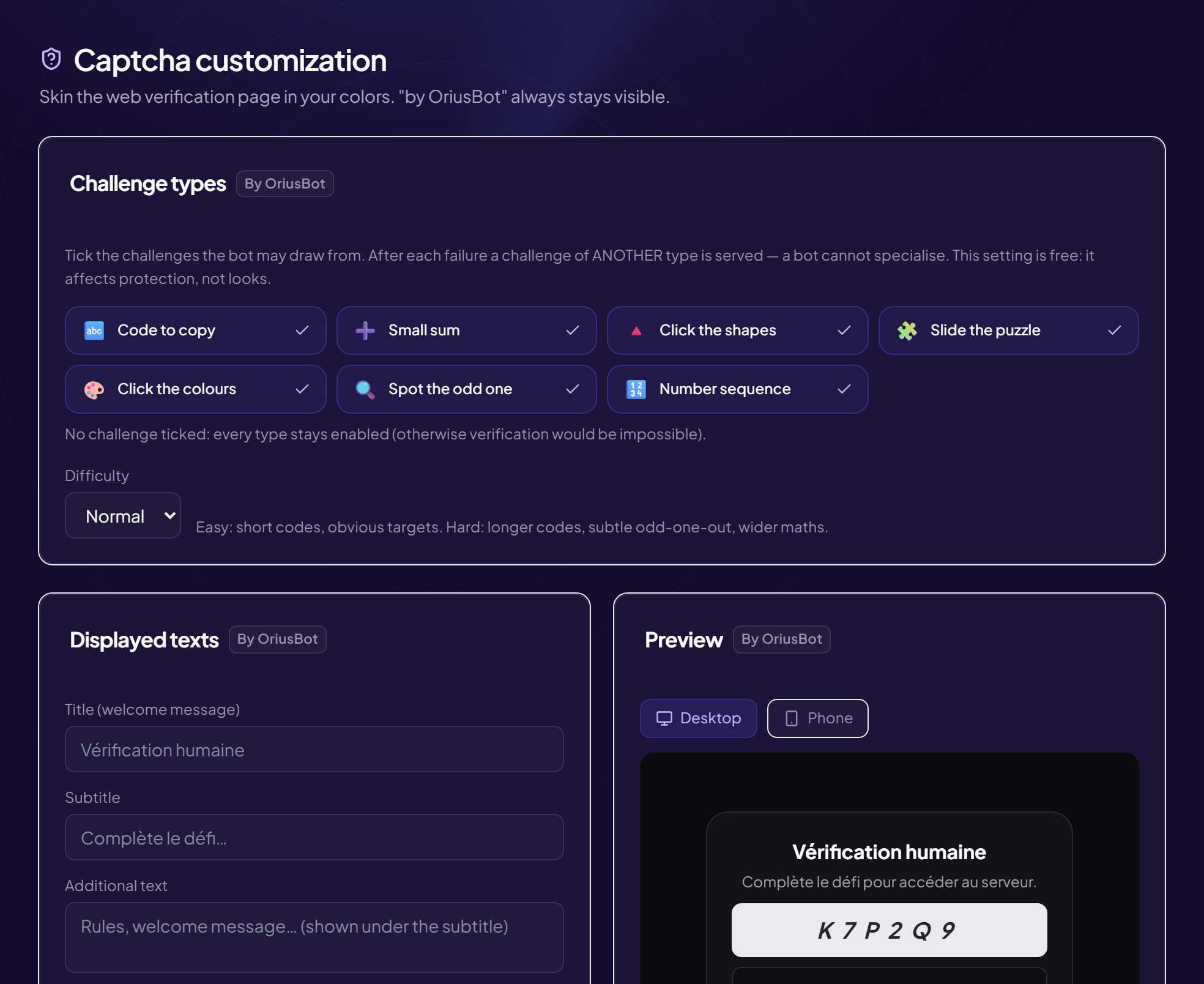
The captcha asks every newcomer to pass a small challenge (copy a code, click the right image…) before seeing the server. It blocks robots and raid accounts, which cannot solve these challenges.
Where the page is
Protection › Captcha menu. Displayed title: Verification (captcha). The text “by OriusBot” always stays on the verification page.
The cards of the page
| Card | What it is for | Article |
|---|---|---|
| Activation and settings | Turn the captcha on, choose the role, the channel, the mode, the delay and the number of attempts. | Turn on the captcha |
| Challenge types | The challenges the bot may offer and their difficulty. | Challenge types |
| Web verification page | The texts, colours and logo of the page opened by “Web” mode. | Customise the page |
| Also linked to verification | Shortcuts to Auto-role and Welcome & Boost, which wait for the captcha to be passed. | Troubleshooting |
What it looks like for a new member
- They join the server They receive the “unverified” role. This role only lets them see the verification channel.
- They pass the challenge In the verification channel, or on a web page depending on the chosen mode.
- The bot removes the unverified role They now see the whole server. Auto-roles and the welcome message wait for this step.
Free and paid
Activation and challenges are free. Only the appearance of the web page (texts, colours, logo) falls under the Pro subscription.
Still stuck?
Contact support with the title of this article, the step where you are stuck and what you see on screen.
Contact support More articles: ProtectionLast checked: 13 November 2026.