 OriusBotHelp center
Who can close a ticket? Closing rules, reason and confirmation
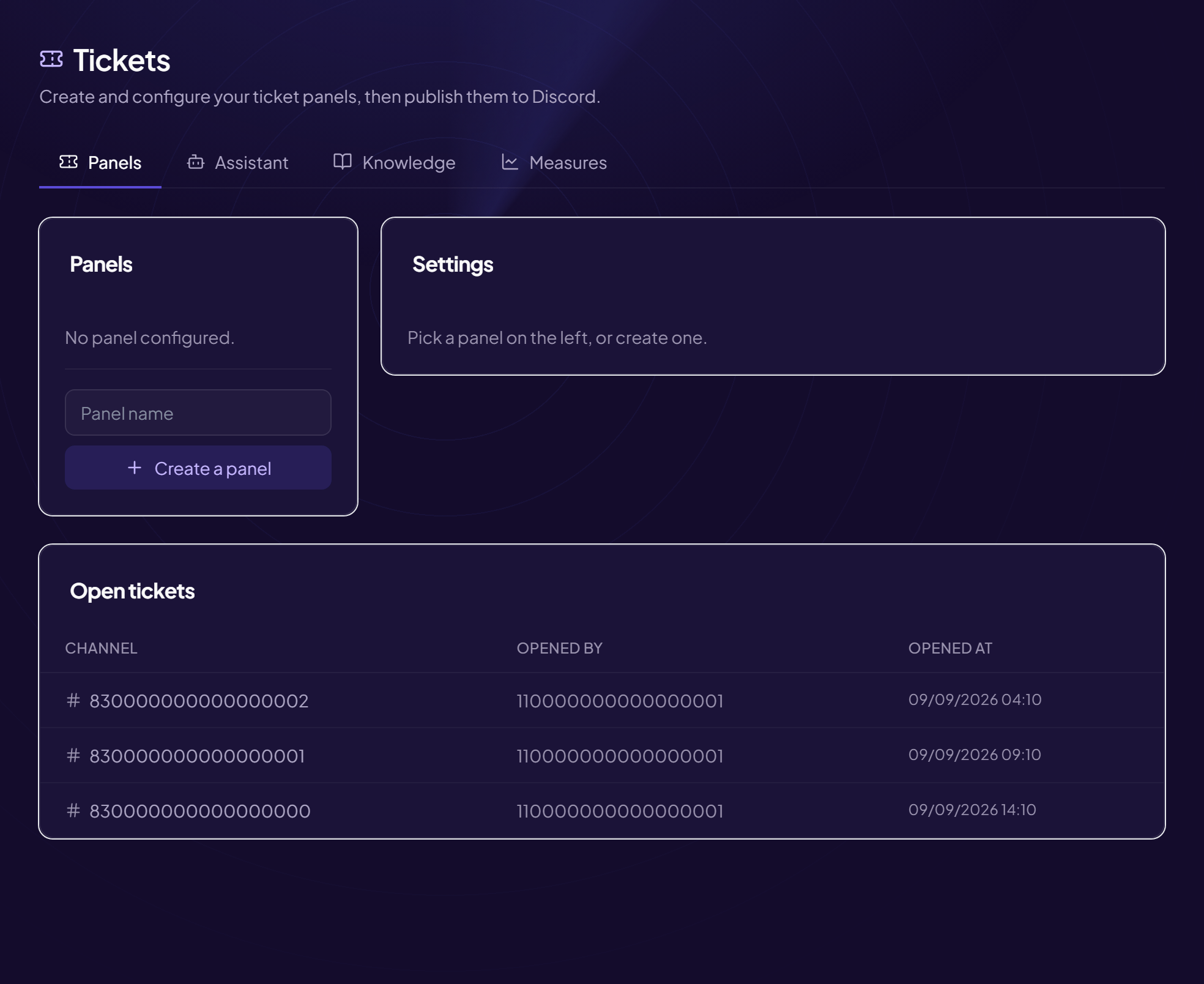
In the panel, the Closing and members area sets who closes a ticket and what happens at that moment.
Who can close a ticket
“Who can close a ticket” list:
| Choice | Effect |
|---|---|
| The author and staff | Both can close. |
| The author asks, staff confirms | The author’s Close button posts a request that staff accept. |
| Staff only | Only staff close. |
People added along the way can never close.
The three switches
| Switch | Effect |
|---|---|
| Require a closing reason | A reason must be written before closing. The member receives this reason by private message, and it is noted in the logs. E.g. Problem solved, refund made. |
| Ask for confirmation before closing | Shows “Are you sure?” to avoid closing by mistake. |
| The author can add people to their ticket | The member can invite a friend concerned, a witness… Otherwise only staff add people. |
What happens on closing
- The closing message is shown By default “🔒 Ticket closed. This channel will be deleted in 5 seconds.” (editable, see customization).
- The conversation is saved If “Transcript on close” is on, it goes to the log channel, and a copy is sent to the member by private message.
- A rating may be requested See Satisfaction ratings.
- The channel is deleted The conversation can still be viewed in the history.
A good setup for public support
Closing by “The author and staff”, reason required, confirmation on, transcript on.
Still stuck?
Contact support with the title of this article, the step where you are stuck and what you see on screen.
Contact support More articles: ToolsLast checked: 13 November 2026.