 OriusBotHelp center
How can a member see their rank and the server leaderboard?
Members check their progress with the /xp command group.
| Command | What it shows |
|---|---|
/xp rank | Your rank card (image): level, XP, and, depending on your settings, messages and voice. utilisateur option to see someone else’s. |
/xp leaderboard | The server leaderboard. periode option: “Permanent (all time)” or “Season (this month)”. |
/xp monthly | The most active members this month. |
What is displayed
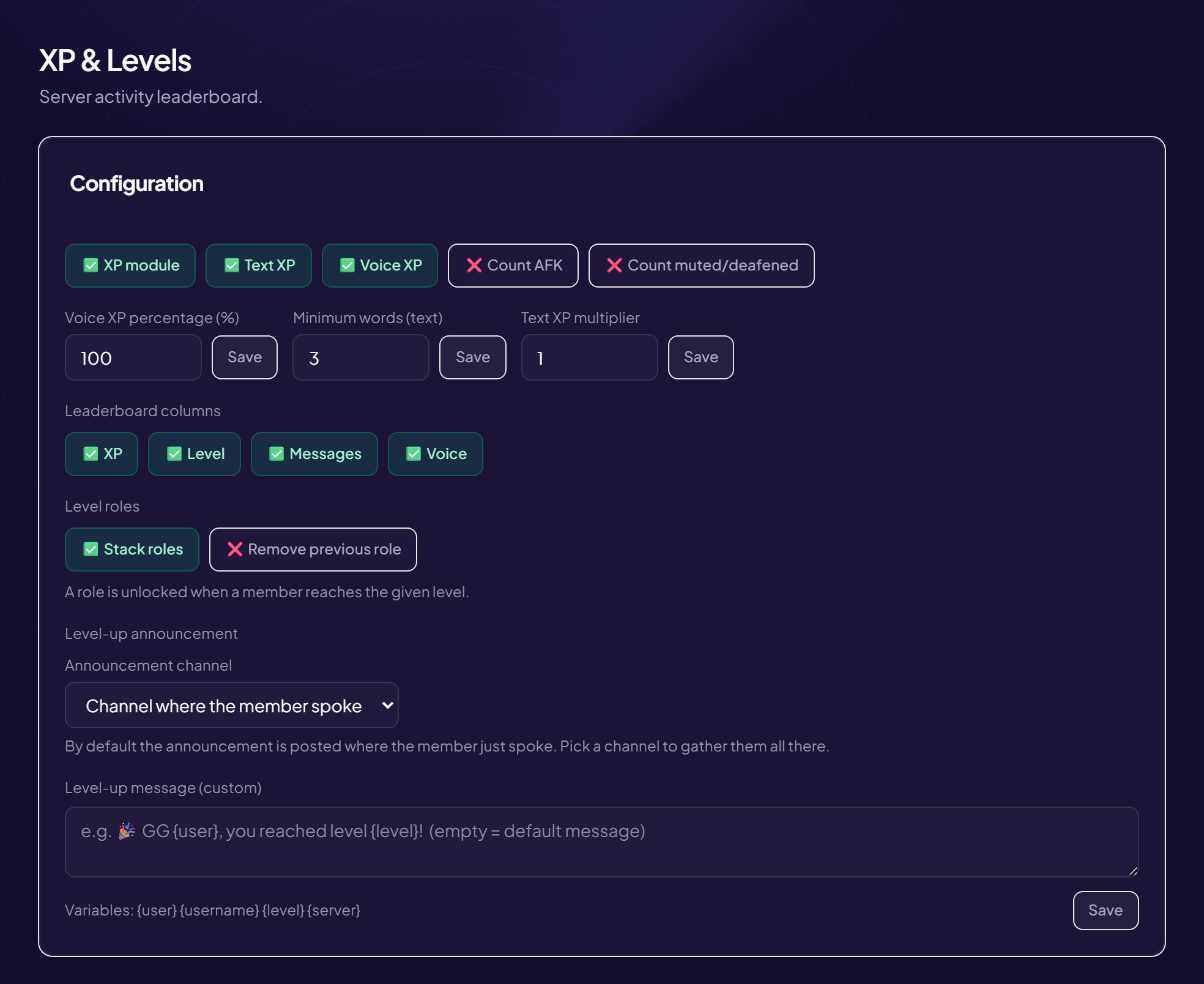
The leaderboard columns (XP, level, messages, voice) are chosen in Engagement › XP & Levels, “Leaderboard columns” card.
Customize the card
Background, color and font: see the rank card. On the Discord side,
/config rankcard is a Pro option.Still stuck?
Contact support with the title of this article, the step where you are stuck and what you see on screen.
Contact support More articles: Community activityLast checked: 13 November 2026.