Guide · September 1, 2026 · 3 min read
Auto-role, after verification
Granting a role automatically on arrival simplifies a great deal: permissions are managed on a role rather than on @everyone. But an unconditional auto-role gives a spam account exactly the same rights as a real member.
Contents
Why a role rather than @everyone
Setting permissions on @everyone looks simpler, and creates a structural problem: @everyone includes the accounts that have just arrived, those that have not passed verification, and those currently being penalised. Nothing can be taken away from it.
With a “Member” role, channels open to that role, @everyone sees nothing, and removing the role is enough to isolate somebody without banning them. It is also what makes a quarantine possible without touching thirty channel permissions.
The condition that changes everything
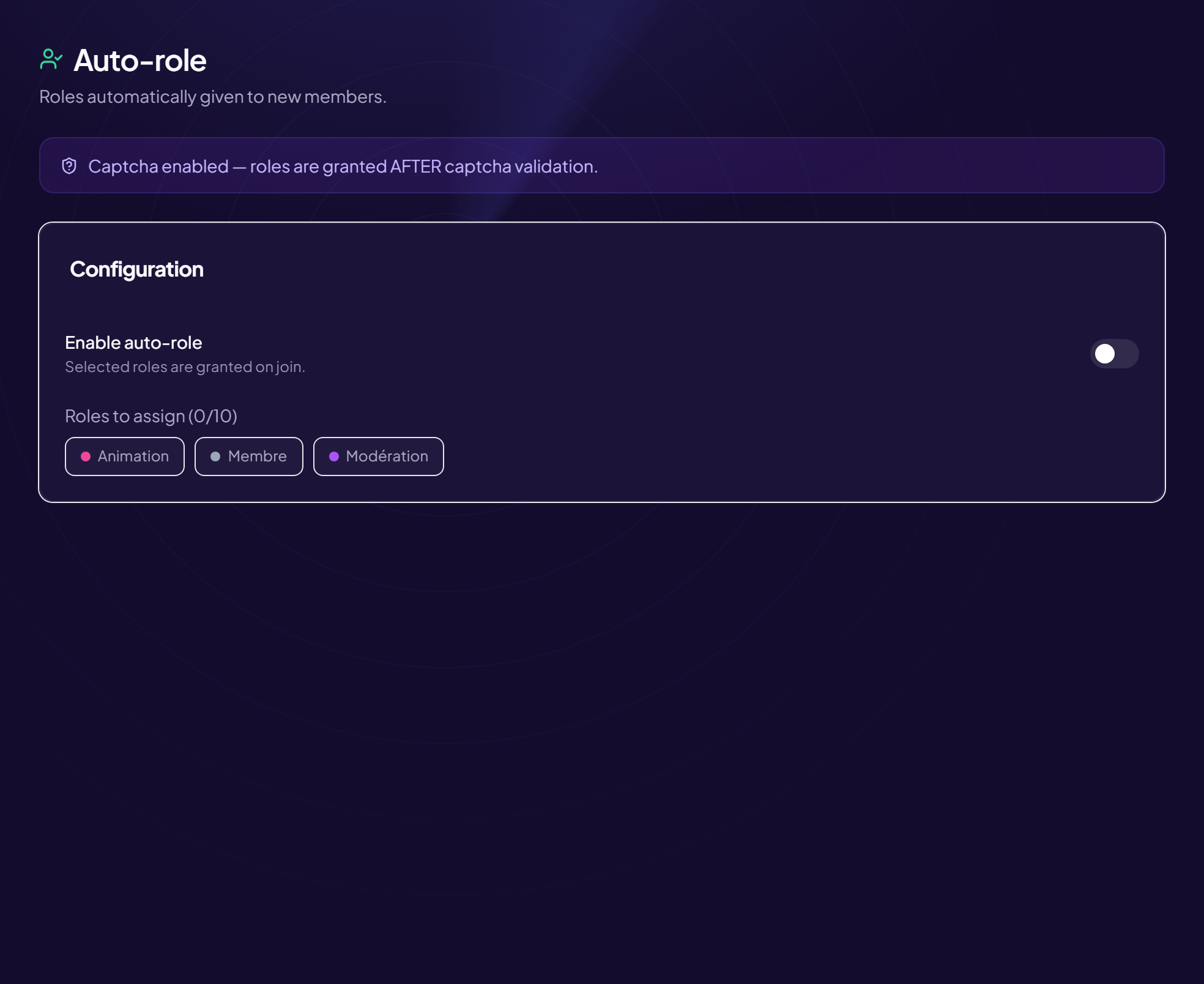
If the server has a verification step — captcha, rules to accept, an entry question — the role must only be granted afterwards. An immediate auto-role cancels the whole point of verification: the automated account gets its access before it has even failed the challenge.
The expected behaviour is therefore conditional: on arrival, no role and a single visible channel; after validation, the configured roles all land at once. An account that never validates stays in the antechamber indefinitely, with nothing for you to do about it.
What to grant, and what not to
- Yes — a “Member” role that opens the basic channels.
- Yes — neutral notification roles, if the server uses them.
- No — any role carrying a moderation permission, however small.
- No — a level-tier role: it loses its meaning if granted straight away.
The special cases to plan for
The returning member. Should somebody who has already validated, left the server and come back go through verification again? The safest answer is yes: that is also the scenario of a compromised account trying to get back in.
Bots. An auto-role applied to bots gives them access they did not ask for, and sometimes more than intended. Excluding bots from the grant is a setting to check, not to assume.
Members already present. Switching auto-role on in an existing server gives nothing to those already there: they are not arriving. A one-off bulk grant is necessary, otherwise half the server lacks the role all your permissions rest on.
The role hierarchy
One cause of failure comes up constantly: the bot cannot grant a role placed above its own in the list. The grant then fails silently, and all you notice is that newcomers have nothing.
The bot's role must therefore sit above every role it has to grant. This is not a permissions question: an administrator bot placed at the bottom of the list will fail just as surely.
How many roles on arrival
One, in the vast majority of cases. Stacking four automatic roles makes the member list unreadable and complicates diagnosis when somebody cannot access a channel — which of the four is missing?
Optional roles — notifications, interests, colours — belong in a role menu the member uses themselves. Giving everything by default deprives the newcomer of the one simple action they can take on arriving.
Frequently asked questions
Is auto-role worth it if the server has no verification?
Yes: separating @everyone from a “Member” role stays useful for moderation, even without a captcha.
What happens if the bot is offline when a member arrives?
The role is not granted at the time. A catch-up on startup handles it; without one, you have to grant by hand to the members who arrived during the outage.
Can the grant be delayed?
Yes, and it is sometimes useful: waiting a few minutes after arrival weeds out the accounts that join and leave straight away, typical of automated campaigns.
Does auto-role replace the captcha?
No, they do the opposite of each other. The captcha filters, auto-role distributes: one must be conditional on the other.
Read next : Captcha and verification, Welcome message, Role menus.