Guide · September 1, 2026 · 4 min read
“The bot isn't working”: where to start
A bot that looks broken is almost always working: it is missing a right, or being asked for something it is not allowed to do. Here are the real causes, ordered by frequency — not by technical logic.
Contents
- 1. The module was never switched on
- 2. A permission is missing in that specific channel
- 3. The bot's role is too low
- 4. The command is not deployed
- 5. A restriction you set yourself
- 6. The configured channel no longer exists
- 7. It is not this bot
- What to include when reporting a problem
- Frequently asked questions
1. The module was never switched on
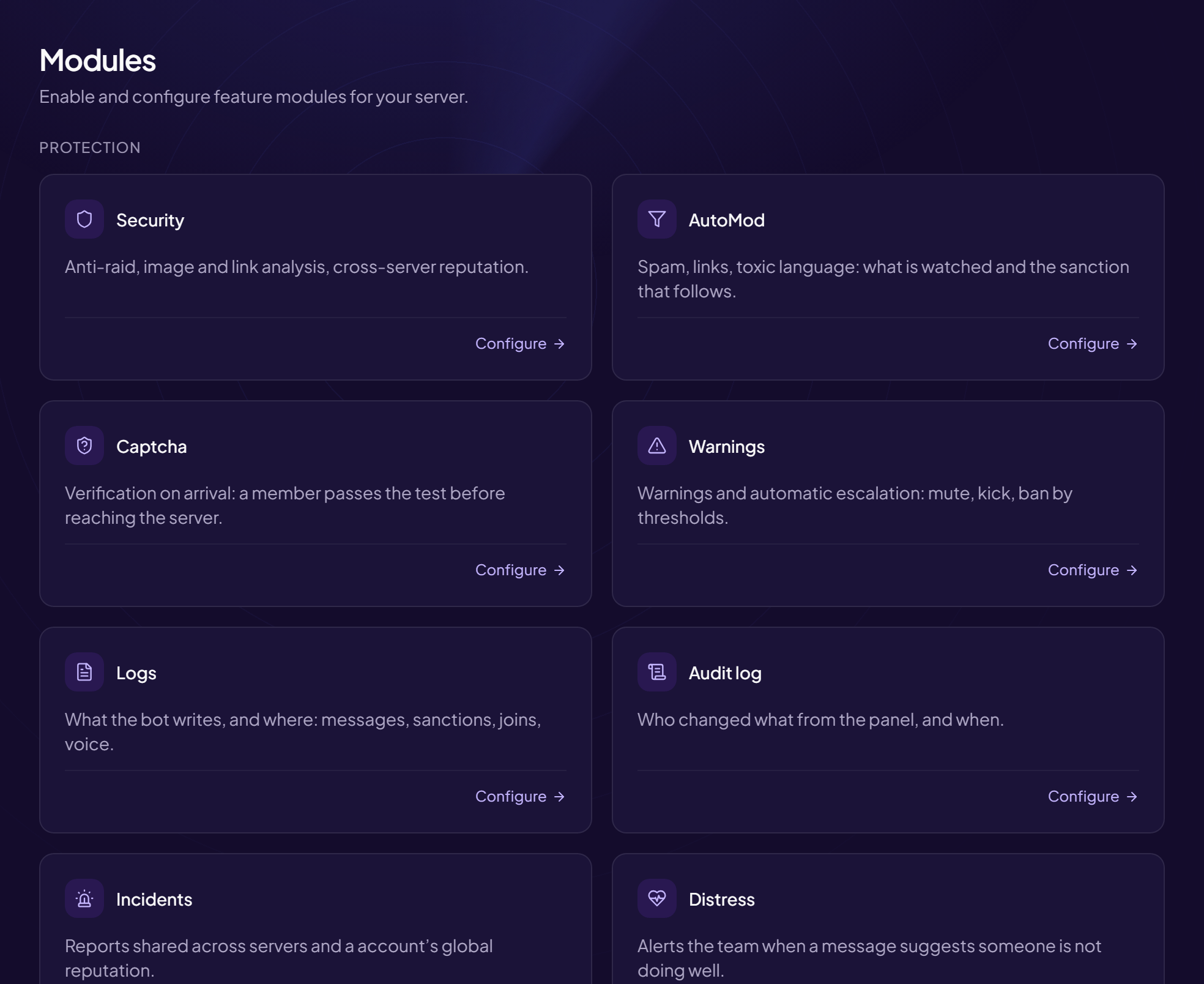
This is the first cause, by a long way. Installing a bot configures nothing: every module — welcome, levels, tickets, auto-moderation — starts off. Waiting for a welcome message without having switched the module on gives exactly the impression of a broken bot.
The reflex: check the module's state before anything else. A configuration page that shows what is off as much as what is on settles this in ten seconds.
2. A permission is missing in that specific channel
A bot can hold every permission at server level and none in a given channel: channel permissions win. The typical symptom is confusing — the bot replies everywhere except in one channel.
The four permissions to check first: view the channel, send messages, embed links (without it, no embed appears), attach files (without it, no generated image).
The test that answers in thirty seconds
Open the channel's settings, the permissions tab, and look for the bot's role. It is faster than comparing the general permissions, and that is where the problem lies in most cases.
3. The bot's role is too low
A bot can only act on roles positioned below its own, and cannot penalise somebody whose highest role sits above it. That rule comes from Discord and no permission gets around it — an administrator bot placed at the bottom of the list fails just the same.
Symptoms: the bot penalises some members and not others, or fails to grant one particular role while the others go through. Fix: move the bot's role above every role it has to manage.
4. The command is not deployed
Slash commands are declared with Discord, not sent on each use. A recently added command can take time to appear in the menu, or not appear at all if the deployment failed.
Two checks: fully close and reopen Discord — the client keeps a cached list; and check the bot was invited with the application-commands scope. A bot invited without it joins the server and exposes no commands.
5. A restriction you set yourself
A command reserved for a role, limited to a channel, disabled, or on cooldown. These are deliberate settings you forget having made, especially when they date from months ago or from another administrator.
One distinctive sign: the bot replies in order to refuse. A command that produces no reaction at all belongs to the earlier causes; a command that explains it is reserved is working perfectly.
6. The configured channel no longer exists
A deleted log channel, a renamed category, an archived welcome channel: the module stays active, points at a channel that has gone, and sends nothing any more. Nothing fails visibly, which makes the case slow to find.
That is why a health check — verifying that each configured channel still exists and is still reachable — beats a long troubleshooting session afterwards.
7. It is not this bot
On a server with several bots, two of them sometimes answer the same command, or one deletes the message before the other has processed it. The behaviour looks erratic: the command works one time in two.
The test: temporarily remove the other bot's permission to send messages in the channel concerned. If the problem disappears, it was a conflict, not a fault.
What to include when reporting a problem
A useful report contains four things: the exact command, the channel, what happened, and what was expected. “The bot is bugged” allows no checking; “/rank in #general has returned nothing since yesterday” gets diagnosed in two minutes.
Frequently asked questions
The bot is online but responds to nothing
Check the permission to send messages in the channel first, then the application-commands scope at invitation time. Those two causes cover most cases.
The commands do not appear in the menu
Fully restart the Discord client. If they are still missing, reinvite the bot with the right scope: that does not make it leave the server and resets nothing.
The bot replies but does not act
It is almost always the role hierarchy, or a specific permission missing for the action requested — ban, manage roles, manage channels.
Everything stopped at once
Look at the server's audit log: a change to the bot's permissions or role appears there, with who did it and when.
Read next : The web panel, Command permissions, Permission audit.