Guide · September 1, 2026 · 3 min read
The web panel, and what it actually brings
A web panel is not a cosmetic convenience. Some settings are impractical in a Discord channel — not because it is impossible, but because a message's interface cannot show twenty options at once.
Contents
What Discord does not let you do properly
A Discord command shows at most five buttons per row and five rows per message. A dropdown offers twenty-five options. Those limits are generous for an action, tight for a configuration.
Three families of settings suffer particularly:
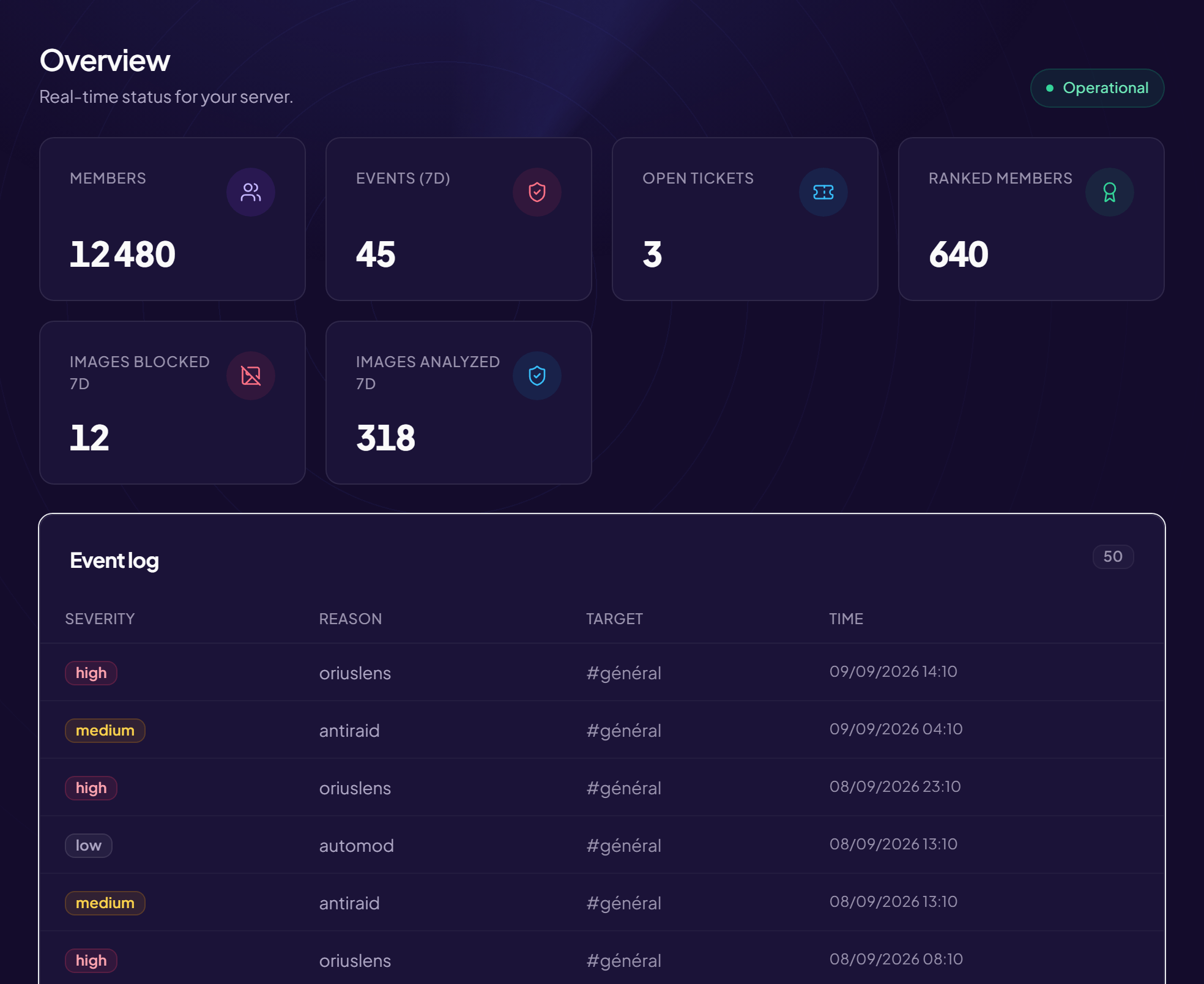
- What gets compared. Ten auto-moderation triggers with their penalty and duration: on screen, a table. In Discord, ten successive messages you cannot put side by side.
- What gets previewed. A welcome message, a rank card, an embed: you want to see the result while editing it, not after sending.
- What gets read. A penalty history, a member list, statistics: a page can be scanned and filtered, a message cannot.
What remains better as a command
The reverse is true too, and it should be said: to penalise somebody during a conversation, a command is unbeatable. Opening a browser, logging in, finding the member — meanwhile the problem carries on.
The rule that emerges in practice: the panel to configure, commands to act. A configuration wizard on Discord keeps its value for the first setup, when you do not yet know what you are looking for.
Both paths lead to the same setting
A setting changed in the panel is live immediately on Discord, and the other way round: there are not two configurations to keep in step. That is the thing to check on any bot — a panel showing something other than what the bot applies is worse than no panel at all.
Signing in, and what it gives
Access goes through a Discord sign-in: the panel sees the servers where you hold administration rights, and shows only those. No password is created, so there is no password to steal.
Two points are worth understanding. The panel checks rights on the server side on every request, not only when rendering: hiding a button protects nothing, and a serious panel rechecks even what it did not show.
And the session is time-limited. Signing in again periodically is normal; a session left open indefinitely on a shared computer is a problem.
A separate space for the team
Not everyone who works on a server is an administrator, and they do not need to be. A recruitment lead needs to read applications, not to change the anti-raid settings.
Hence the separation between the administration space — the bot's configuration — and the team space, where a moderator gets in without administration rights and sees only what they can actually do. Rights there are granted by Discord role: somebody who loses their role loses their access, with nothing for you to remember to remove.
What a panel must not do
Hide what is switched on. A configuration page must show the modules that are off as much as those that are on: you cannot decide to use what you do not know exists.
Fail silently. A save that does not go through must say so, naming the field at fault. A form that appears to accept and then forgets is the worst possible experience.
Claim to replace Discord. Some actions need context the panel does not have — the message in question, the ongoing conversation. A good panel accepts sending you back to a command in those cases.
Frequently asked questions
Should I use the panel or the commands?
Both, each for what it does well. Configure on screen, act from Discord.
Does the panel work on a phone?
Yes, but the initial setup of a complex module stays more comfortable on a large screen: that is where the table's advantage pays off.
Who sees my settings?
Your server's administrators, and nobody else. A panel that listed other servers' configuration would be a design flaw, not a feature.
Is a change immediate?
Yes for the most part. Some settings tied to the commands declared with Discord can take a few minutes to appear in the menu.
Read next : Command permissions, Embeds and messages, When the bot does not respond.