Guide · July 28, 2026 · 5 min read
How to protect your Discord server against raids
A raid can empty a server in ten minutes. This guide explains how to see one coming, what Discord provides natively, what you need to add, and what to do once the attack has already started.
Contents
What a raid actually is
A Discord raid is the coordinated arrival of dozens to hundreds of accounts on a
server, within seconds. The aim varies: drowning channels in messages, pinging
@everyone on a loop, posting shocking content, or simply making enough noise that the
legitimate members leave.
The accounts used are almost always disposable: created in bulk a few hours or a few days before the attack, with no avatar and no history. That is precisely what makes them detectable — a normal server does not receive fifteen three-day-old accounts in ten seconds.
A raid should not be confused with a nuke, which is an attack of a different nature: a nuke destroys the server from the inside, through an account that already holds permissions. The two call for separate protections.
Spotting an attack in progress
Three signals, easy to check:
- A spike in arrivals — more than five members in under ten seconds, on a server that usually gets a handful a day.
- Brand-new accounts — creation dates clustered together, default avatars, random usernames or names following one pattern (
user8823,user8824…). - Identical messages — the same text posted across several channels seconds apart.
The third signal usually comes too late: by the time the messages land, the raid is already in. That is why detection has to happen on arrival, not on posting.
Discord's native protections
Discord provides a few safeguards. Turn them on before anything else: they are free and immediate.
Verification level
Under Server settings → Moderation. Five levels:
| Level | Requirement | Effective against |
|---|---|---|
| None | Nothing | Nothing |
| Low | Verified email address | The crudest bots |
| Medium | Discord account older than 5 minutes | Accounts created on the spot |
| High | Server member for 10 minutes | Most raids |
| Highest | Verified phone number | Almost everything — but it blocks real members too |
In normal times, Medium is a good compromise. During an attack, switch straight to High.
Welcome screen and rules
The rules screen forces every arrival to tick a box before reaching the channels. It will not stop a well-written script, but it removes crude bots without inconveniencing anyone.
AutoMod
Native AutoMod filters keywords and mass mentions. That is useful, but it acts after arrival: it cleans up messages without stopping accounts from getting in.
Why they are not enough
Native protections share three structural limits.
- They are static. A verification level does not adapt: either it permanently blocks real members, or it lets things through.
- They do not count. Discord draws no distinction between three arrivals in an hour and thirty in ten seconds.
- They do not react on their own. Locking the server takes a human action — of no use at four in the morning.
That is exactly what an anti-raid bot adds: counting arrivals, comparing them to a threshold, and acting without waiting for a moderator to wake up.
Setting up real protection
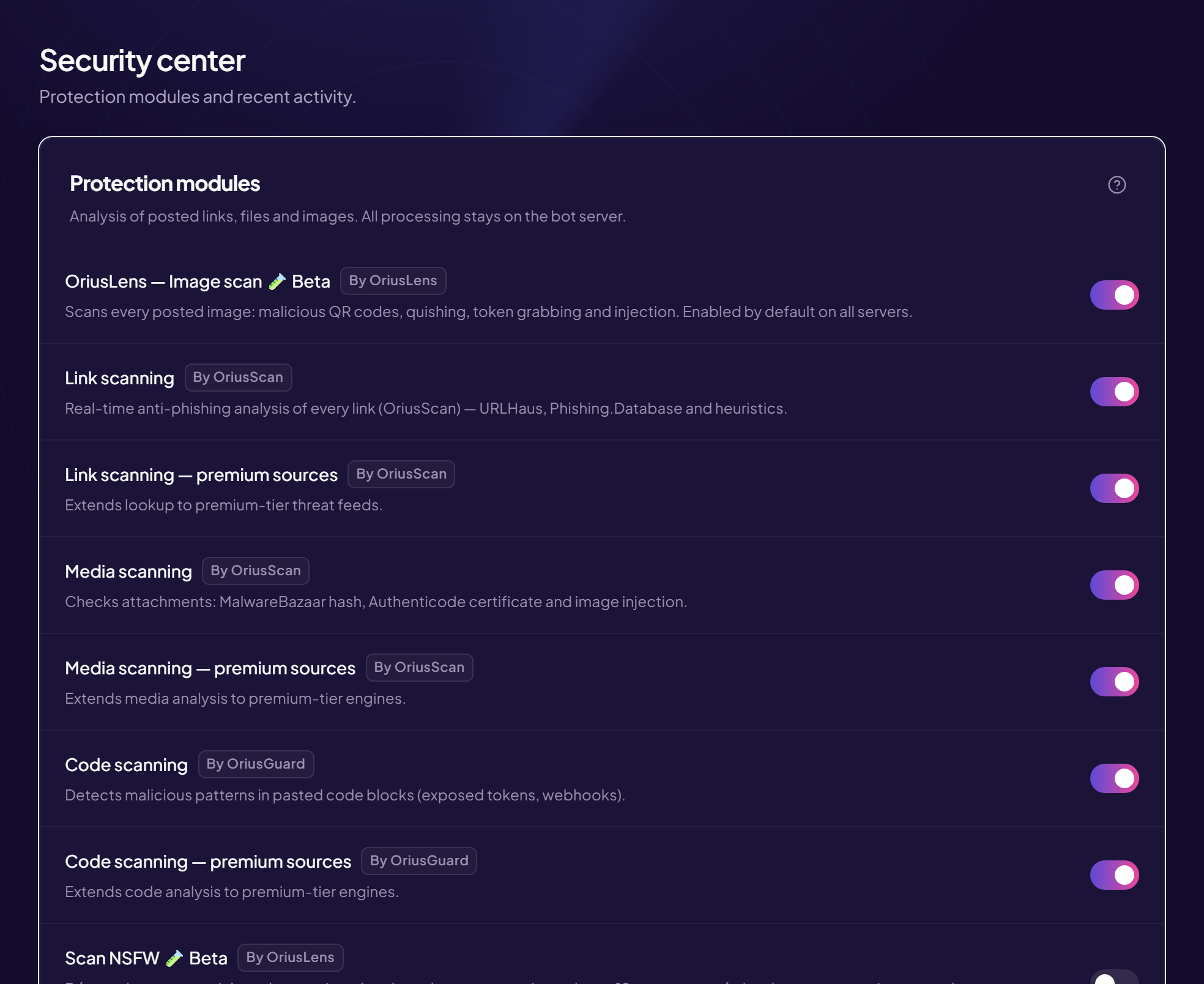
Here is the configuration we recommend with OriusBot. The principles hold for any serious bot; only the command names change.
1. Filter at the door
Command /anti-raid. Two settings do most of the work:
- Minimum account age — 7 days rules out virtually every disposable account. A genuine newcomer will wait, or go through support.
- Arrival threshold — five arrivals in ten seconds, for instance. Adjust for size: a 50,000-member server legitimately receives more people than one with 200.
2. Check there is a human behind it
A captcha on arrival is the most effective filter against automated accounts. The principle: the newcomer receives an “unverified” role that sees nothing, and must solve a challenge to reach the server.
Two points matter more than the type of challenge:
- The “unverified” role must genuinely block access to the channels. A captcha guarding an open door is worth nothing.
- VPN and proxy detection stops an attacker from relaunching accounts from different addresses.
3. Automate the response
Automatic raid mode triggers on its own once the threshold is crossed: channels go read-only, new arrivals are refused and the team is alerted. An automatic cut-off after fifteen minutes avoids leaving a server locked by oversight.
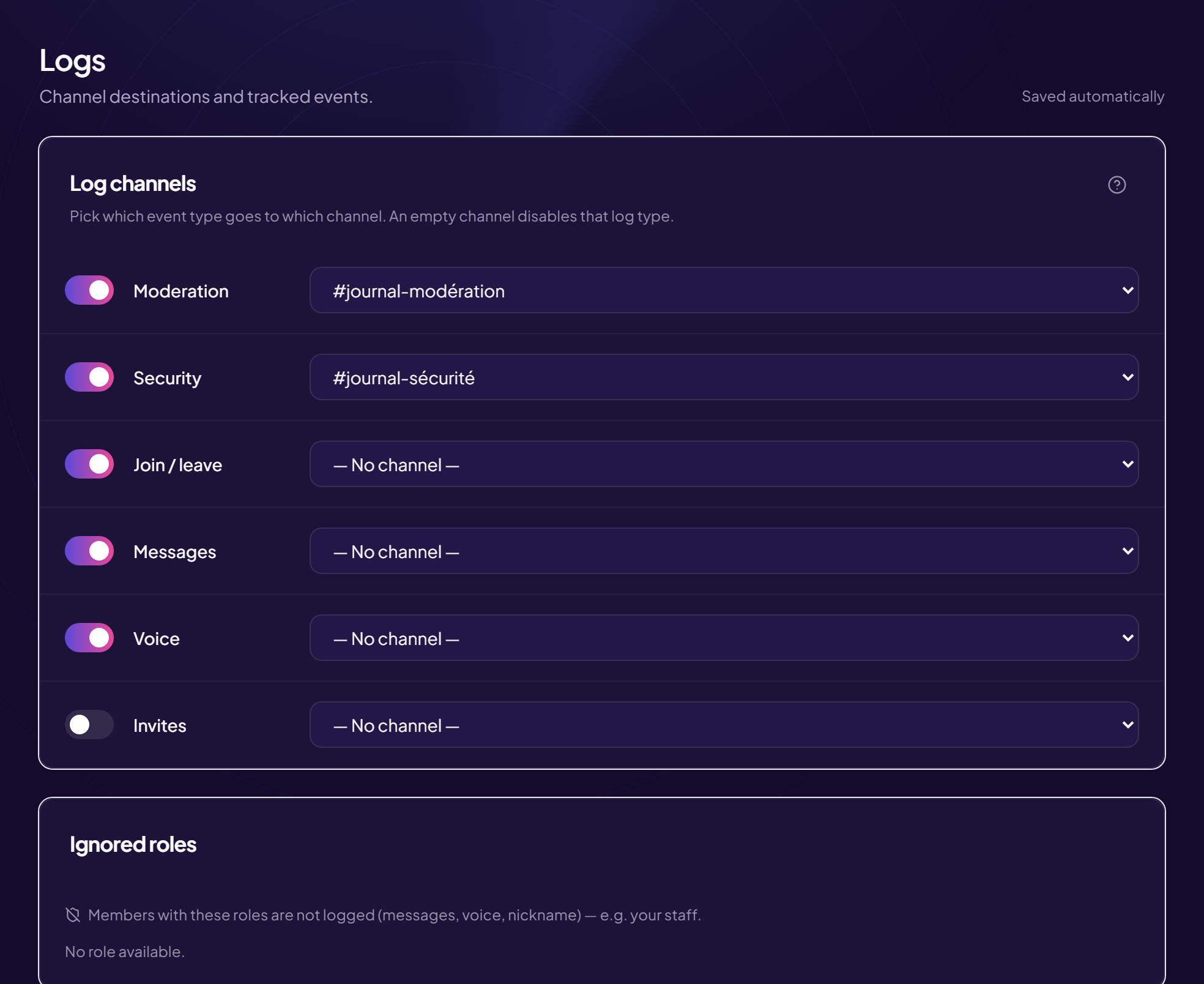
4. Keep logs
Without logs, there is no way to understand what happened or to back up a report to Discord. Configure at least one channel for joins and leaves, and one for moderation actions.
What to do during a raid
In order, without hesitating:
- Lock down. If the bot has not already done it, cut writing for
@everyonein every public channel. - Raise verification. Server settings → Moderation → High or Highest.
- Do not ban one by one. Use a bulk ban command, or sort the member list by join date.
- Do not answer. A raid is looking for a reaction. Silence from the team shortens the attack.
- Capture the evidence. Account IDs and screenshots, before Discord deletes the offending accounts.
After the attack
- Report to Discord through the official form, with the IDs you collected. Bulk-created accounts are often removed as a batch.
- Work out how they got in. Did the raid come through a public invite? A link shared on a third-party site? Delete the compromised invite.
- Adjust the thresholds. If the attack slipped under the radar, tighten them. If real members were blocked, loosen them.
- Check the permissions. A raid is sometimes a diversion while an account obtains rights. Check who received what during the incident.
Frequently asked questions
Can a private server be raided?
Yes. All it takes is for an invite to leak, or for a disgruntled member to share it. A private server needs the same protections as a public one, plus invites limited in time and in uses.
Does a captcha drive members away?
A well-tuned captcha takes five seconds. What drives people away is a captcha that fails on a loop, or one that does not explain what it expects. Provide a help channel visible to those who get stuck.
Should I install several security bots?
No, and it is actively counterproductive: two bots sanctioning the same offence produce double bans and unreadable logs. One bot covering the whole ground is better — see our comparison of security bots.
How long does a raid last?
From a few minutes to an hour. Attackers give up quickly when the server does not react and their accounts are banned as they go.
Read next : Security checklist, Anti-nuke: protecting your server, Captcha and verification.