 OriusBotHelp center
How do I exempt a role or a channel from AutoMod?
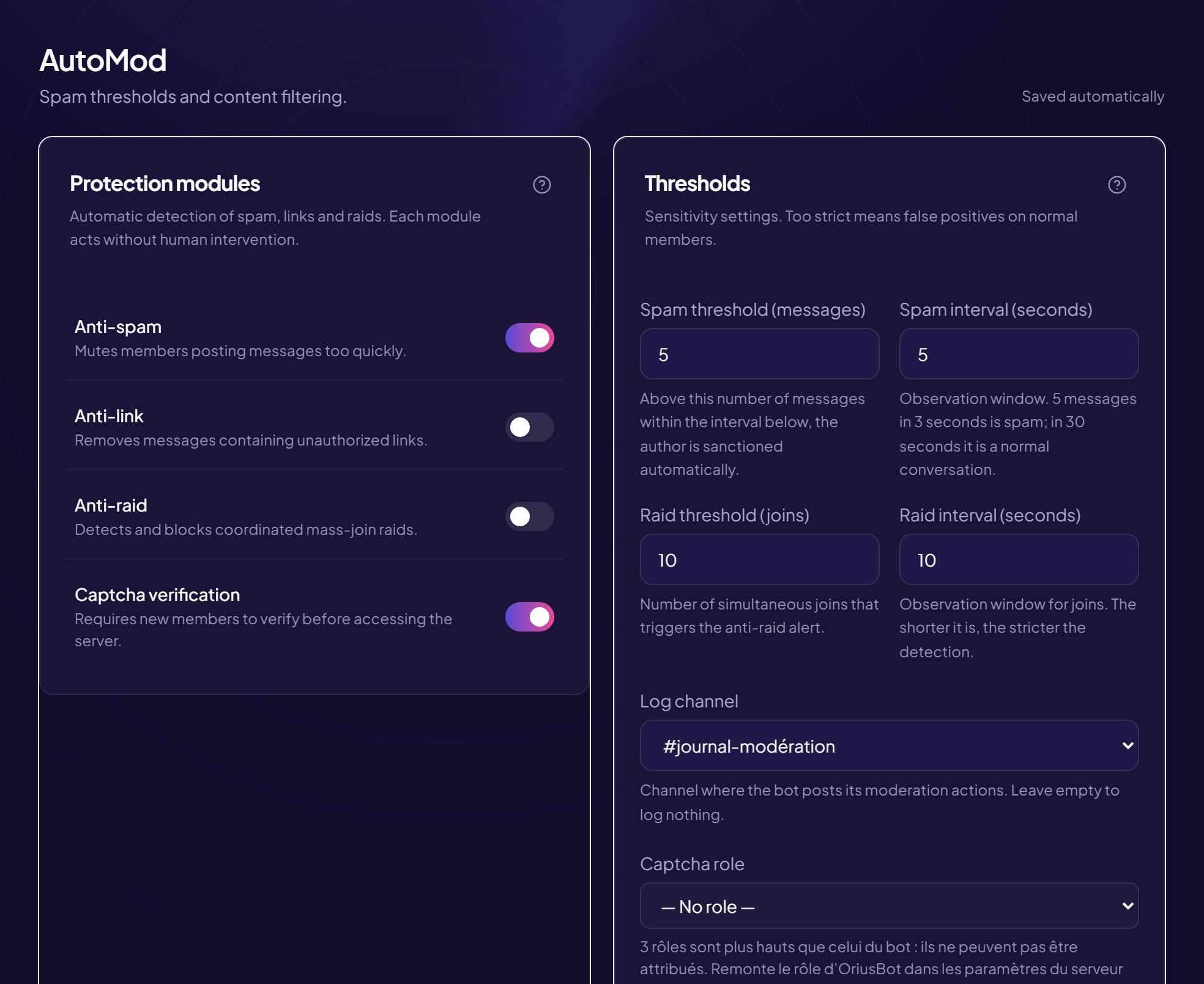
A partnerships channel where invitations are normal, a “Media” role that posts links all day: without any possible exception, the only option would be to turn everything off, and a module that is off protects nothing, anywhere. Exemptions solve this.
What an exemption does
- An exempt role: its holders are never sanctioned automatically.
- An exempt channel: AutoMod does nothing there. If you exempt a category, all its channels are exempt too, including those created afterwards.
- It applies to all problems of the “Automatic sanctions” card.
Add an exemption
- Open the AutoMod page Protection › AutoMod menu.
- Scroll down in “Automatic sanctions” to “Out of reach” Two lists: Roles out of reach and Channels out of reach.
- Click “Add a role…” or “Add a channel…”
- Choose from the list The exemption appears immediately as a tag.
Remove an exemption
Click the small cross × next to the tag. When the area shows “No exemptions — the whole server is covered”, nothing is exempt any more.
What should you exempt?
| Case | Suggested exemption |
|---|---|
| Your moderators | The Staff / Moderator role. |
| Your partners, your content creators | Their role (Partner, Media). |
| A channel where links are normal | That channel (for example #partnerships, #ads). |
Dangerous links stay blocked
Blocking scam links does not depend on anti-link: it is link scanning, on the Security page.
Still stuck?
Contact support with the title of this article, the step where you are stuck and what you see on screen.
Contact support More articles: ProtectionLast checked: 13 November 2026.