 OriusBotHelp center
How do I block links in messages (anti-link)?
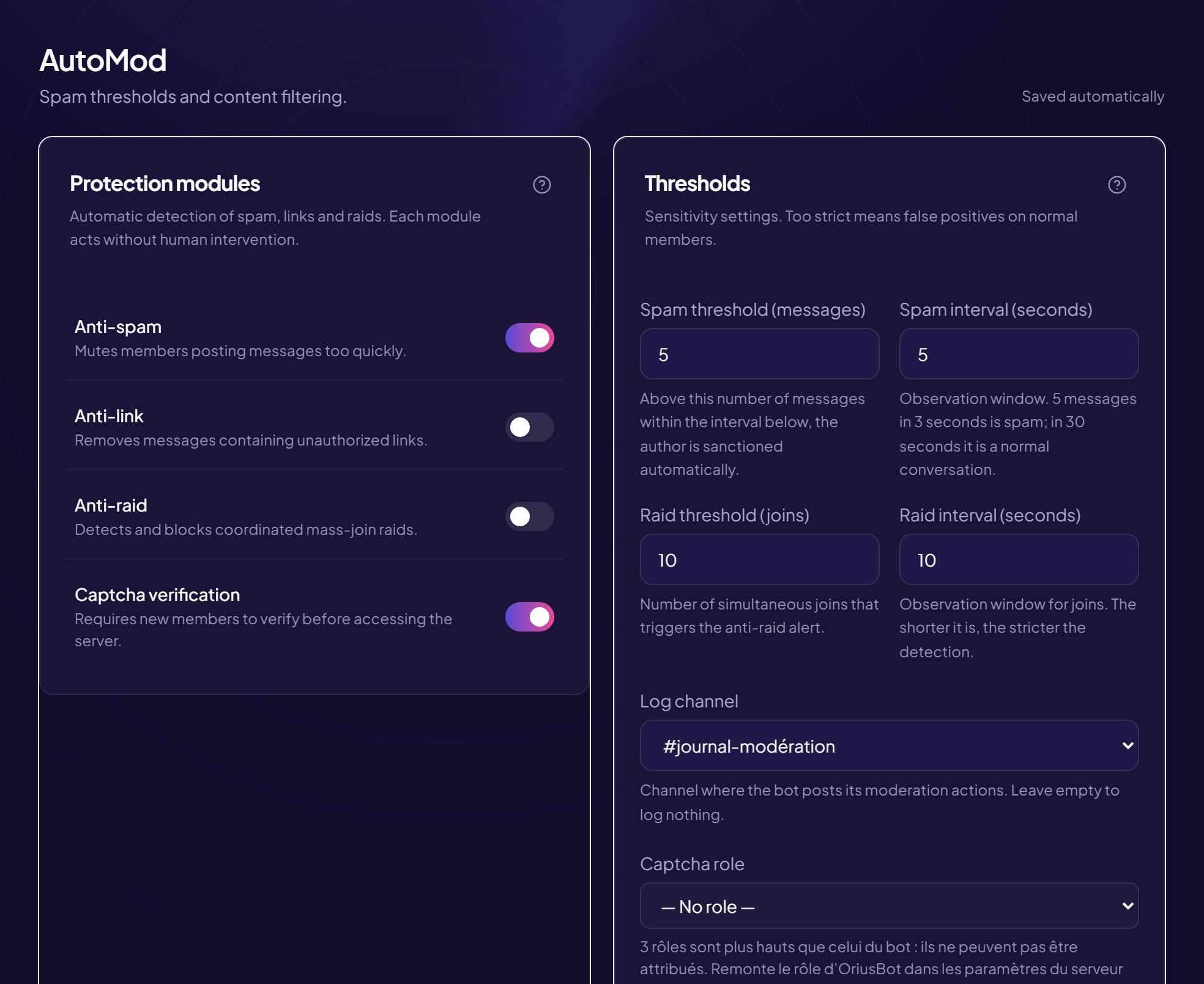
Anti-link deletes messages that contain a link, except for roles and channels you exempt. It is used to stop advertising and unwanted links.
Turn it on
- Open the AutoMod page Left menu, Protection section, then AutoMod.
- In “Protection modules”, turn on “Anti-link” Its description: deletes messages containing unauthorised links.
It is broad
Once on, every link is deleted, including a well-meaning member sharing a video. Plan exemptions before turning it on.
Let certain members or channels through
In the Automatic sanctions card, the Out of reach area lets you exempt roles (for example Media, Staff) and channels (for example #partnerships). See How do I exempt a role or a channel?
Anti-link, link scanning, invitations: three different things
| Protection | What it deletes | Where |
|---|---|---|
| Anti-link | Any message containing a link (except exemptions). | AutoMod page |
| Link scanning | Only dangerous links (scams, phishing). | Security page |
| Discord invitations | Invitations to other servers (your own server’s are allowed). | “Discord invites” sanction line |
Dangerous links are blocked even if anti-link is off.
If it does not work
- An allowed link was deleted — the member’s role or the channel is not exempt. Add it under “Out of reach”.
- A link got through — check the switch is on and the channel is not exempt.
Still stuck?
Contact support with the title of this article, the step where you are stuck and what you see on screen.
Contact support More articles: ProtectionLast checked: 13 November 2026.