 OriusBotHelp center
How do I run a staff recruitment drive from A to Z (campaign, form, announcement, decision)?
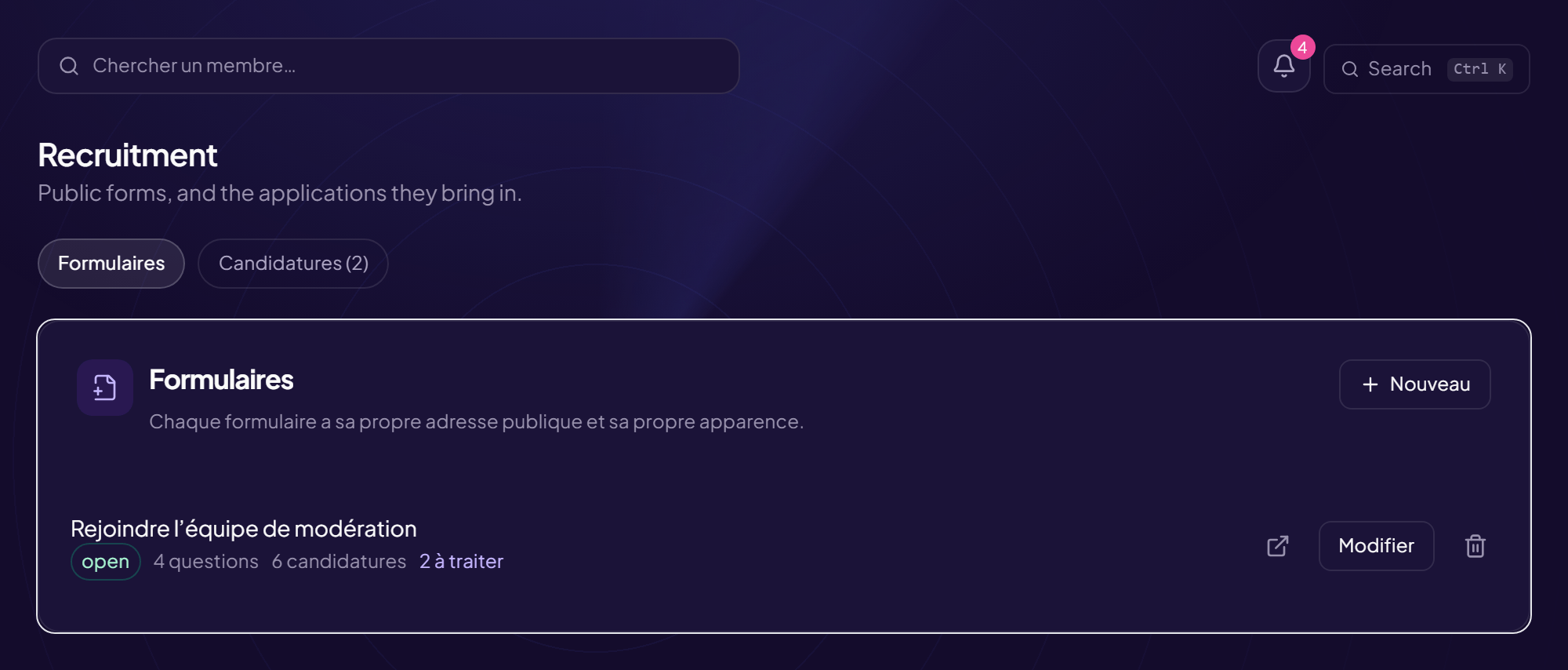
The CRM handles the whole recruitment process: public forms (one per campaign), the applications they bring in, interviews, then the decision and the trial period. It requires the “View applications” permission.
The two tabs
| Tab | Content |
|---|---|
| Forms | The public forms (“Each form has its own public address and its own look”). |
| Applications | The pipeline of applications received and the archives. |
The full process
- Create the campaign See the article.
- Write the questions See the article.
- Declare the positions and set the Discord announcement See the article.
- Switch the campaign to “Open” The public link responds and the announcement goes out. While the campaign is a draft, the link opens for nobody; once closed, it shows “recruitment closed”.
- Track the applications See the Pipeline article.
- Close the campaign The applications go to the archives.
One form = one state
Draft, Open or Closed. Only an open form can be reached from its public address.
Still stuck?
Contact support with the title of this article, the step where you are stuck and what you see on screen.
Contact support More articles: RecruitmentLast checked: 13 November 2026.