 OriusBotHelp center
What is the “To handle” page and the menu badge for?
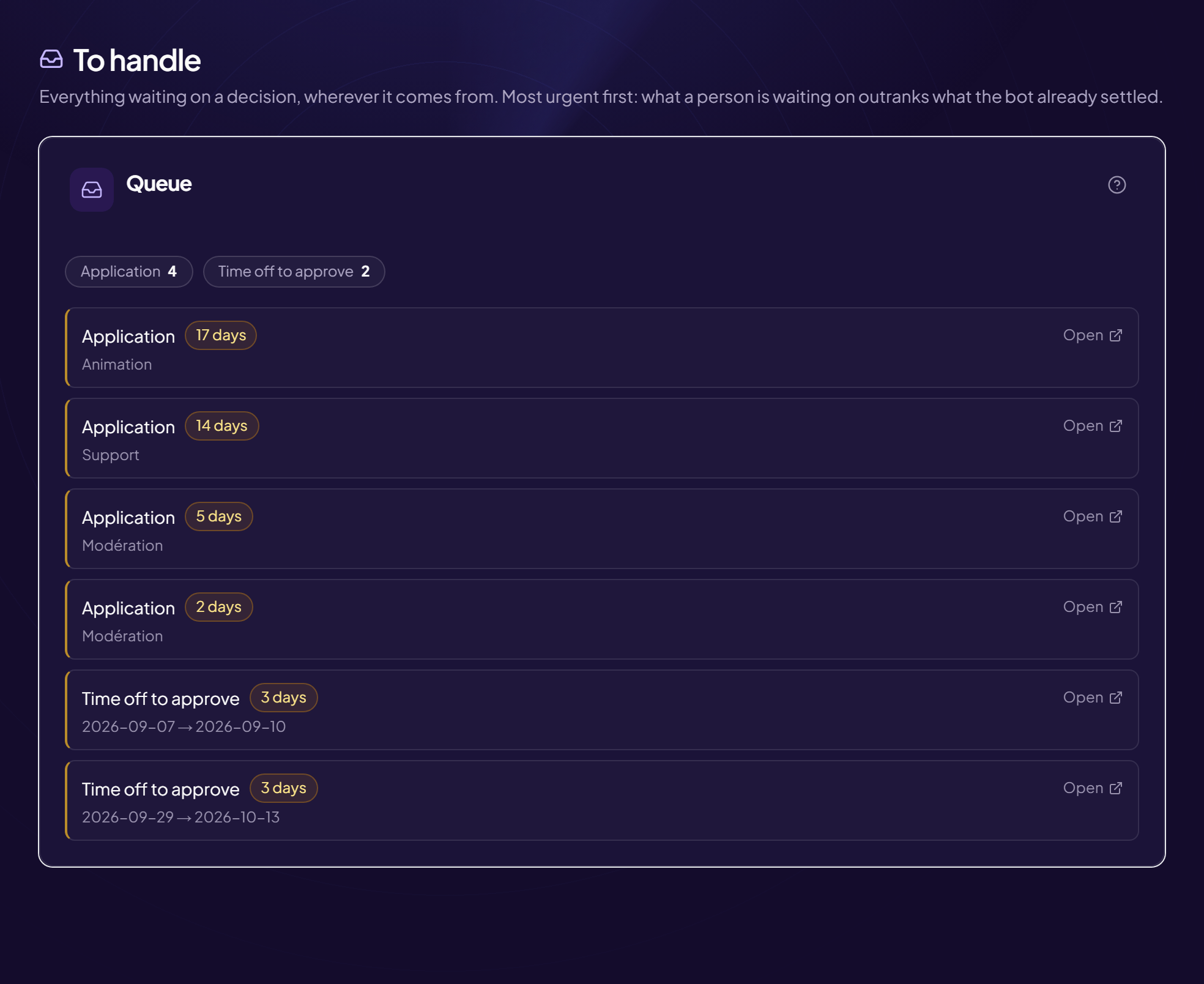
The To handle page (Queue) gathers in one place everything waiting for a decision from your team, wherever it comes from: reports, ticket requests, applications, time off, suggestions.
The menu badge
When items are waiting, a numbered badge appears next to “To handle” in the left menu. It disappears when everything is handled.
Read the list
- The most urgent is at the top: what a person is waiting on comes before what the bot has already settled.
- Each item shows how long it has been waiting (“today”, “1 day”…).
- Nothing to do: “Nothing is waiting — everything is handled”.
Handle an item
- Click “Open” You land on the page where you can decide (incident, ticket, application…). For an item that lives on Discord, View on Discord opens the message.
- Make your decision
- Go back to the queue The item has gone.
Information messages
“A source could not be read — the queue is incomplete”: reload the page. “N items shown out of N”: handle the oldest ones to see the rest. “The decision is given in the owner’s DMs”: only the server owner can settle this item.
Still stuck?
Contact support with the title of this article, the step where you are stuck and what you see on screen.
Contact support More articles: Overview and serverLast checked: 13 November 2026.