 OriusBotHelp center
How do I announce a website’s new articles (RSS feed)?
An RSS feed is an address that lists a site’s latest articles. The bot checks it regularly and announces each new article on your server (blog, news, patch notes…).
Add a feed
- Open the page Notifications menu, RSS Feeds tab (title: RSS Alerts).
- Click “Add a feed”
- Paste the “Feed URL”
E.g.
https://www.jeuxvideo.com/rss/rss.xml - Choose the “Announcement channel”
E.g.
#actus. - (Optional) “Custom message”
{title}= the article’s title,{url}= its link.
Example:📰 {title} — {url} - (Optional) “Role to mention” Mentioned on each new article. Empty = nobody.
- Click “Save”
Find a site’s feed address
- Look for an “RSS” link or a waves icon at the bottom of the page.
- Try adding
/feedor/rssto the site’s address. - Atom feeds work too.
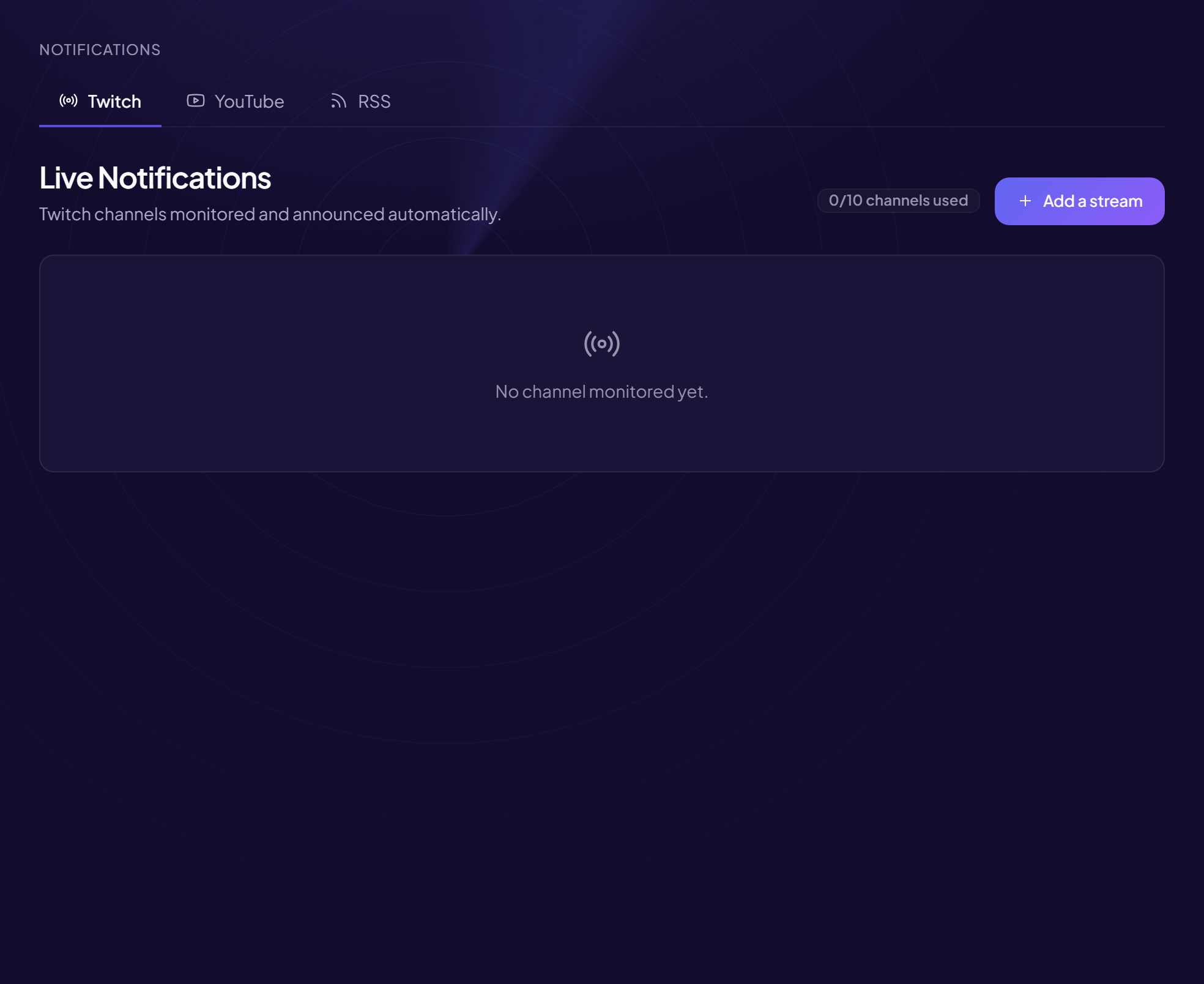
The quota (“feeds used”) is displayed; beyond it, “Limit reached — upgrade to Pro to monitor up to 15 feeds”. Remove deletes a feed. With no feed: “No feed monitored yet.”
Safe address
Only public feeds are accepted. An internal or unreachable address is refused.
Still stuck?
Contact support with the title of this article, the step where you are stuck and what you see on screen.
Contact support More articles: NotificationsLast checked: 13 November 2026.