 OriusBotHelp center
How do I announce every new YouTube video on my server?
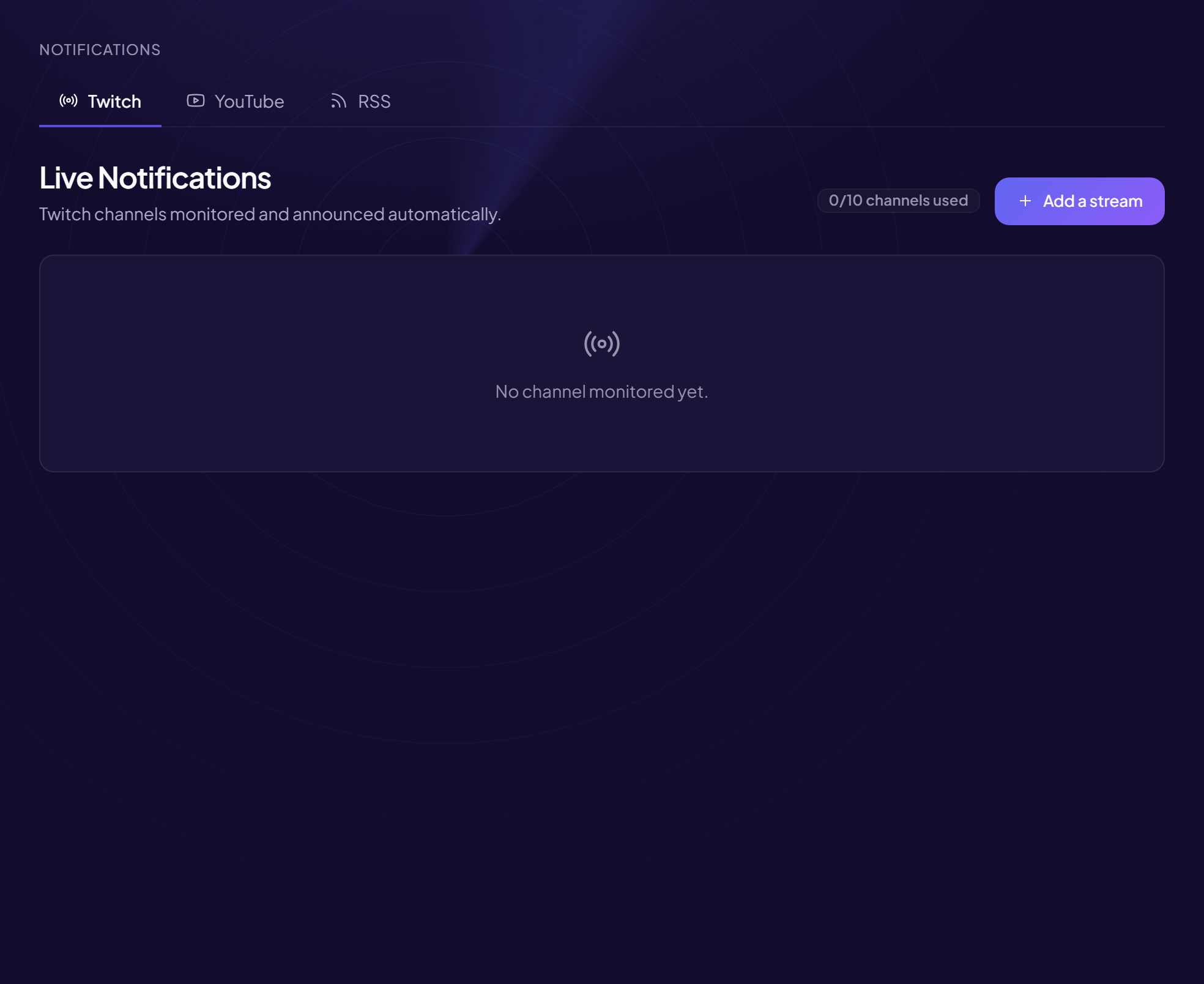
The bot watches YouTube channels and announces each new video in the channel of your choice.
Add a channel
- Open the page Notifications menu, YouTube Alerts tab (title: YouTube Video Alerts).
- Click “Add a channel”
- Fill in “YouTube channel (@handle, URL or ID)”
Its @handle, the channel’s address or its ID. E.g.
@MrBeastoryoutube.com/@MrBeast. - Choose the “Announcement channel”
E.g.
#vidéos. - (Optional) “Custom message”
{channel}= the channel’s name,{url}= the video’s link.
Example:🎬 Nouvelle vidéo de {channel} ! {url} - (Optional) “Role to mention”
E.g.
@Notif-vidéos. - Click “Save”
To remove a channel: Remove. The page shows the quota (“channels used”); beyond it, “Limit reached — upgrade to Pro to monitor up to 10 channels”.
A slight delay is normal
The announcement goes out shortly after the video goes online, not to the exact second.
Still stuck?
Contact support with the title of this article, the step where you are stuck and what you see on screen.
Contact support More articles: NotificationsLast checked: 13 November 2026.