 OriusBotHelp center
How do I schedule recurring messages during my streams?
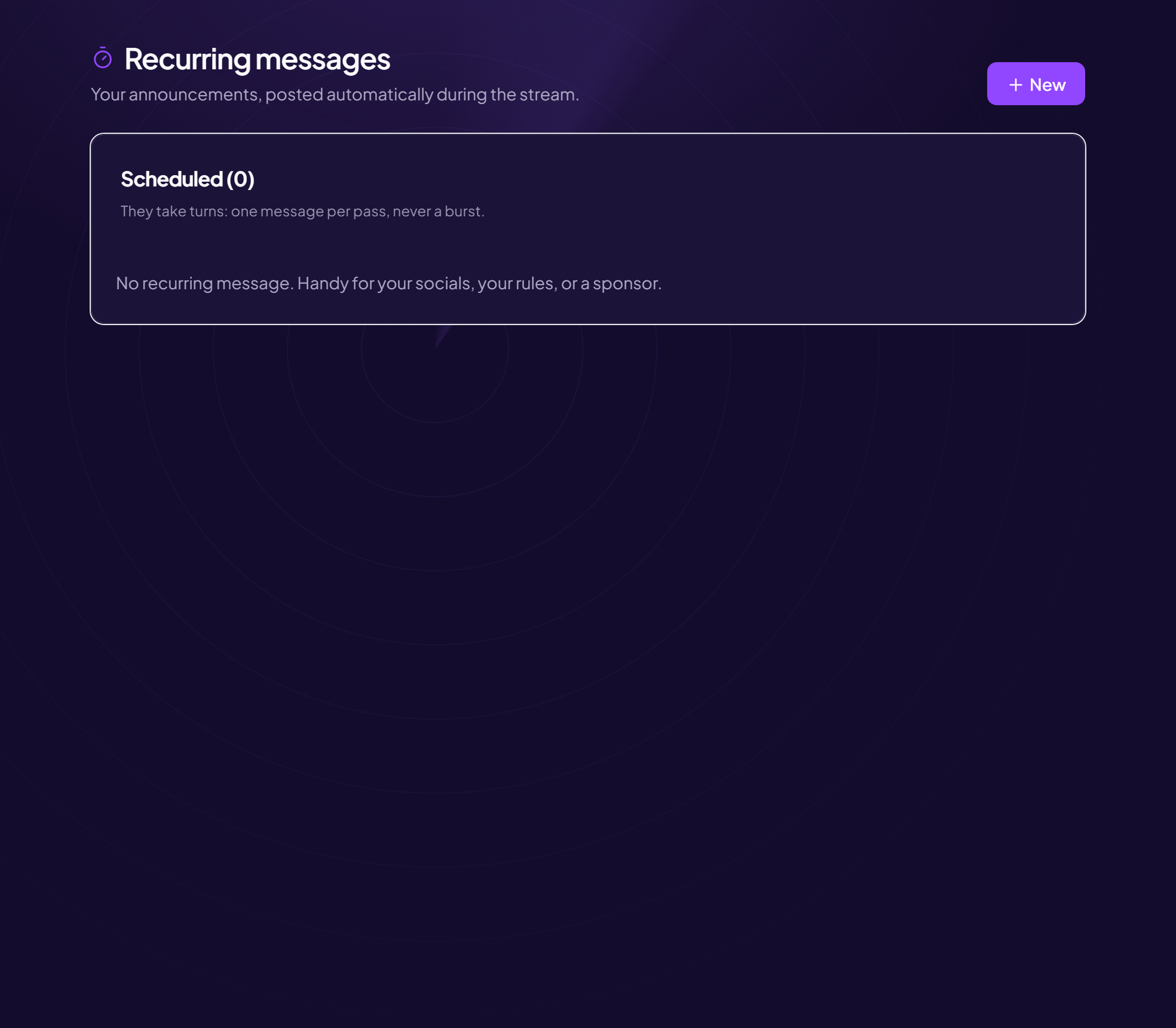
Recurring messages are announcements the bot posts on its own during your stream: your socials, your rules, a sponsor.
Create a message
- Open the page Twitch area, Recurring messages menu.
- Click “New”
- Fill in the form
| Field | Effect |
|---|---|
| Message | The text posted in the chat. |
| Every (min) | The interval between two posts. 5 minutes minimum. |
| Minimum messages | How many messages must have been written in the chat between two posts. Nothing is posted in a quiet chat. |
| Live only | Post nothing when the channel is offline. |
- Click “Save”
How they run
The Scheduled card lists your messages. They run in turn: a single message per pass, never a burst. Each line summarizes its setting (“every 15 min · 5 messages minimum · live only”), and shows “disabled” if needed. You can Edit or Delete a message.
Golden rule
Few messages, spaced out. A chat where the bot speaks every five minutes gets tiring fast: three to four messages rotating every 15 to 20 minutes are enough.
Still stuck?
Contact support with the title of this article, the step where you are stuck and what you see on screen.
Contact support More articles: NotificationsLast checked: 13 November 2026.