 OriusBotHelp center
The level role isn’t given or isn’t removed: what should I check?
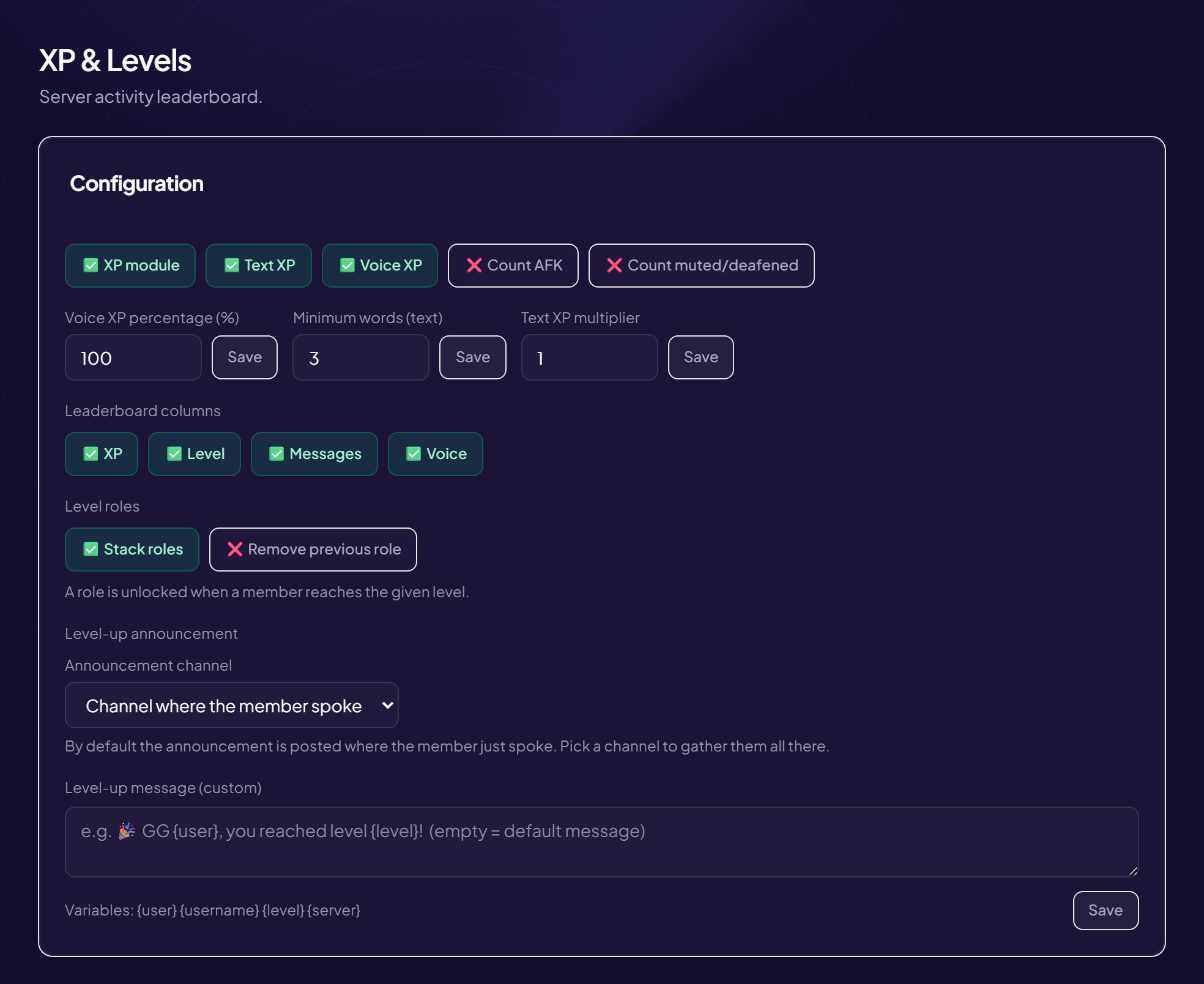
- Is the bot’s role above? In Discord, OriusBot must be above the level roles, with the “Manage Roles” permission. See the role hierarchy.
- Is the role tied to the right level? Engagement › XP & Levels menu, list of level roles: check the “Level” and the “Role”. With no role, the panel shows “No level role configured”.
- Stack or replace? “Stack roles”: the member keeps all the level roles already earned. “Remove previous role”: they only have the role of their current tier.
- Does the role still exist? If it was deleted in Discord, add it again with “Add / update”.
- Has the member really reached the level?
Check with
/xp rank. It takes 100 × level² XP in total.
Quick test
Test with an account that is not an administrator: an administrator does not always see the same limits.
Still stuck?
Contact support with the title of this article, the step where you are stuck and what you see on screen.
Contact support More articles: Community activityLast checked: 13 November 2026.