Guide · July 28, 2026 · 5 min read
Discord auto-moderation: spam, insults and stray ads
No team covers the night. This guide explains what can genuinely be automated on a Discord server, why banned-word lists have always failed, and how to tune moderation that protects without smothering the conversation.
Contents
The four nuisances to deal with
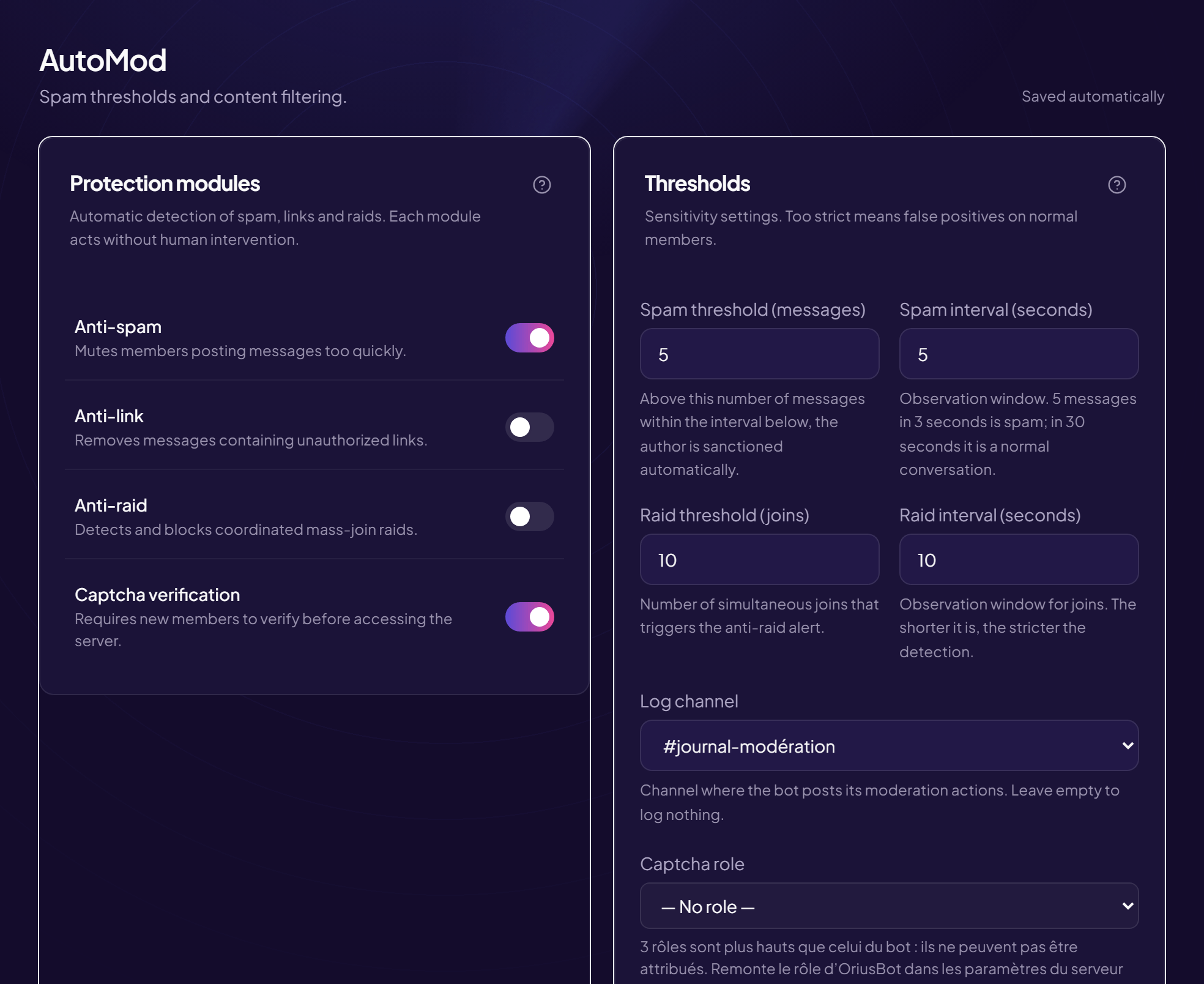
On an active server, day-to-day moderation almost always comes down to four things:
- Spam — the same message repeated, burst posting, walls of capitals, mass mentions, chains of emoji.
- Toxicity — insults, harassment of a member, hateful speech. This is the category that actually makes people leave, far more than spam.
- Unsolicited advertising — invite links to other servers, channel promotion, cold outreach by private message.
- Dangerous links and files — covered separately in the guides on scams and malicious files.
The first three share one trait: they are repetitive. That is exactly what a machine handles better than a human — provided you do not go about it the way people did in 2015.
What AutoMod does, and where it stops
Discord ships AutoMod natively, free, and it should be switched on first. It can:
- block mass mentions above a threshold;
- block explicitly listed words or phrases;
- block invite links to other servers;
- apply the sexual or insulting content filters Discord provides.
Where it stops:
- It does not understand context. A word is either banned or it is not; the meaning of the sentence plays no part.
- It does not count over time. A member posting one borderline message every ten minutes for two hours triggers nothing.
- It does not escalate. It blocks the message, but keeps no per-member history and punishes no repeat offence.
- It is very easy to work around as soon as you step outside the exact list.
Practical conclusion: AutoMod is a good first layer. It is not a complete moderation system.
Why word lists fail
This is the part everyone discovers within three days. A filtered word gets rewritten instantly: doubled letters, digits swapped in, accents added, a space inserted in the middle, a character from another alphabet that looks like the right one. Every variant needs a new rule, and the list grows without ever catching up with the members' imagination.
The real problem, however, is at the other end: a growing list blocks more and more legitimate messages. One banned word takes down every word containing it, and the team then spends its time handling complaints about perfectly harmless sentences. Moderation ends up more irritating than what it filters.
A word list is too strict and too lax at the same time: it blocks normal sentences and lets slightly distorted insults through.
The learning approach
OriusMod, OriusBot's moderation module, does not work from a list but from the shape of messages. It combines two stages:
- A multilingual heuristic that spots insult and harassment patterns regardless of exact spelling: character substitutions, repetitions, spacing, mixed alphabets.
- A locally trained classifier working on character sequences rather than whole words. A distorted word keeps most of its sequences: that is what makes it recognisable despite the distortion.
The server team closes the loop: every decision can be marked right or wrong, and the model adjusts. Moderation that gets something wrong once must not go on getting it wrong the same way forever.
One point that matters to many servers: the analysis runs on Orius's infrastructure. No message from your server is passed to an outside AI provider, which is not the case for bots relying on a third-party analysis API.
Grading the penalties
Detection is worth nothing without a proportionate response. The most solid mechanism is the warning with automatic threshold escalation: each slip adds a warning to the member's record, and the penalty fires at tiers set in advance.
| Warnings | Penalty | Intent |
|---|---|---|
| 1 | Warning only | Flag the line, without punishing |
| 3 | 1 hour mute | Break the momentum of a bad moment |
| 5 | 24 hour mute | The real last warning |
| 7 | Kick | Coming back stays possible |
| 10 | Ban | End of the road |
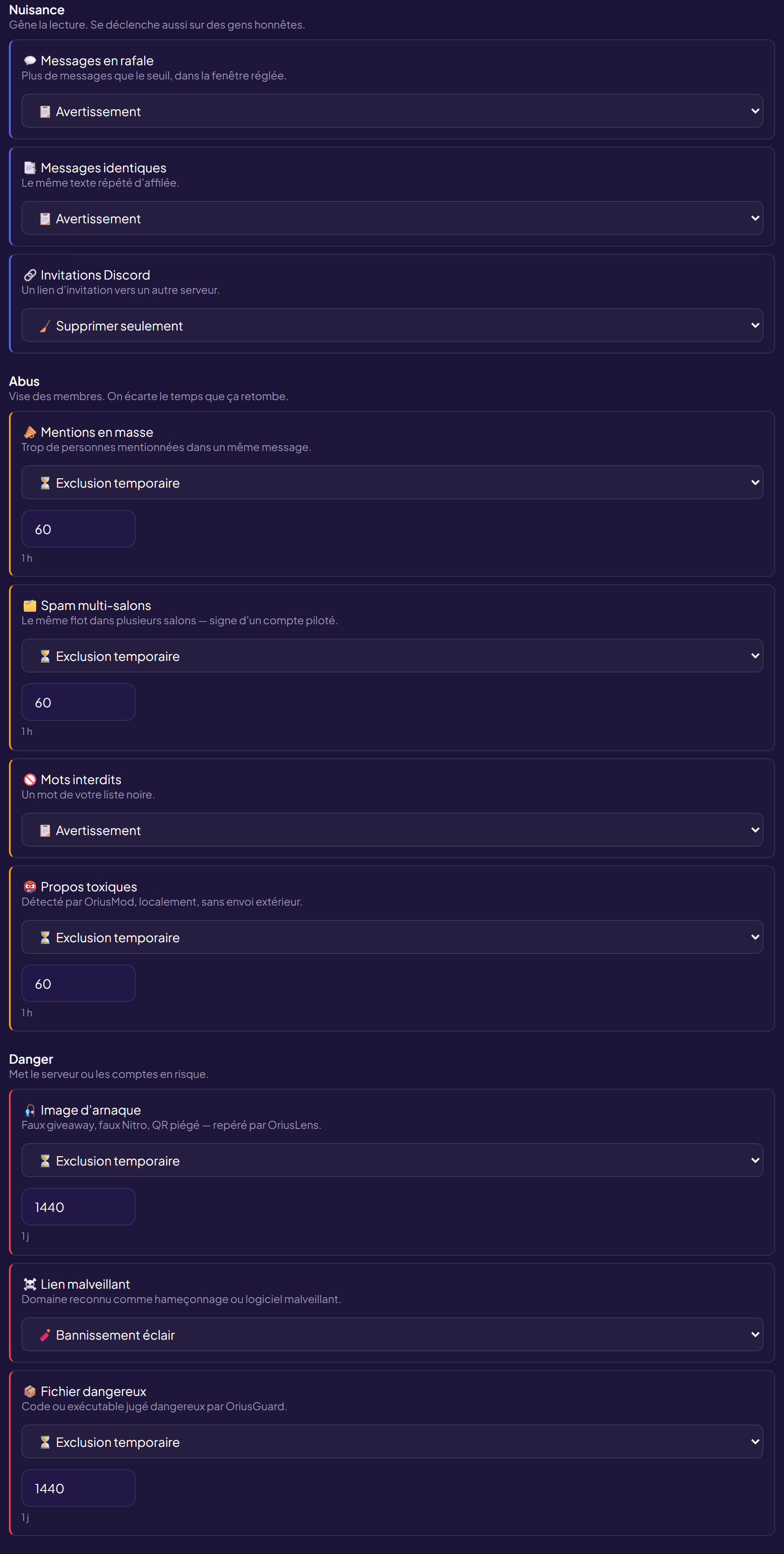
Three advantages, often underrated. The rule is the same for everybody, which defuses accusations of favouritism. It applies at night, while the team sleeps. And it leaves a written trace: when a member disputes a call, you reread their record instead of arguing over memories.
Tuning without over-moderating
Moderation that is too strict does as much damage as no moderation at all: members censor themselves, conversations die. A few settings that avoid that:
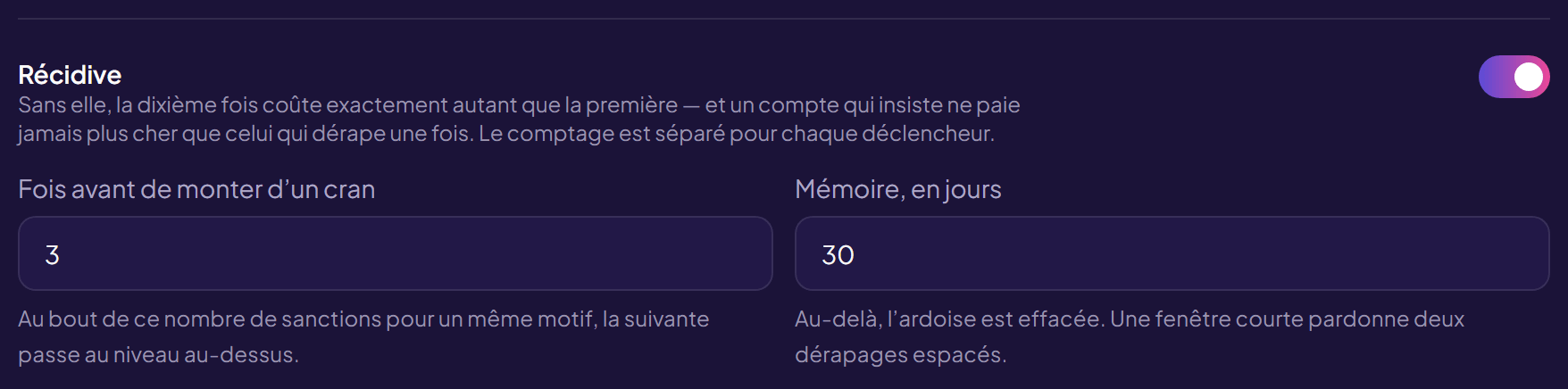
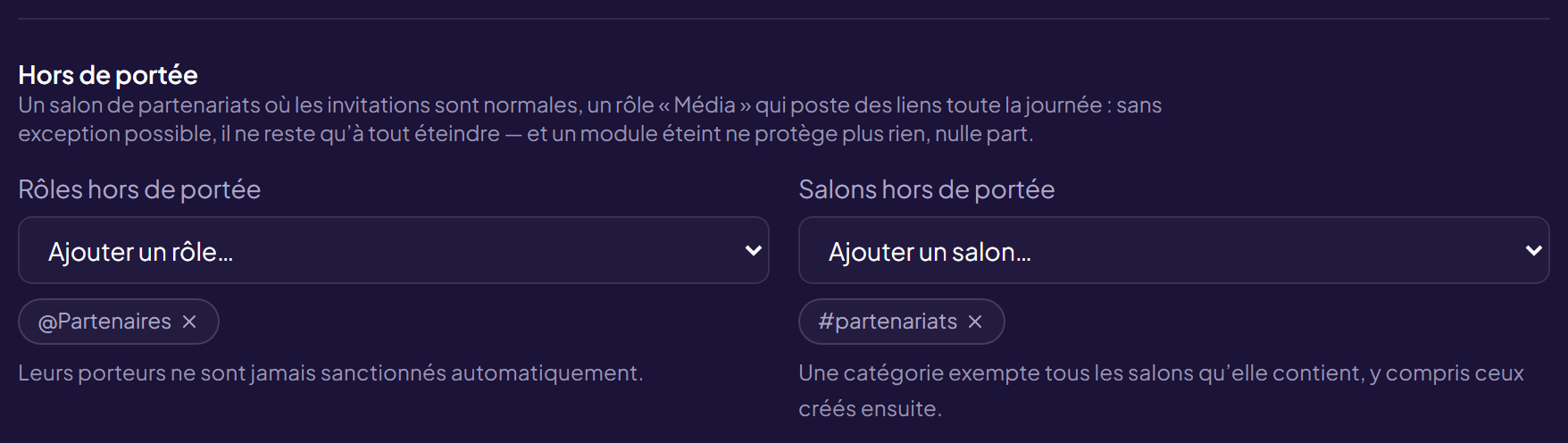
- Exempt the appropriate channels. A venting channel or a voice text channel does not live by the same rules as the entrance.
- Exempt trusted roles. A member who has been around for two years does not need filtering like a ten-minute-old account.
- Start in alert mode. For a week, let the bot report without punishing, and read what it would have done. That is the only honest way to calibrate a threshold.
- Provide a right of reply. A channel or ticket system for disputing a penalty stops a false positive from turning into a permanent departure.
- Explain the rules publicly. A member punished without understanding why does not correct their behaviour: they leave.
And do not overlook the obvious: a well-arranged server largely moderates itself. Removing the right to post links from the default role, restricting attachments to one channel, putting slow mode on the busiest channels — three native settings that remove the problem rather than filtering it.
Frequently asked questions
Is AutoMod enough?
It handles the simple cases: mass mentions, exactly listed words, invite links. It does not understand context and is worked around by changing the spelling. A good first layer, not a complete moderation system.
Why do banned-word lists fail?
A filtered word gets rewritten in three seconds. Every workaround needs a new rule, and the list ends up blocking normal messages while still letting the variants through.
How do I moderate without over-moderating?
By grading: a warning first, a mute on repetition, a kick on obvious refusal, a ban last. Automatic escalation applies the same rule to everyone.
Can a bot detect irony?
Imperfectly, like a human reading a message out of context. Hence the importance of adjustable sensitivity, exemptions by channel and by role, and the ability to correct it.
Do messages leave the server?
With many bots, yes: they call a third-party analysis API. OriusBot analyses locally, and no message is passed to an outside provider.
Read next : Captcha and verification, Security bot comparison, Security checklist.