 OriusBotHelp center
Why does the mention of a member who left display badly in the goodbye message?
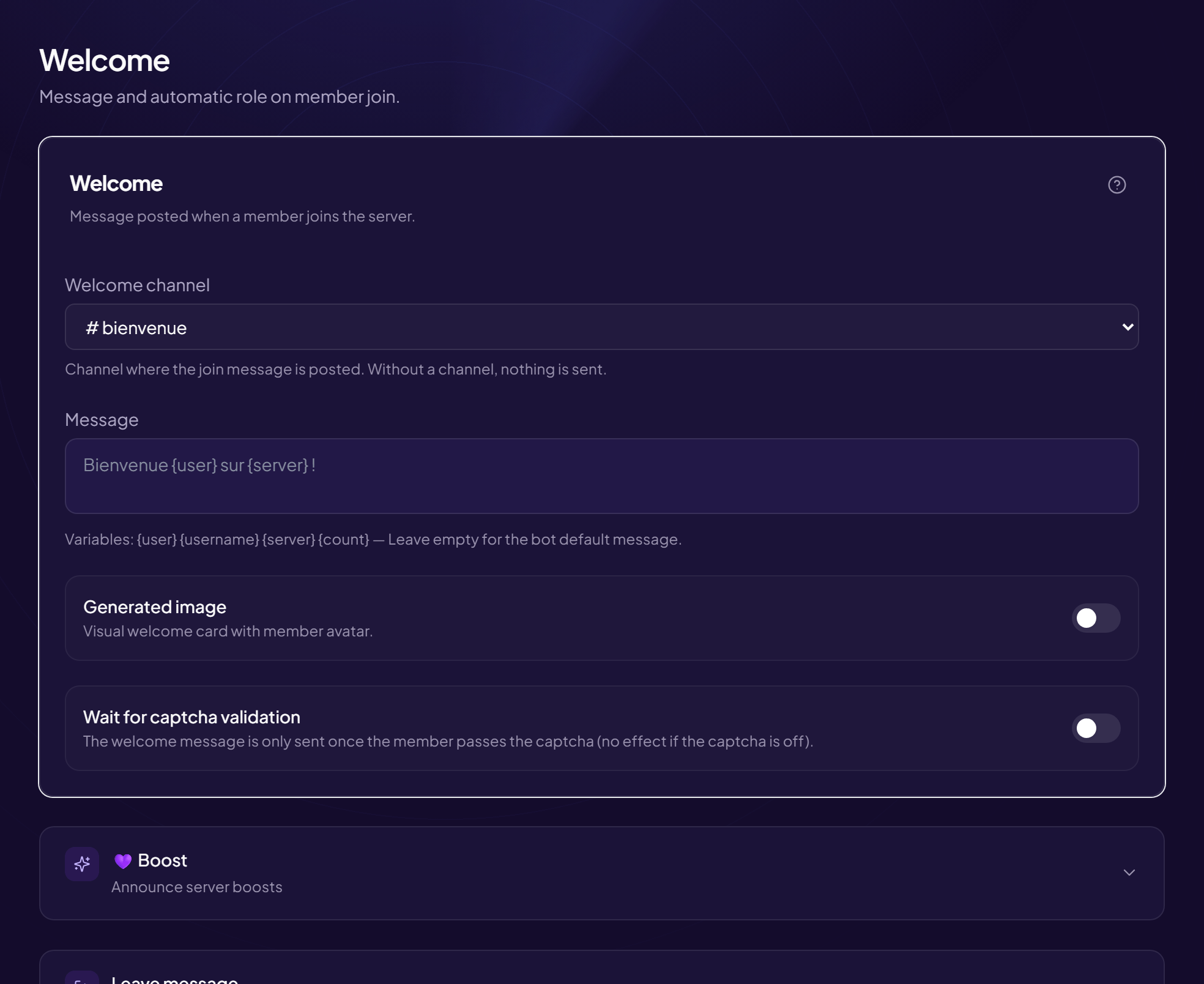
In the leave message, a mention such as {user} often shows up in an unreadable form, because the member is no longer on the server.
The fix
- Open the page Members › Welcome & Boost menu, “Leave message” card.
- Replace
{user}with{username}The username is written out in full, without a mention. Example:{username} has left us. Safe travels! - Click “Save”
Other variables
{server} (server name) and {count} (member count) work too. Full list: the message variables.Still stuck?
Contact support with the title of this article, the step where you are stuck and what you see on screen.
Contact support More articles: Welcoming membersLast checked: 13 November 2026.