 OriusBotHelp center
How do I show “Welcome” in several languages on the card?
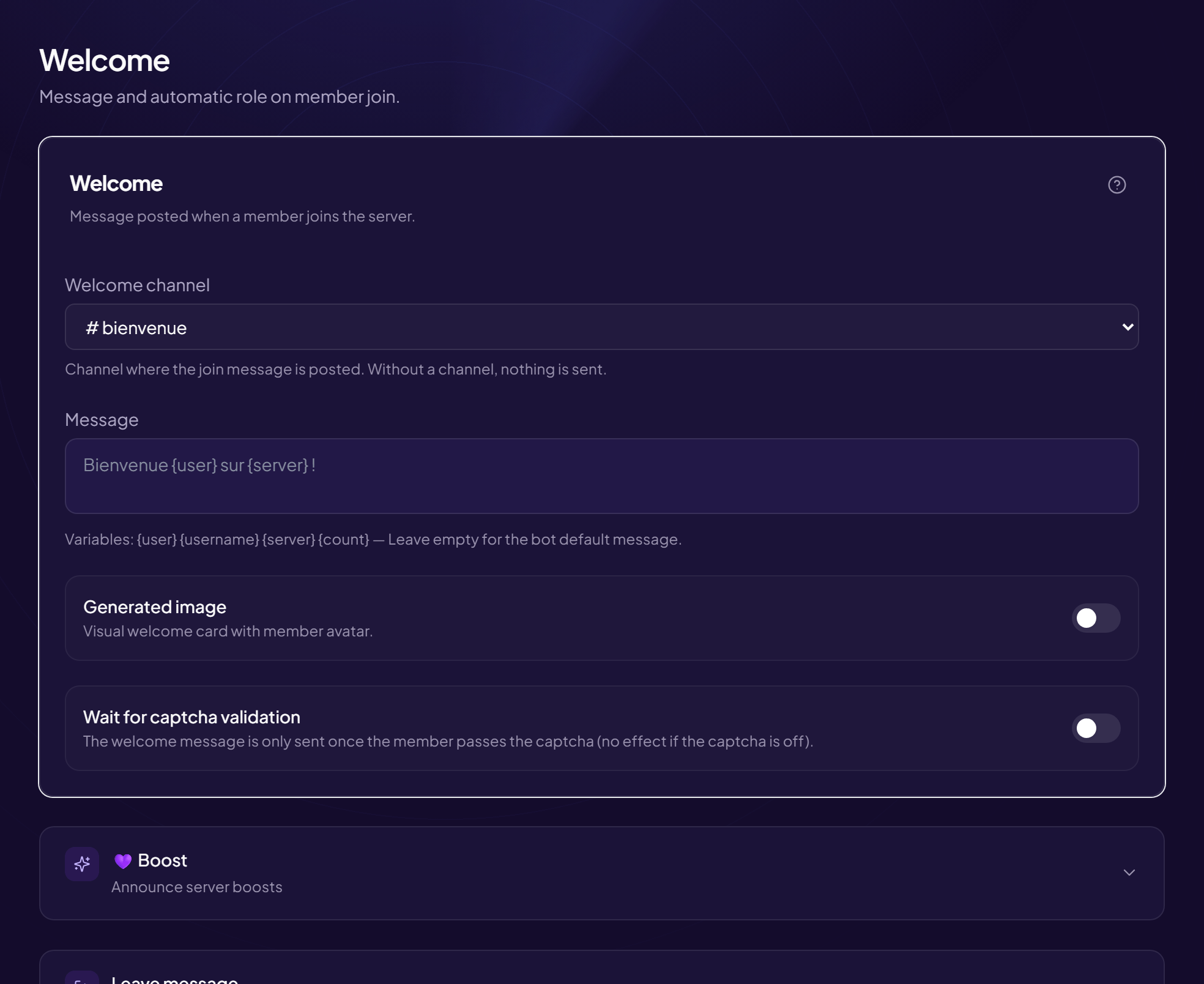
On an international server, the welcome card can greet in several languages at once.
- Open the page Members › Welcome & Boost menu.
- Turn on “Generated image” The card settings appear just below.
- Turn on the greetings display option It is labelled “Show Bienvenue · Welcome · Bienvenido · Willkommen”. These greetings are written at the top of the image.
- Click “Save”
What it does not change
The message text and the card title stay in the language you wrote them in. Only the greeting line is multilingual.
Still stuck?
Contact support with the title of this article, the step where you are stuck and what you see on screen.
Contact support More articles: Welcoming membersLast checked: 13 November 2026.