 OriusBotHelp center
How do I test the welcome message without making a member rejoin?
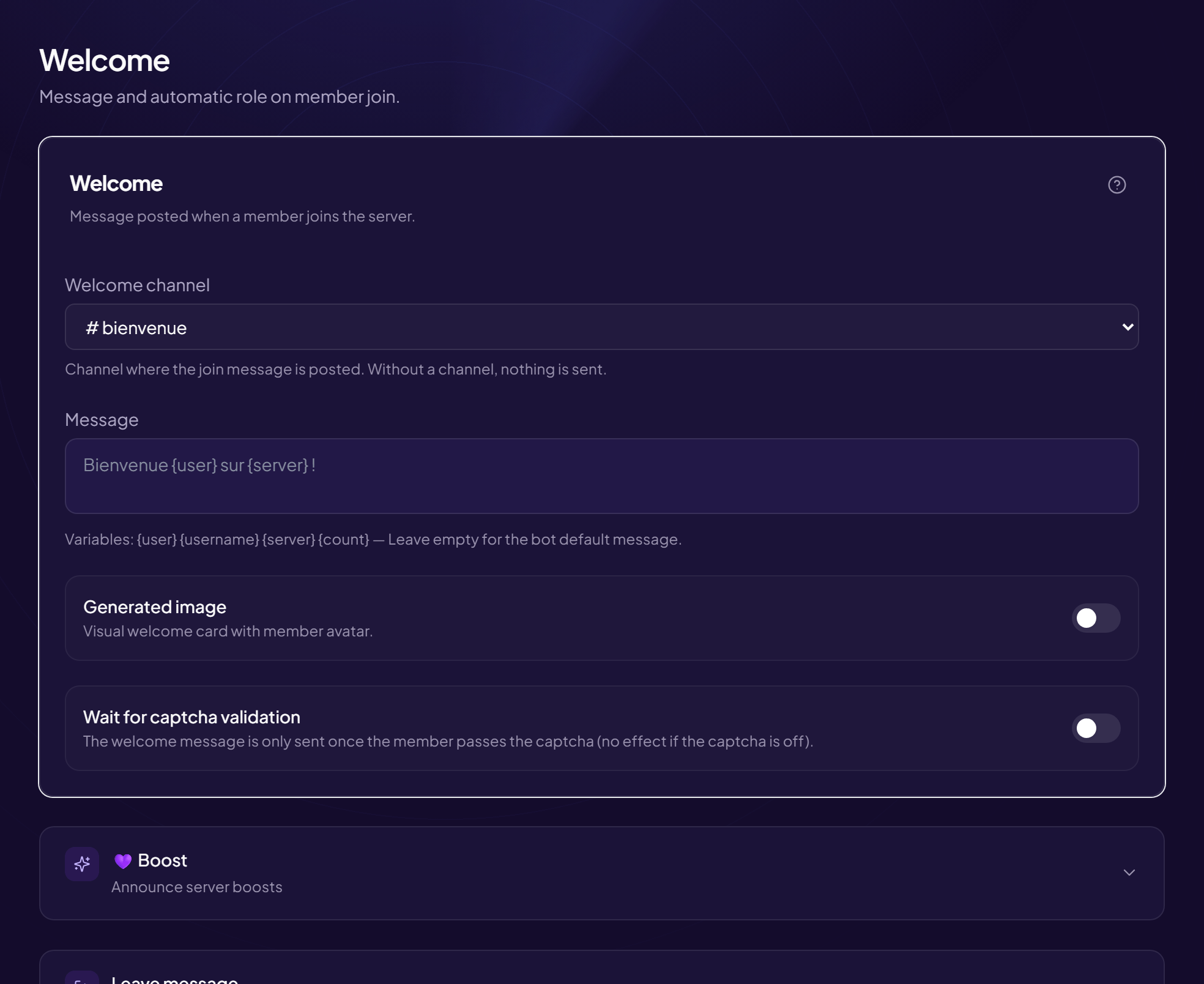
No need to leave and rejoin the server: a command sends a demo welcome message.
Test it
- Type
/config welcome testIn any channel. - Look at the welcome channel The bot posts the test message there (with the image if it is enabled) and confirms which channel it used.
If the bot says no welcome channel is configured, pick the channel first (see below or the welcome message article).
Set it up from Discord
The /config welcome config command offers:
| Option | Purpose |
|---|---|
salon (required) | The welcome channel. |
message | The text, with the variables {user}, {server}, {count}. |
carte | Yes/no: generate the visual card. |
To go further
The title, subtitle, background image and font of the card are set in the panel, on the Welcome & Boost page.
Required permissions
These commands are reserved for members who can manage the server.
Still stuck?
Contact support with the title of this article, the step where you are stuck and what you see on screen.
Contact support More articles: Welcoming membersLast checked: 13 November 2026.