 OriusBotHelp center
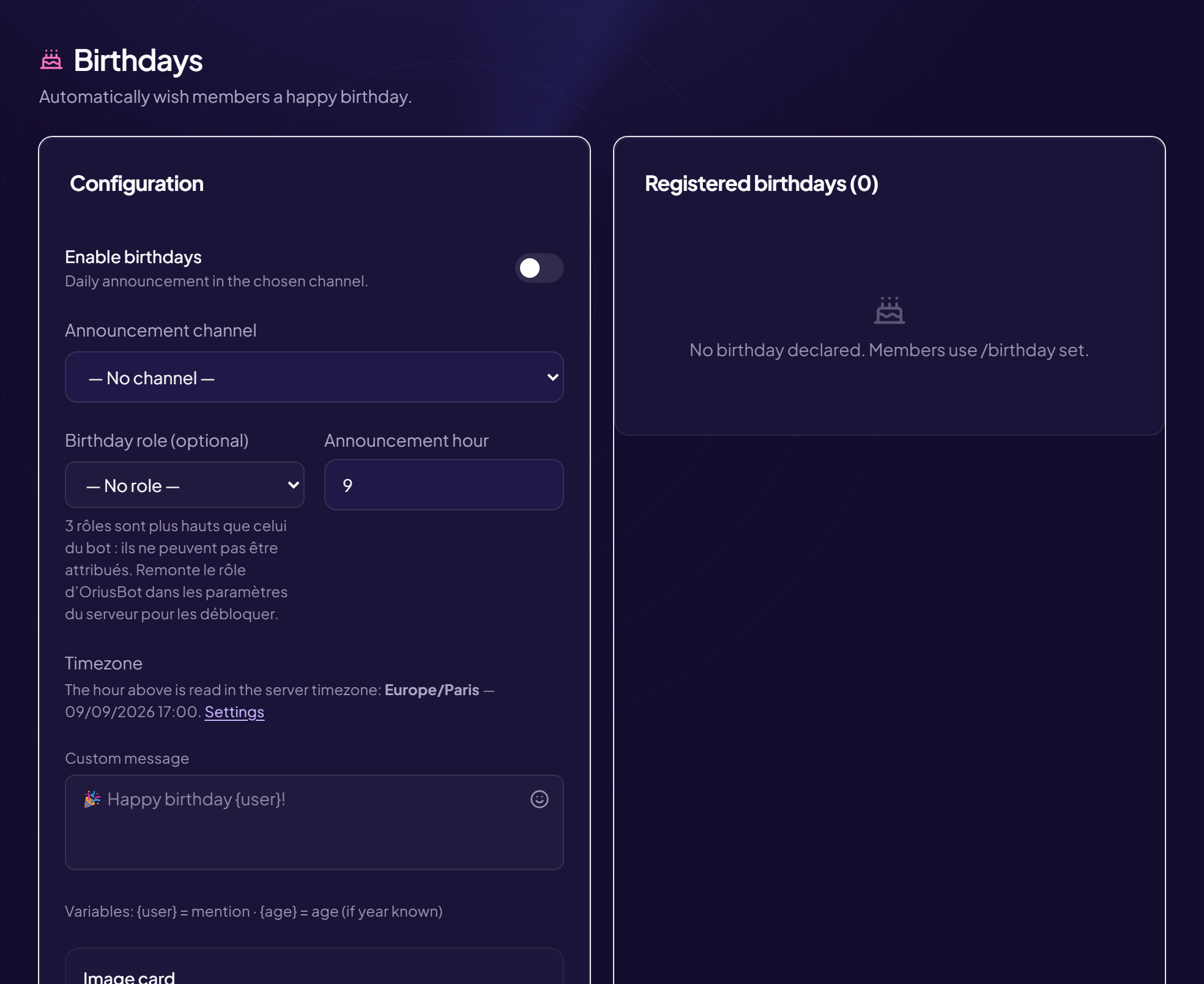
How do I register, correct or delete a member’s birthday (staff)?
| Command | Effect |
|---|---|
/birthday-admin set | Registers or corrects a member’s date: membre, jour (1 to 31), mois (1 to 12) and, optionally, annee (for the age). |
/birthday-admin remove | Deletes a membre’s birthday. |
- Type
/birthday-admin set - Choose the member, the day and the month
- (Optional) Add the year
It is used to calculate the age for the
{age}variable in the birthday message.
Respect the member’s choice
Everyone can manage their own date with
/birthday (see the member article). Only enter one for someone else with their consent.Permissions
The command is reserved for staff.
Still stuck?
Contact support with the title of this article, the step where you are stuck and what you see on screen.
Contact support More articles: Welcoming membersLast checked: 13 November 2026.