 OriusBotHelp center
How do I set up the automatic role from Discord (/config autorole)?
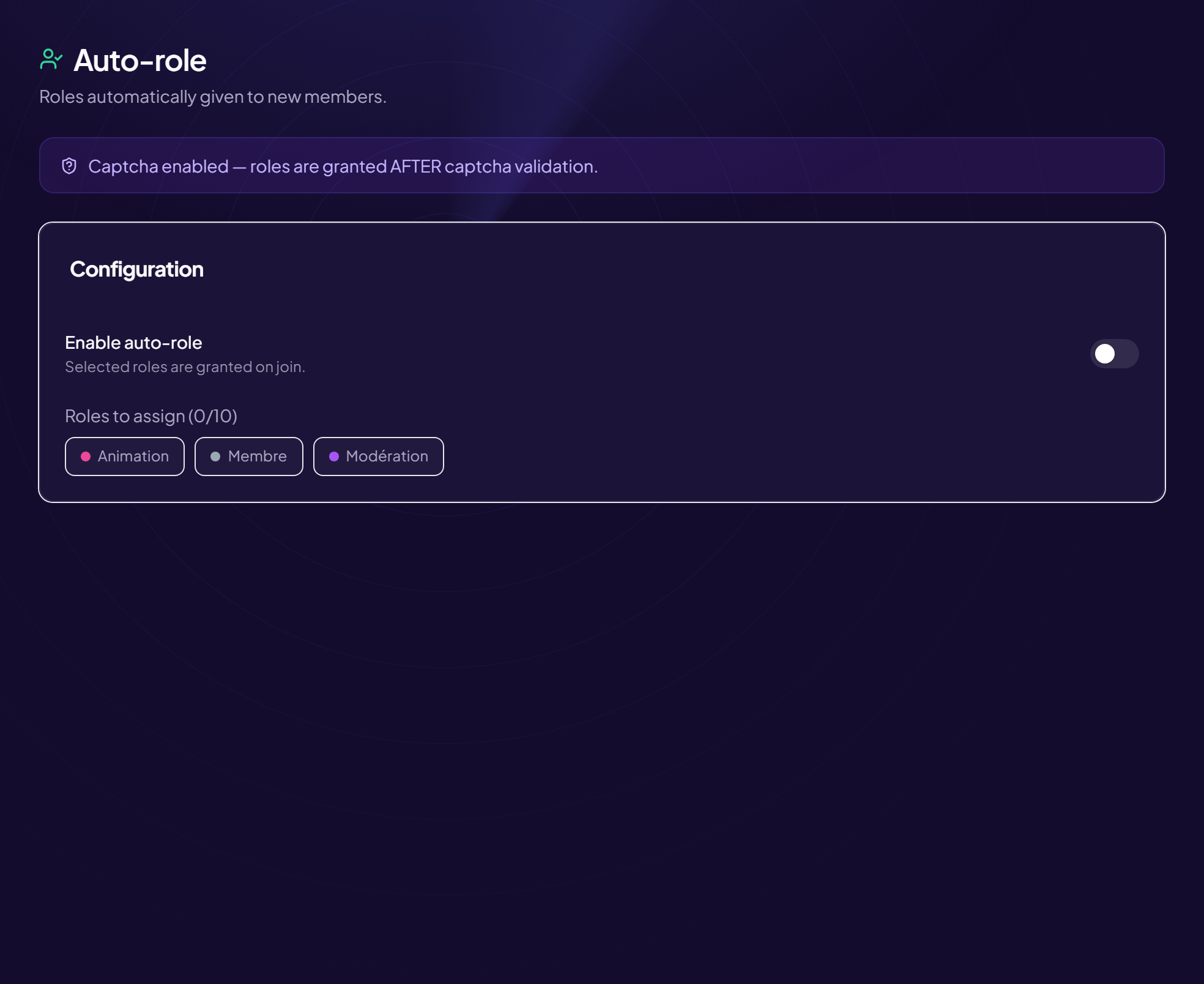
Prefer Discord to the panel? The /config autorole command does the same thing.
- Type
/config autoroleAn “Auto-role” message appears, with the state (Enabled or Disabled) and the list of assigned roles. - Click “Enable” The button becomes “Disable” when the system is on.
- Open the “Choose the automatic roles…” menu Tick the roles each new member must receive.
With the captcha
The message says when the captcha is on: roles are then only given after it is validated.
Hierarchy
OriusBot can only give roles located below its own. See the article on the hierarchy.
Still stuck?
Contact support with the title of this article, the step where you are stuck and what you see on screen.
Contact support More articles: Welcoming membersLast checked: 13 November 2026.