 OriusBotHelp center
How do I sell roles for members’ coins (shop)?
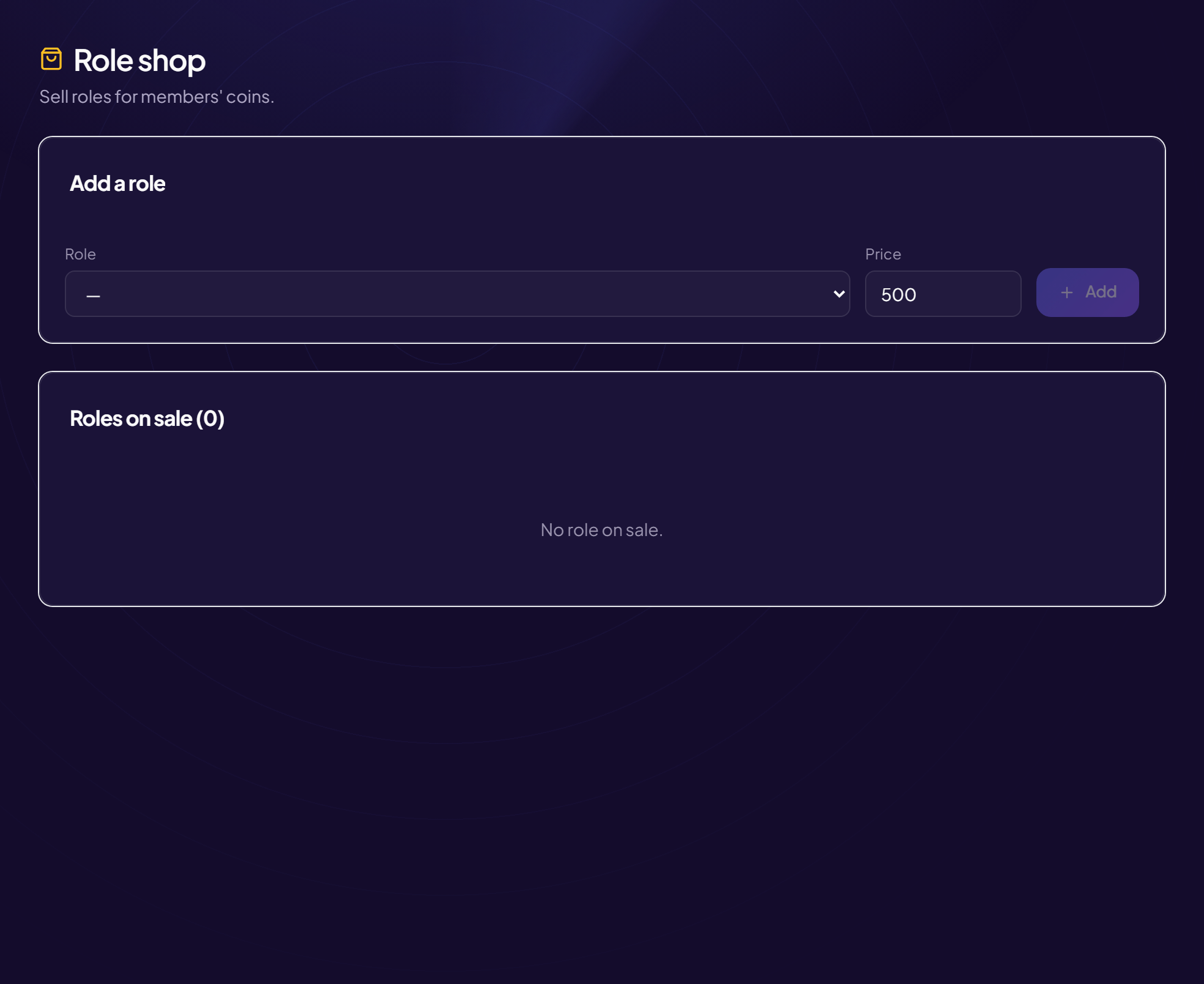
The role shop lets your members buy roles with their coins, earned with the /daily command and the bot’s games. The bot gives the role as soon as the purchase is made.
Put a role on sale
- Open the page Engagement › Shop menu (title: Role shop).
- In “Add a role”, choose the “Role”
For example
@VIP. - Type the “Price” In coins. E.g. 5000.
- Click “Add” The role appears in “Roles on sale”. With none: “No role on sale.”
To remove a role from the shop, delete its line in “Roles on sale”.
The bot’s role must be above
OriusBot must sit above the role being sold in Discord’s role list, otherwise it cannot give it.
A price that makes sense
Since the daily earnings are modest, set a price reachable in a few days for a small perk (a colour role), and a higher one for a big perk.
Still stuck?
Contact support with the title of this article, the step where you are stuck and what you see on screen.
Contact support More articles: Community activityLast checked: 13 November 2026.