 OriusBotHelp center
How do I change the admin panel language?
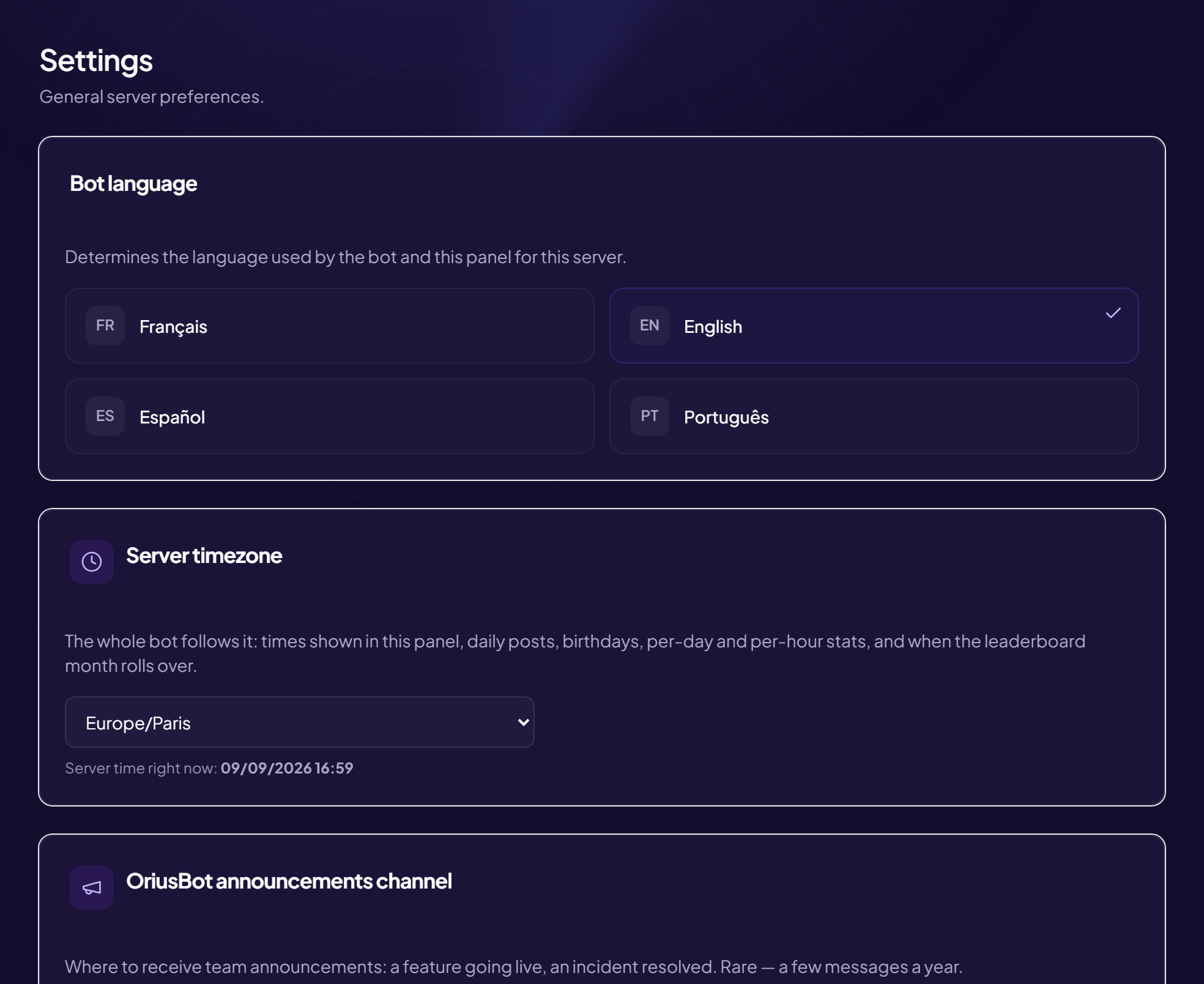
The panel is available in French, English, Spanish and Portuguese. This choice is personal: it applies to you only, on the device you use. It changes nothing for other administrators, nor on Discord.
Change the language
- Open Settings In the left menu, Configuration section, click Settings.
- Find the “Language of this panel” card It offers the four languages.
- Click the language you want The panel switches to that language. Nothing to save.
Go back to automatic
In the same card, the Follow my browser button restores the automatic choice: the panel uses your browser’s language. If it is none of the four, it displays in English.
Why do I have to redo it on my phone?
The choice is remembered on the device. On another computer or a phone, repeat the same steps (or leave “Follow my browser”).
To change the language your members see on Discord, see How do I change the bot’s language?
Still stuck?
Contact support with the title of this article, the step where you are stuck and what you see on screen.
Contact support More articles: ConfigurationLast checked: 13 November 2026.