 OriusBotHelp center
How do I disable a command, limit it to certain channels or set its cooldown?
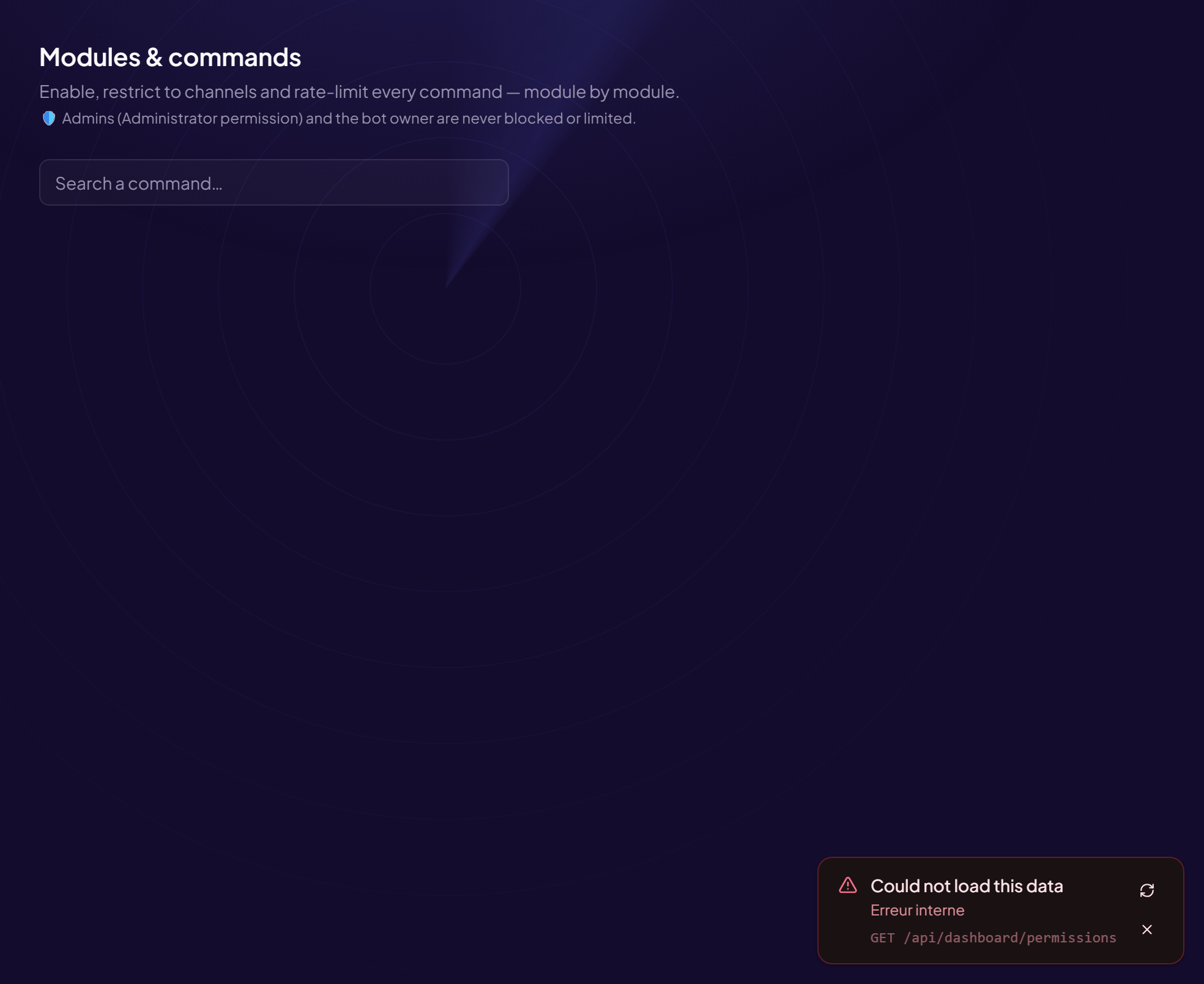
The Commands page (title: Modules & commands) lets you set each command: on or off, where it works, who can use it, how many times.
Administrators
Administrators (Administrator permission) and the bot’s owner are never blocked or limited.
Open a command’s settings
- Open the page Configuration › Commands menu. A counter shows how many commands are on.
- Find the command Browse the modules or use Search a command…
- Click “Manage”
What you can set
| Setting | Effect |
|---|---|
| Command state | Enabled / Disabled. Turned off, nobody can use it. |
| Channels | Empty = everywhere. Allowed channels = only in these. Blocked channels = everywhere except these. E.g. /xp rank only in #commandes. |
| Allowed roles | These roles can use the command, even without the Discord permission normally required. |
| Blocked roles | These roles can never use it. Blocking always wins. |
| Delay between 2 uses (s) | Required waiting time, per member. 0 = none. |
| Max uses per window + Window (s) | Maximum number of uses during the window. 0 = unlimited. E.g. 5 with 60 s → at most 5 times a minute. |
| Max uses / 24 h | Daily cap per member. 0 = unlimited. E.g. 3 for a reward command. |
- Click “Save” The “Saved” message confirms it. Back to commands takes you back to the list.
Allowed and blocked channels together
Choose one or the other: “Allowed” limits to these channels, “Blocked” excludes these channels. They do not mean the same thing.
Still stuck?
Contact support with the title of this article, the step where you are stuck and what you see on screen.
Contact support More articles: ConfigurationLast checked: 13 November 2026.