 OriusBotHelp center
How do I run a giveaway with an automatic draw?
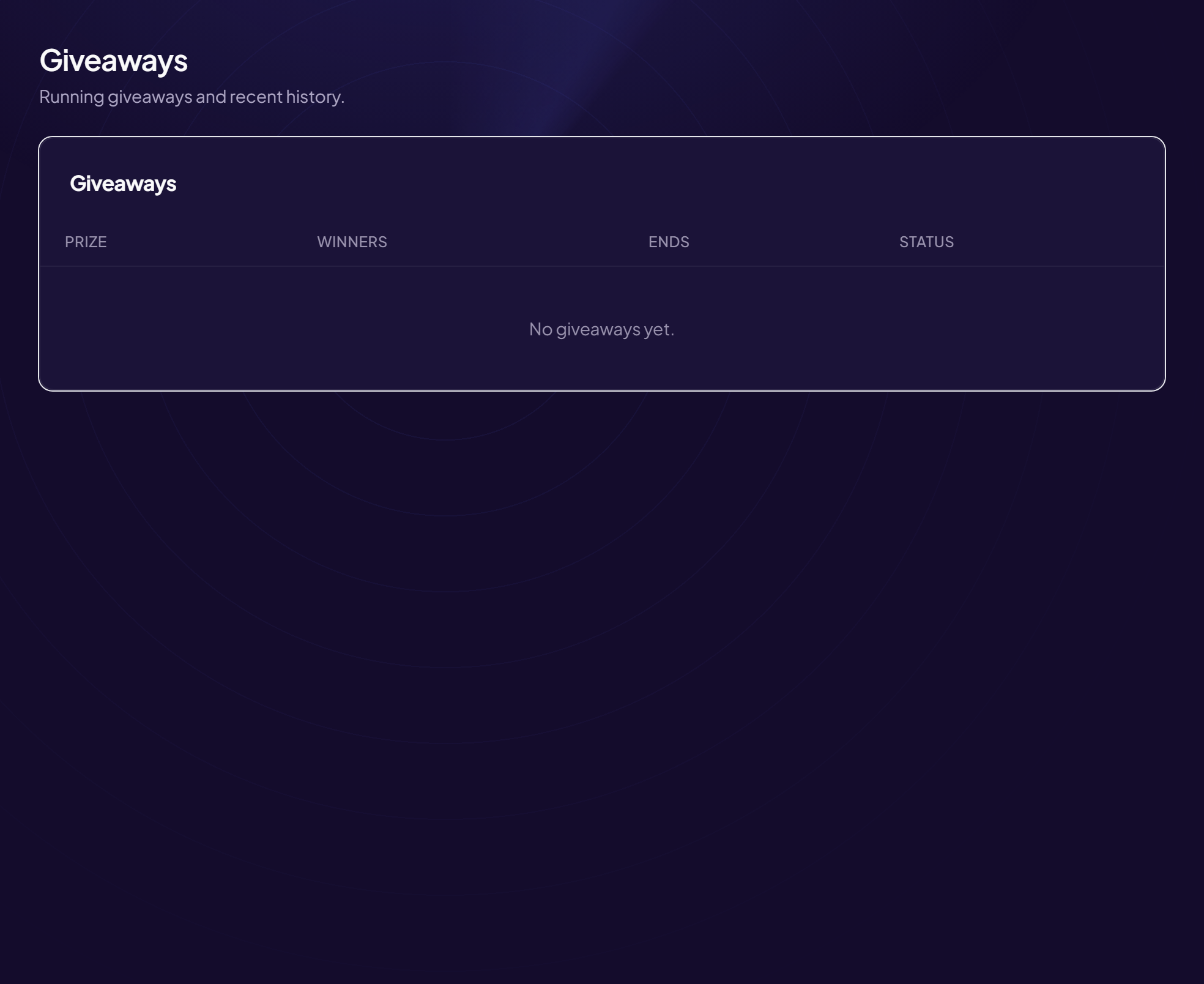
A giveaway lets randomly drawn members win a prize. It is started with the /giveaway command in Discord; the panel’s Giveaways page shows how it is going.
Start a giveaway
- Type
/giveaway startIn the channel where the giveaway should appear. - Fill in the required fields
•lot: the prize to win;
•durée: for example30m,2h,7d(units can be combined:7d 8h 2m);
•gagnants: from 1 to 20. - (Optional) Add conditions
•rôle_requis: a role needed to take part;
•vocal_requis: you must be in a voice channel. - Confirm The bot posts the giveaway with an entry button.
Pro options
Several options of the command are reserved for the Pro subscription: minimum account age, extra tickets for high levels or boosters, automatic relaunch of the same giveaway every N days.
End or re-draw
| Command | Effect |
|---|---|
/giveaway end | Ends a giveaway now. Give id (link or message ID), or leave empty for the latest one running. |
/giveaway reroll | Draws a new winner (for example if the first one does not answer). |
Follow it in the panel
Engagement › Giveaways menu: the list shows the Prize, the Winners, the Ends date and the Status (Running / Ended). With no giveaway: “No giveaways yet.”
Who can start a giveaway?
The command requires management rights. To give it to your community-events team, see permission groups.
Still stuck?
Contact support with the title of this article, the step where you are stuck and what you see on screen.
Contact support More articles: Community activityLast checked: 13 November 2026.