 OriusBotHelp center
How do I add roles, XP boosters or items to the server shop?
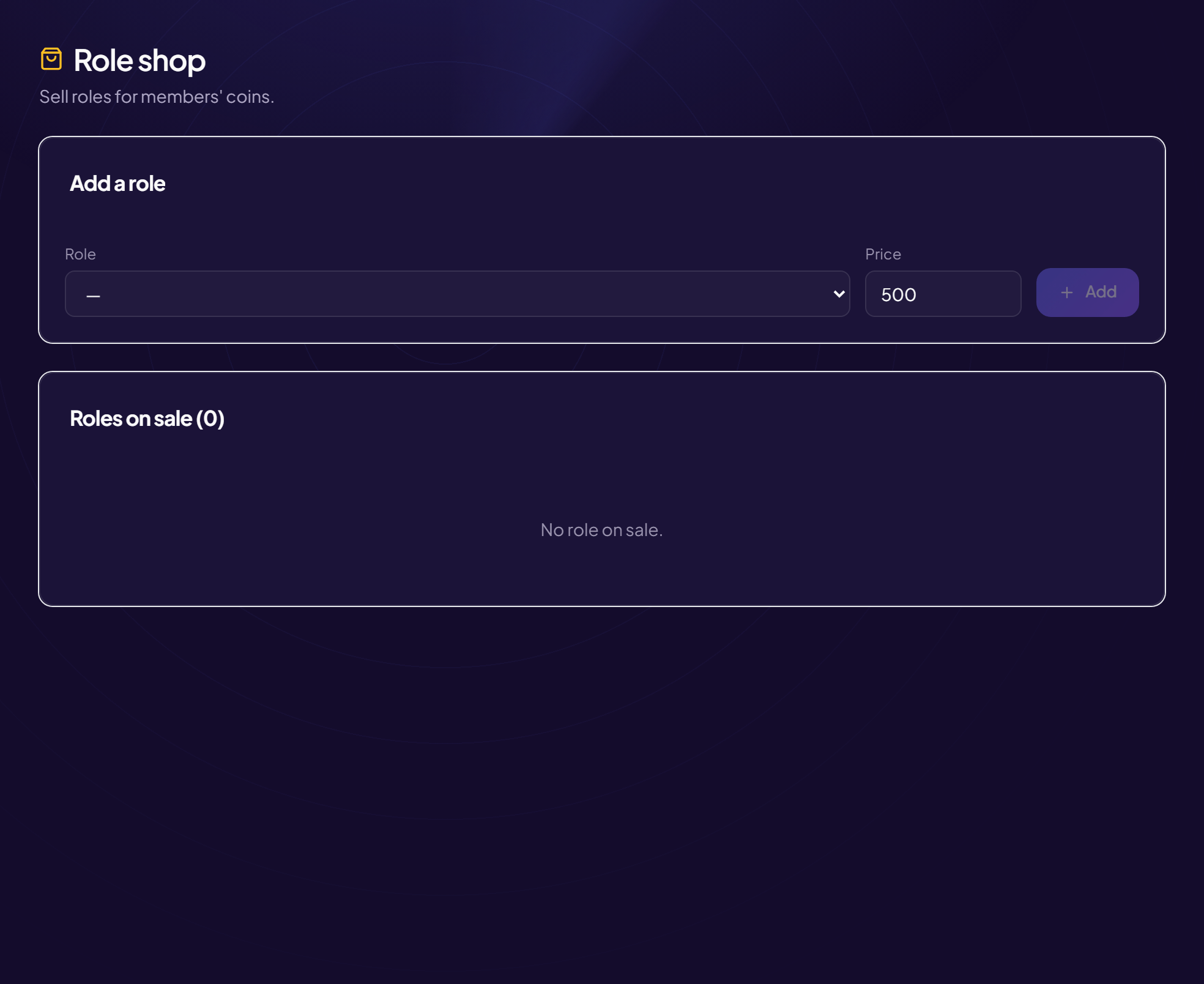
Plain roles
From the panel (Engagement › Shop, see the shop article) or by command:
| Command | Effect |
|---|---|
/shop-admin add | Puts a role on sale for a prix (in coins). |
/shop-admin remove | Removes a role from the shop. |
Custom items (/shop-admin)
| Subcommand | Effect |
|---|---|
/shop-admin ajouter | Creates an item: nom, prix, role given on purchase. Options: type (“🎭 Plain role” or “✨ XP Booster”), multiplicateur (for a booster, for example 2), entretien (daily rent, 0 by default), emoji. |
/shop-admin liste | Lists the server’s items with their ID. |
/shop-admin retirer | Removes an item by its id (shown in the list). |
XP booster
A member who holds the booster’s role earns their written XP multiplied (the strongest multiplier among their roles applies).
Rights
These commands are reserved for staff. The bot’s role must be above the roles sold: see the hierarchy.
Still stuck?
Contact support with the title of this article, the step where you are stuck and what you see on screen.
Contact support More articles: Community activityLast checked: 13 November 2026.