 OriusBotHelp center
How do I announce a session with the /event command?
- Type
/eventA “New session” form opens. - Fill in the fields
• “Session name” (for example Valorant Night);
• “Start (YYYY-MM-DD HH:MM)”;
• “Number of spots”;
• “Description (optional)”;
• “Image (https link, optional)”. - Adjust the draft “Before publishing” shows you the announcement: nothing is visible until you publish. You can choose “Session voice channel…”, “Role to notify…” and “Announcement color…”.
- Click “Publish the announcement” Or “Discard”: nothing is published.
What members do
They click I'm in, Waiting list (when it is full) or Leave.
Start time
The time is read in the server's time zone: see Change the time zone. A “Unable to publish” message points to a bot permissions problem in the channel.
From the panel
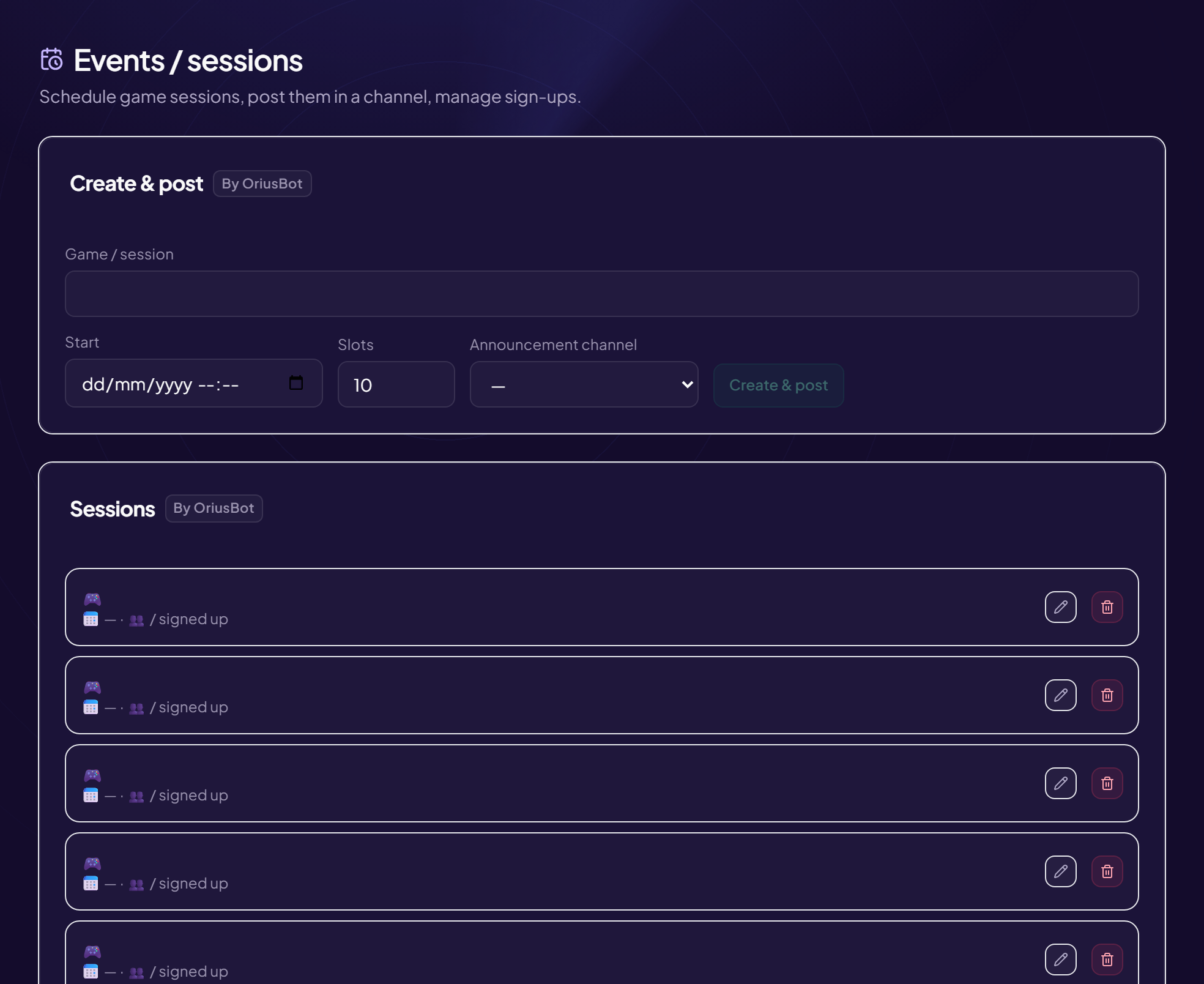
The panel can do the same thing: How to organize a session.
Still stuck?
Contact support with the title of this article, the step where you are stuck and what you see on screen.
Contact support More articles: Community activityLast checked: 13 November 2026.