 OriusBotHelp center
What should I set up first after adding OriusBot?
The bot is on your server and you are in the panel: where do you start? Here is a short list, in order. Each line links to an article that details the clicks.
Step 1 — Language and time
Two settings in Configuration › Settings, saved as soon as you click:
- the language the bot uses with your members: How do I change the bot’s language?
- the time zone, which sets announcements and birthdays: How do I set the server time zone?
Step 2 — Know where things are
Take three minutes to browse the left menu: What is each page of the panel menu for? Remember the Jump to… field at the top of the page: type a word and the panel opens the right page.
Step 3 — Open one page at a time, do not enable everything
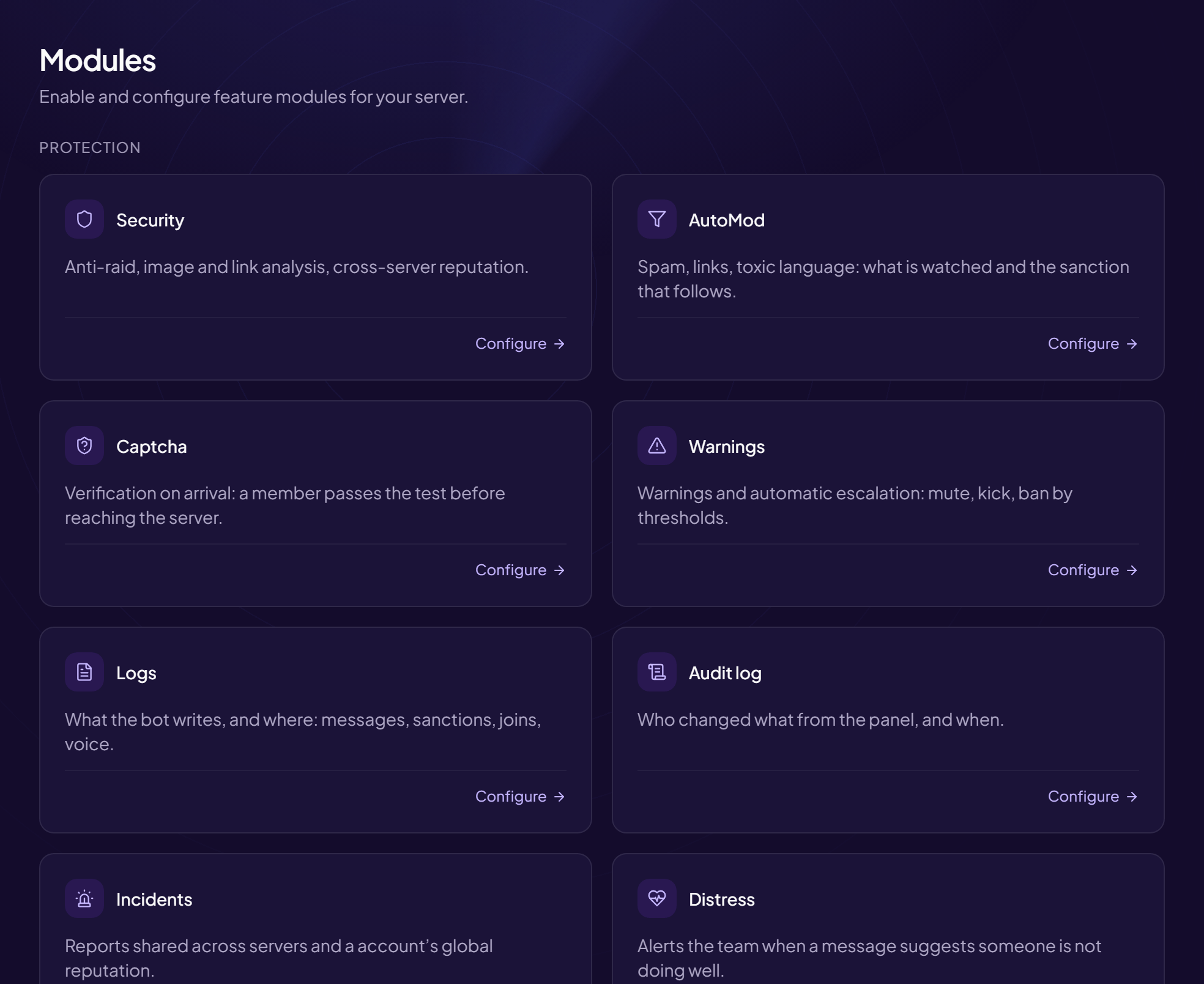
The Modules page (Configuration section) lists the bot’s features and lets you turn each on or off. Only enable what your community needs, and add the rest over time.
Step 4 — Welcome new members
The Members section groups a newcomer’s journey: Welcome & Boost (welcome message), Auto-role, Rules.
Step 5 — Protection
The Protection section groups what the bot does on its own: Security, AutoMod, Anti-raid & anti-nuke, Captcha.
When to ask for help
If a step does not look like what you see on screen, do not force it: note the page name and contact support.
Still stuck?
Contact support with the title of this article, the step where you are stuck and what you see on screen.
Contact support More articles: Getting startedLast checked: 13 November 2026.