 OriusBotHelp center
How do I edit, republish or delete a role selector that is already published?
Edit
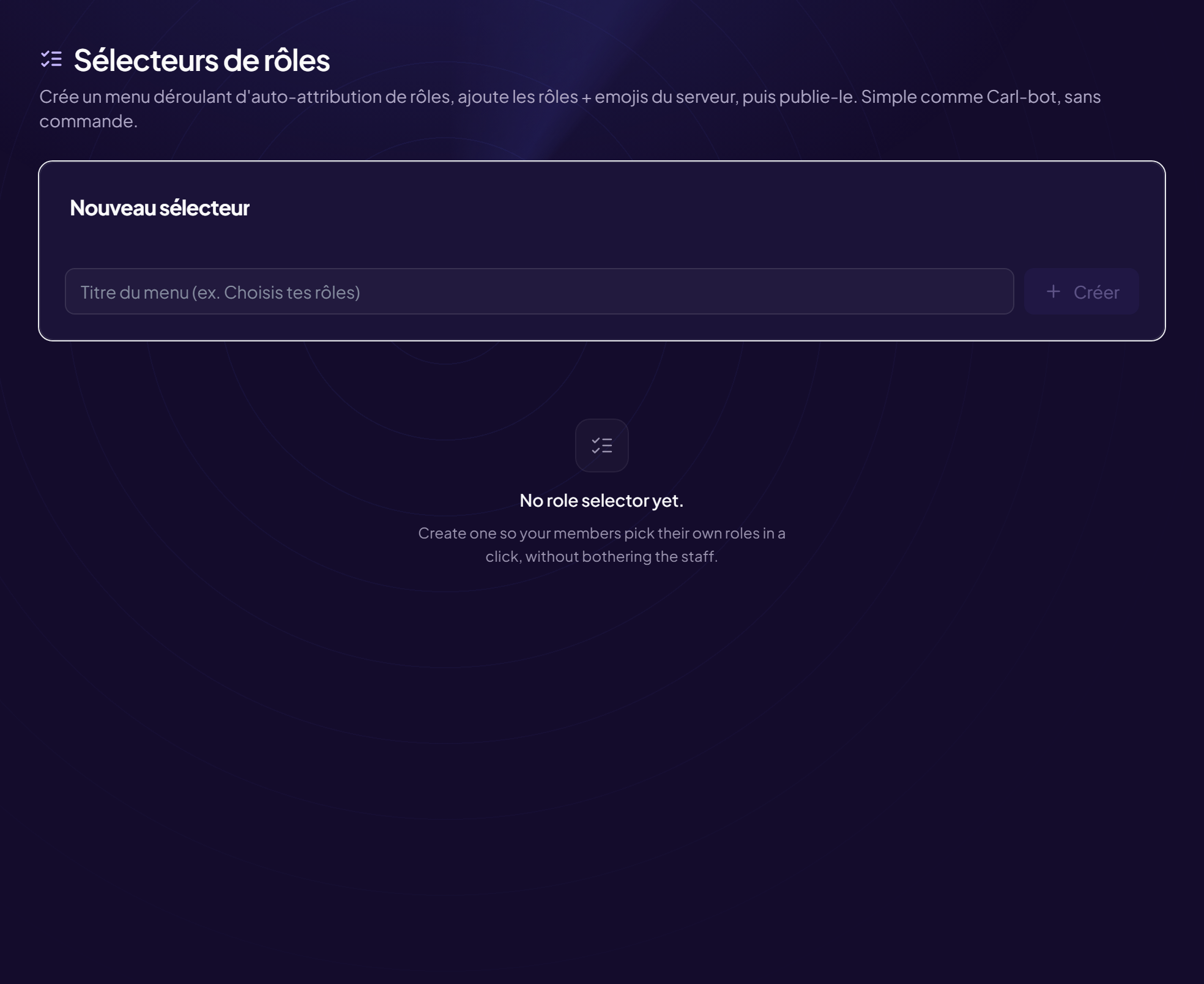
- Open the page Members › Role selectors menu. Each selector is marked “· published” or “· draft”.
- Change whatever you want Title, description, colour, images, roles, mode, “Max choices”. The live preview shows the result.
- Click “Republish” The message already posted on Discord is updated. Until you do, Discord keeps the old version.
Publish a draft
A “draft” selector has never been posted. Choose the “Publish channel” then click Send.
Delete
- Click “Delete”
- Confirm “Delete this selector?”
If the message was deleted by hand in Discord
The selector still exists in the panel: click Republish (or Send) to post a new one.
Still stuck?
Contact support with the title of this article, the step where you are stuck and what you see on screen.
Contact support More articles: Welcoming membersLast checked: 13 November 2026.