 OriusBotHelp center
How do I force a member to pick only one role (colour, team…)?
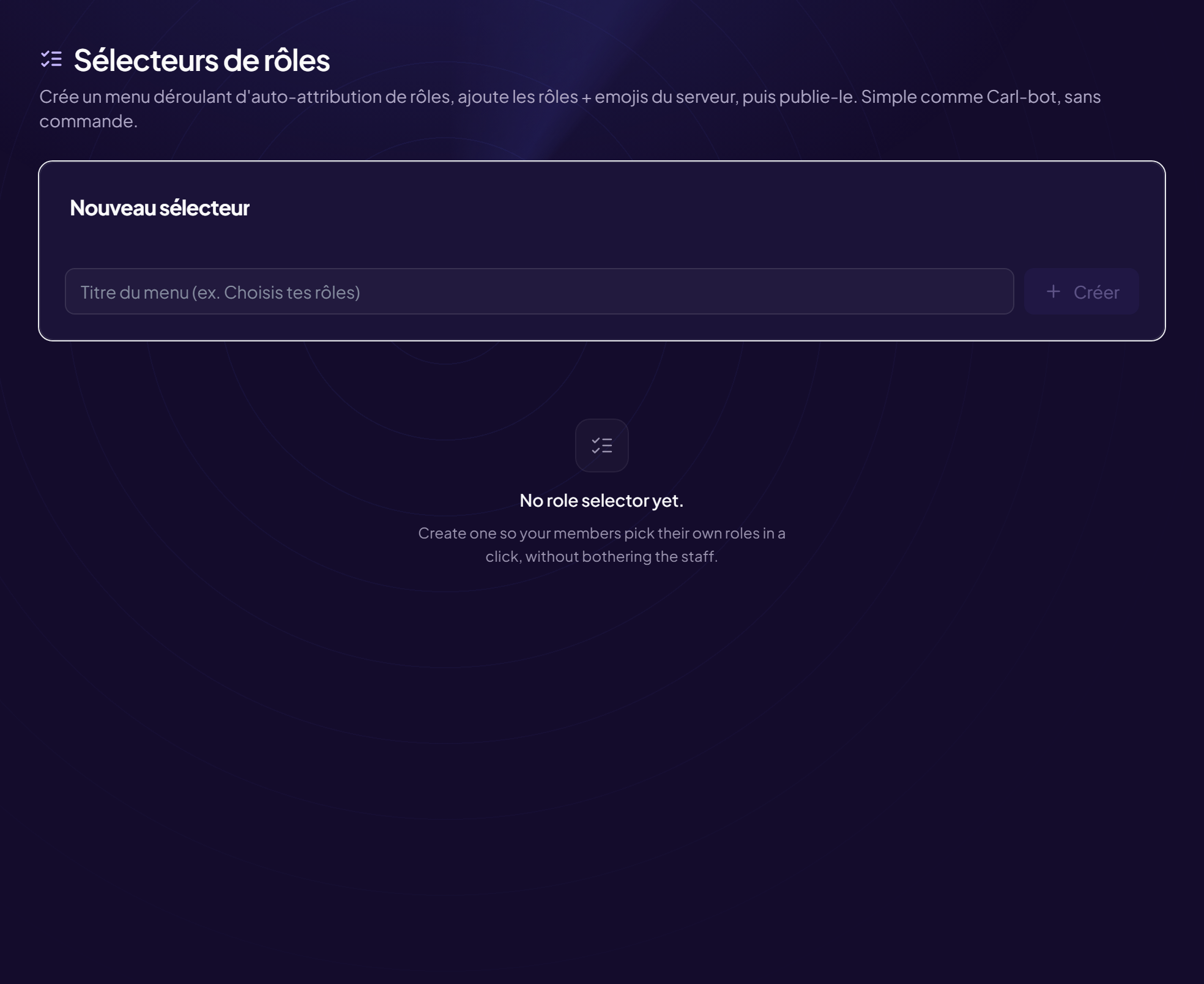
For a name colour or a team choice, you want only one role at a time.
- Open the selector Members › Role selectors menu, then click the selector you want.
- Choose the “📋 Dropdown” mode
- Set “Max choices” to 1 A member can tick only one role in the list.
- Republish Click Republish so Discord reflects the change.
Conversely, a “Max choices” of 25 lets them tick up to 25 roles at once.
From Discord
The
/rolemenu create command has the same max option (from 1 to 25, 1 by default).Still stuck?
Contact support with the title of this article, the step where you are stuck and what you see on screen.
Contact support More articles: Welcoming membersLast checked: 13 November 2026.