 OriusBotHelp center
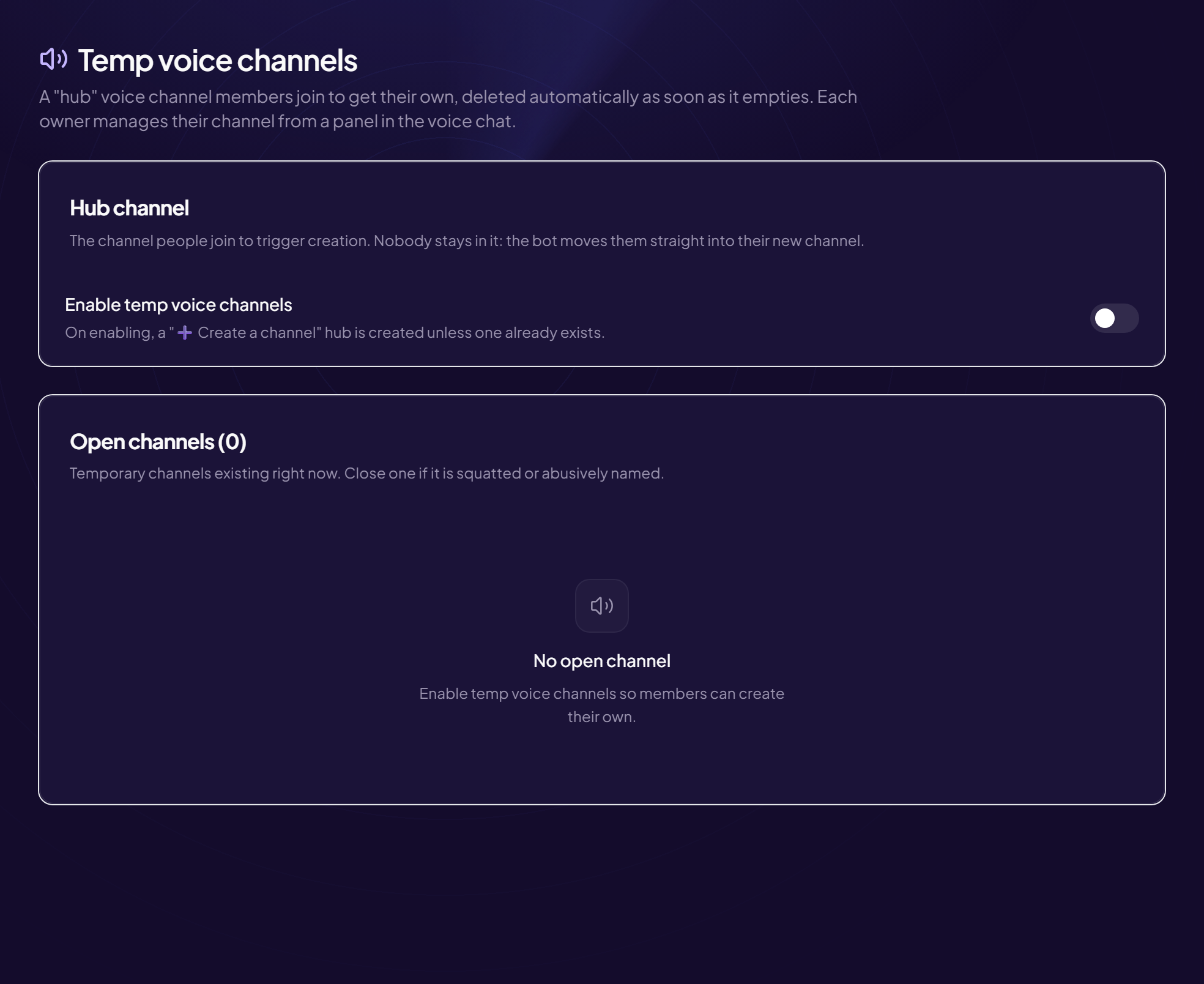
How do I turn on temp voice channels with the /config tempvoice command?
- Type
/config tempvoice - Fill in the options you want
•salon: the “hub” voice channel. Leave empty to create one;
•categorie: where to create the channels (by default, the hub’s category);
•maximum: the maximum number of channels open at the same time (0 = unlimited). - To stop, use
desactiverTurns temp channels off.
The panel is more complete
Name template, slots, channels locked on creation and the management panel are set in Tools › Temp voice channels: see the channel settings.
Still stuck?
Contact support with the title of this article, the step where you are stuck and what you see on screen.
Contact support More articles: ToolsLast checked: 13 November 2026.