 OriusBotHelp center
The temp voice channel isn’t being created: what should I check?
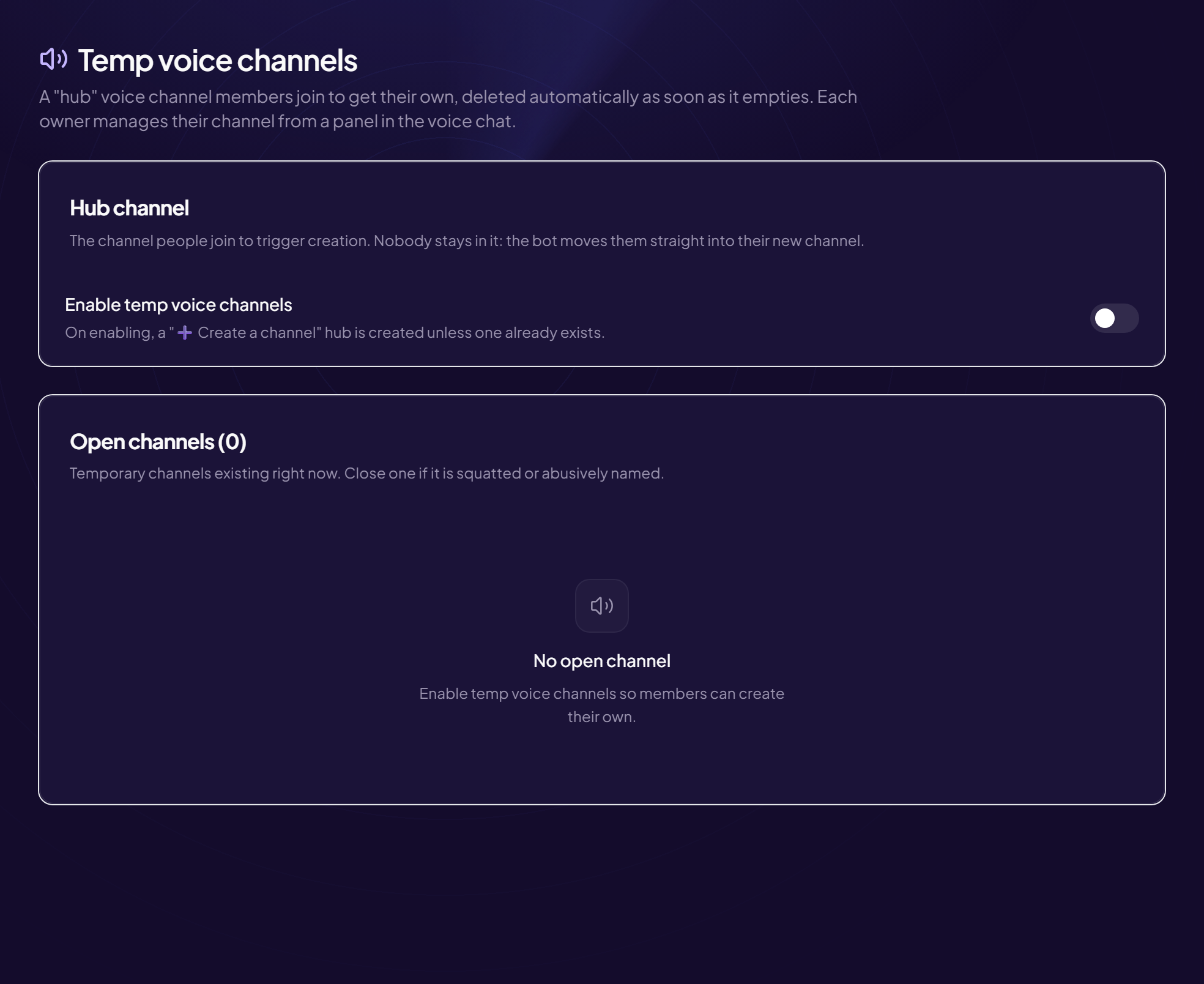
A member joins the “➕ Create a channel” channel and nothing happens. Check in this order.
- Is the module on? Tools › Temp voice channels menu: “Enable temp voice channels” must be on.
- Is the hub channel the right one? The current hub channel must be the voice channel members join. If not, use “Change hub channel”.
- Has the cap been reached? If “Limit the number of channels” is on, a line says “N channel(s) currently open out of M allowed”. At the maximum, the member is warned and moved out of the hub channel. Close some channels or raise the limit (between 1 and 50).
- Are there ghost channels? Channels deleted by hand may still be counted: click “Clean up”. See View and close open channels.
- Does the bot have the permissions? In Discord, it needs to manage channels and move members, and to see the chosen category.
- Is the category full? Discord limits the number of channels per category: choose another “Category”.
From Discord
/config tempvoice creates or sets the hub channel: see the command article.Still stuck?
Contact support with the title of this article, the step where you are stuck and what you see on screen.
Contact support More articles: ToolsLast checked: 13 November 2026.