 OriusBotHelp center
How do tickets work and what does the “Tickets” page contain?
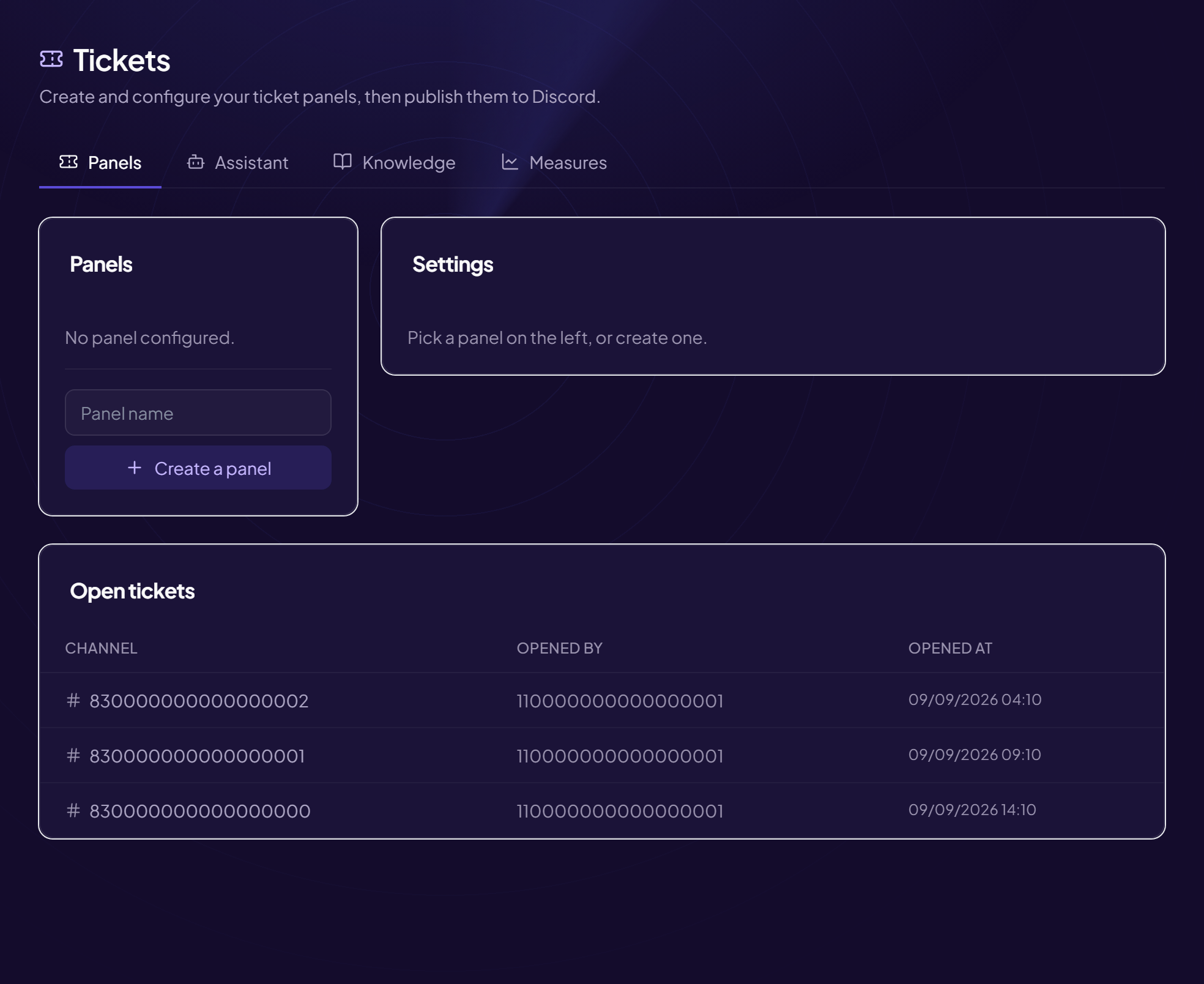
A ticket is a private space where a member talks with your team (support, complaint, application, partnership…). The member clicks a button, the bot creates the space, the team replies, then the ticket is closed and archived.
The principle
- You publish a panel
A message with an “Open a ticket” button in a channel (for example
#support). - A member clicks Possibly after answering a few questions or choosing a theme.
- The bot creates the ticket A private channel (or a private thread), visible to the member and your staff roles.
- The team replies, then closes A copy of the conversation can be kept (transcript), and the member can rate the help received.
Where the page is
Tools › Tickets menu. It contains several tabs:
| Tab | What it is for |
|---|---|
| Panels | Create, set up and publish your ticket panels. See the article. |
| Open tickets | Current tickets. See the article. |
| History | Closed tickets and their conversation. See the article. |
| Analytics / Measures | Support activity figures. |
| Assistant / Knowledge | Assistant that helps members before opening. See the article. |
In what order to set up
- Create and publish a first panel
- Set up closing and the transcript
- If needed: several themes, a form, staff approval
- Reminders and satisfaction ratings
What exactly is a panel?
A panel is a set of settings (who sees, where, how) and the published message that goes with it. You can have several: one for support, one for recruitment, one for partnerships.
Still stuck?
Contact support with the title of this article, the step where you are stuck and what you see on screen.
Contact support More articles: ToolsLast checked: 13 November 2026.