 OriusBotHelp center
How do I set up levels from Discord (/config levels)?
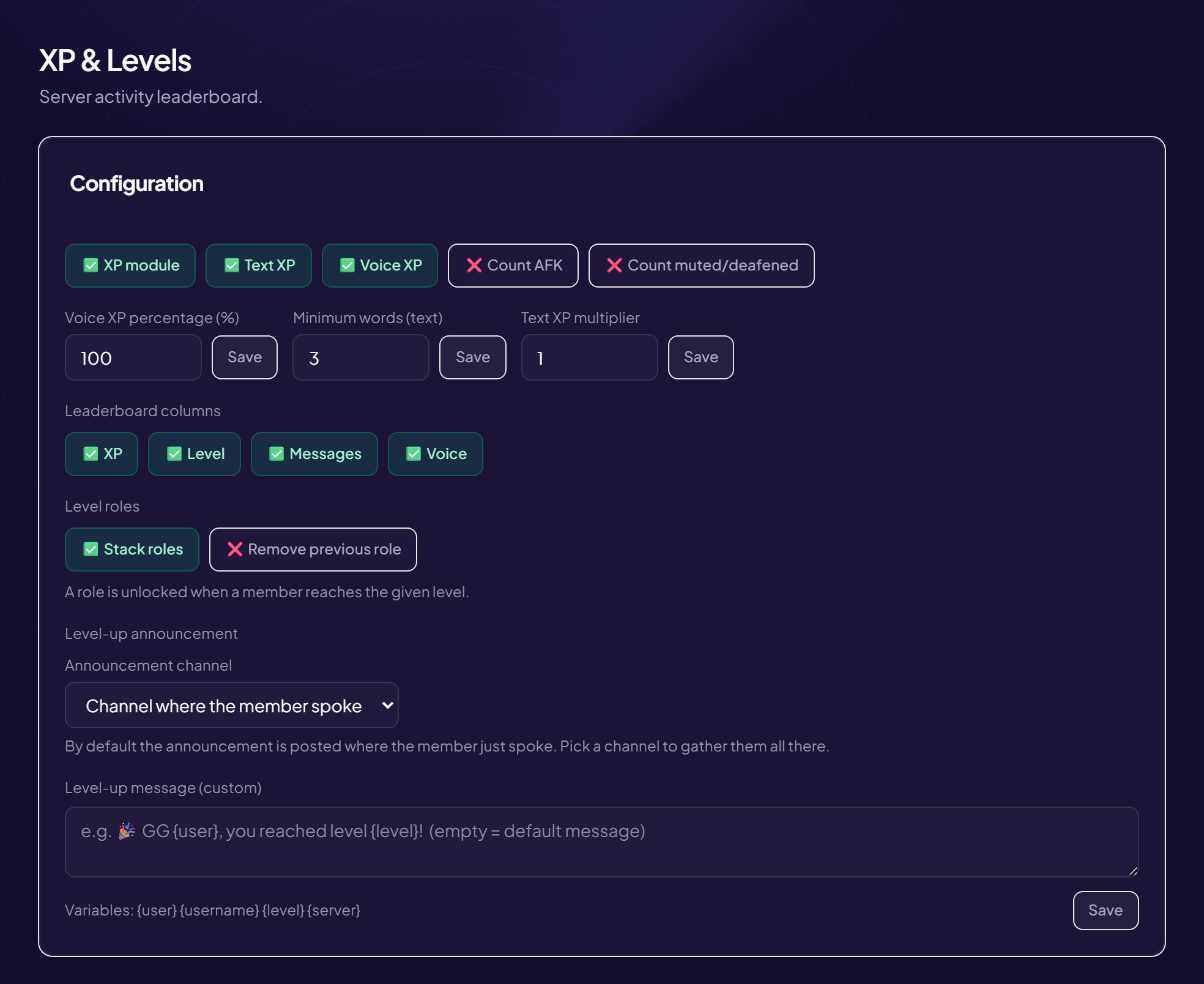
The /config levels command sets up XP without opening the web panel.
- Type
/config levels - The first time, follow the wizard As long as the system has never been configured, a step-by-step wizard is shown.
- After that, use the panel Once configured, the command opens the XP settings panel directly. The message is visible only to you.
The web panel goes further
Level-up announcement, level roles, progression curve and leaderboard columns are set in Engagement › XP & Levels.
Permissions
The command requires the permission to manage the server.
Still stuck?
Contact support with the title of this article, the step where you are stuck and what you see on screen.
Contact support More articles: Community activityLast checked: 13 November 2026.