 OriusBotHelp center
What is the panel’s “Audit log” for?
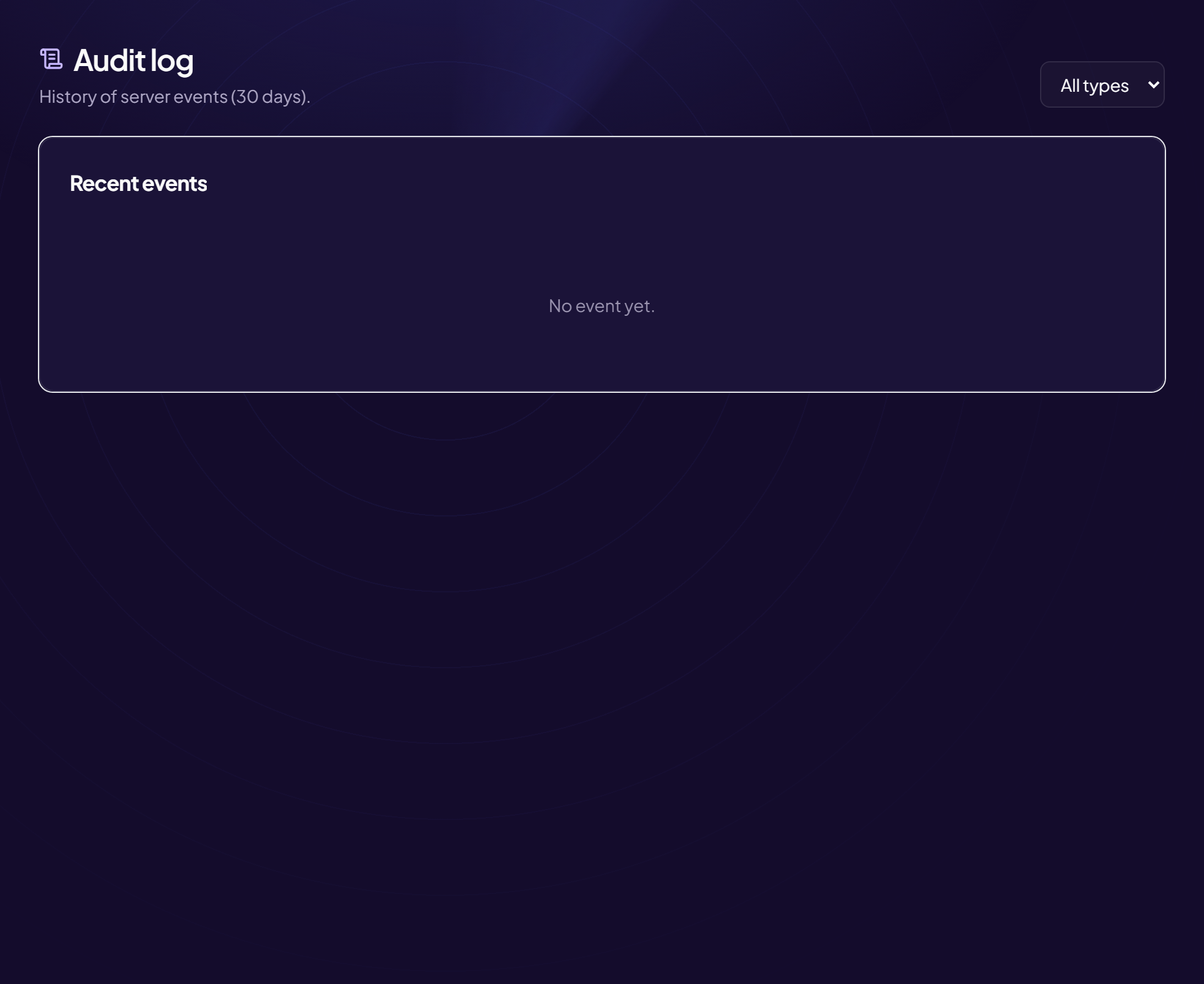
The Audit log keeps the history of your server’s events over 30 days. It answers “who did what, and when?”.
How to get there
Moderation › Audit log menu.
Read the list
The Recent events card lists each event with its type, the word “by” followed by the author, and the date. With no events: “No events yet”.
Filter by type
- Open the filter list at the top right It shows All types by default.
- Choose an event type The list updates.
Audit, logs, security: what is the difference?
The logs write into your Discord channels. The Security page log shows the threats spotted. The audit log keeps a trace of actions for 30 days, viewable here.
Still stuck?
Contact support with the title of this article, the step where you are stuck and what you see on screen.
Contact support More articles: ModerationLast checked: 13 November 2026.