 OriusBotHelp center
How do I read the Security page’s event log?
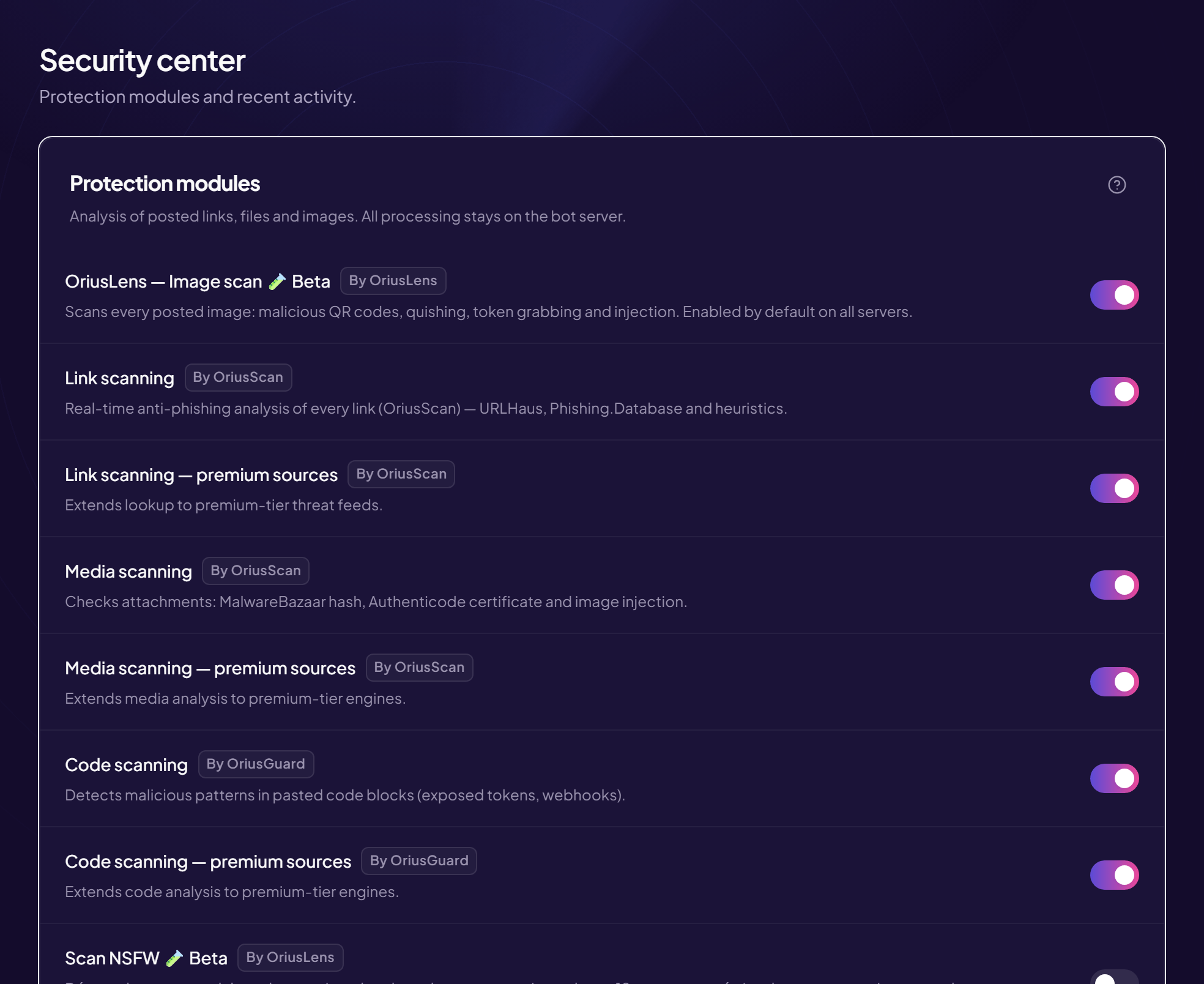
At the bottom of the Security page, the Event log card lists the last 50 incidents the bot spotted. It is the first place to look when a member asks “why did my message disappear?”.
The columns
| Column | What it says |
|---|---|
| Severity | A coloured badge: red (high or critical), orange (medium), grey (low). |
| Reason | Why the bot stepped in. |
| Target | What was targeted (a link, a file…). A dash means the information does not exist. |
| Member | The content’s author, by Discord ID. |
| Time | When the event happened, in your server’s time zone (see How do I set the server time zone?). |
Find out why a message disappeared
- Ask for the approximate time The member must tell you roughly when they posted.
- Open the Security page Protection › Security menu, then scroll down to the log.
- Look for the line at the right time The Reason gives you the cause.
Empty table?
The “No data yet” message means no recent incident was spotted. That is good news, not a failure.
For a member’s ID
The table shows the numeric ID. In Discord, turn on developer mode (Settings › Advanced), then right-click a member and Copy ID to compare it.
Still stuck?
Contact support with the title of this article, the step where you are stuck and what you see on screen.
Contact support More articles: ProtectionLast checked: 13 November 2026.