 OriusBotHelp center
How do I create a CRM-only role (templates: Moderator, Recruiter, Trial…)?
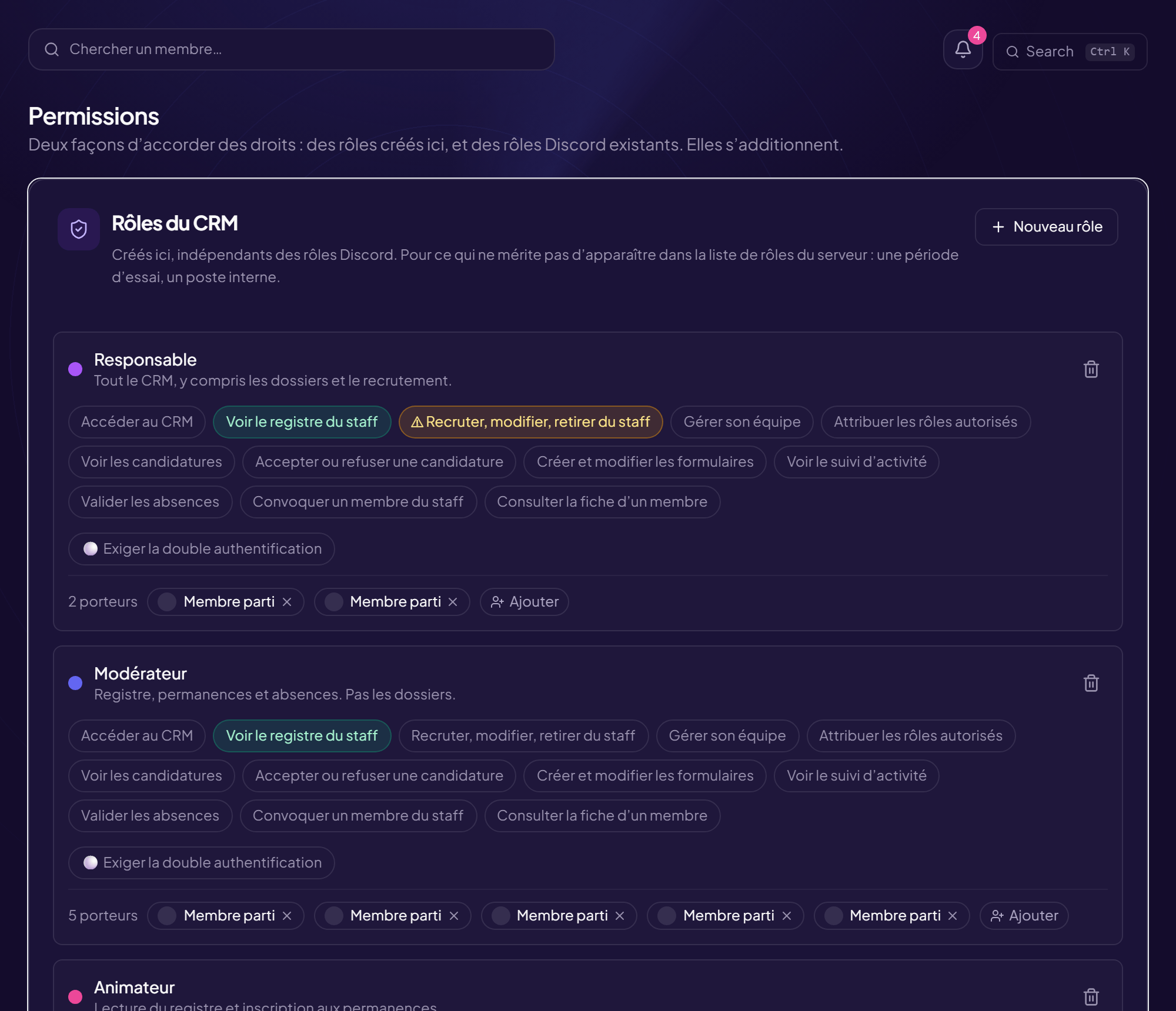
A CRM role is created here, independent of Discord roles. It is for what does not deserve to appear in the server’s role list: a trial period, an internal position. Only an administrator can create one.
Create a role
- Open the Permissions page CRM Permissions menu.
- Click “New role”
- (Recommended) Click “Start from a template”
| Template | For whom |
|---|---|
| Host | Keeps the server lively, does not moderate. |
| Moderator | Handles members and reports. |
| Trial moderator | Trial period: observes, does not decide. |
| Lead | Manages a team, its time off and its summons. |
| Recruiter | Opens campaigns and handles applications. |
- Fill in “Role name” (required) and “What this role is for”
- Tick the “Rights granted” Reminder: without “Access the CRM”, this role will open nothing.
- Click “Create the role”
Manage the holders
Each role shows its number of holders. To add some: type a username in Search by username… then Add. To remove some: Remove. CRM roles and Discord roles add up.
Require two-factor authentication
The Require two-factor authentication box requires a confirmed identity for this role’s sensitive actions. See the 2FA article.
Delete a role
Delete the role then confirm: its holders immediately lose the rights it gave them. Their record in the register and their other roles are kept. With no CRM role: rights come only from the linked Discord roles.
Still stuck?
Contact support with the title of this article, the step where you are stuck and what you see on screen.
Contact support More articles: Permissions and rolesLast checked: 13 November 2026.