 OriusBotHelp center
How do I view a member’s file and use the Vault (watch, evidence)?
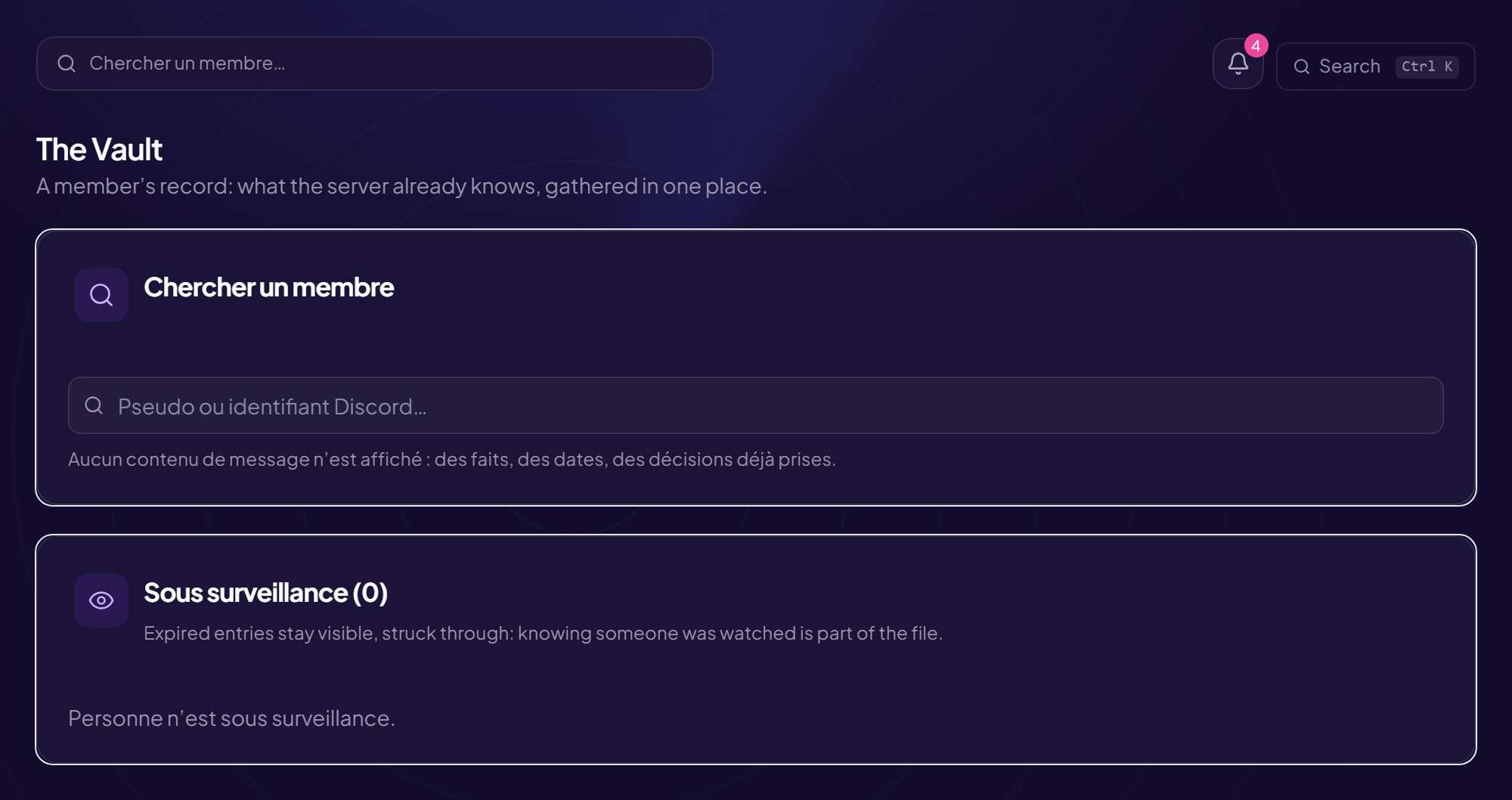
These two pages gather what the server already knows about a member. They require the “View a member’s file” right: they gather information about people who will never see it, so they do not open by default. No message content is shown: only facts, dates and decisions already made.
Search for a member
Type a username or a Discord ID in Find a member (or the global search).
A member’s file
- Identity: rank, team, status, “On staff since”, note; or “Not part of the staff.”, “· no longer on the server”.
- Activity (30 days): messages, voice minutes, active days, last trace.
- Warnings received, Time off, Summonses, Applications.
- Staff internal notes: visible to staff who can view files. Add a note, or remove it (the removal stays visible in the log).
- Delegated roles: give a delegable role (“Grant the allowed roles” right). If the list is empty, an administrator must designate delegable roles in the Settings.
The Vault
The Vault is a member’s record.
Identity and trust
A level (Trusted, Neutral, Keep an eye out, At risk) built from account age, warnings, active days, username changes and watch. This score triggers nothing: it sorts a queue, it does not decide for anyone. A score that bans on its own ends up banning the wrong person.
Put under watch
- Click “Put under watch”
- Choose the “Severity” Observation, Suspect, Dangerous.
- Choose “For (days)” An expiry date is always set: a watch with no end becomes a file nobody remembers to remove, following someone for years after the incident.
- Write the “Reason”
- Choose the “Channel to alert” A discreet alert is sent to a private channel when the person speaks. No sanction, and they know nothing about it. “None — no alert” is possible.
Lift the watch stops the alerts: the evidence and the member’s history are kept. The entry stays visible afterwards, struck through. The Under watch table lists all follow-ups (hits, expiry).
Evidence
Add links to what Discord already hosts (right-click the image › Copy link). Nothing is stored here: hosting a server’s screenshots would make it the custodian of private conversations. Button: Add.
Usernames
The history of username changes: “they changed it three times this week” cannot be reconstructed after the fact.
Export or erase the file
- Export the file: everything this server holds about this person, in one file.
- Erase the file: irreversible. Deletes the record, notes, HR file, time off, summonses, applications, warnings received, watch and measured activity. Two things deliberately survive: the audit log (which answers “who deleted this file?”) and the sanctions this person issued (they belong to the history of the sanctioned members).
Still stuck?
Contact support with the title of this article, the step where you are stuck and what you see on screen.
Contact support More articles: Tracking, notes and HRLast checked: 13 November 2026.