 OriusBotHelp center
How do I use the “Human resources” records (praise, mistakes, warnings, summonses)?
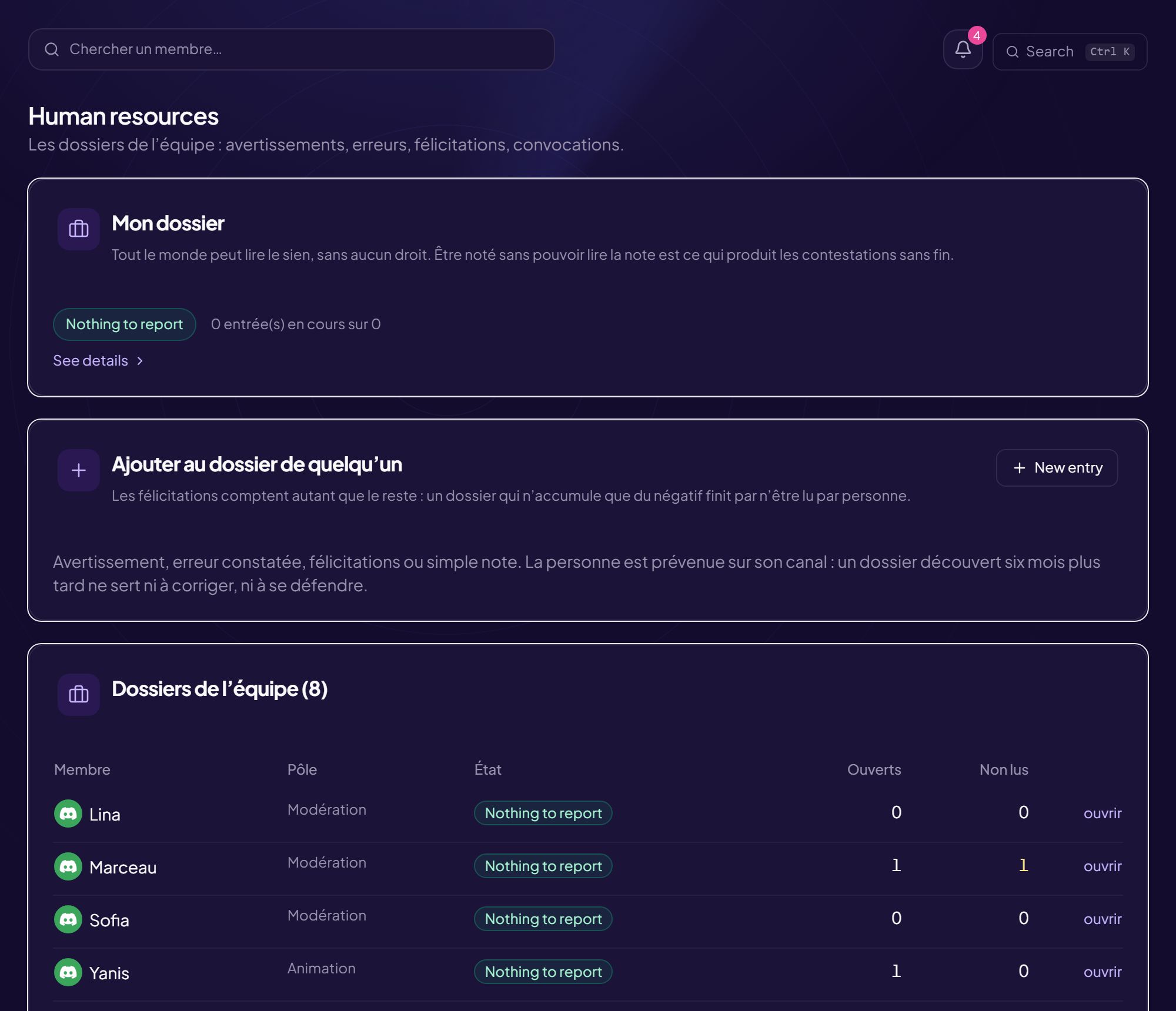
The Human resources page keeps the team’s records: warnings, mistakes, praise, summonses.
My record
Everyone can read their own, with no permission needed. Being assessed without being able to read the assessment is what produces endless disputes. When an entry concerns you, click I have read it (the entry is then marked “read”).
The team’s records
The The team’s records card lists the members of your scope (table: Member, Team, Status, Open, Unread). An indicator sums up the status: Nothing to report, To watch, Alert, Critical. Click open (or collapse) to see the entries.
Add an entry to someone’s record
- Click “New entry” (or “Add to someone’s record”)
- Choose the “Staff member” Search for a colleague.
- Choose the “Type” Praise, Note, Mistake, Warning or Sanction. Praise counts as much as the rest: a record that only piles up negatives ends up read by nobody.
- Choose the “Severity” Information, Minor, Major or Critical. It decides the duration: the expiry comes from the severity, not from a free choice. Without that, a mistake from last year would still weigh, and the record would stop describing the person as they are now.
- Write the subject (in one sentence) and the details “What happened, and what is expected.”
- Click “Add to record” The person is notified on their channel: a record discovered six months later helps neither to correct nor to defend oneself.
Cancel an entry
Cancel this entry then Cancel the entry: it stays in the record, struck through, with a note of its cancellation. Nothing is erased: a record you can clean up is no longer a record. Expired entries stay visible, struck through (“expired”).
Summon
Summonses card: Summon, search for the person, choose the severity (Information, Discussion, Warning), write the subject and the message, then Send. Close closes it. See the summonses.
Still stuck?
Contact support with the title of this article, the step where you are stuck and what you see on screen.
Contact support More articles: Tracking, notes and HRLast checked: 13 November 2026.