 OriusBotHelp center
How do I group roles into sections and add an emoji to each role?
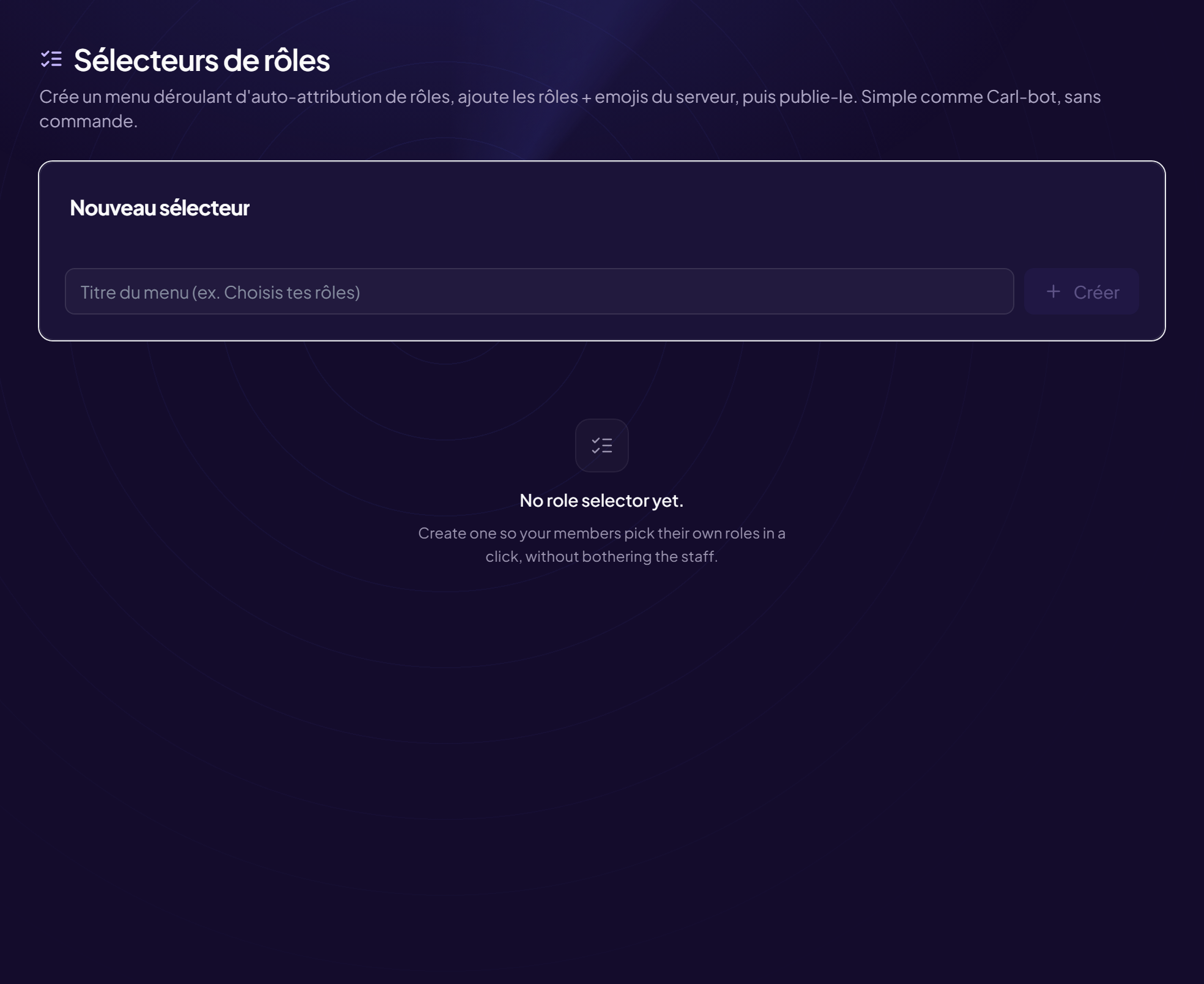
When you add a role to a selector, the row offers four fields.
| Field | Purpose |
|---|---|
| Role (“Pick a role…”) | The role given on click. |
| Label (optional) | The text displayed. Empty: the role name is used. |
| Section | Groups roles by category (Games, Notifications…). Suggested example: “Who are you?”. |
| Emoji | Shown in front of the role. Type 😀 or paste a custom emoji in the form <:nom:id>. |
- Open the selector Members › Role selectors menu.
- In the “Roles” area, choose the role and fill in the fields
- Click “Add”
- Click “Republish” Without this, Discord does not show the changes.
Server emojis
A “Server emoji” button lists your custom emojis. With no custom emoji, the panel says so: “No custom emoji on this server.”
Reactions mode
In reactions mode, every role must have an emoji.
Still stuck?
Contact support with the title of this article, the step where you are stuck and what you see on screen.
Contact support More articles: Welcoming membersLast checked: 13 November 2026.