 OriusBotHelp center
How do I find my way around the panel’s Twitch area?
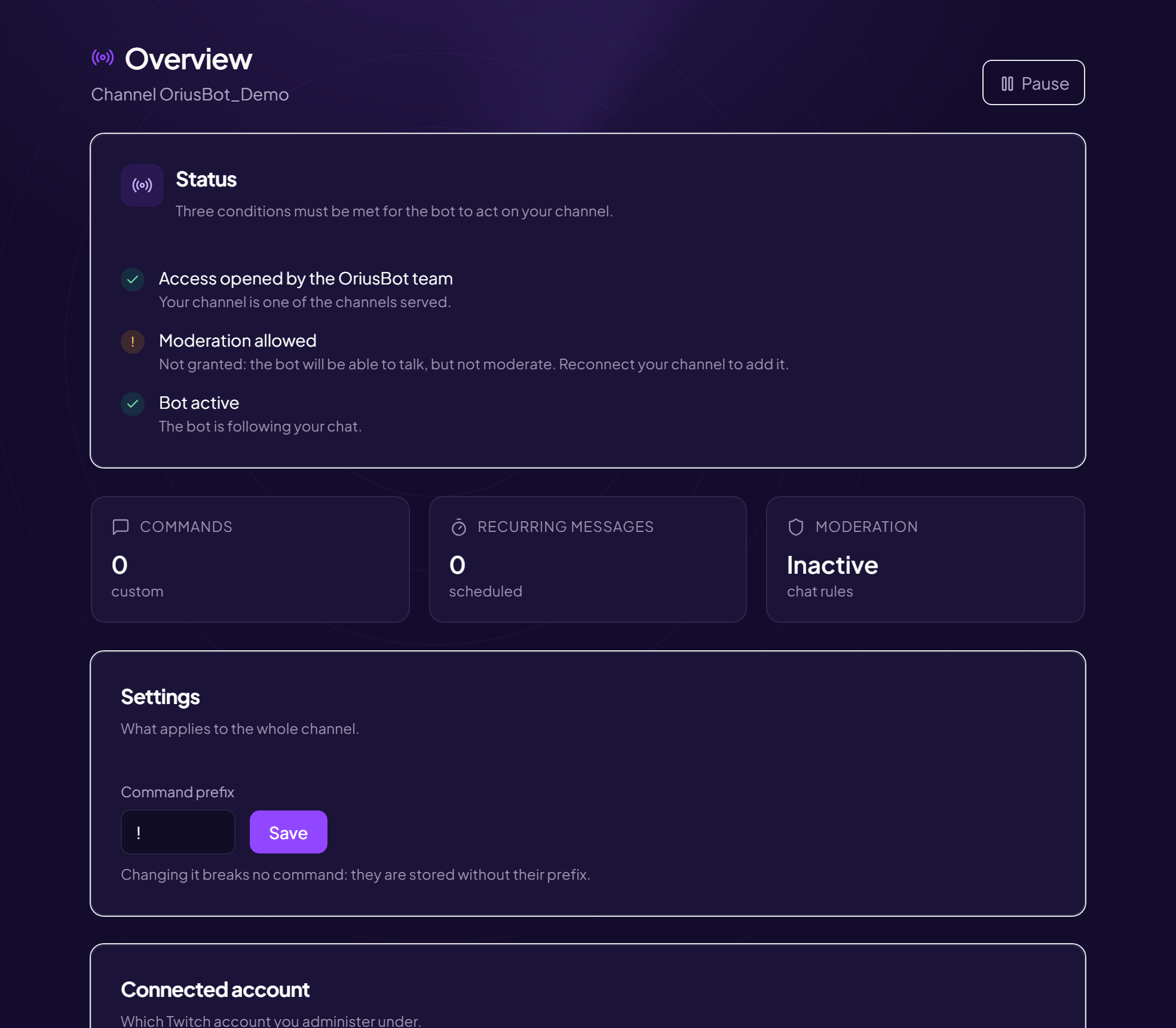
The Twitch area (“OriusBot for Twitch”) is reserved for the streamer. Its menu is organized in three groups.
| Group | Page | What you set there |
|---|---|---|
| My channel | Overview | Bot status, pause, prefix, connected account |
| Commands | The bot’s replies in the chat — create a command | |
| Recurring messages | Automatic announcements — schedule | |
| Protection | Moderation | Chat rules — moderate |
| Community | Discord link | Announcements, chat relay, XP — link |
| Coach | Reports after every stream — discover |
At the top of the menu, a badge shows the bot’s status: “Active”, “Paused” or “Waiting to be opened”. On a phone, the “Open the menu” button unfolds the navigation.
Still stuck?
Contact support with the title of this article, the step where you are stuck and what you see on screen.
Contact support More articles: NotificationsLast checked: 13 November 2026.