 OriusBotHelp center
How do I write the team’s internal guide and make people read it (required reading)?
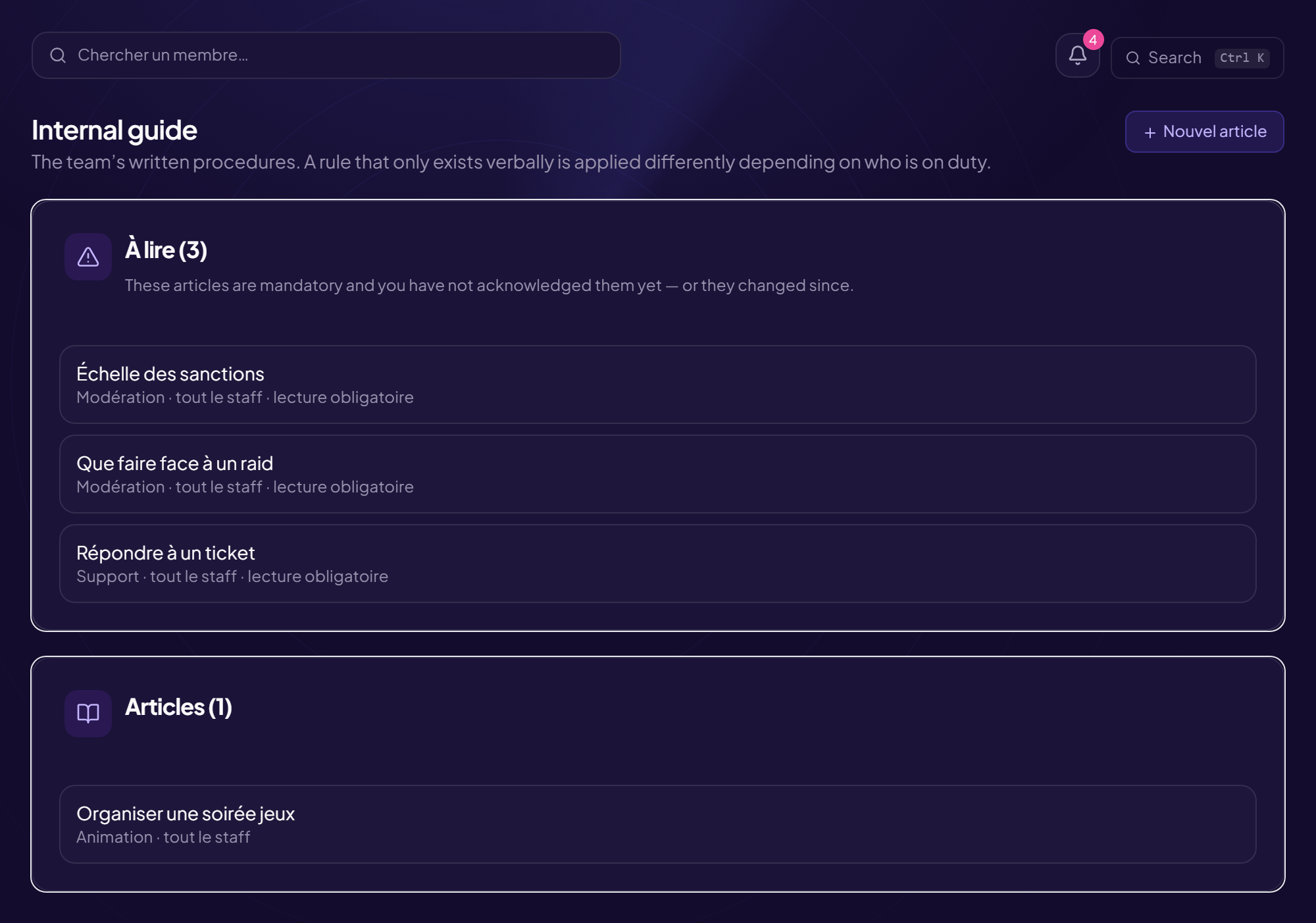
The Internal guide holds the staff’s written procedures. A rule that only exists orally is applied differently depending on who is on duty. Everyone reads it: a guide reserved for ranks trains nobody.
Read
- Articles are filed by category (“Scale, Procedures, Tickets…”).
- N to read lists what is waiting for you. Required articles stay at the top until you have acknowledged them, and come back if modified since you read it (“outdated version”).
- Click I have read it to acknowledge (“Read on …”).
Write an article
- Click “New article”
- Fill in the title, the “Category” and the “Content” An editor allows bold, italic, lists and links.
- Choose “Visible to” All staff or a team.
- (Optional) Tick “Required reading” The article stays at the top until it is acknowledged.
- Click “Save”
Start with the sanction scale
It is the one most often invented case by case: writing it down prevents two moderators from sanctioning the same act differently.
Track readings and edit
- Who read it: the list of people who acknowledged reading (“Nobody has acknowledged it yet” otherwise).
- Edit the article: readers then see “modified since you read it”.
- Delete the article: the article and the related acknowledgements disappear.
Still stuck?
Contact support with the title of this article, the step where you are stuck and what you see on screen.
Contact support More articles: Tracking, notes and HRLast checked: 13 November 2026.